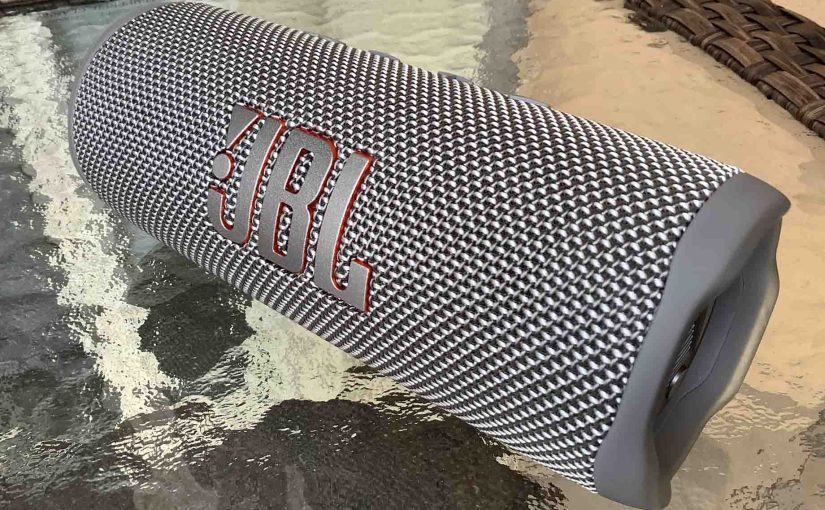
Gives the Flip 6 Restart Procedure below.
Flip 6 Restart Procedure: Summary
First, if the speaker is behaving strangely, try holding in the Power button for 10 seconds. This will forcibly shut it down. hen you can turn it on again and see if the problem goes away.
But if that doesn’t work, you may have to do a complete factory reset to solve your speaker issues. Note that restarting by brute force does not erase the speaker paired devices list. But this next way does erase any earlier paired Bluetooth devices from memory. Wiping these stops it from pairing to any in-range Bluetooth devices after the restart.
Flip 6 Restart Procedure: Step by Step
1. Turn on the Speaker
Press and hold the Power button until it lights.

Then, the Power button comes on along with the battery power scale. Here, since we’ve paired the speaker with Bluetooth devices before this, it does not enter discovery mode.

2. Wait for the Power Up Sound
The Flip 6 plays a rising rock guitar strum when it powers up.
3. Press the Volume UP and Play-Pause Buttons Together

The speaker then begins a complete restart. Note that both the Bluetooth and Power buttons light up gray white for a couple seconds.

Then after a short pause, the speaker turns off. All the lights go out, and it plays the power-down guitar sound.
4. Boot the Speaker Again
Next, power on the Flip 6 again, as we detail in step 1 above.
Now this time, after restart, our speaker comes up in Bluetooth discovery mode, as shown next. Note that the Bluetooth button fast blinks white to denote this. When the Bluetooth button blinks, this means that the Flip 6 has no pairing. Indeed, we expect it not to auto pair to anything after restart.

5. Done with Flip 6 Restart !
Restarting is now complete. Hopefully, this clears up any problems you had before.
Other Flip 6 Posts
- Bass Boost Flip 6
- Flip 6 Will Not Turn ON
- Flip 6 Previous Track
- Flip 6 Cable Connection
- How Long Does It Take to Charge a Flip 6
- Flip 6 Bluetooth Name
- Can You Play Flip 6 While Charging
- How to Factory Reset Flip 6
- What Is the Infinity Button on Flip 6
- Flip 6 Beeping When Plugged In