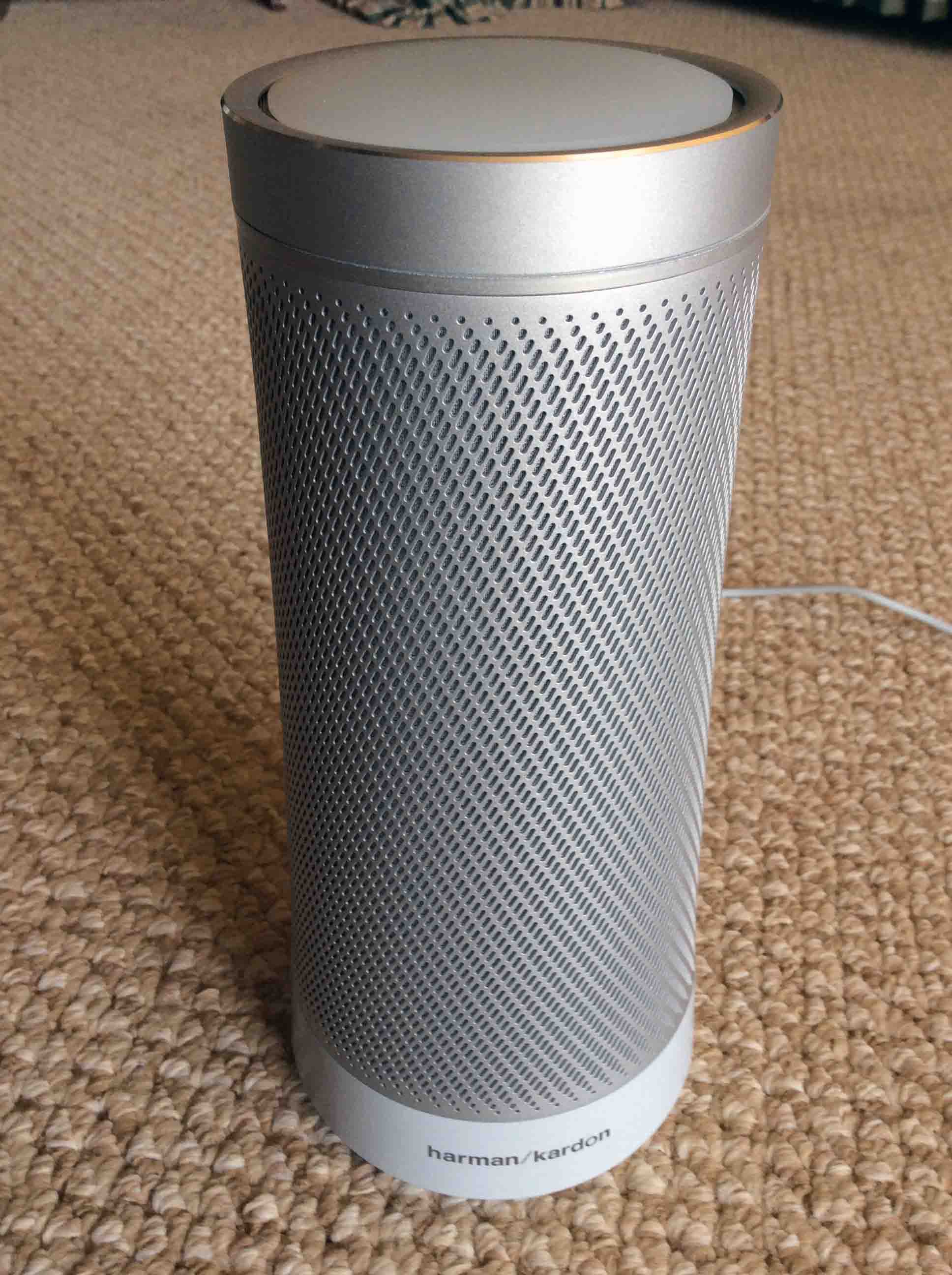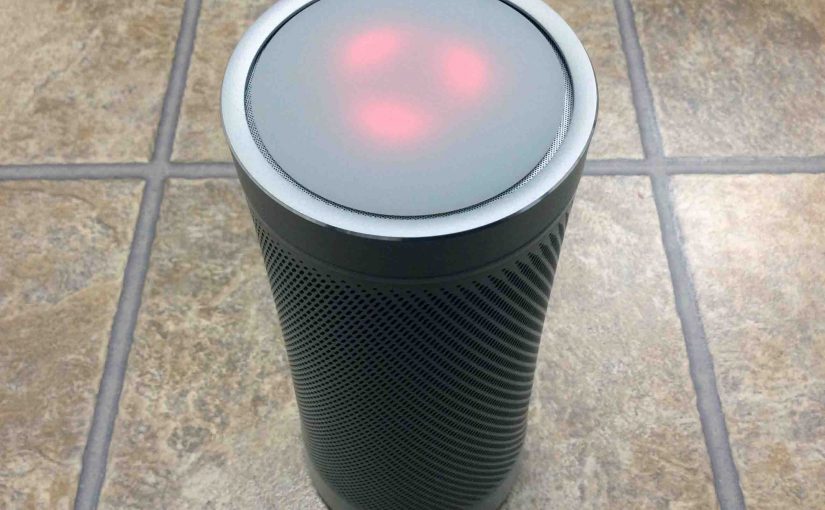
Picture of the Harman Kardon Invoke smart ppeaker, requesting a reset, by showing its red lights rotating.

Harman Kardon Invoke Speaker Picture Gallery

We’ve snapped many pictures of the Harman Kardon Invoke Speaker, its parts, and packaging.  Specifically, these come from the various posts we wrote about this Cortana enabled device.  We’ve put these photos together here in our Harman Kardon Invoke Speaker Picture Gallery for easy viewing.  Further, we’ll add more as we add them to new posts about this speaker.  Often, it just takes seeing some photos to learn how to perform common tasks with these speakers.  Hope these help.

Harman Kardon Invoke Speaker Picture Gallery: The Package

First, we have the original box, showing pics of the speaker on the outside.
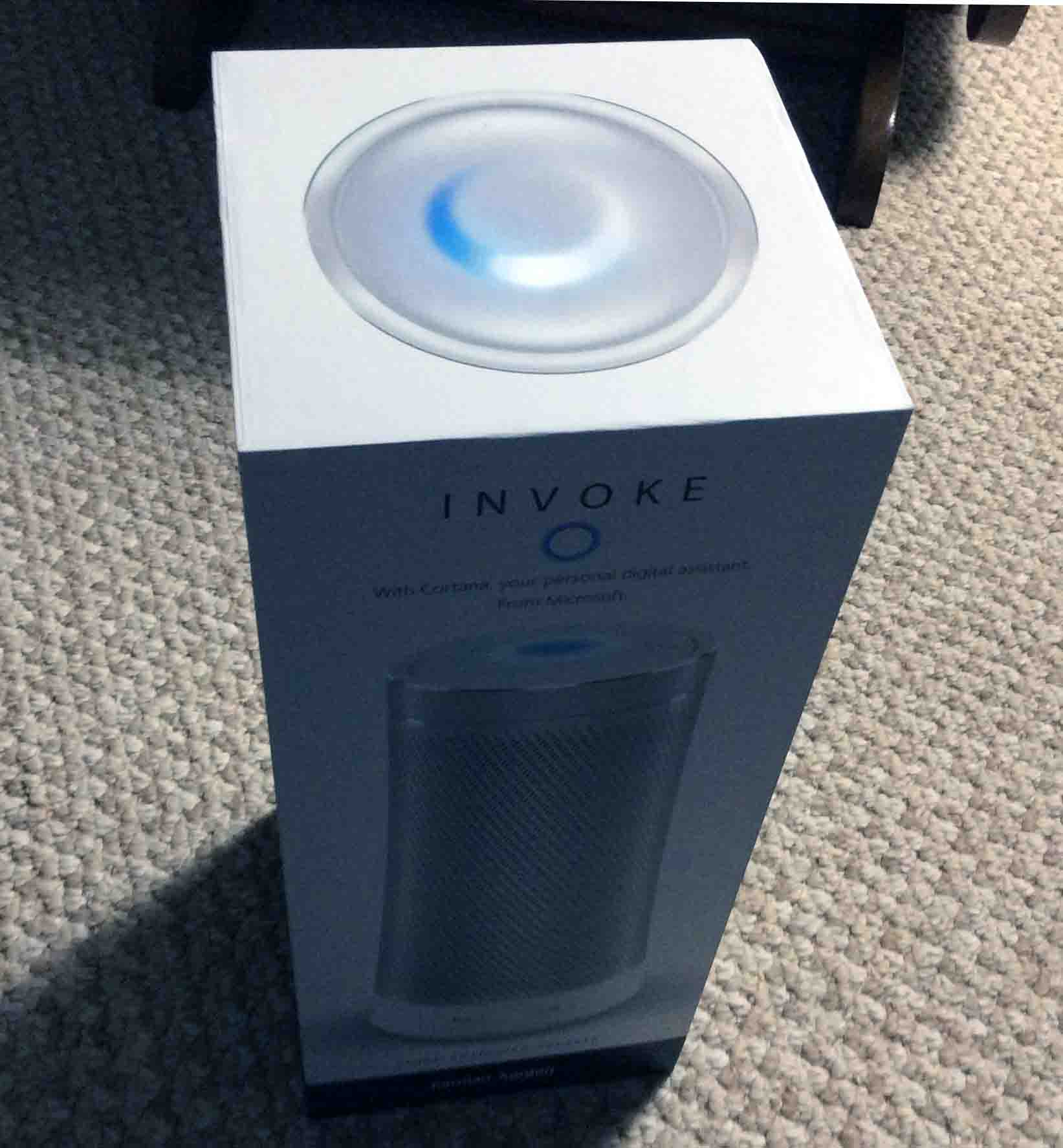
Picture of the Harman Kardon Invoke Speaker, front view, new in box, outer plastic removed.
The Harman Kardon Invoke Speaker, front view, new in box, outer plastic removed.

Second, showing the protective plastic.

Picture of the Harman Kardon Invoke Speaker, front view, new In box.

Third, the next shot shows the box with the protective plastic off.
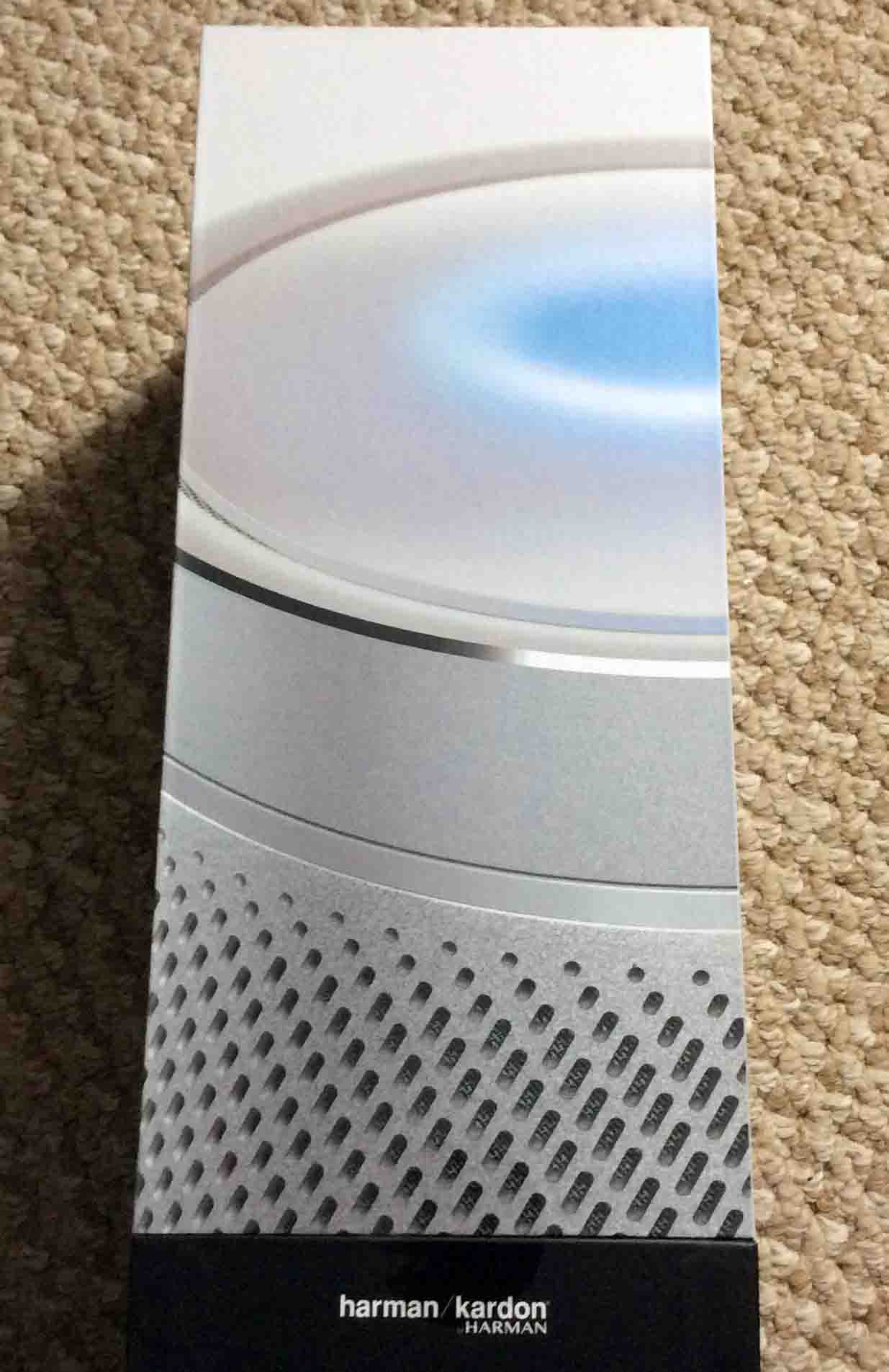
Picture of the Harman Kardon Invoke Speaker box side view, with outer plastic removed.
The Harman Kardon Invoke Speaker box side view, with outer plastic removed.

Then, we have the securing tape circles on two sides of the outer box, that hold it closed.
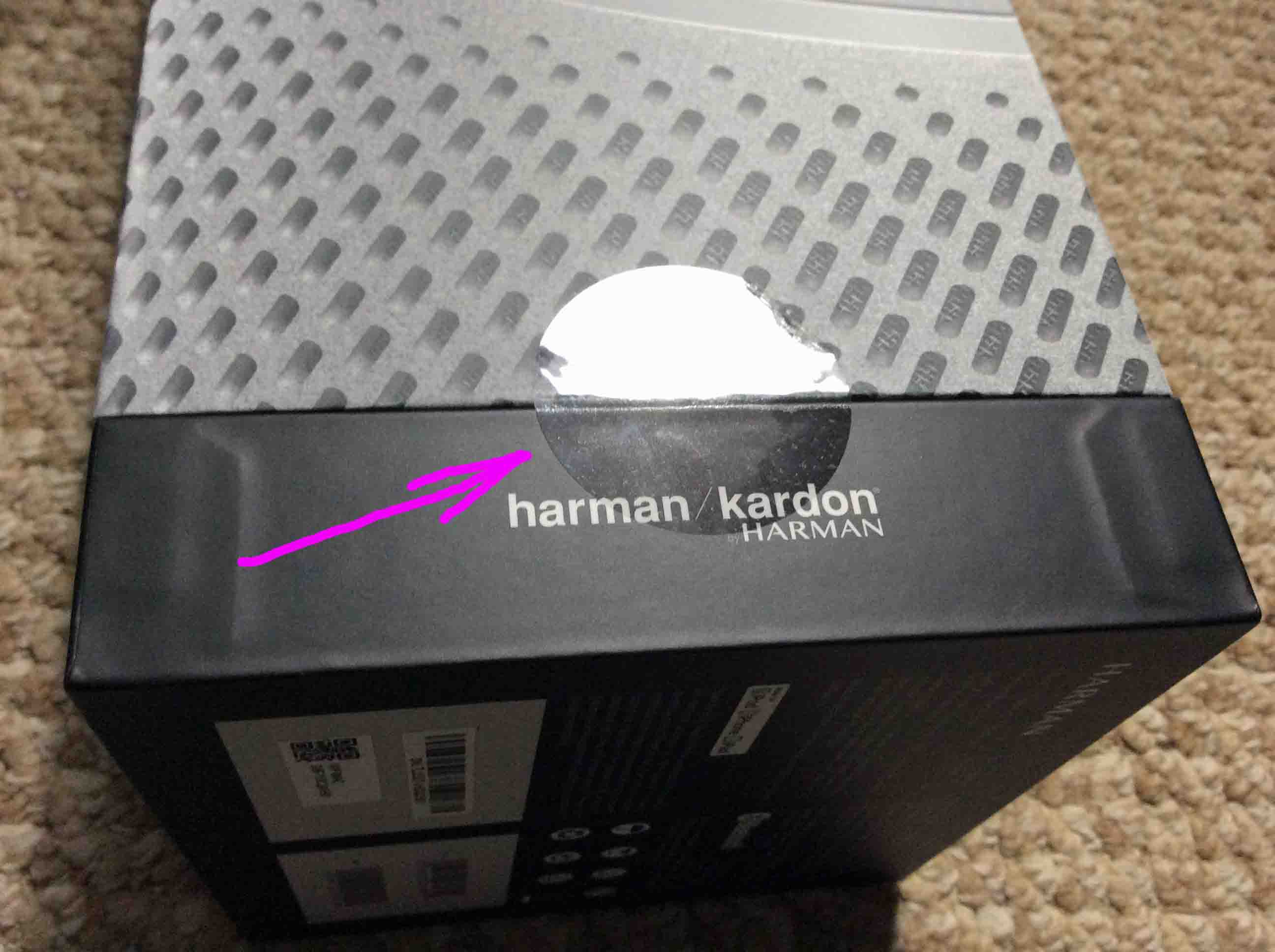
Picture of the Harman Kardon Invoke Speaker, new in box, showing the sealing tape.

And then, we remove the outer box, top part.
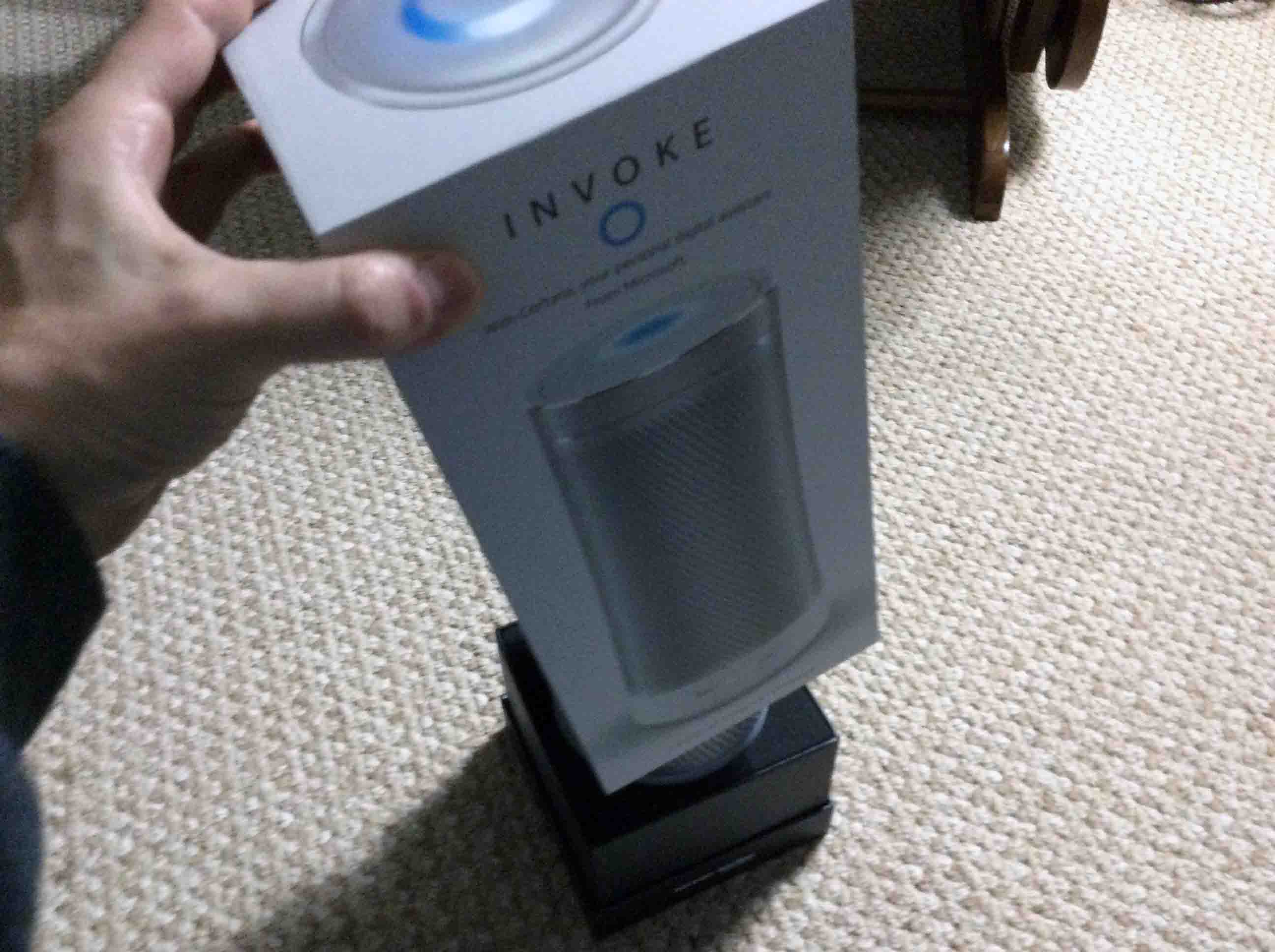
Picture of the sealing tape removed.
The sealing tape removed.

Harman Kardon Invoke Speaker Picture Gallery: Stuff Inside the Box

Further, we have our first look at the speaker inside here.
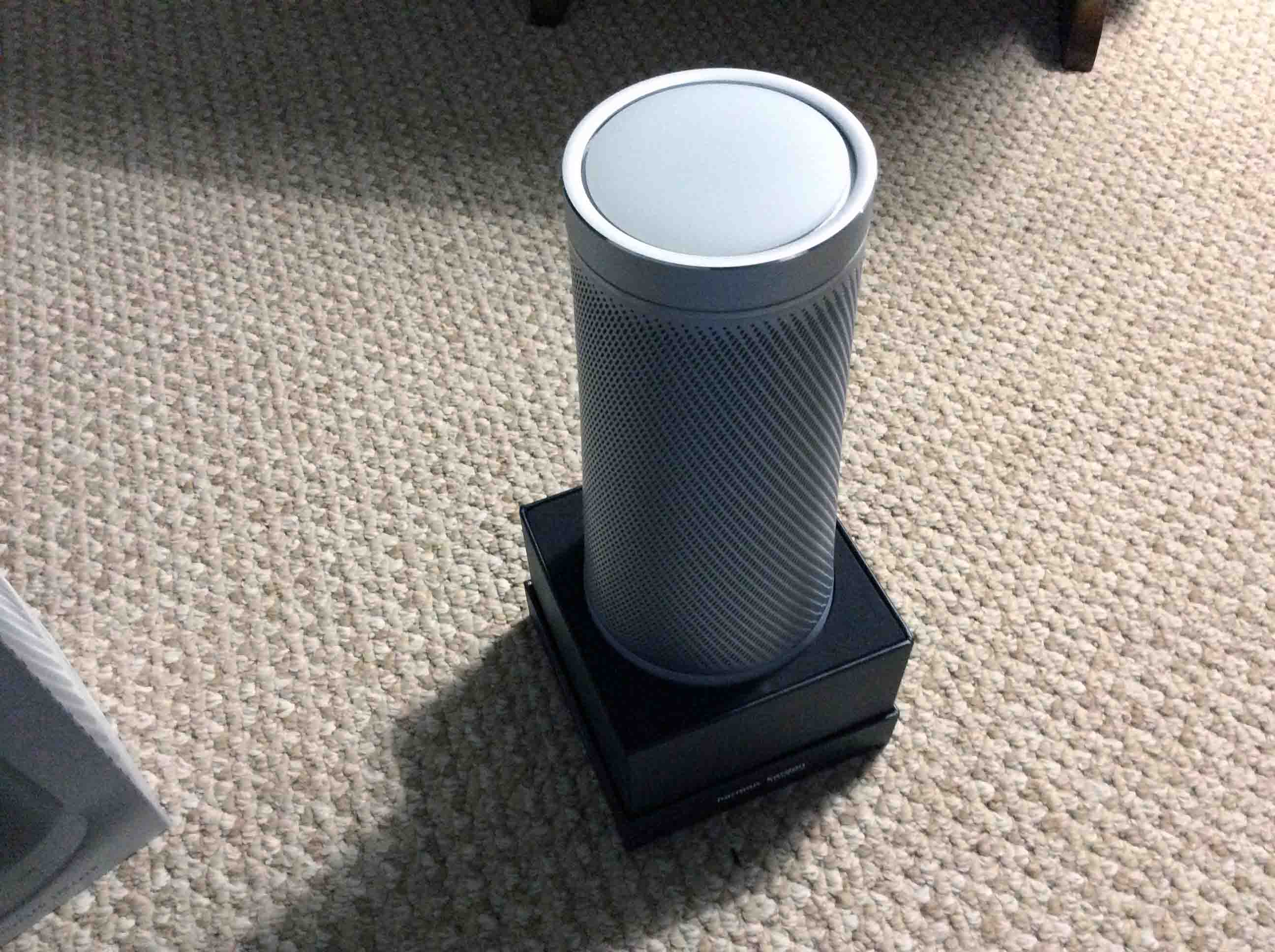
Picture of the top outer shell removed.
The top outer shell of the box removed.

Then, we removed the speaker from the holder.  Showing the empty pedestal here.
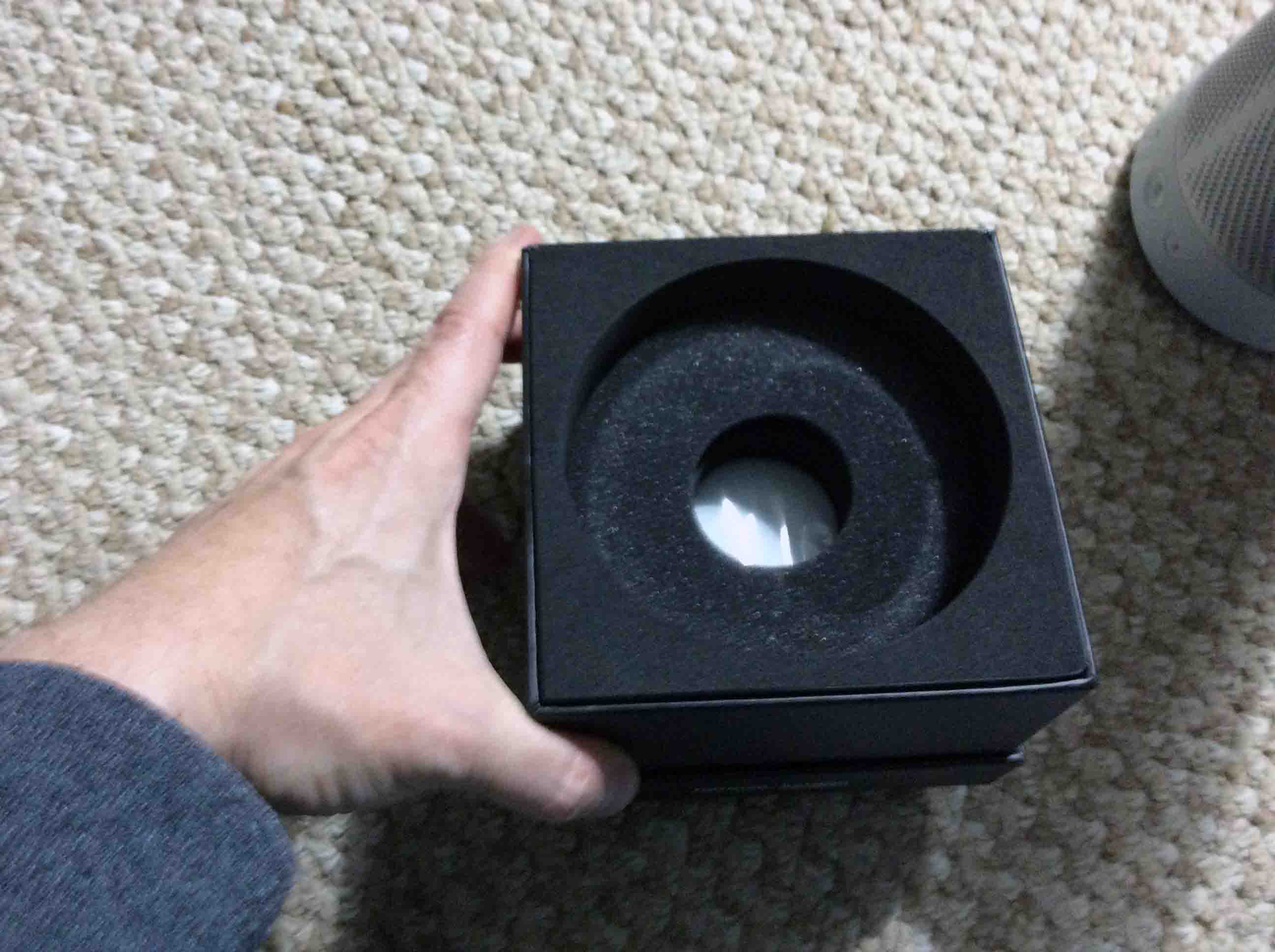
Picture of the Harman Kardon Invoke Speaker original box bottom, pedestal part, that contains the manuals and power adapter.
The Harman Kardon Invoke Speaker original box bottom, pedestal part, that contains the manuals and power adapter.

Moreover, we found that the top of the pedestal lifts out, revealing another, little box underneath.
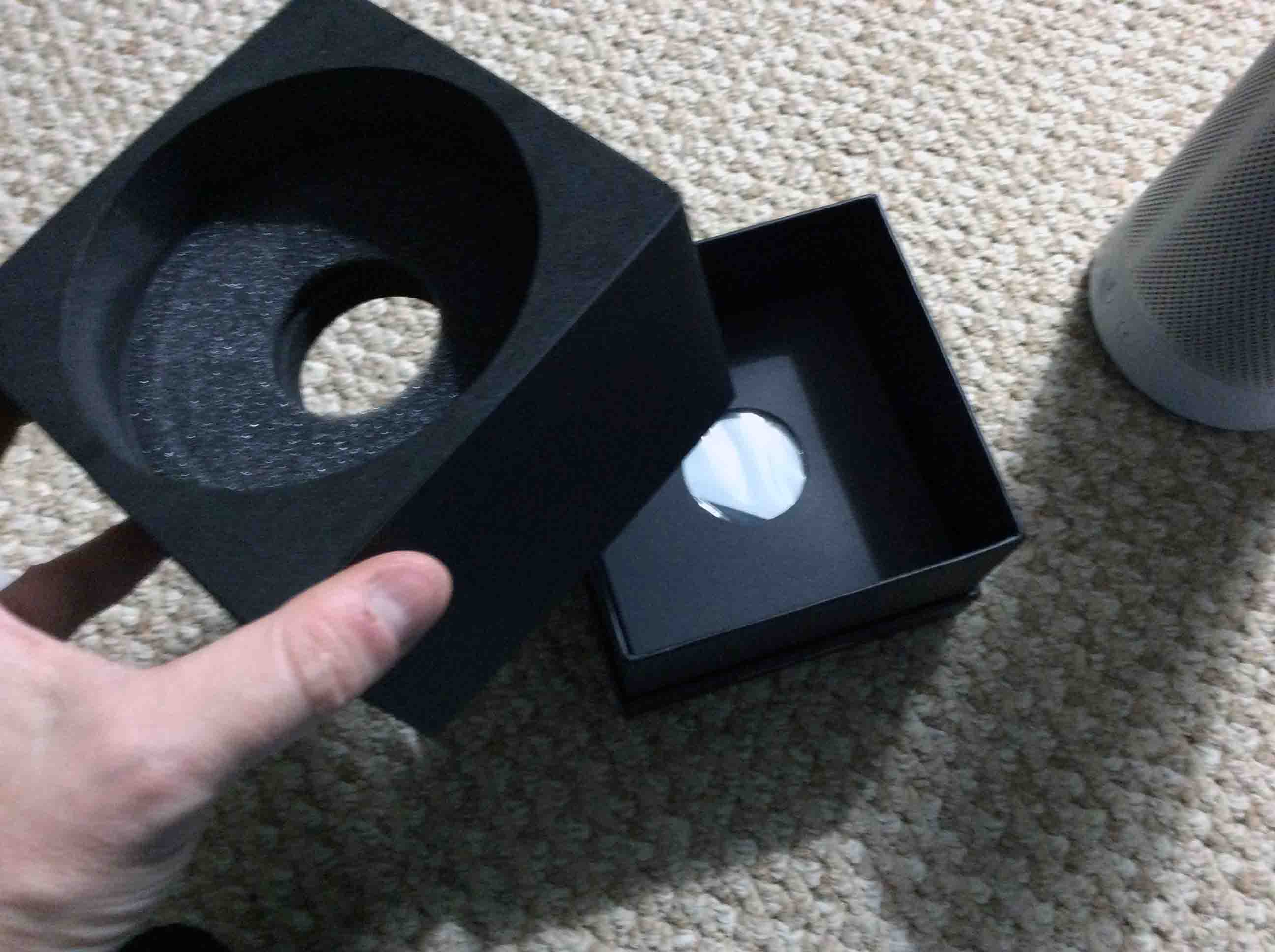
Picture of the box bottom, with pedestal part removed.
The box bottom, with pedestal part removed.

Then, we remove the inner box, that holds the instructions and power adapter.
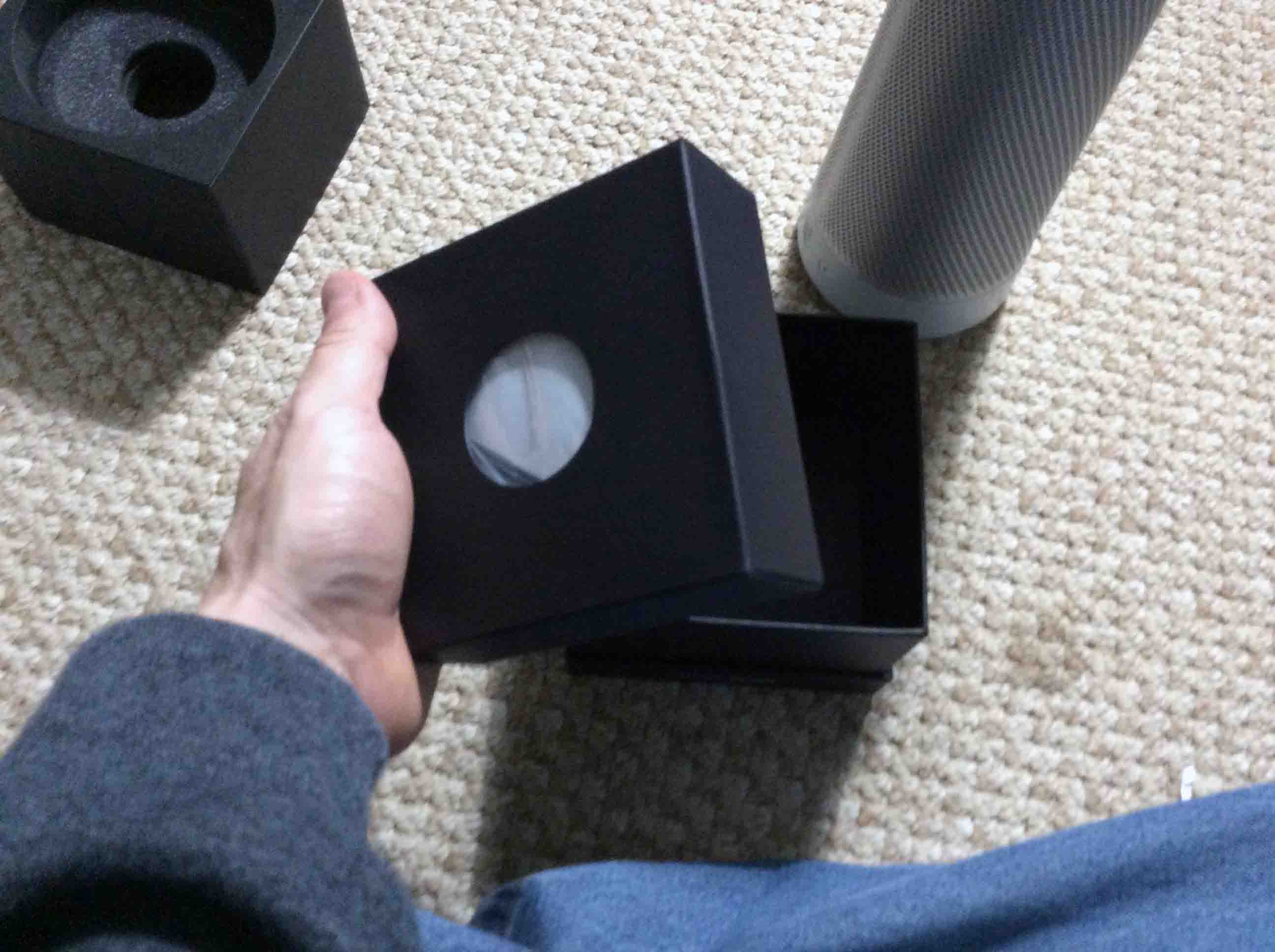
Picture of the inner accessories box, removed from outer box bottom.
The inner accessories box, removed from outer box bottom.

Next, we opened that little inner box to find a second plastic bag within.
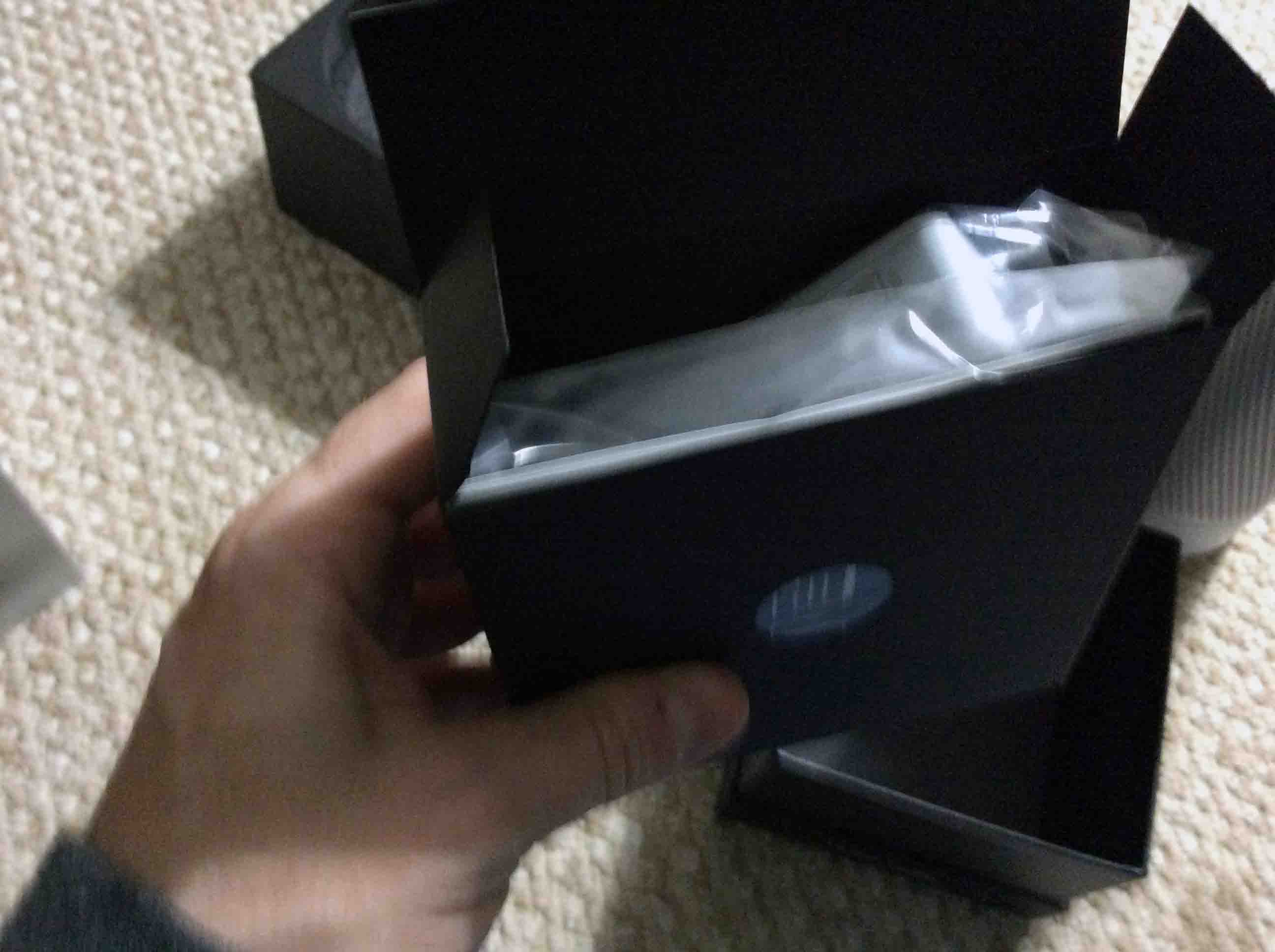
Picture of the Harman Kardon Invoke Speaker inner box, shown open, with included documentation in view.
The Harman Kardon Invoke Speaker inner box, shown open, with included documentation in view.

And then. ahhhh.  Here’s the power adapter, also encased in a plastic bag.
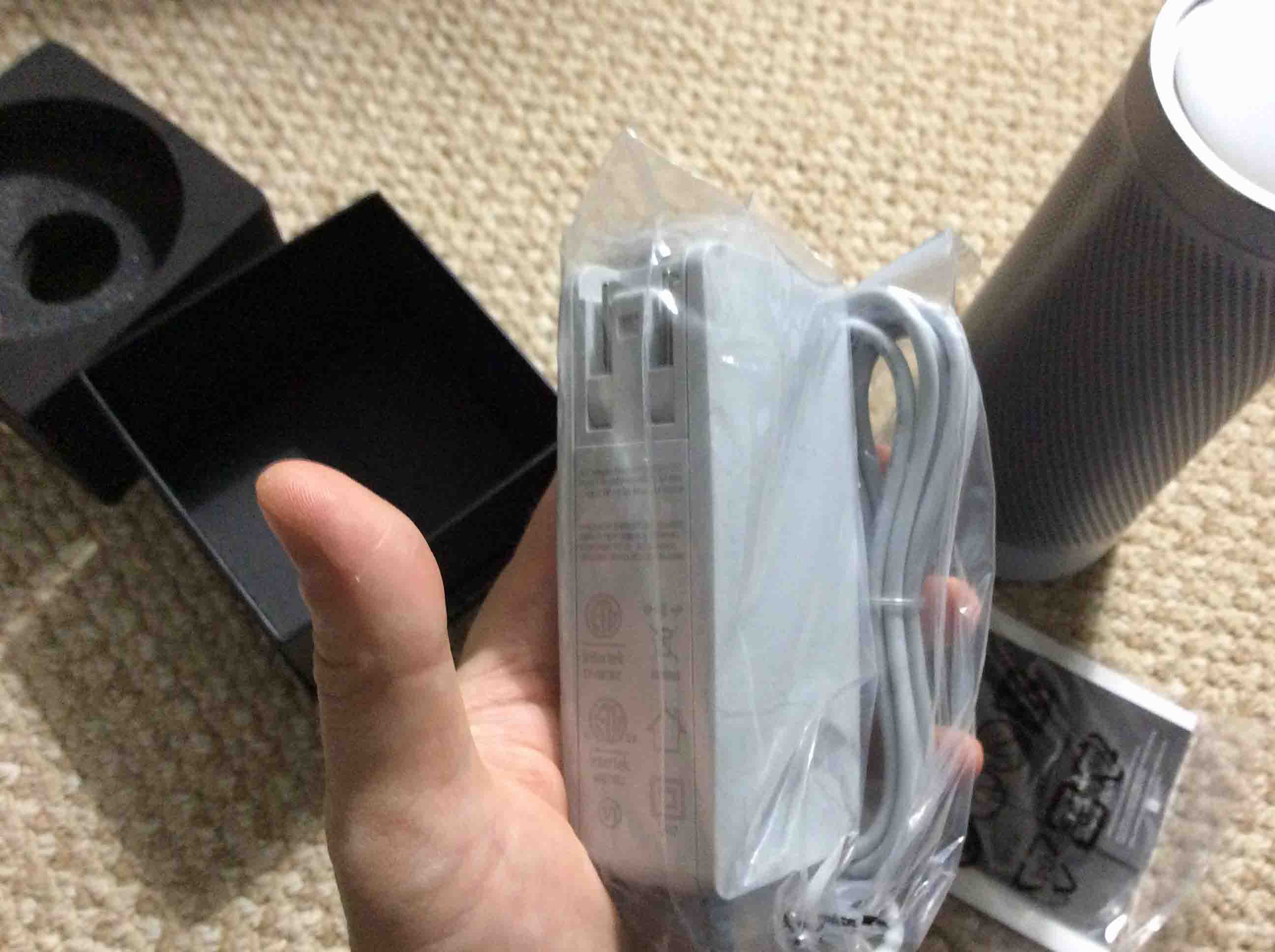
Picture of the power adapter, in original plastic bag.
The power adapter, in original plastic bag.

Next, we spread the entire box contents out on our living room floor.
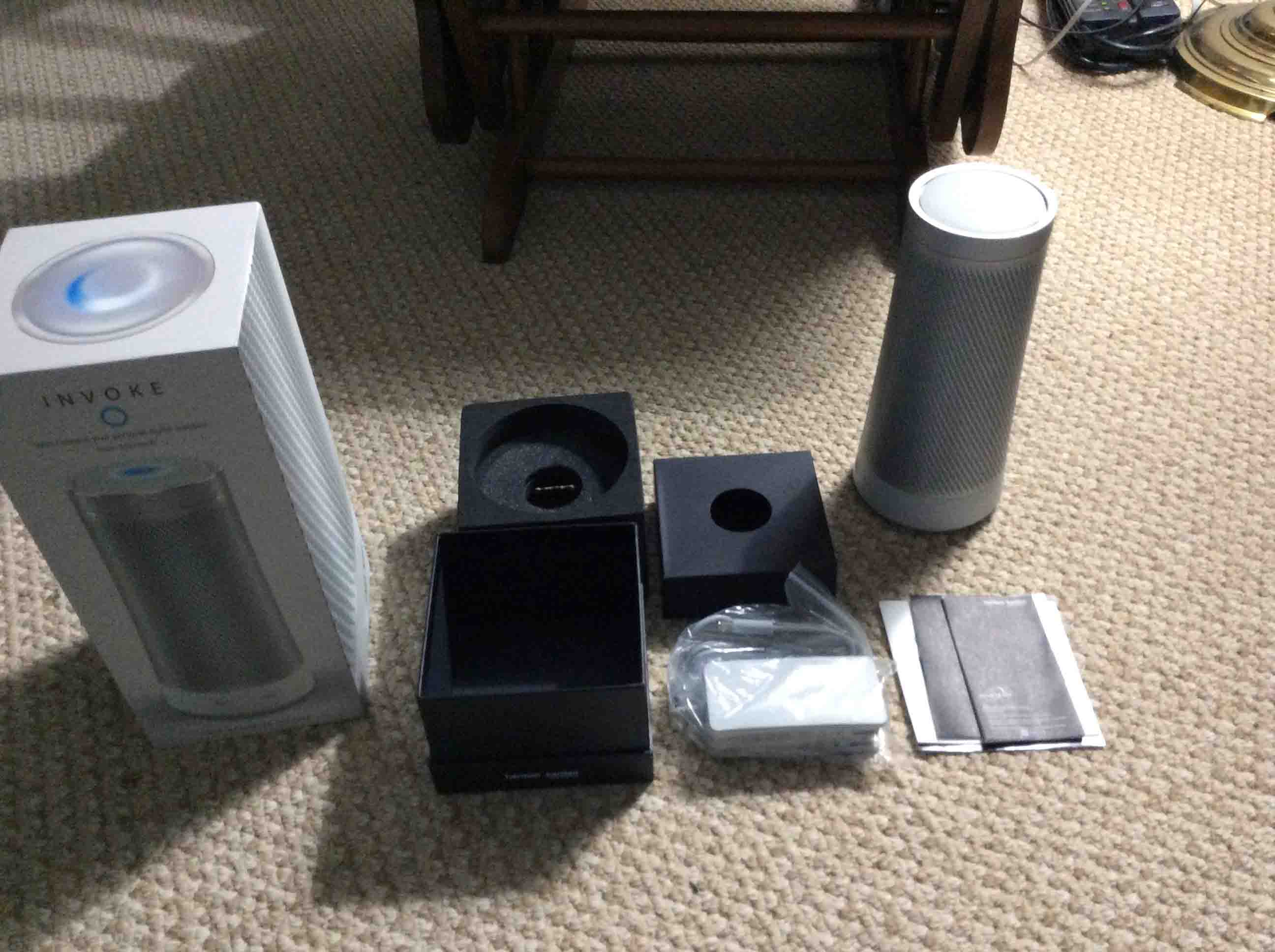
Picture of the Harman Kardon Invoke Speaker completely unboxed, showing accessories, the speaker itself, and the pamphlets.
The Harman Kardon Invoke Speaker completely unboxed, showing accessories, the speaker itself, and pamphlets.

Introducing the Harman Kardon Invoke Speaker

First, there’s the back of the invoke speaker, showing the surround metal grill and RESET button.
Picture of the RESET button on the back of the unit.
Back view of the unit, showing its RESET button.

Second, we have the Harman Kardon Invoke Speaker speaker along with its power adapter, sitting on our kitchen floor.

Picture of the AC adapter unplugged from wall and  the unit powered off.
The AC adapter unplugged from wall and  the unit powered off.

Harman Kardon Invoke Speaker Picture Gallery:  Speaker Features 

First, we show the volume ring with purple arrows.
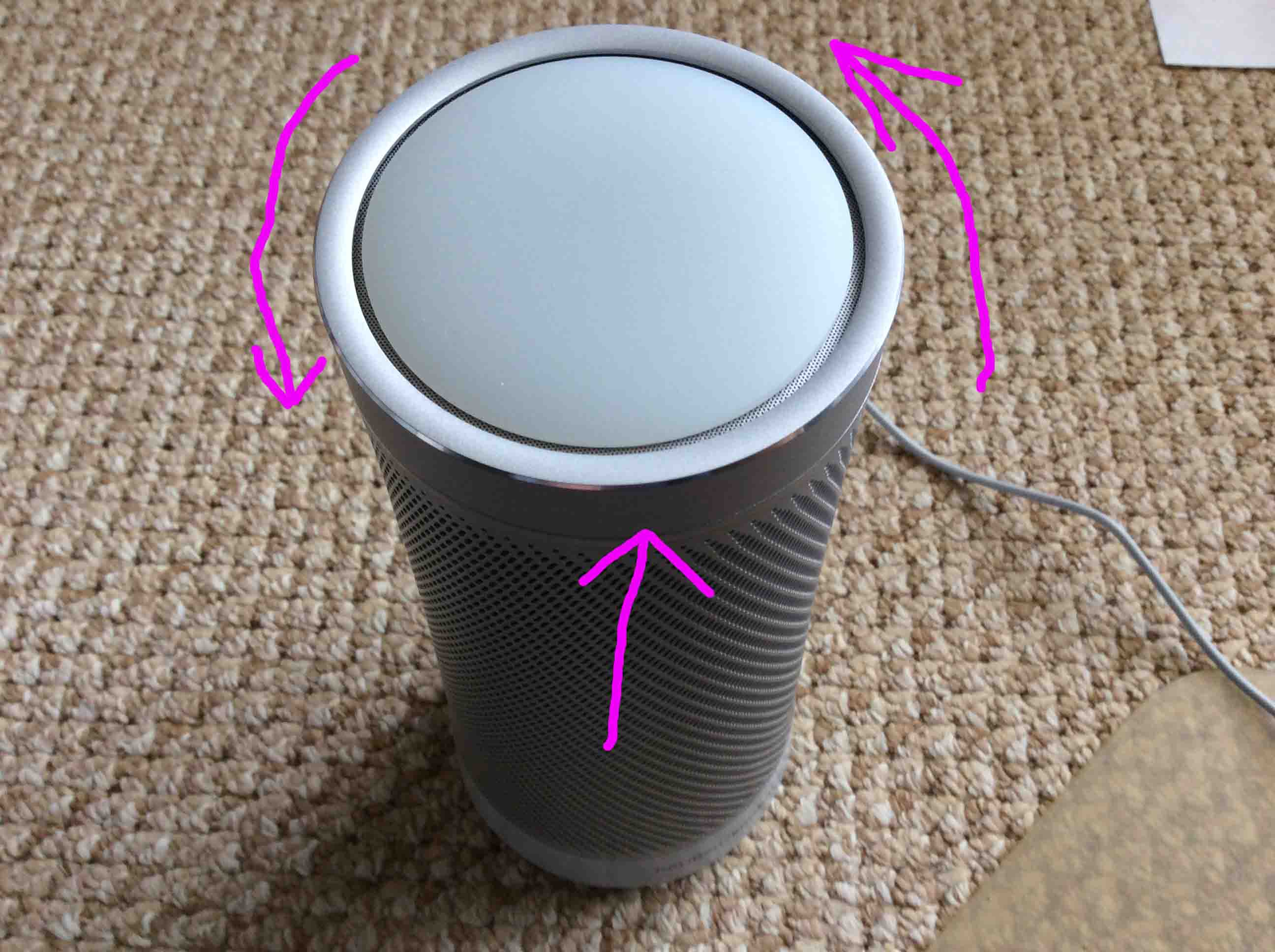
Picture of the volume adjustment ring.
The volume adjustment ring.

Next, we show the light pattern that Invoke displays when you adjust the volume.
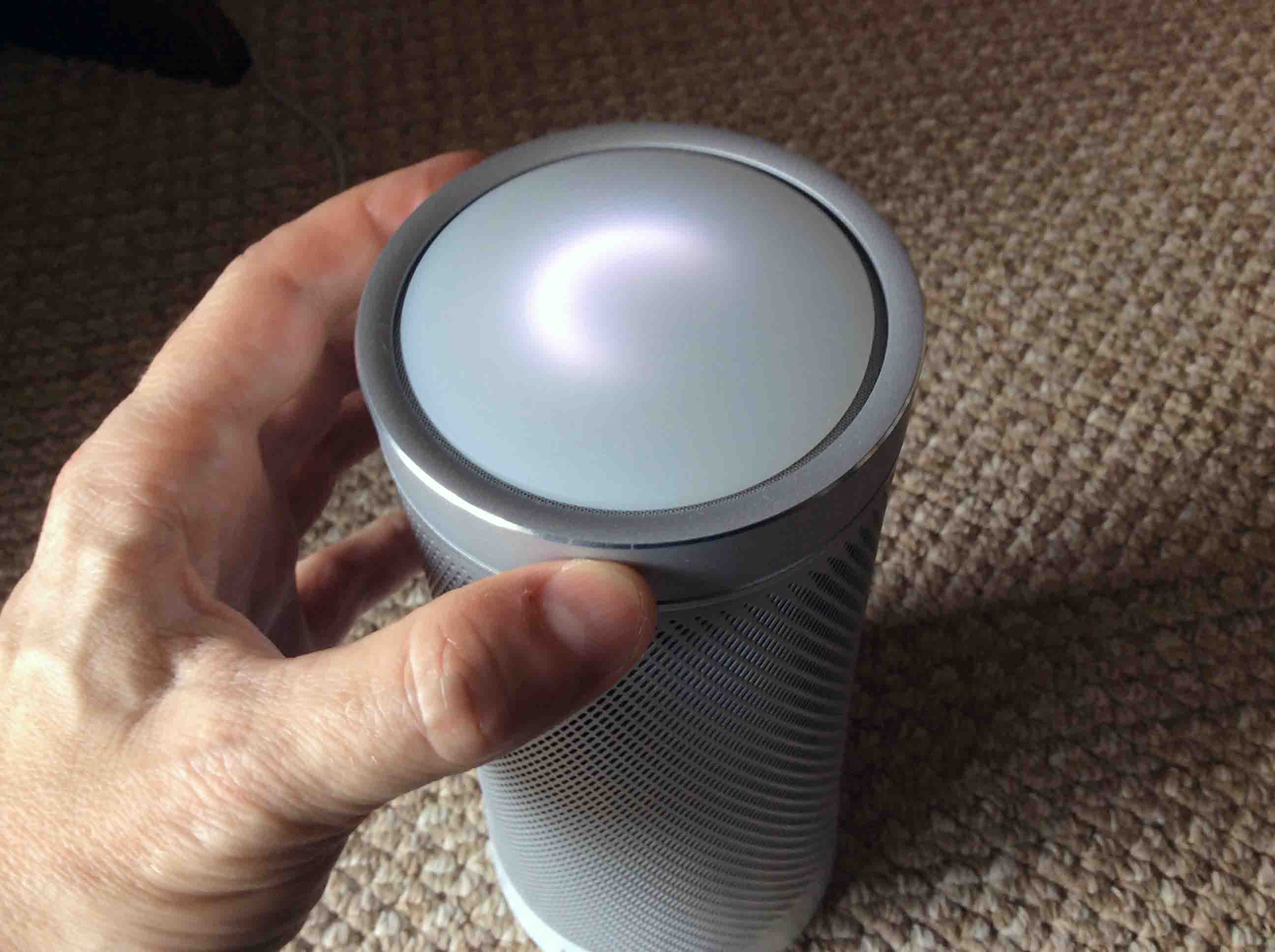
Picture of the Harman Kardon Invoke Speaker top view. Showing what happens while adjusting volume with the ring, light pattern changes accordingly.
The Harman Kardon Invoke Speaker top view. Showing what happens while adjusting volume with the ring, light pattern changes accordingly.

Next, we show the Invoke while its booting.
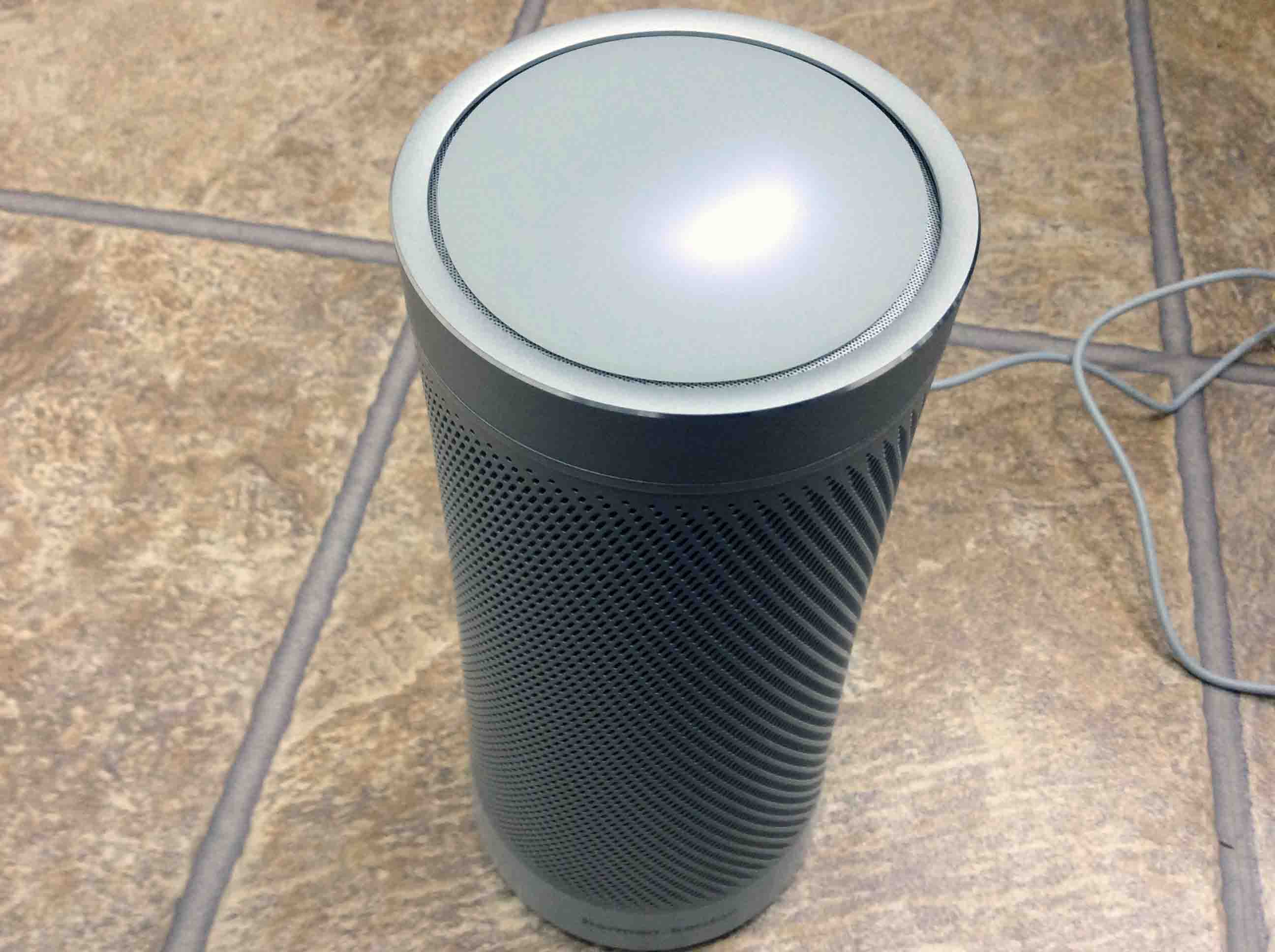
Picture of a reboot in progress.
A reboot is in progress.

Next. we show the Invoke, powered off, although it looks the same when turned on.
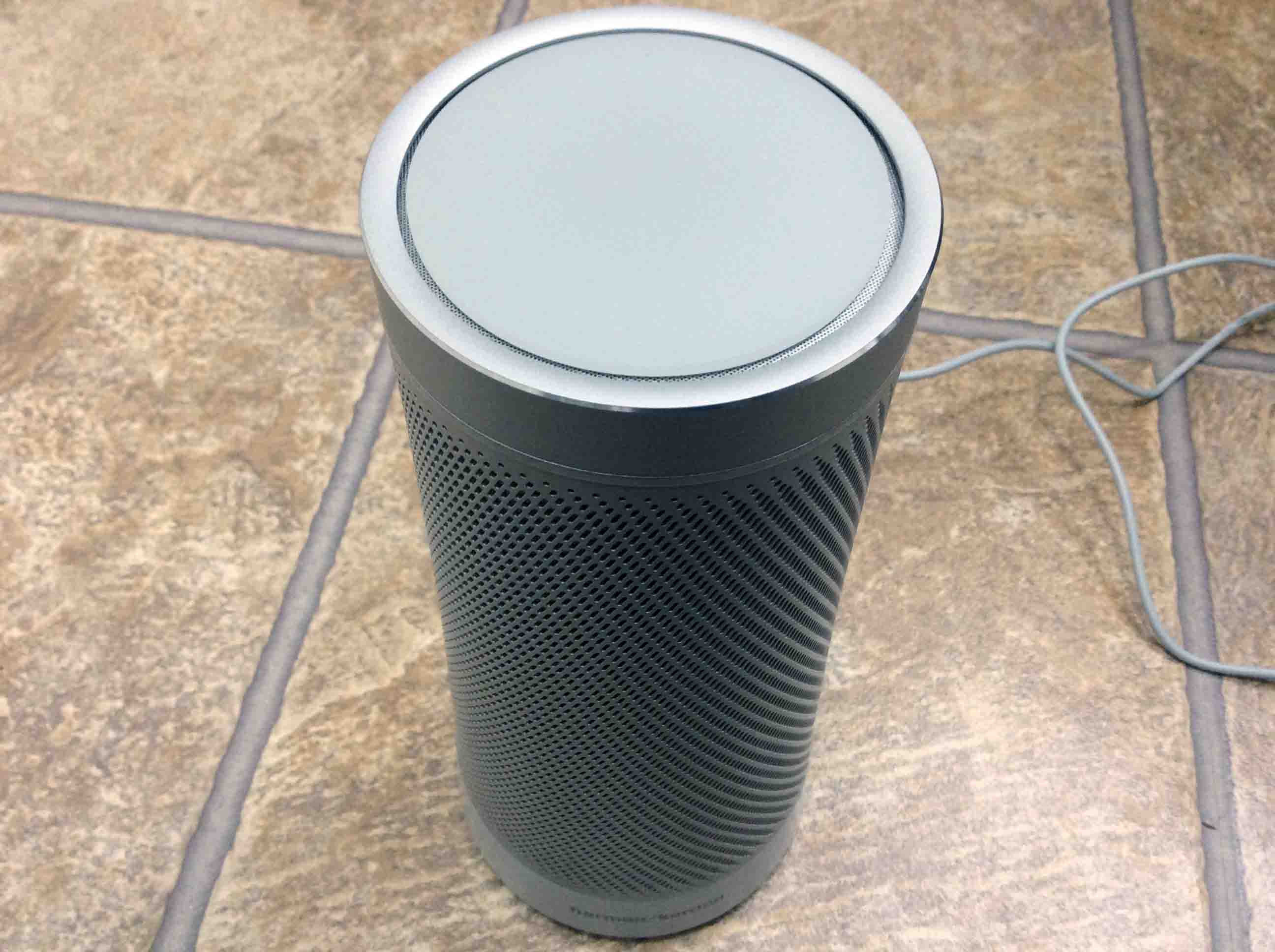
Picture of the speaker powered off.
The speaker powered off.

Then, we show the size of the Harman Kardon Invoke Speaker speaker by holding it.

Picture of the unit unboxed, held In hand.
The unit unboxed, held In hand.

Then, we flipped the Invoke upside down in order to connect the power supply.
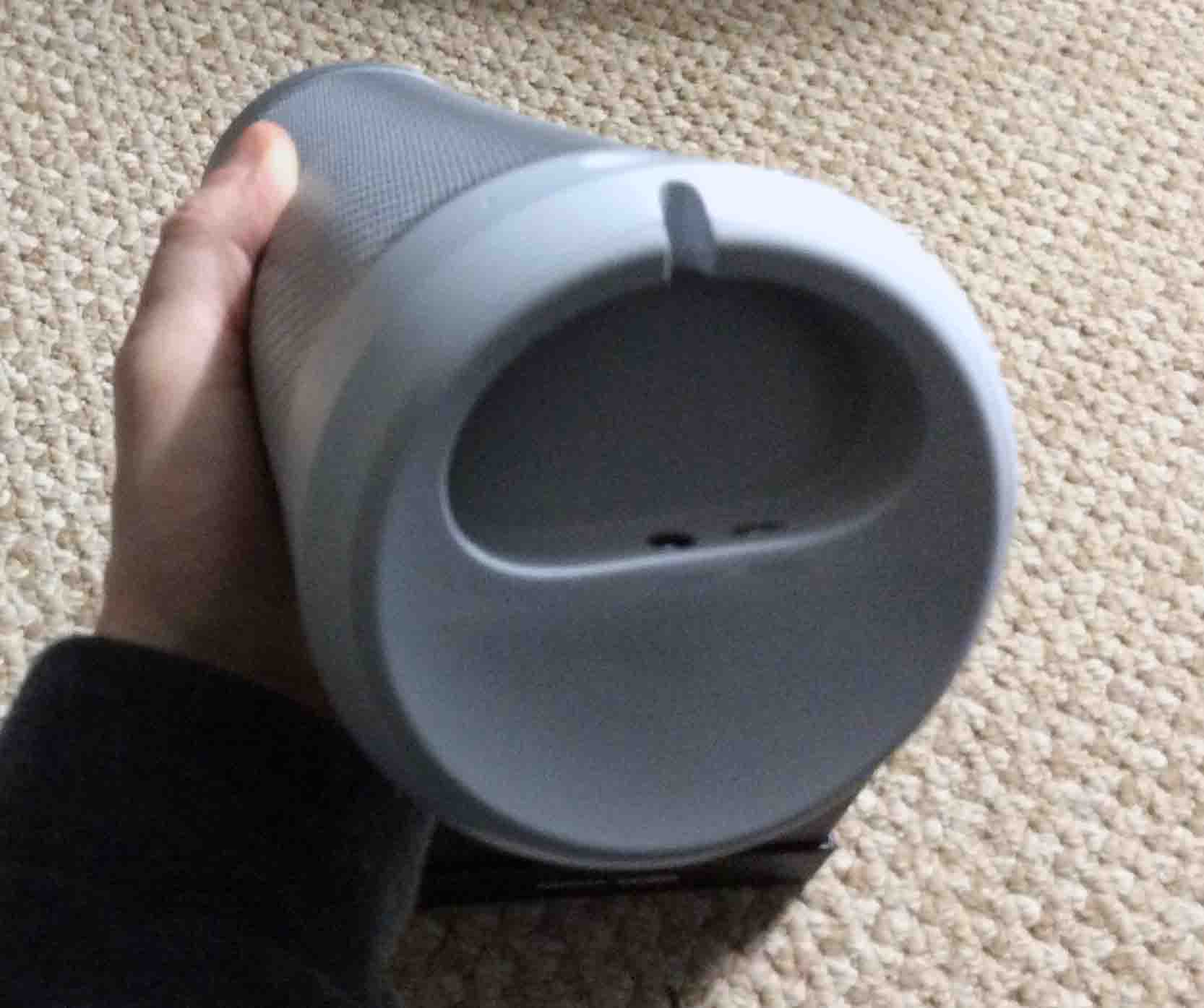
Picture of the bottom of the Harman Kardon Invoke Speaker, showing the USB and power ports.
Bottom view of the Harman Kardon Invoke Speaker, showing the USB and power ports.

Next, we photographed the DC power input port.
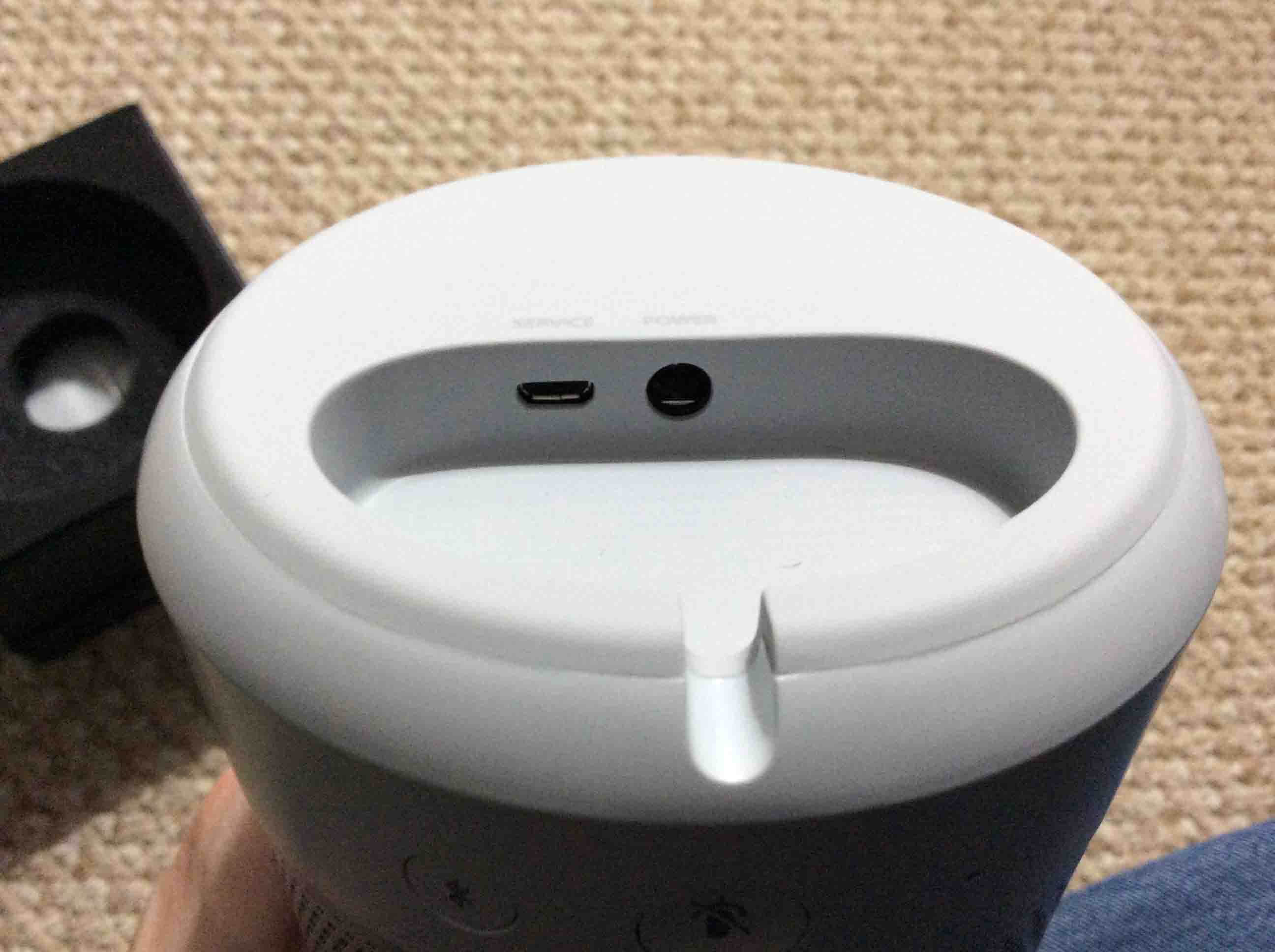
Picture of the USB and power ports closeup.
The USB and power ports closeup.

Next, yet another front view shot.

Picture of front of the unit as it stands alone.
Front view of the unit as it stands alone.

Harman Kardon Invoke Speaker Picture Gallery:  Pairing the Speaker to Bluetooth

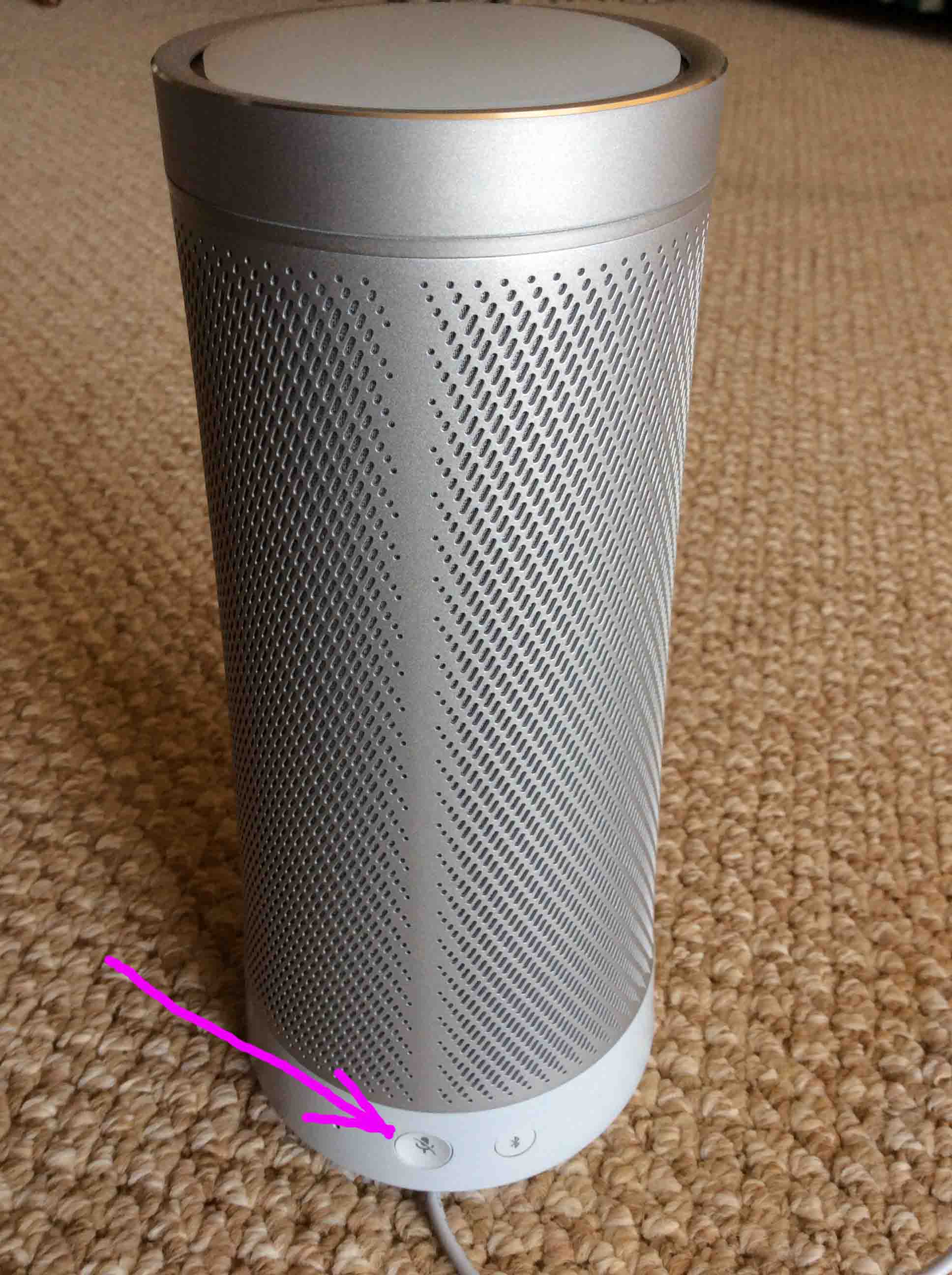
First, we have another rear view shot, with the Bluetooth pairing button pointed out by the purple arrow.
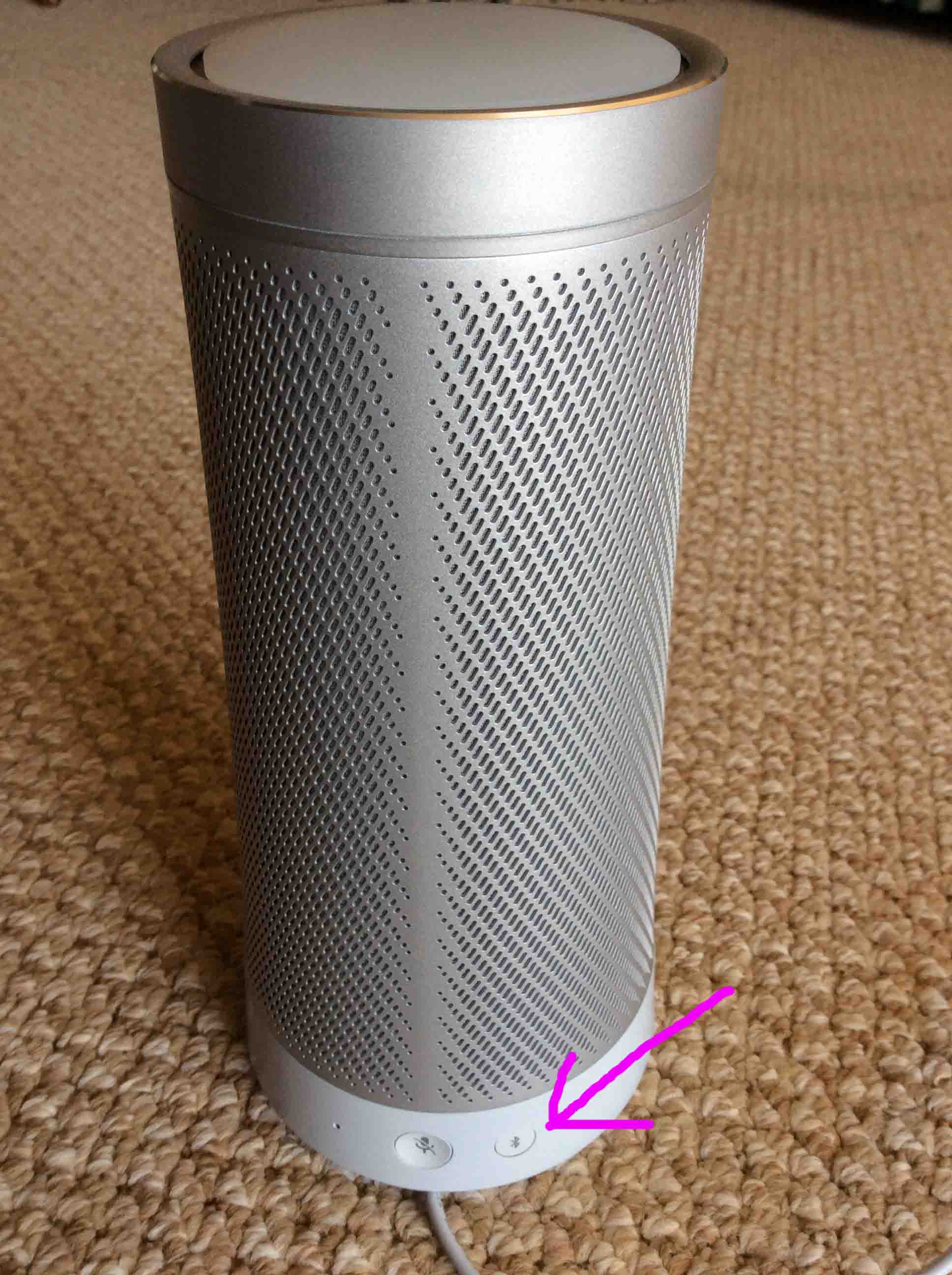
Picture of the back of the speaker, showing the Bluetooth button.
Back view of the speaker, showing the Bluetooth button.

Of course, we had to show what the top lights do when the Invoke has entered Bluetooth pairing mode.
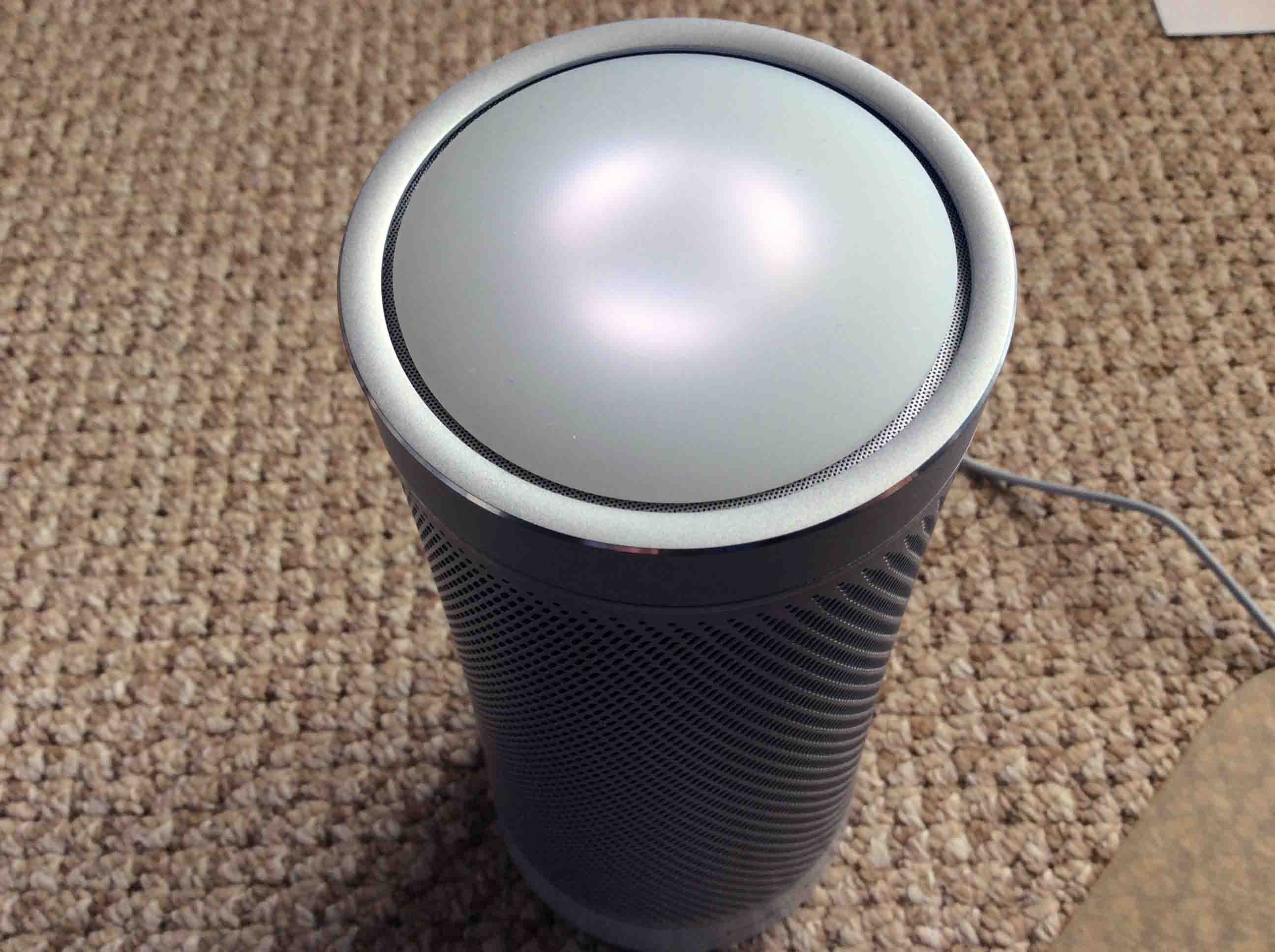
Picture of the back and forth white light pattern, indicating Bluetooth pairing mode.
The back and forth white light pattern, indicating Bluetooth pairing mode.

The Harman Kardon Invoke Speaker

Blue Light when Cortana Talks

First, the lighted top on the speaker.
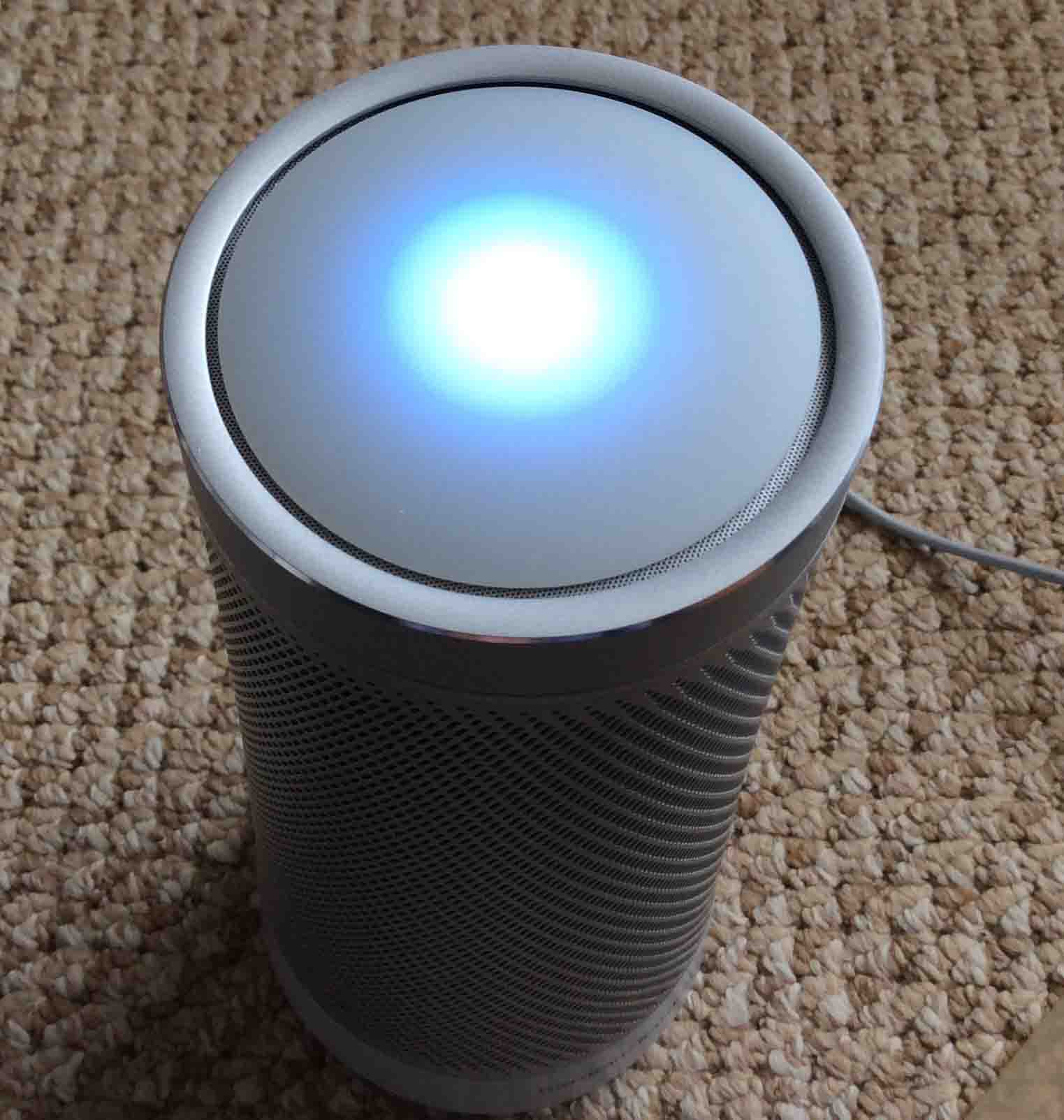
Picture of the Harman Kardon Invoke Speaker blue and white light pattern, as displayed when the speaker is talking.
The Harman Kardon Invoke Speaker blue and white light pattern, as displayed when the speaker is talking.

Speaker Powered Down

Here, the speaker top is dark.
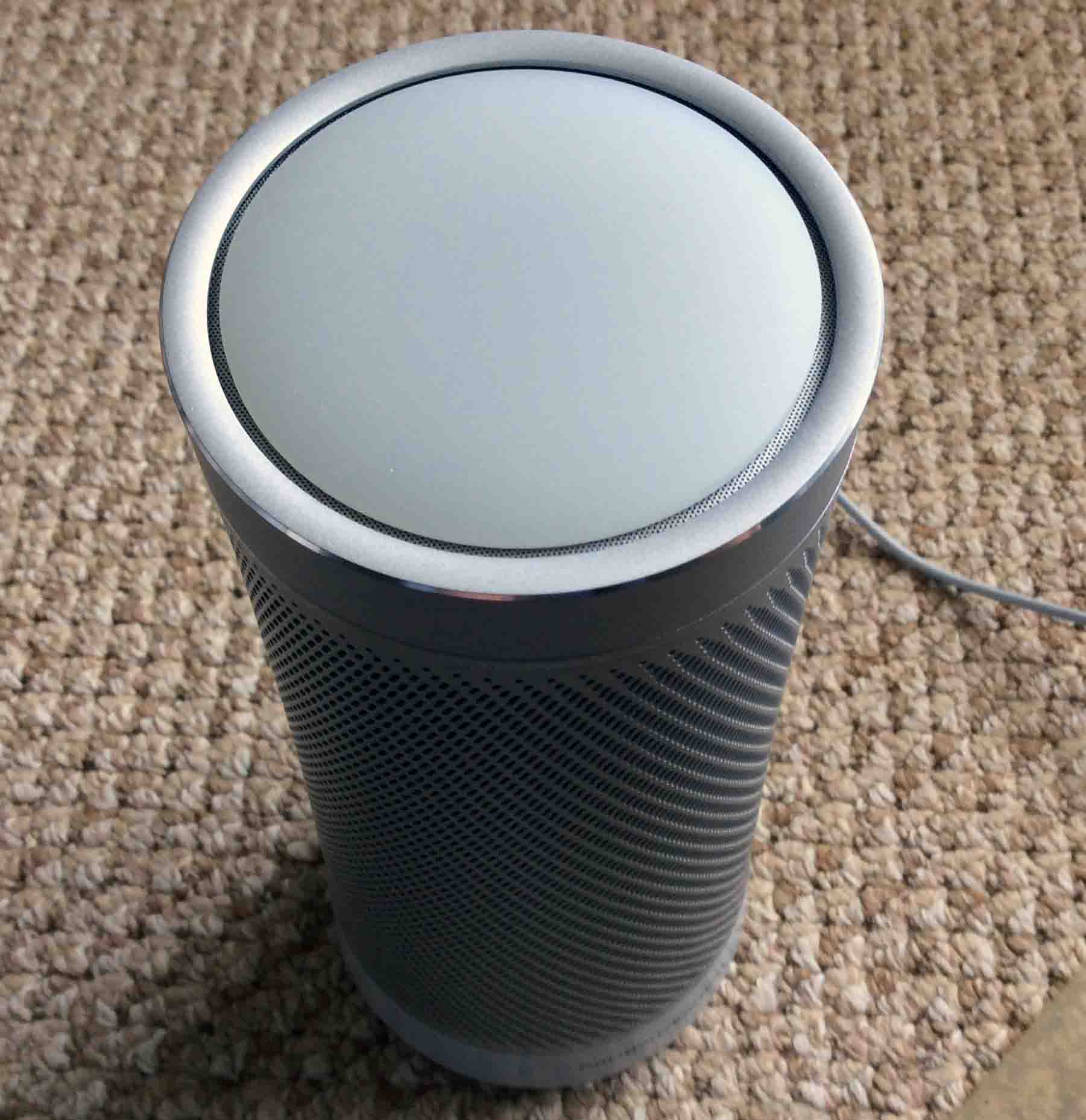
Picture of the dark light pattern, showing either normal standby mode or that the speaker powered OFF.
The dark light pattern, showing either normal standby mode or that the speaker powered OFF.

Mic Muting

Here, there’s the Mic Mute button when you want to stop Cortana from hearing you.
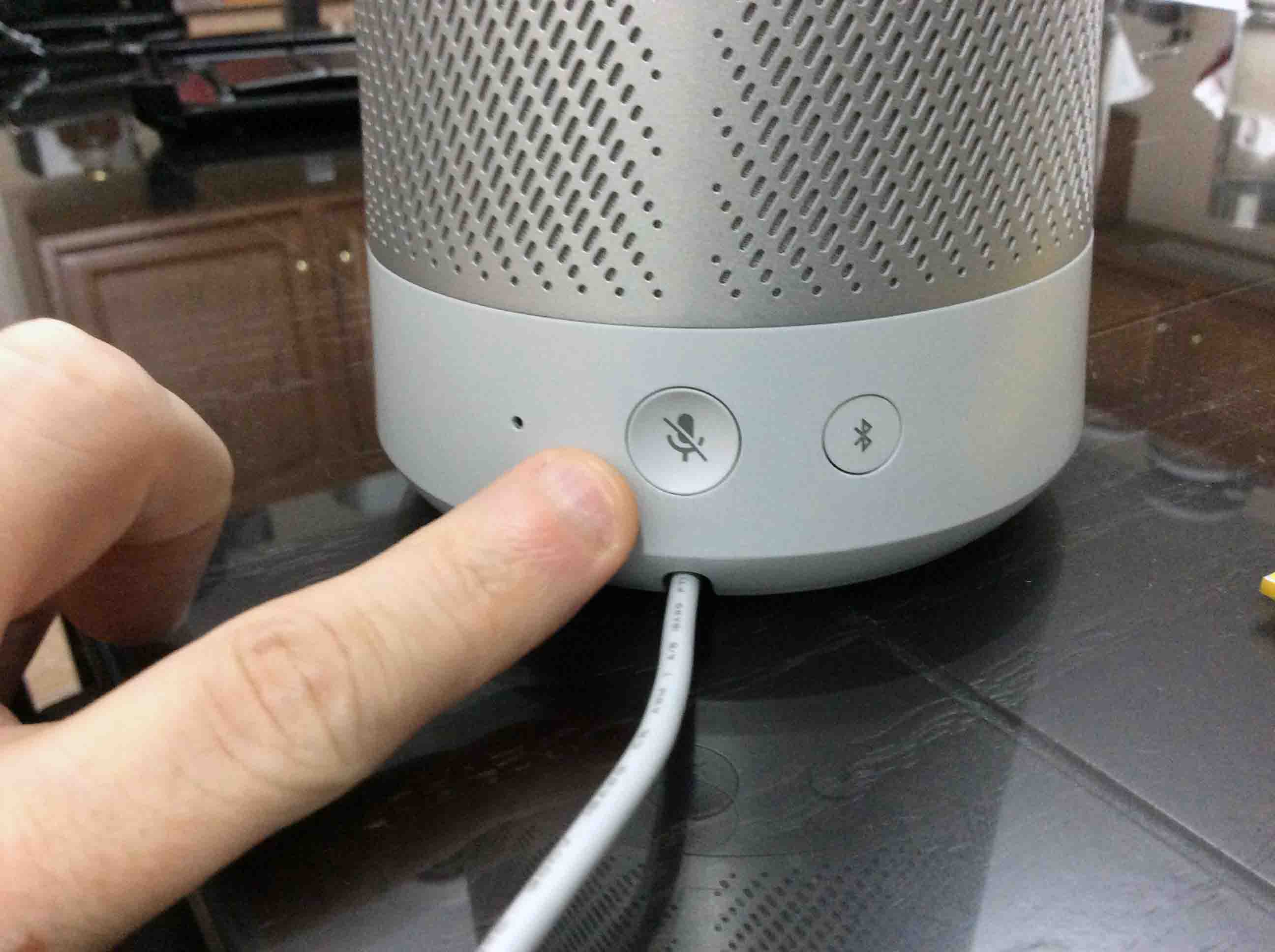
Picture of the back of the Harman Kardon Invoke Speaker, showing the -RESET- button.
Back view of the Harman Kardon Invoke Speaker, showing the -RESET- button.

Setup Status

Next, we show the speaker and the rotating gray lights, indication readiness to begin setup.
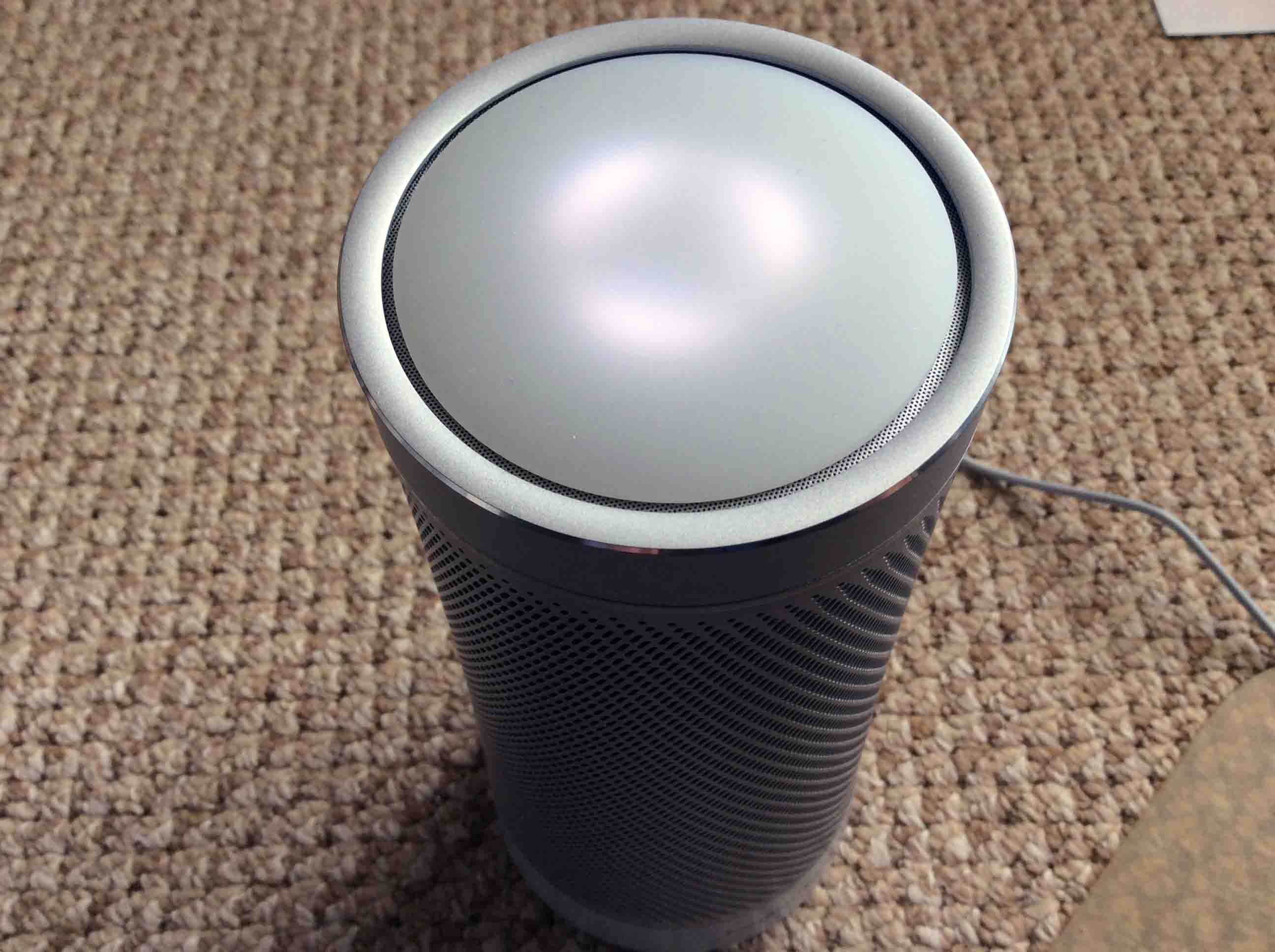
Picture of the lights displaying the Ready for Setup status.
The lights displaying the Ready for Setup status.

Invoke Speaker Powered Down

Picture of the Harman Kardon Invoke Speaker all dark, showing the unit powered OFF.
The Harman Kardon Invoke Speaker all dark, showing the unit powered OFF.

Red Lights Show Speaker Ready for Reset
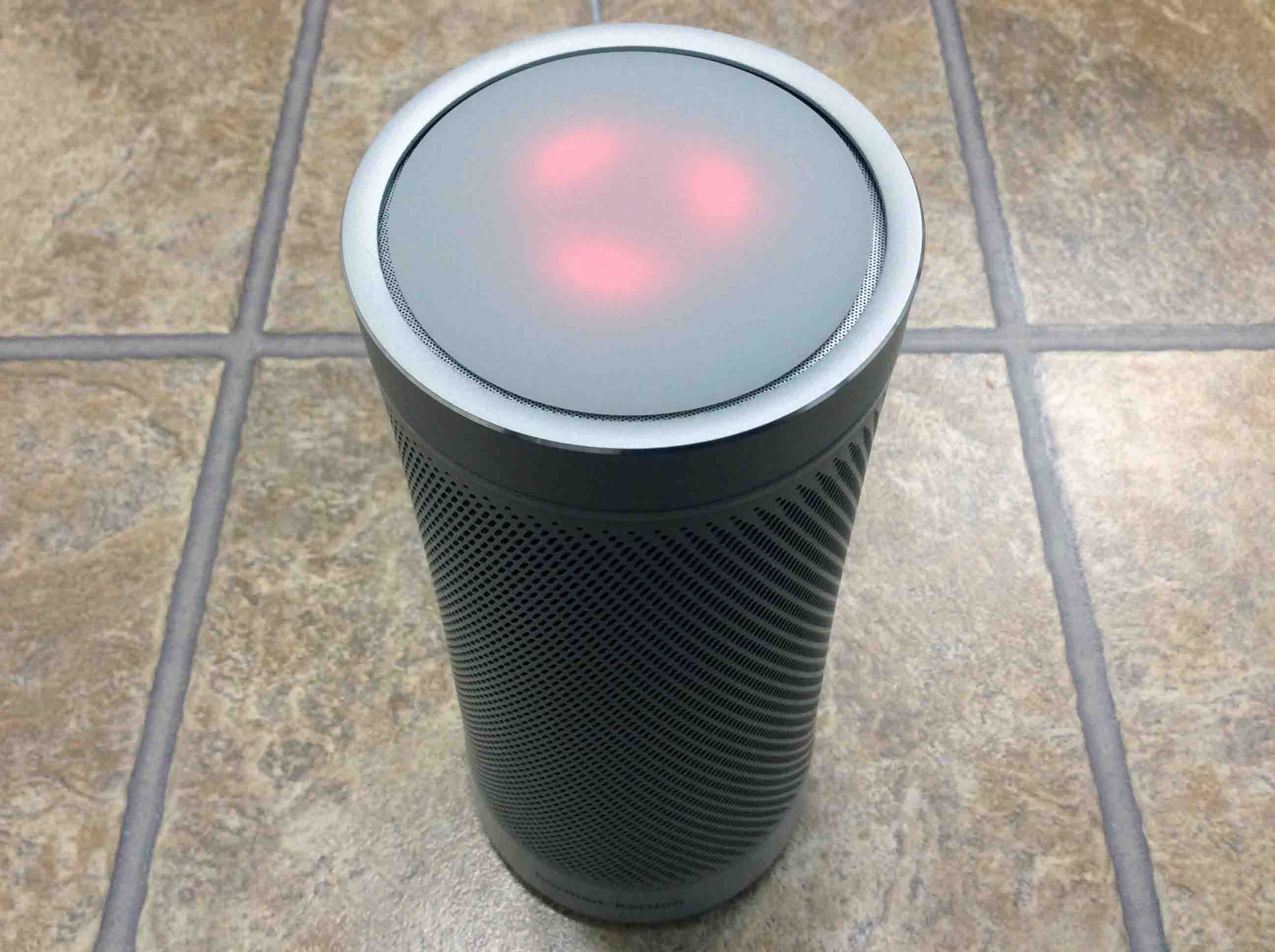
Picture of the speaker requesting a reset, by showing its red lights rotating.
The speaker requesting a reset, by showing its red lights rotating.

Specifically, a reset request by the speaker happens as follows.  Wait too long after entering setup before actually setting up the speaker, it times out and wants a reset.

Harman Kardon Invoke Speaker Picture Gallery: The Power Adapter

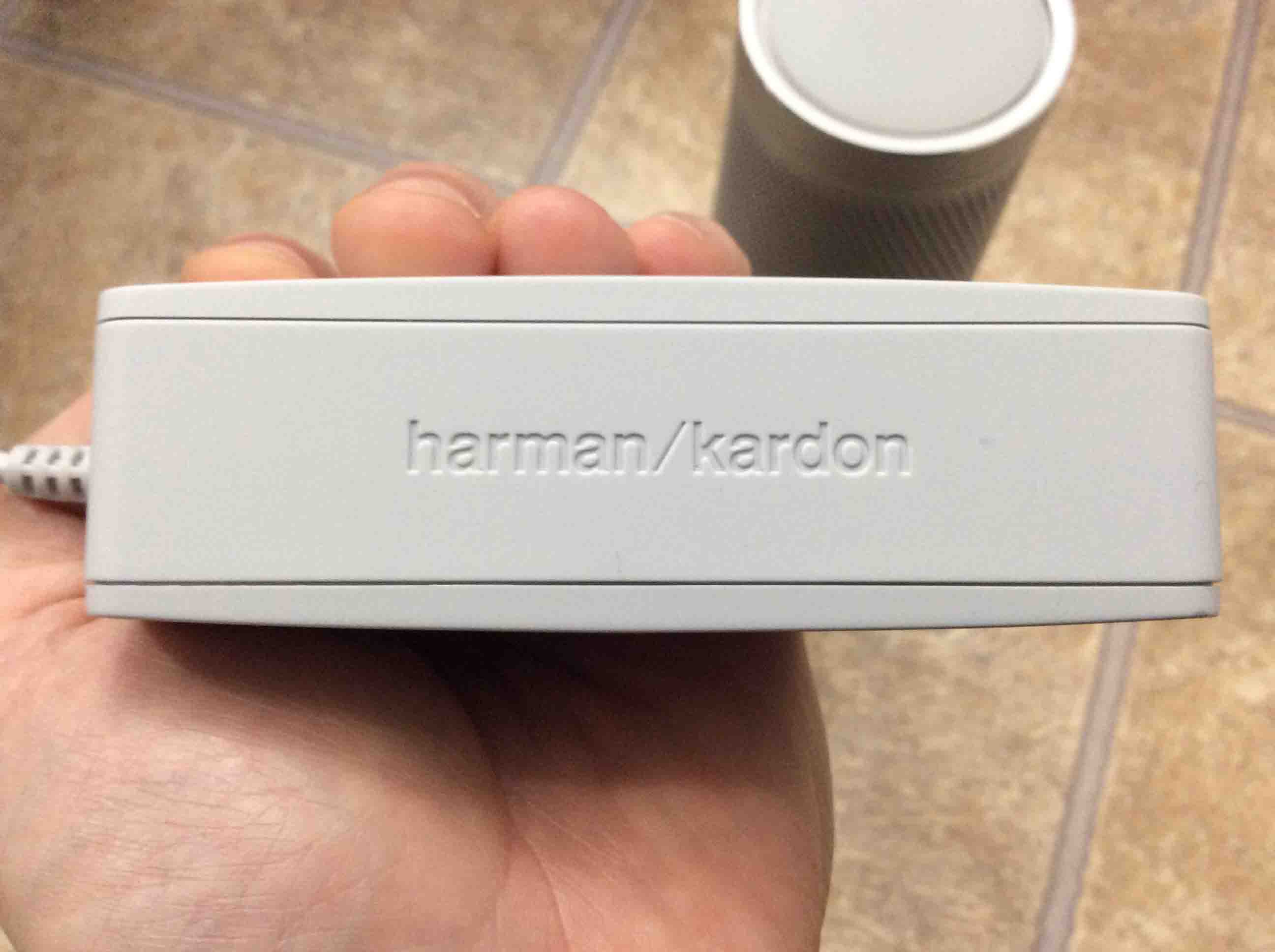
Picture of the Harman Kardon Invoke Speaker AC power adapter, showing the logo side.
The Harman Kardon Invoke Speaker AC power adapter, showing the logo side.

Next, we show a side view of the power adapter.
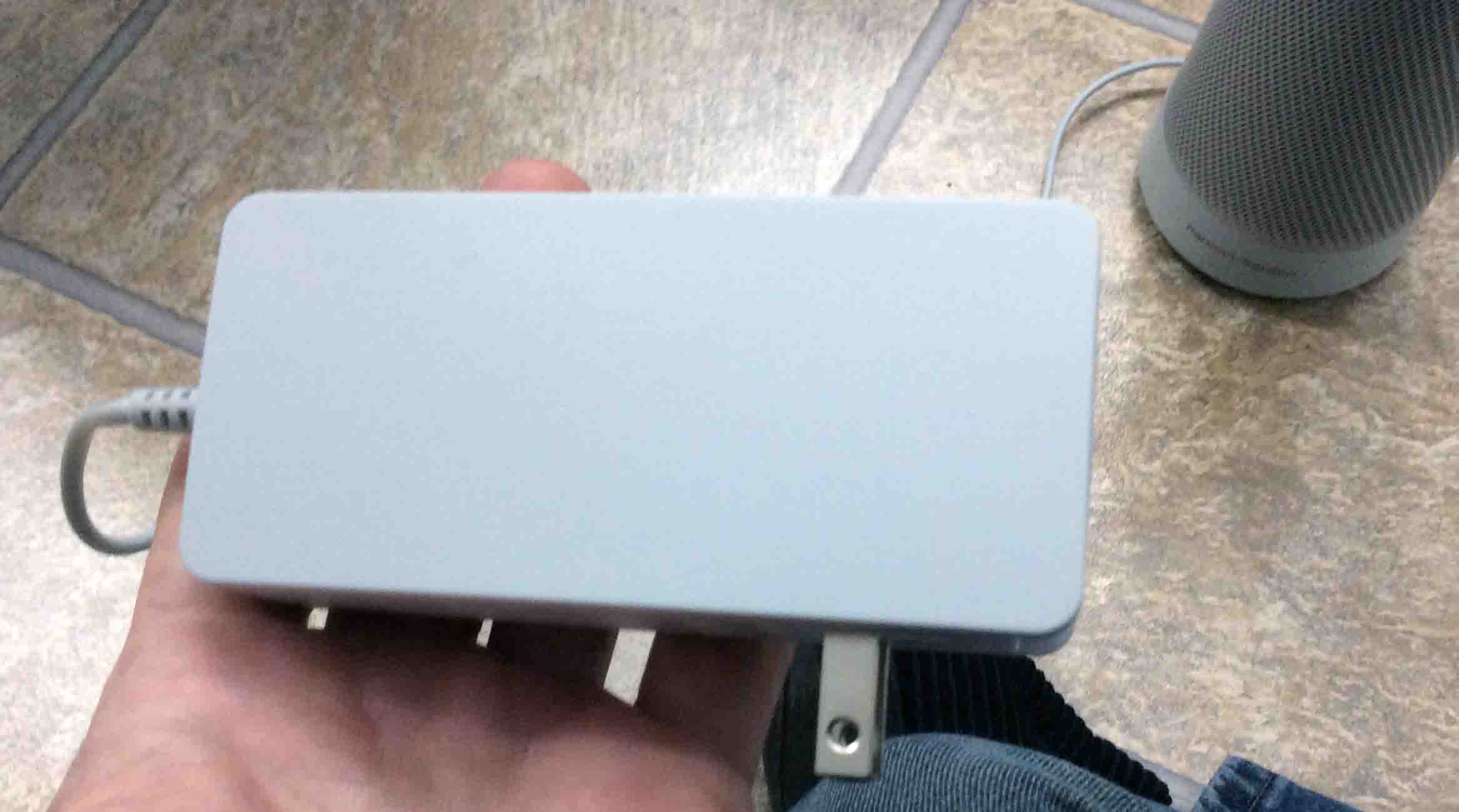
Picture of the side of the AC power adapter.
Side view of the AC power adapter.

Then, we have the back of the adapter, showing the AC input prongs.
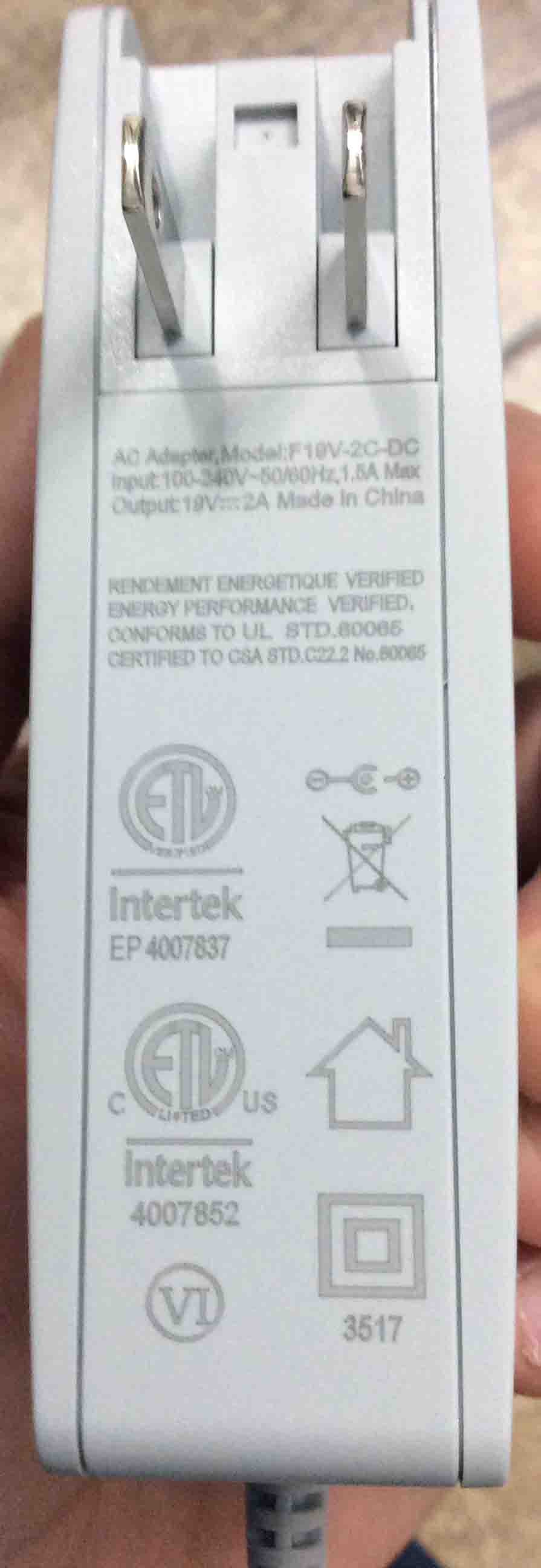
Picture of the AC power adapter prong side, showing the specs label.
The AC power adapter prong side, showing the specs label.

Further, we show the size of the DC output plug.  We shot it beside a metric ruler.
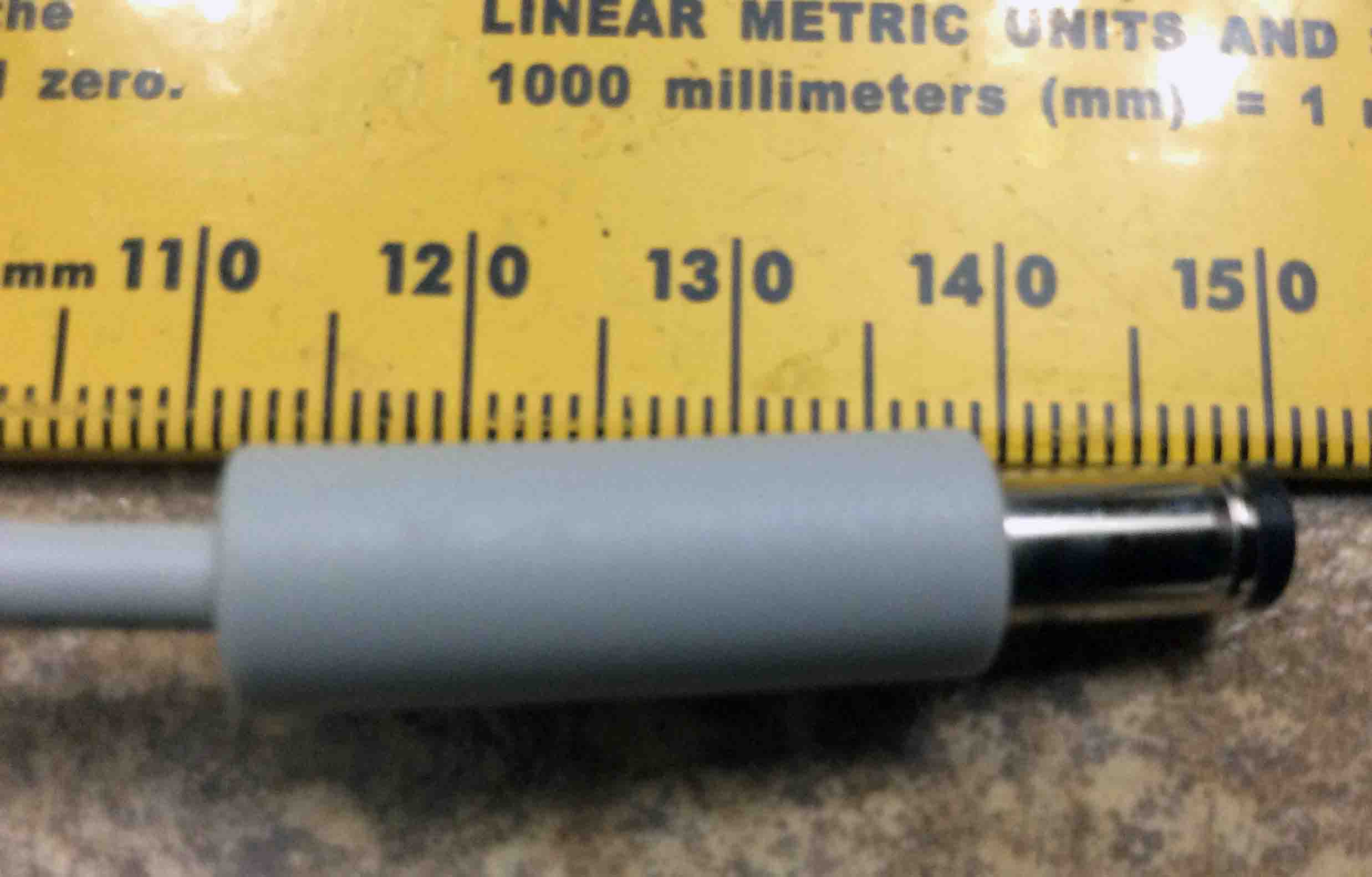
Picture of the AC adapter, showing its DC output connector against a metric ruler.
The AC adapter, showing its DC output connector against a metric ruler.

Next, we did a close-up of the DC output plug.
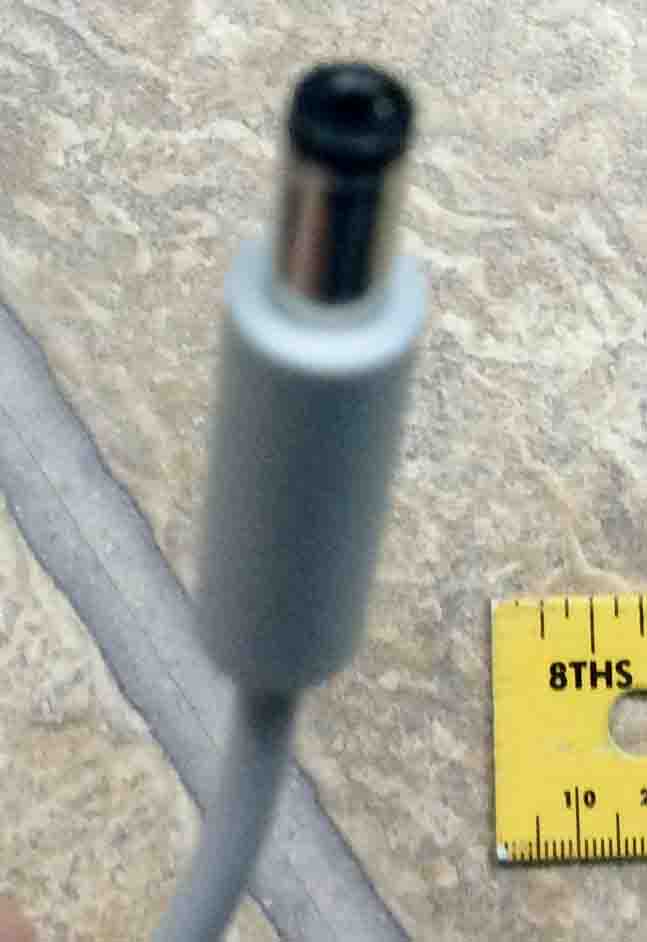
Picture of the Harman Kardon Invoke Speaker power supply DC output connector, showing the center positive hole.
The Harman Kardon Invoke Speaker power supply DC output connector, showing the center positive hole.

Then, we shot the speaker bottom, showing the DC output connector inserted into the speaker base.
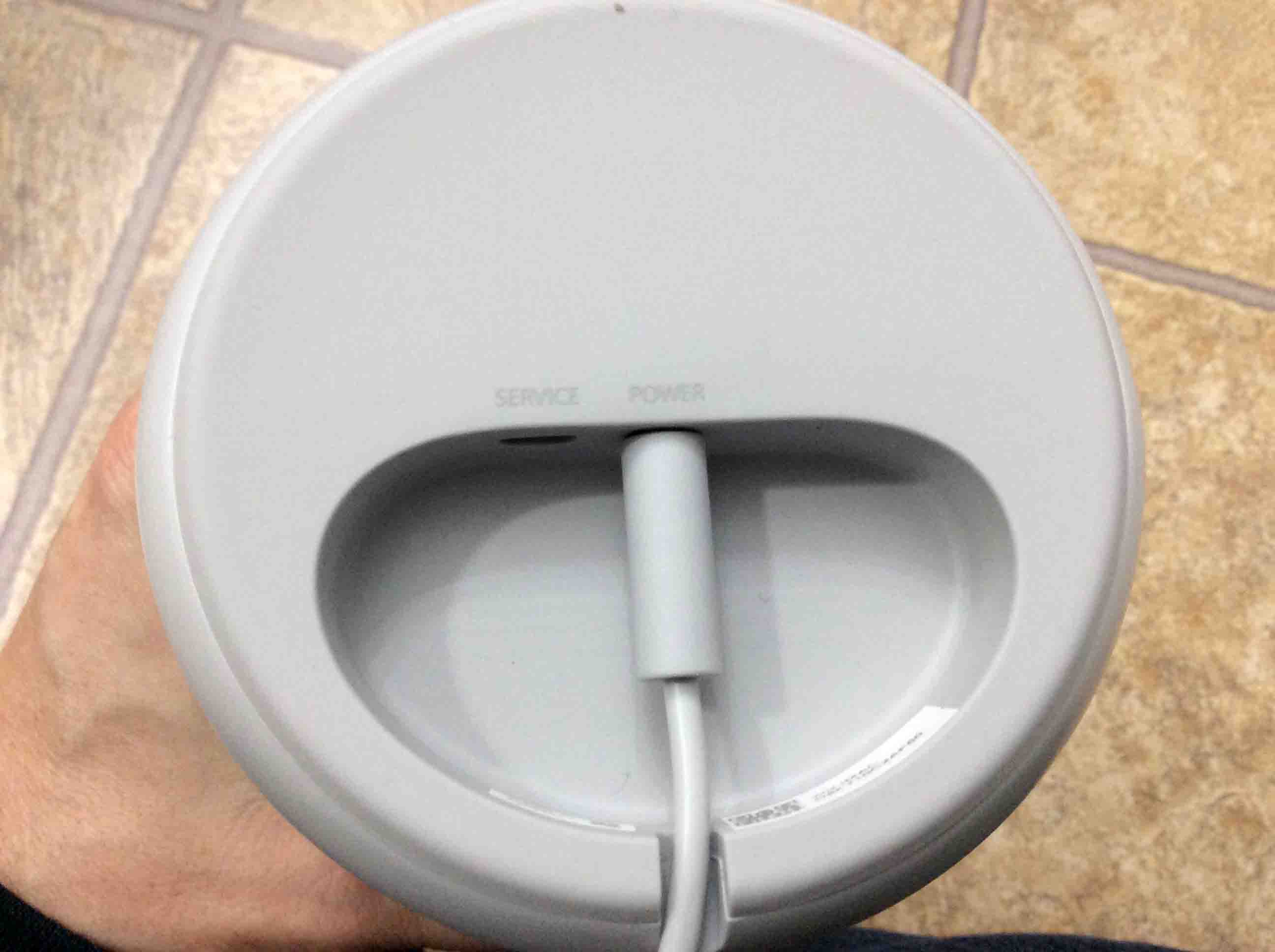
Picture of the power adapter plugged into speaker power port, bottom view.
The power adapter plugged into speaker power port, bottom view.

Related Posts

  1. Reconnecting to Wi-Fi on the Harman Kardon Invoke Speaker Cortana Smart Speaker

References

  1. Invoke Speaker for Sale on Amazon
  2. Where to Buy Harman Kardon Invoke Speaker