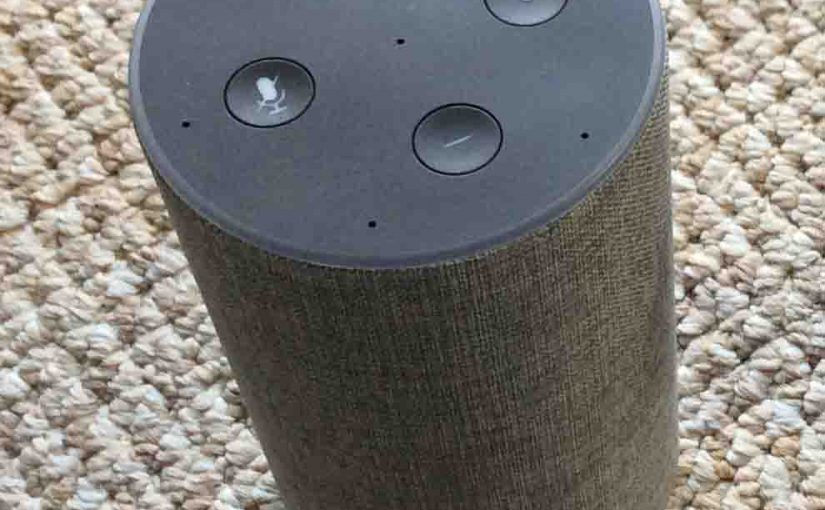
The generation 2 Amazon Alexa Echo smart speakers now provides a sleep timer that you set and stop with your voice! You use it by asking Alexa to play an internet radio station, podcast, flash briefing, or some other streaming service. Then, once the media is playing, you ask her play for just the time you say. And of course, use the wake word your speaker is set to respond to.
How to Set Sleep Timer on Amazon Alexa Echo 2 Speaker
Here are some sample commands that we checked to work with our gen 2 Echo speaker.
- Alexa, set sleep timer five minutes. [The speaker plays for five minutes, then stops.]
- Okay Alexa, set sleep timer thirty minutes. [The Echo 2 plays for thirty minutes then goes silent.]
- Alexa, set sleep timer one hour. [She sets a sixty minute sleep timer, plays for an hour, and then goes silent.]
- Hey Alexa, create sleep timer ninety minutes. [Sets a sleep timer for 90 minutes, then the speaker goes quiet.]
- Alexa, cancel sleep timer. [Cancels sleep timer if one is pending.]
When setting a sleep timer, you can use verbs like Set and Create in your voice commands. When removing a sleep timer, use verbs like Cancel. If you ask to cancel a sleep timer when none are set, Alexa will respond, “There’s no sleep timer set.”
When you set a sleep time with one of the above commands, the Echo Generation 2 answers back as follows: “Okay. I will stop playing in [specified time].” That is, if you say something like, “Alexa, set sleep timer ten minutes,” to your speaker, she replies, “Okay. I will stop playing in ten minutes.”
Note that you cannot set a sleep timer unless it is playing some audio.
Related Posts to How to Set Sleep Timer on Alexa Echo 2
- Amazon Echo Gen 2 Smart Speaker Picture Gallery
- Do You Need Amazon Prime to Use Echo Smart Speakers
- How to Connect Amazon Alexa Echo Smart Speaker to Bluetooth Speaker
- How to Reset the Amazon Alexa Echo Gen 2 Smart Speaker to Factory Default State
- Unboxing and Connecting The Amazon Echo Generation 2 Smart Speaker
References for How to Set Sleep Timer on Alexa Echo 2
- Echo (2nd Generation) – Smart Speaker with Alexa – Charcoal Fabric, Official Product Page from Amazon.com
- The Complete List of Alexa Commands So Far, from Cnet
Revision History
- 2019-04-12: Added key phrase targeting and removed ad code.
- 2017-12-10: Fixed some typos.
- 2017-12-10: Originally published.