Tag: Connect to My Bluetooth
-
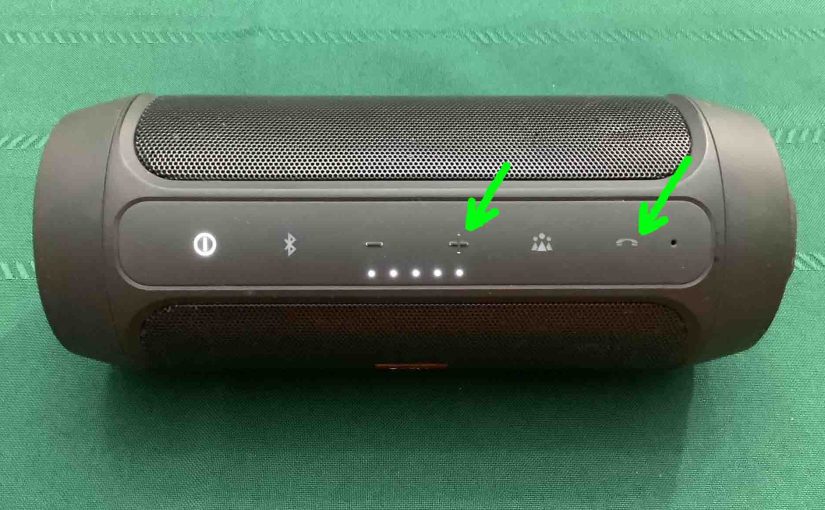
JBL Charge 2 Plus Speaker Reset
Shows the JBL Charge 2 Plus speaker reset procedure. Doing this returns this unit to default out-of-box settings. Resetting also wipes away any prior connected BT devices from its memory. Thus, reset stops the speaker from pairing to any nearby devices afterwards, until you manually pair them again. Also, you might reset to prepare this…
-
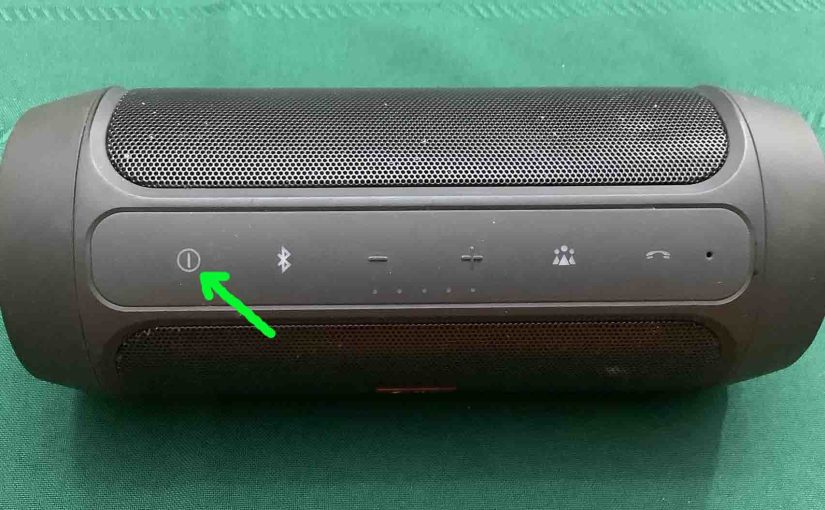
JBL Charge 2 Plus Speaker Power Button Not Working
When the Power button on your JBL Charge 2 Plus speaker is not working, this likely means one or more things as follows. Dead Battery. The battery inside the speaker is empty needs a recharge for continued speaker operation. Use a commercially available USB charger to do this. Faulty AC Adapter. The power adapter charger…
-
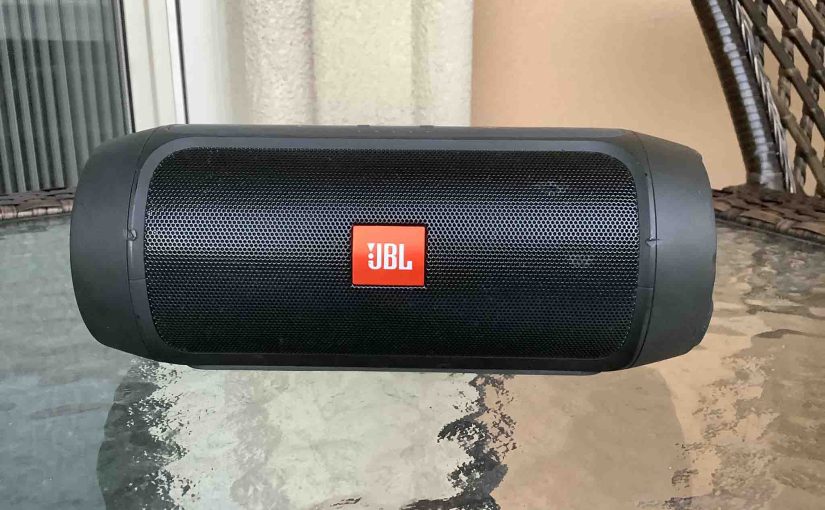
JBL Charge 2 Plus Speaker Hard Reset
Shows the JBL Charge 2 Plus speaker hard reset directions, to return this unit to default out-of-box settings. Resetting also wipes out any prior connected BT devices from its memory, which stops this speaker from pairing to any nearby Bluetooth devices afterwards. Also, you might reset to prepare this Charge for sale or re gifting,…
-
JBL Charge 2 Plus Speaker Firmware Update
Covers the JBL Charge 2 Plus speaker firmware update directions. However, we know of no official way to upgrade the software on this particular model. Indeed we find no firmware downloads for this unit on the JBL web site. Plus, we see no details for this in the included manuals. So it’s likely that JBL…
-
JBL Charge 2 Plus Speaker Factory Reset
Gives the JBL Charge 2 Plus speaker factory reset directions, to return this Bluetooth speaker to default out-of-box settings. Resetting also wipes out any prior connected BT devices from its memory. So this stops the Charge 2 Plus from pairing to any nearby Bluetooth devices afterwards. Also, you might reset to prepare this speaker for…
-

JBL Charge 2 Plus Speaker Battery Capacity mAh
Here we list details about the battery inside the JBL Charge 2 Plus speaker, including capacity, dimensions, mAh value and play time. Furthermore, the mAh or milliamp-hour value tells us how long the battery will supply sufficient power based on amount of current drawn from it. Explicitly, the mAh figure tells us how many amps…
-
How to Hard Reset JBL Charge 2 Plus Speaker
Shows how to hard reset the JBL Charge 2 Plus speaker, to return it to default out-of-box settings. We outline this routine below. Hard resetting also wipes out any prior connected BT devices from its memory. Clearing these stops the speaker from pairing to any nearby Bluetooth devices afterwards. Also, you might hard reset to…
-
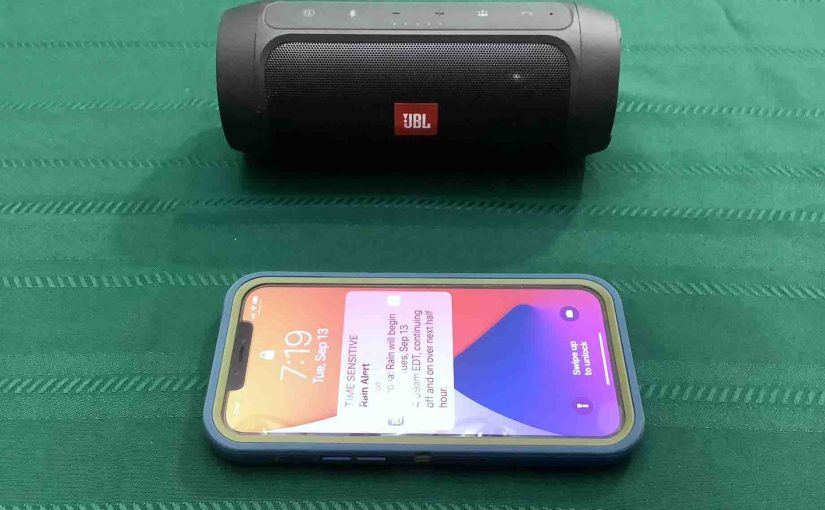
How to Connect JBL Charge 2 Plus Speaker to iPhone
This post shows how to connect a JBL Charge 2 Plus speaker to iPhone. Playing music from the phone on such a speaker often gives a fuller, overall better sound to the music. Thus, our interest in doing this here. How to Connect JBL Charge 2 Plus Speaker to iPhone: Step by Step With your…
-
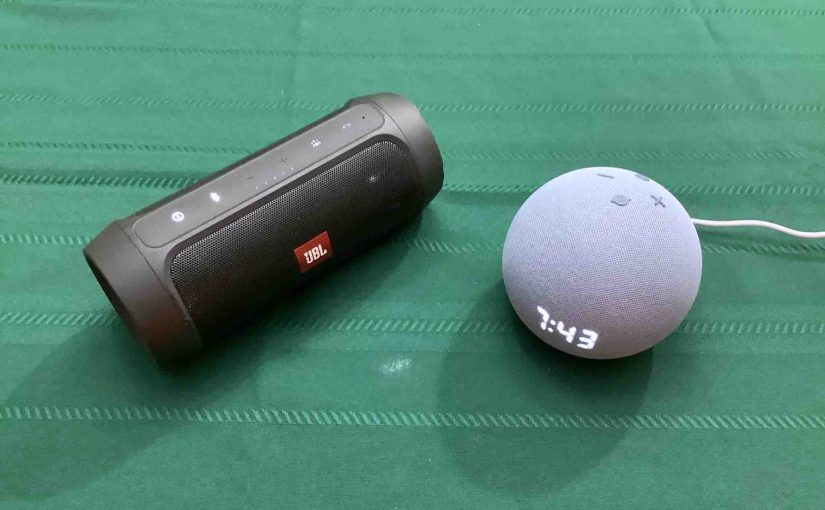
How to Connect JBL Charge 2 Plus Speaker to Alexa
This post shows how to connect the JBL Charge 2 Plus speaker to Alexa smart speakers. Since this pairing occurs between the JBL and Echo devices directly, you need not turn Bluetooth on in the mobile device you’re using to set up this connection. How to Connect JBL Charge 2 Plus Speaker to Alexa: Step…
-
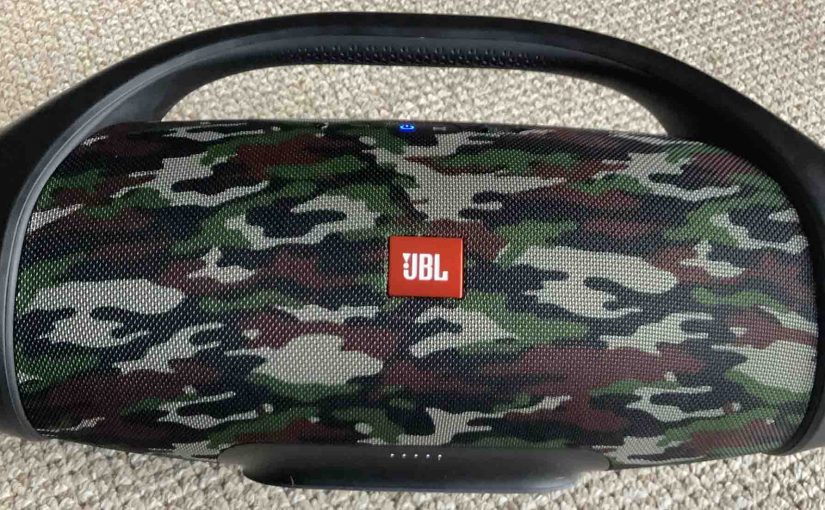
How to Factory Reset JBL Boombox Bluetooth Speaker
This post tell how to factory reset the JBL Boombox BT speaker, to return the unit to its default factory settings. Factory resetting restores the Boombox to default operation. Moreover, it wipes any earlier paired Bluetooth devices from memory. Purging old settings stops the speaker from pairing to any close-by active Bluetooth devices. Also, you…