Tag: Harman Audio Boombox
-

JBL Boombox Watts
The Boombox 1 JBL Bluetooth speaker by Harman Kardon is a moderate to higher power, boom box style unit with enough RMS watts to fill bigger rooms with full sounding tunes. It also has a built in power bank for recharging light, medium, and some duty phones and tablets. But what do the watts a…
-
JBL Boombox 1 Charging Indicator
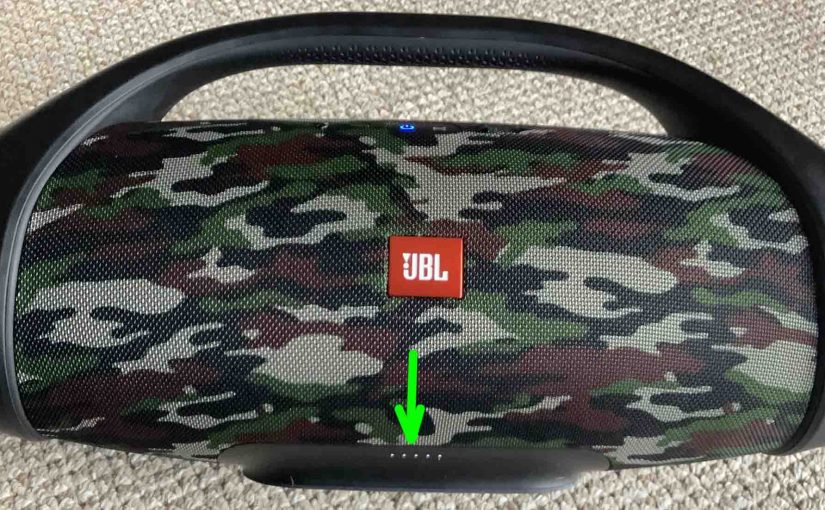
The JBL Boombox 1 charging indicator is a row of LEDs across the lower front panel. These display battery fullness and charging status. In short, this indicator shows how full the battery is whether charging or not. JBL Boombox 1 Charging Indicator: How to Read the Lights 1. All LEDs OFF When you power down…
-
JBL Boombox 1 Battery Indicator
The JBL Boombox 1 has a row of LEDs across its lower front panel. These display battery fullness and charging status. In short, the JBL Boombox 1 battery indicator shows how full the battery is whether charging or not. How to Read the JBL Boombox 1 Battery Indicator Lights 1. All LEDs OFF When you…
-
JBL Boombox 1 Extra Bass Mode
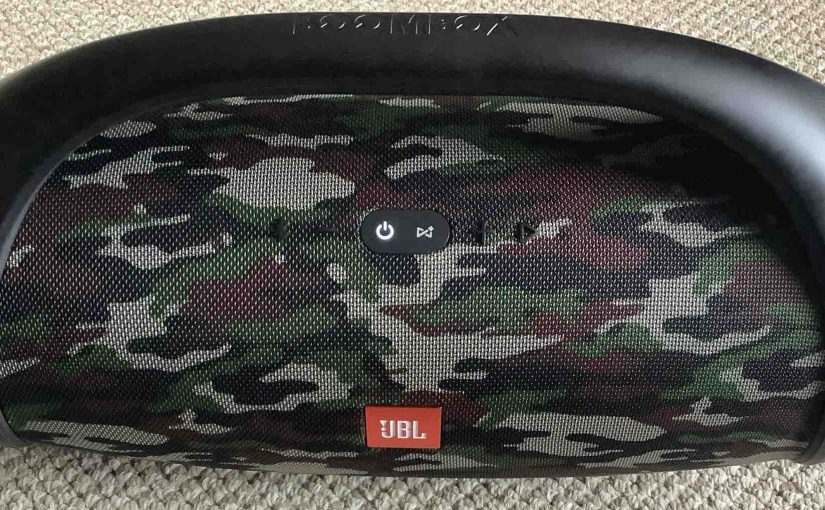
Change how much rumble you get on the JBL Boombox 1, by turning on and off its extra bass mode. When ON, this mode makes the passive bass radiators vibrate much more. Plus it adds a low rumble quality to the playing program, that carries pretty far from the speaker. JBL Boombox 1 Extra Bass…
-
JBL Boombox 1 Low Frequency Mode
Change how much rumble you get on the JBL Boombox 1, by turning on and off its low frequency mode. When ON, this mode makes the passive bass radiators vibrate much more. Plus it adds a low rumble quality to the playing program, that carries pretty far from the speaker. JBL Boombox 1 Low Frequency…
-
JBL Boombox 1 Not Showing Up on Bluetooth
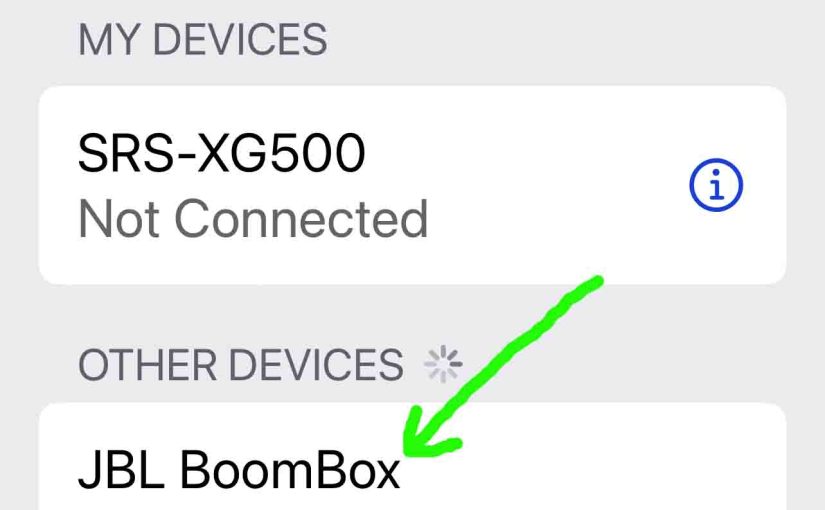
When you find the JBL Boombox 1 not showing up on Bluetooth, this likely means one or more things. The device and speaker are too far away from each other. Out of range. So move them to within a few feet of one another before attempting to pair. Charging is not working correctly. So the…
-

How to Turn ON JBL Boombox 1 Bass Mode
You can change how loud the bass is on the JBL Boombox 1 speaker, by turning on its bass mode. When switched on, this super bass mode makes the passive bass radiators vibrate much more, and adds a low rumble quality to the playing program, that travels pretty far from the speaker. Plus, you’ll hear…
-
How to Factory Reset JBL Boombox Bluetooth Speaker
This post tell how to factory reset the JBL Boombox BT speaker, to return the unit to its default factory settings. Factory resetting restores the Boombox to default operation. Moreover, it wipes any earlier paired Bluetooth devices from memory. Purging old settings stops the speaker from pairing to any close-by active Bluetooth devices. Also, you…
-
JBL Boombox 1 Infinity Button Explained
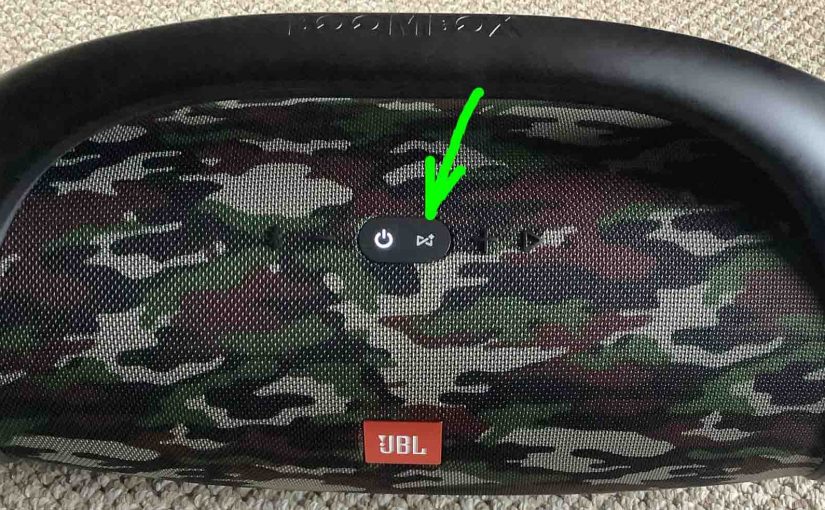
The JBL Boombox 1 power bank speaker has several buttons and lamps across its top, including the Infinity button. So here, we explain the function of this button, what it does, and how to use it. In summary, this switch lets you join from two to over a hundred JBL speakers together, such that they…
-
JBL Boombox 1 Battery Capacity mAh
Here we list details about the battery inside the JBL Boombox 1 power bank wireless speaker, including capacity, dimensions, mAh, and voltage values as well as and play time per charge. Also, the mAh or milliamp-hour value tells us how long the battery will supply enough energy based on the amount of current drawn from…