Tag: I
-
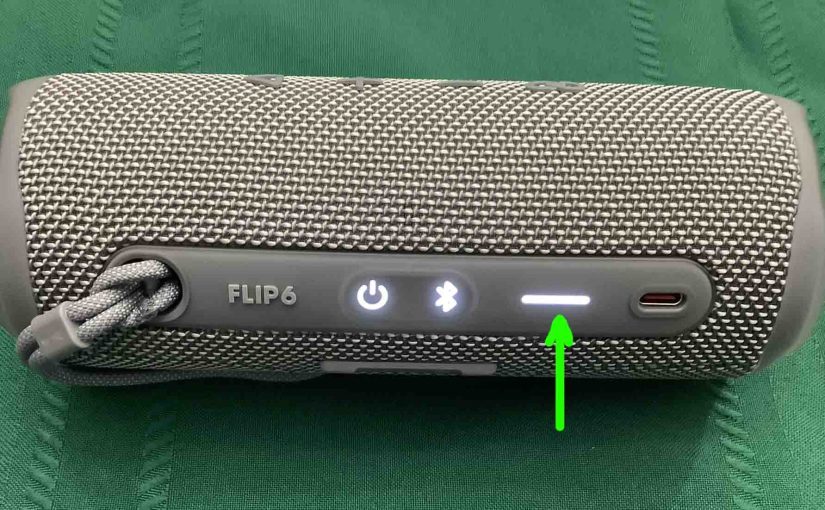
How Do I Know If My JBL Speaker is Fully Charged
Here, we answer the typical question: How Do I Know If My JBL Speaker is Fully Charged? That way you get maximum playing time from it when you take it outside. The unit comes equipped with a visual battery status meter that you can know with a glance, how full the battery is approximately. Unfortunately…
-
How Do I Know My JBL Speaker is Fully Charged
Here, we answer the typical question: How Do I Know My JBL Speaker is Fully Charged? That way you get maximum playing time from it when you take it outside. Most of these speakers have some sort of visual battery status meter that you can know with a glance, how full the battery is approximately.…
-
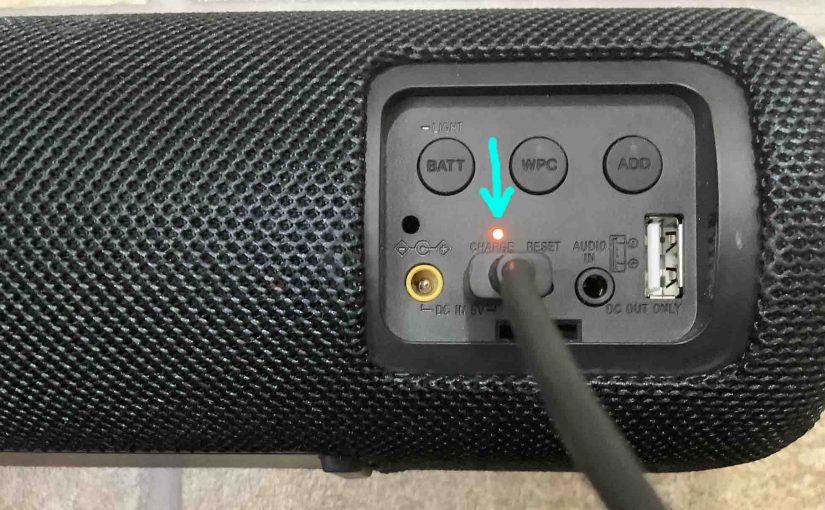
Can I Use Sony SRS XB41 While Charging
Answers the question: Can I Use My Sony SRS XB41 While Charging? Well, yes. You recharge this speaker easily through the micro USB power in port, behind the water resistant door in the rear of the unit, shown in the pictures below. Note that you can still play your XB41 while charging, without increasing the…
-
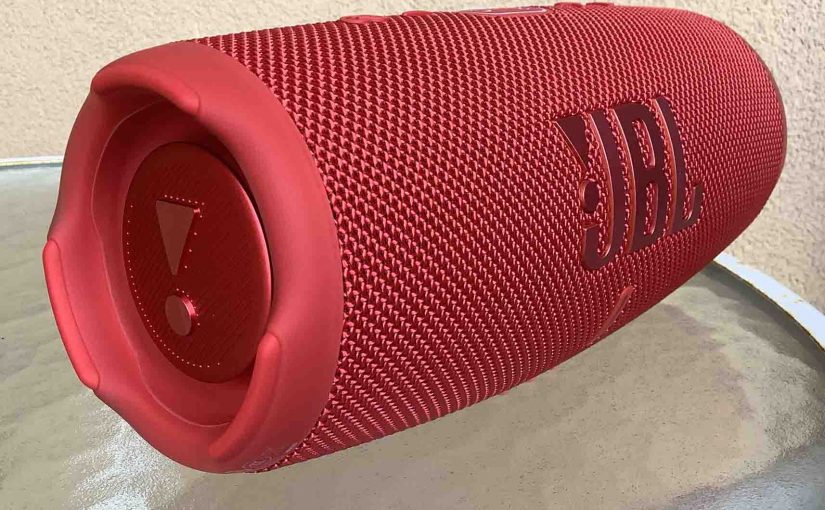
How Do I Know When My JBL Charge 5 Speaker Is Fully Charged
To answer the question: How Do I Know When My JBL Charge 5 Speaker Is Fully Charged ? First, check that your USB charger is big enough to do the job. Details below. Next, check all connections for trueness. So Connect the black USB-C cable that comes with the speaker between the Charge 5 and…
-
How Do I Reset My JBL Charge 5
Here, we answer the question: How Do I Reset My the JBL Charge 5? First, turn the 5 on. Next, wait for it to finish booting. Then press and release the Volume UP and Play-Pause buttons at the same time. Then wait for the unit to shut down. At this point, resetting is complete. So…
-
How Do I Know If My JBL Charge 5 Is Charging
Answers the question: How do I know if my JBL Charge 5 is charging? Well, you can tell this by running through the recharging routine and looking for the signs we mention below. Make the right connections, watch the lights, feel the warmth, and check for correct playtime after a full charge. Now you can…
-
How Do I Know When My JBL Charge 5 Is Fully Charged
To answer the question: How Do I Know When My JBL Charge 5 Is Fully Charged ? First, check that your USB charger is big enough to do the job. Details below. Next, check all connections for trueness. So Connect the black USB-C cable that comes with the speaker between the Charge 5 and charger.…
-
Can I Use My Echo Dot as a Bluetooth Speaker
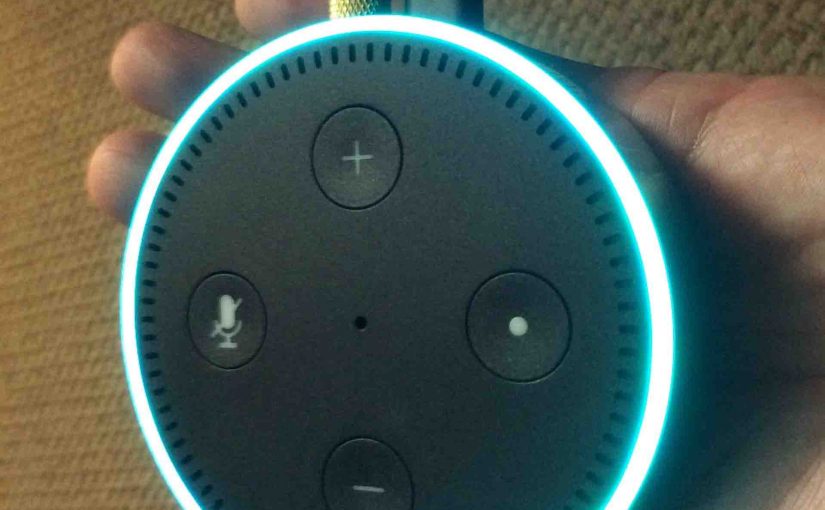
In this demo, we answer Can I Use My Echo Dot as a Bluetooth speaker, linked to an iPad Air tablet. This lets us play any audio that the iPad is playing, through the Amazon Dot. You might do this if you connect your Dot to your home stereo system for its great sound. And…
-
Can I Use Flip 6 While Charging
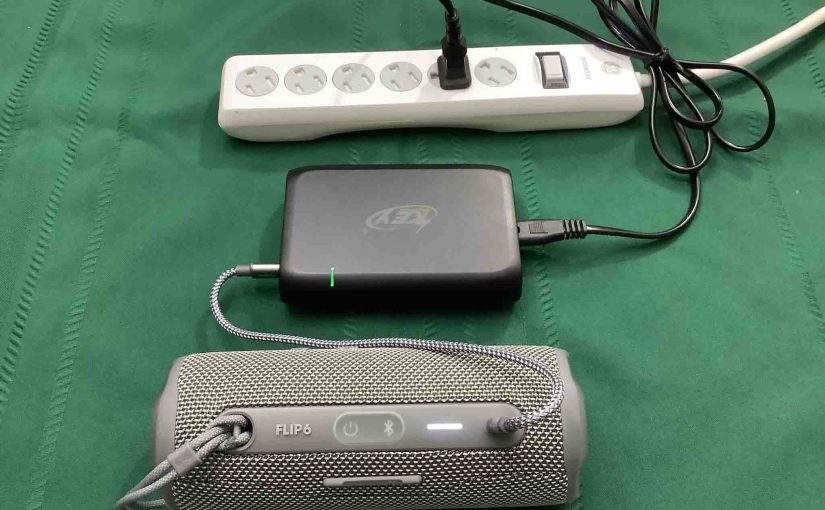
Answers the question: Can I Use Flip 6 While Charging? In short, yes. Now you recharge this Flip through the side-panel USB charging port. To summarize: First, pick the right size USB power adapter. Next, connect a thicker USB-C cable between the Flip 6 and the power supply you’re going to use. Next, insert the…
-
How Do I Put My Flip 6 in Pairing Mode
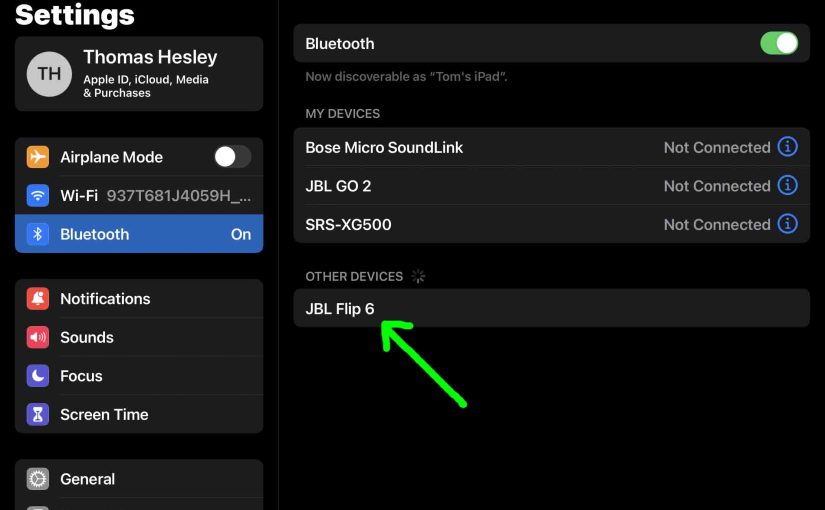
In pairing mode, the speaker broadcasts its Bluetooth name and current linkage data. Receiving source devices need this information to connect. So in this post, we explain How Do I Put My Flip 6 in Pairing Mode. That way you can join it to phones, tablets, computers, and smart speakers. How Do I Put My…