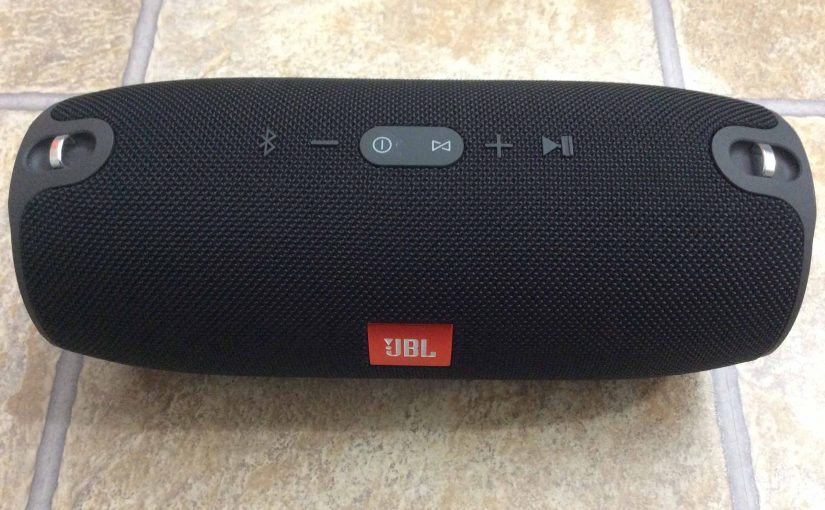
The JBL Xtreme 1 has a row of LEDs across its lower front panel. These display battery fullness and charging status. In short, the JBL Xtreme 1 Charging Indicator lets you see charging progress. Then when not charging, it shows how full the battery is. We explain how to read this meter next. JBL Xtreme … Continue reading JBL Xtreme 1 Charging Indicator
Tag: JOB Xtreme 1
JBL Xtreme 1 Extra Bass Mode
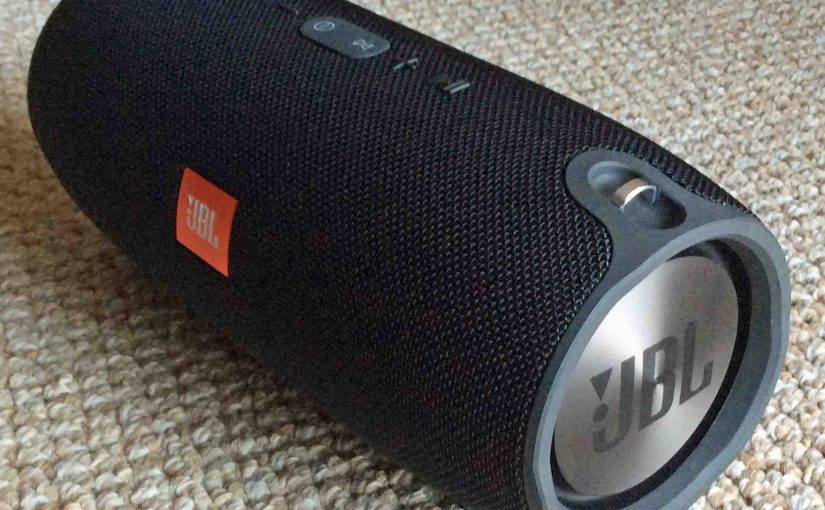
Change how much rumble you get on the JBL Xtreme 1, by turning on and off its Extra Bass mode. When ON, this mode makes the passive bass radiators vibrate much more. And many of you would enjoy this. It indeed adds a low rumble quality to the playing program, that travels pretty far from … Continue reading JBL Xtreme 1 Extra Bass Mode
JBL Xtreme 1 Low Frequency Mode
Change how much rumble you get on the JBL Xtreme 1, by turning on and off its low frequency mode. When ON, this mode makes the passive bass radiators vibrate much more. And many of you would enjoy this. It indeed adds a low rumble quality to the playing program, that travels pretty far from … Continue reading JBL Xtreme 1 Low Frequency Mode
JBL Xtreme 1 Not Showing Up on Bluetooth
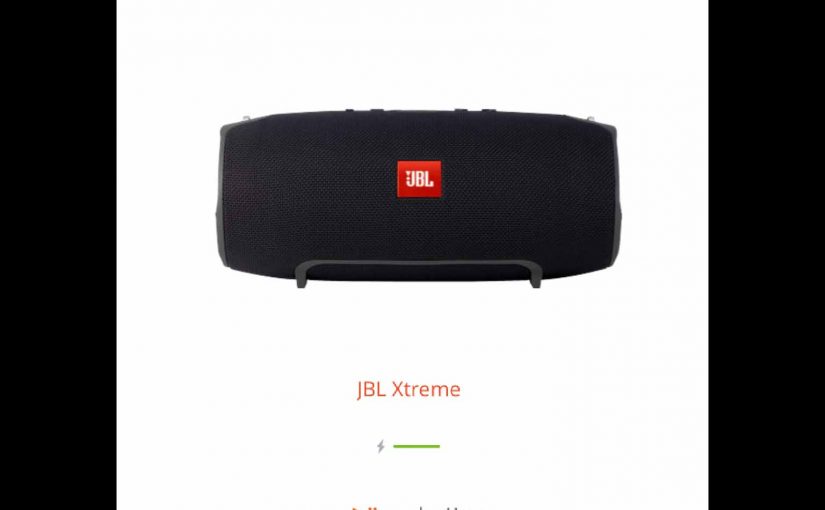
When you find the JBL Xtreme 1 Not showing up on Bluetooth, this likely means one or more things. The device and speaker are too far away from each other. Out of range. So move them to within a few feet of one another before attempting to pair. Charging is not working correctly. So the … Continue reading JBL Xtreme 1 Not Showing Up on Bluetooth
How to Charge JBL Xtreme 1
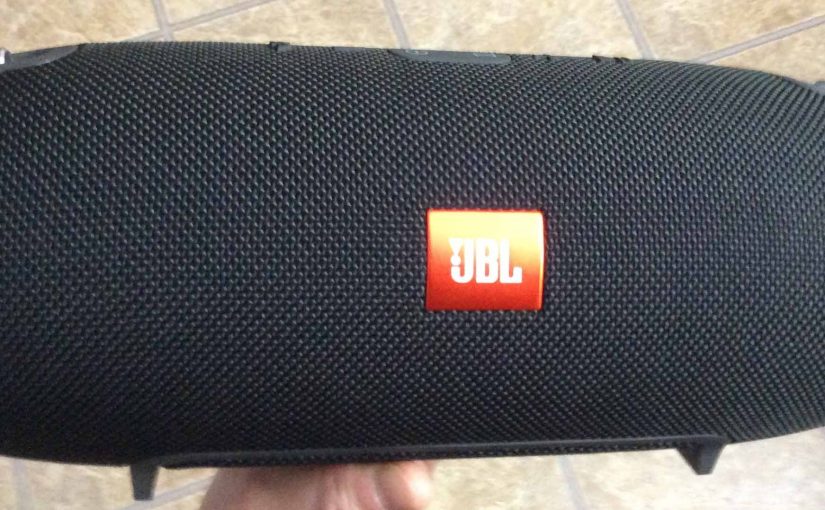
Explains how to charge the JBL Xtreme 1 through its DC input port and the included 19 volt adapter. How to Charge JBL Xtreme 1: Summary In short, first, we suggest that you charge the Xtreme 1 with the included JBL charger. Why? Because this charger meets the speaker’s current needs, and is provided by … Continue reading How to Charge JBL Xtreme 1