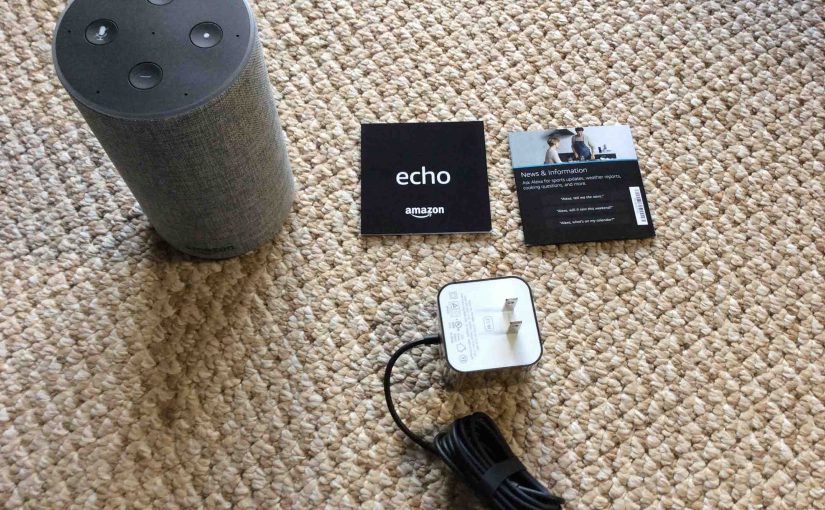
Pretty simple unboxing the Amazon Echo Generation 2 Alexa smart speaker. So it’s very easy to unpack, power up, and prepare it for setup, as we’ll show next.
For our low vision and blind readers.
This improved version of the Alexa enabled Amazon Echo speaker comes in a turquoise box. Plus, this carton has pictures of the speaker on the front. It also has printed lists of voice commands this smart speaker can do.
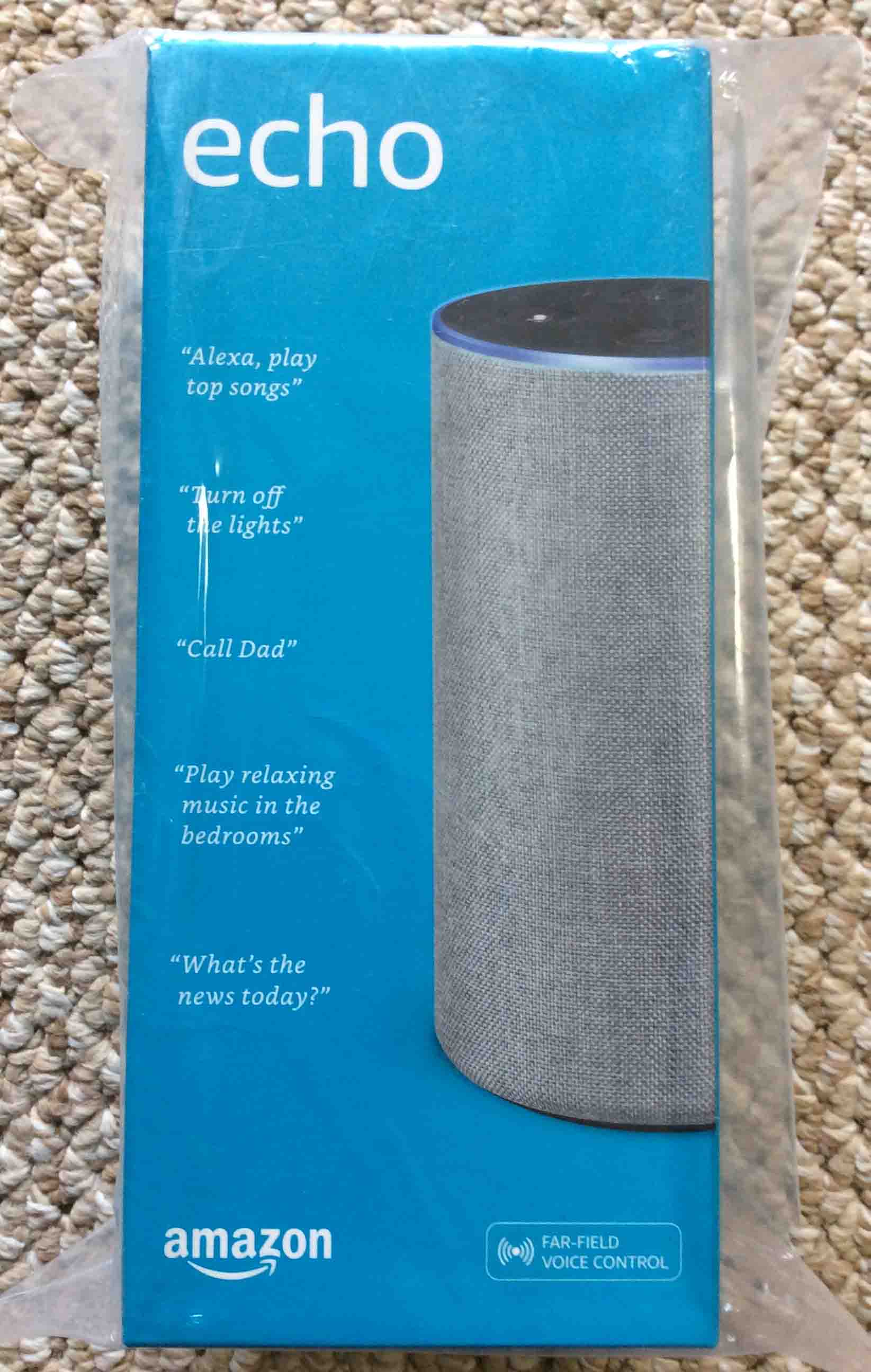
So now, to the unboxing.
Unboxing the Amazon Echo Generation 2 Smart Speaker
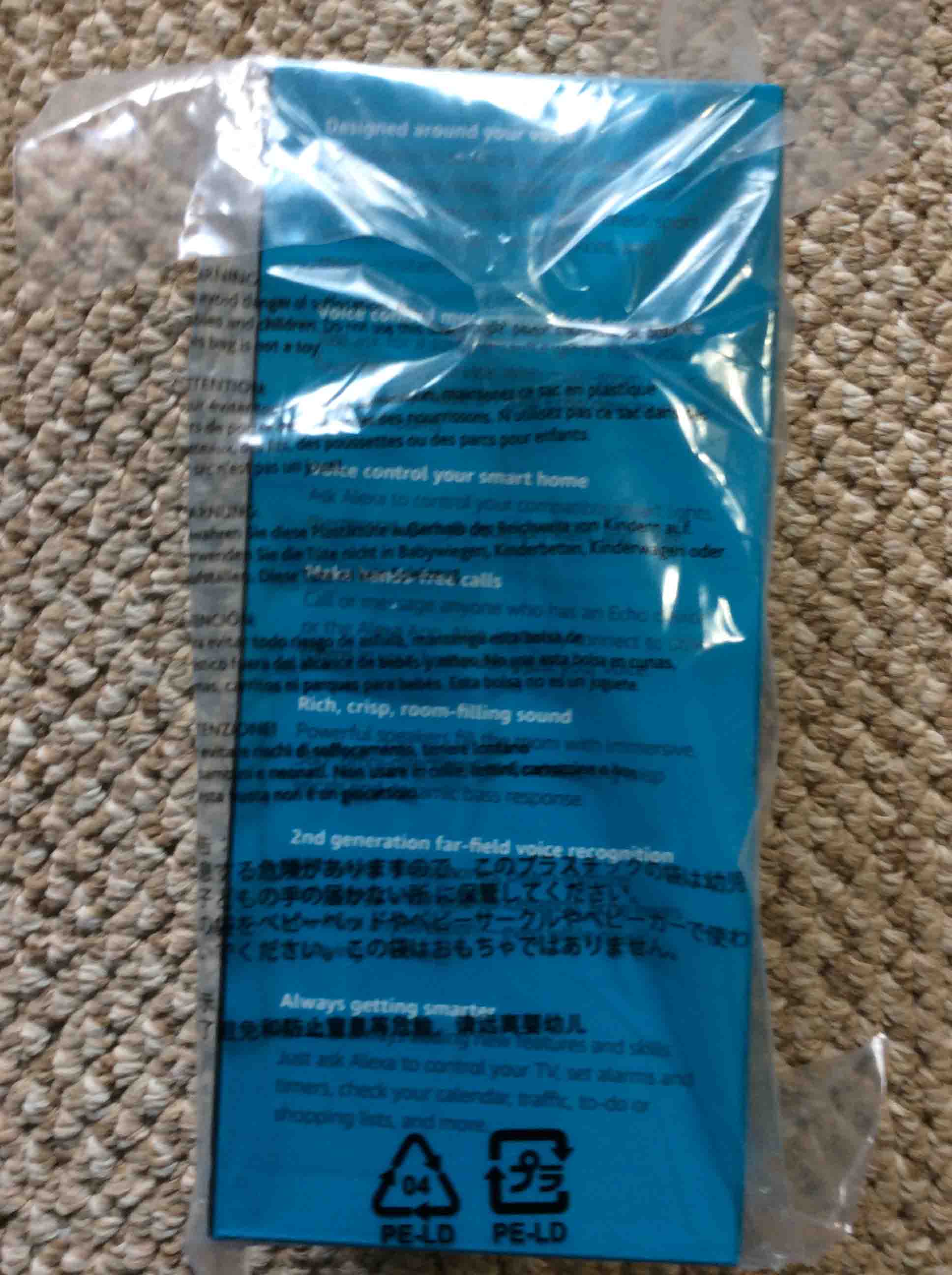
1. Remove Outer Box from Plastic Bag
Firstly, find the tape that holds the bag closed, as shown in the next picture.
Then, gently pull an end of it until it pulls away from the bag.
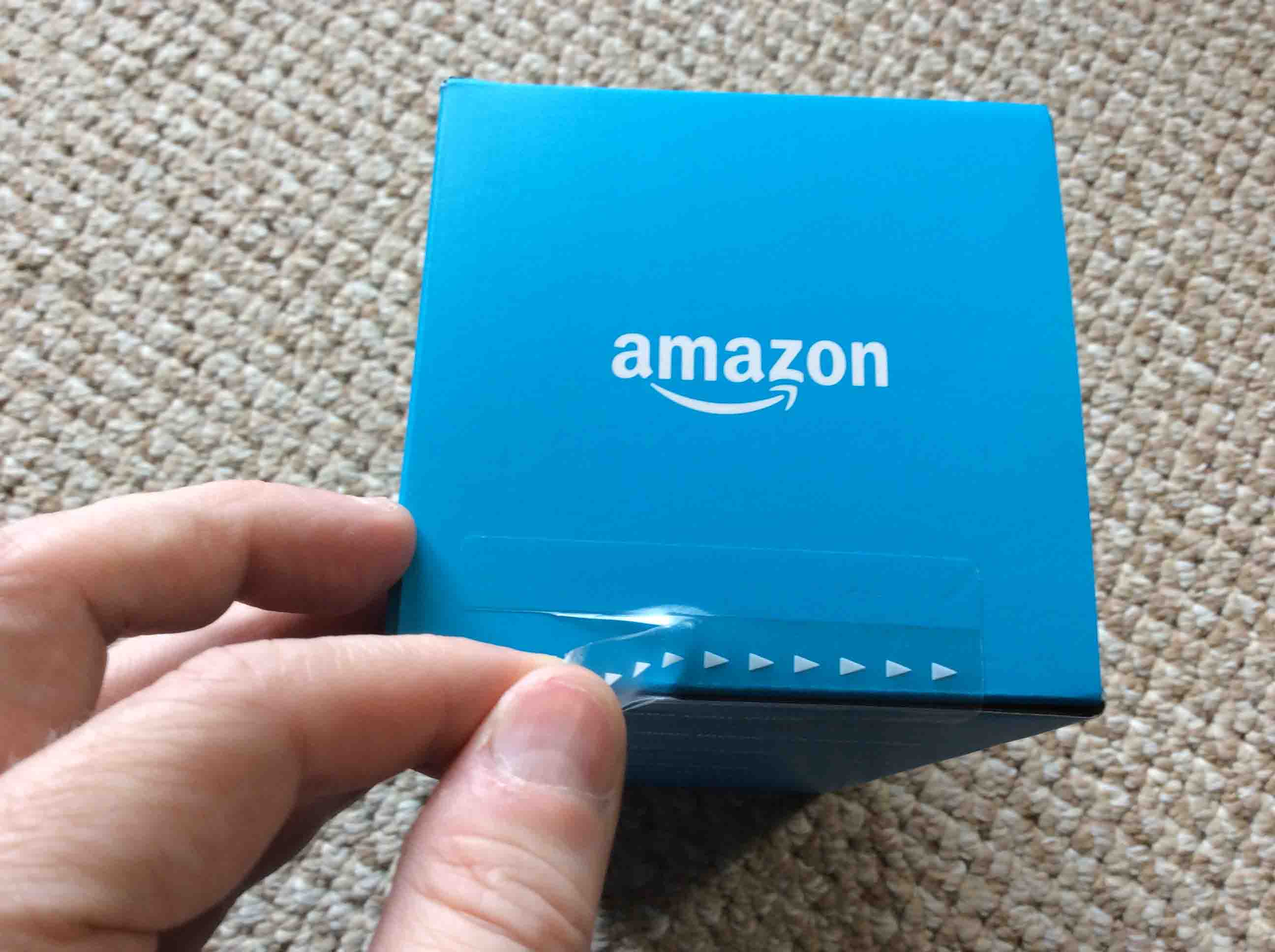
2. Find the Sealing Tape on the Outer Box
Secondly, see a tab near the left edge of the box. Now this tab makes for easier tape peel off.
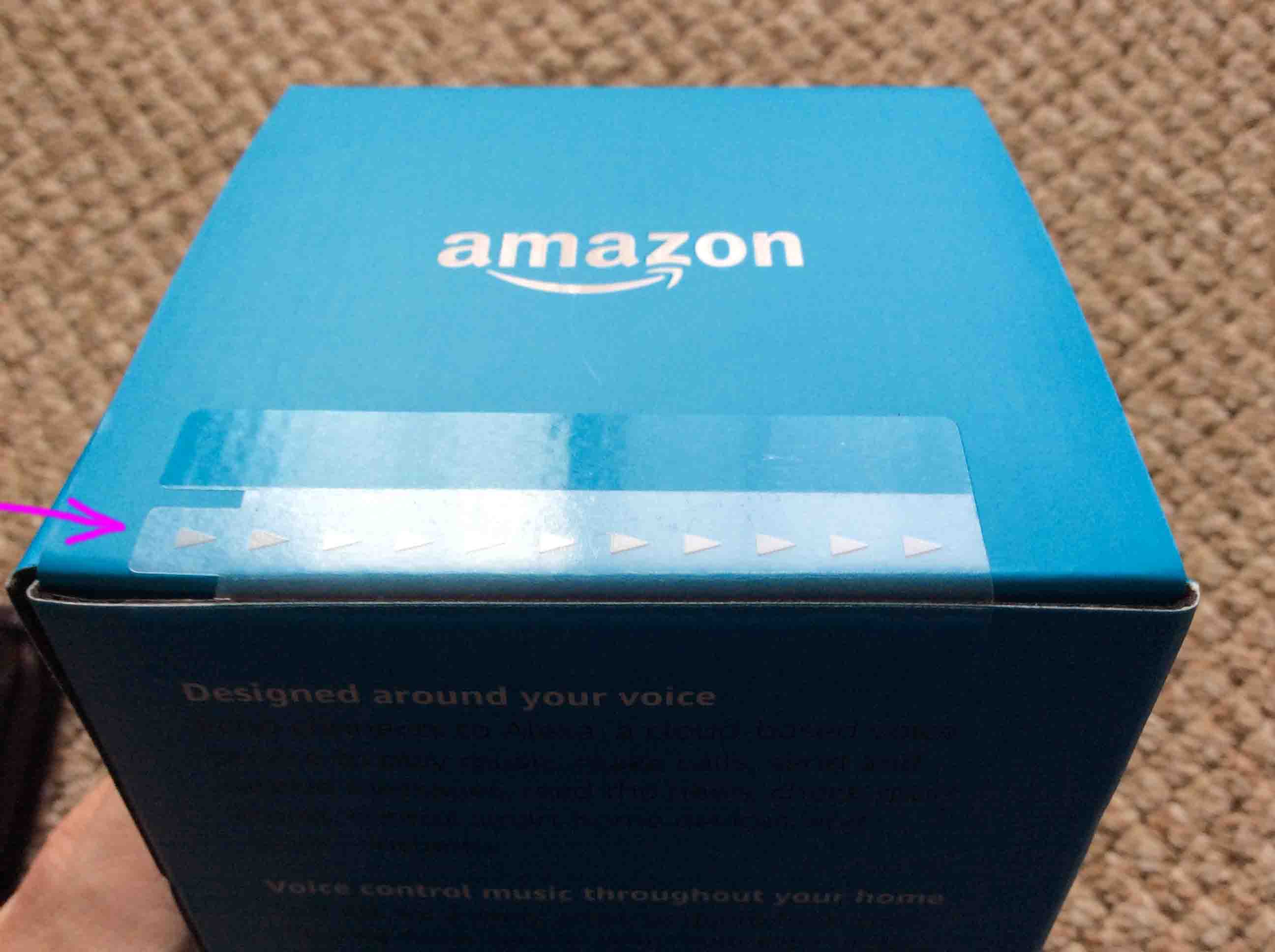
3. Strip Off the Sealing Tape to Continue with Unboxing the Amazon Echo Generation 2
Shown next.
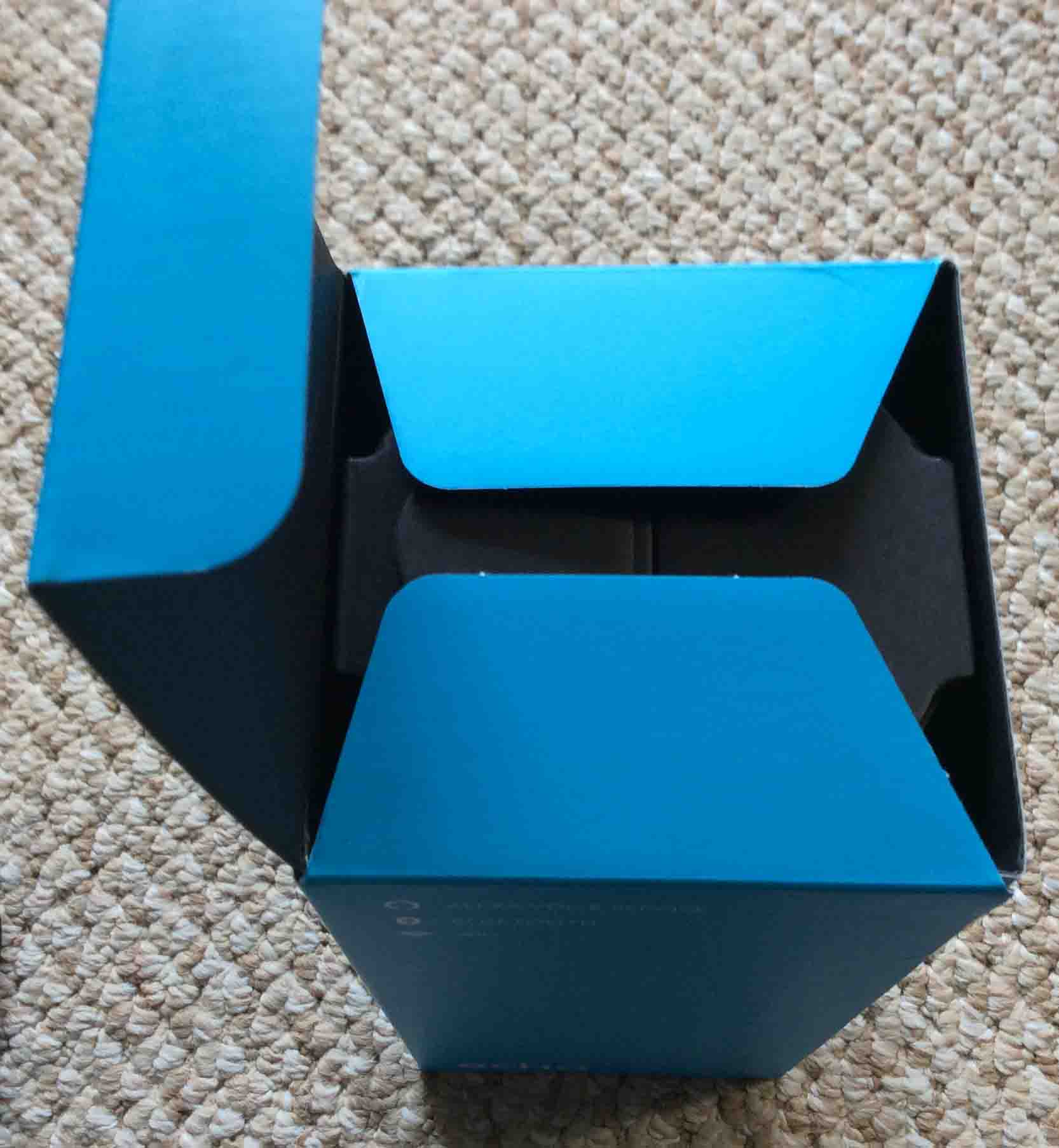
4. Lift Up the Box Top
Fourthly, flipping open the box top reveals a black, inner packing carton.
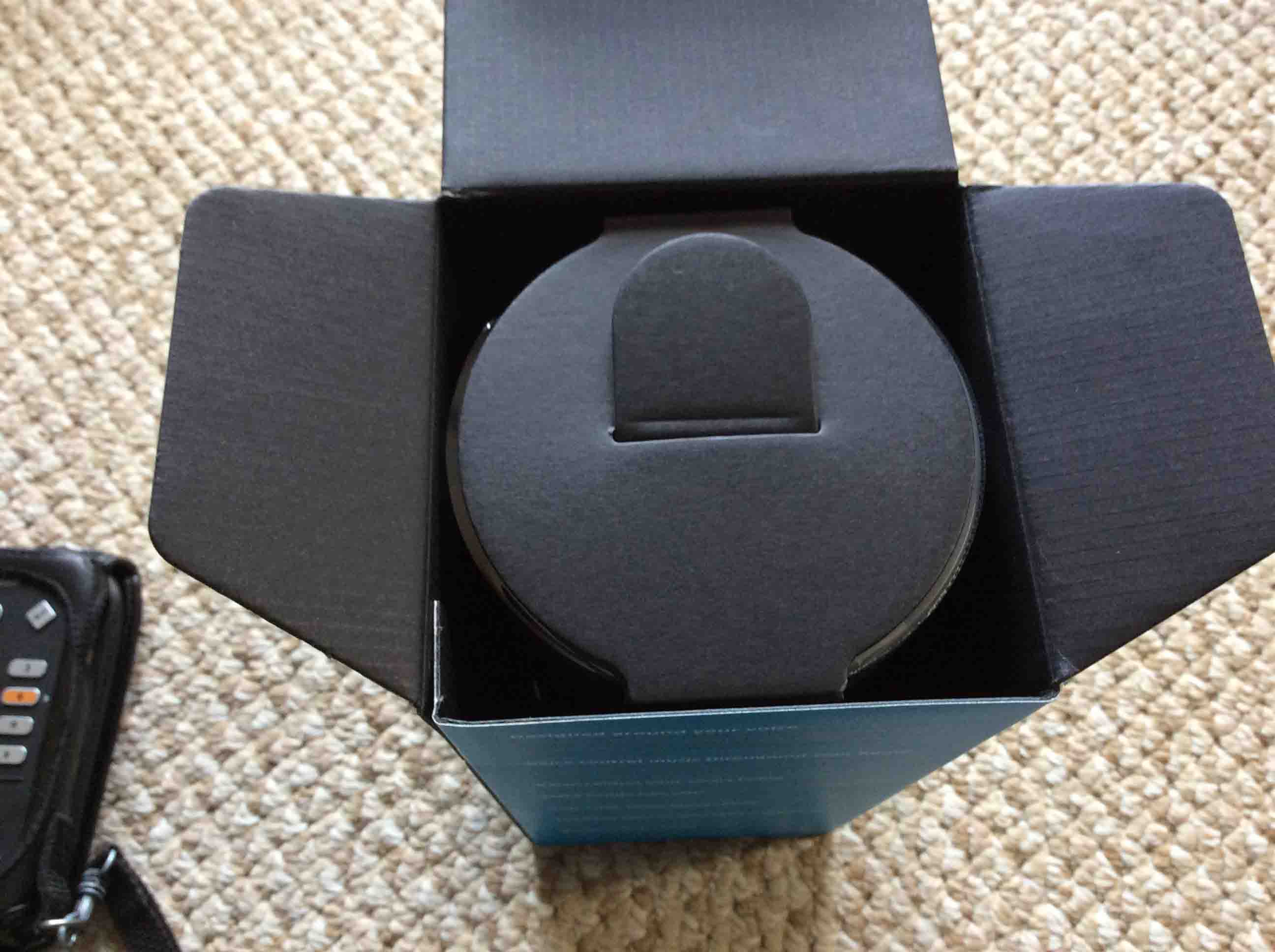
5. Find the Pull Tab on the Inner Carton
Moreover, they provide this tab to allow easy pulling out of the inner carton from the outer box.
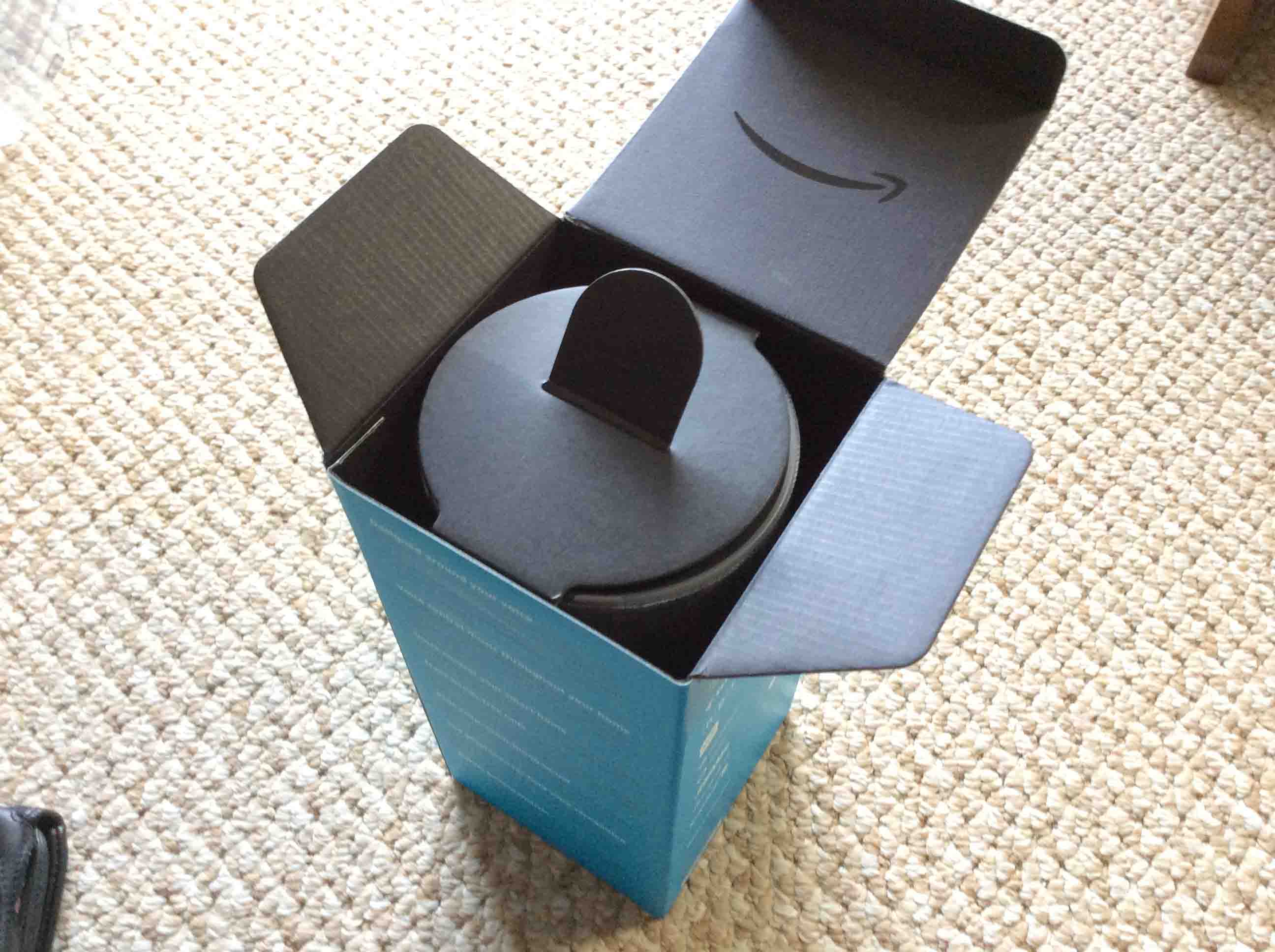
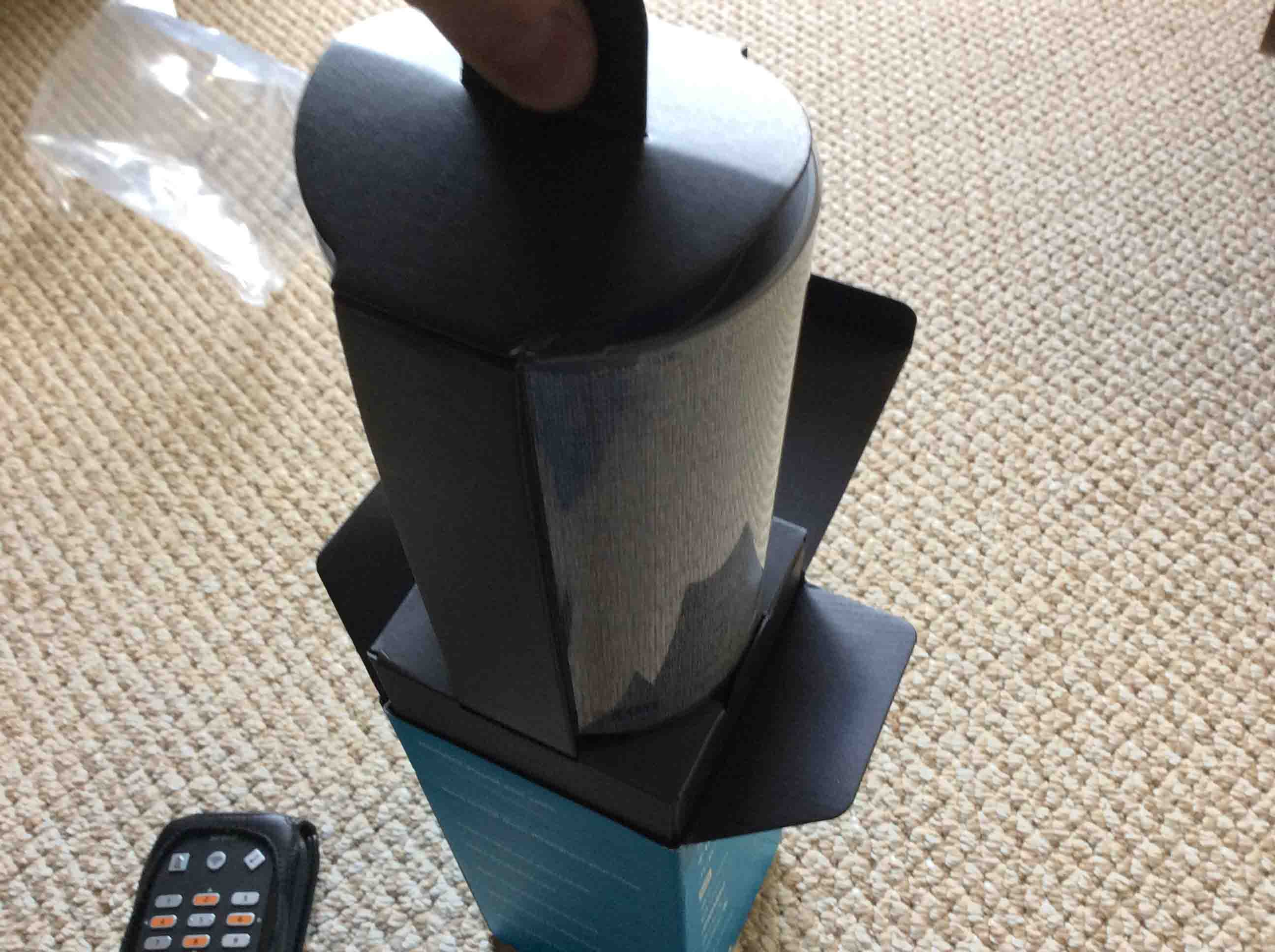
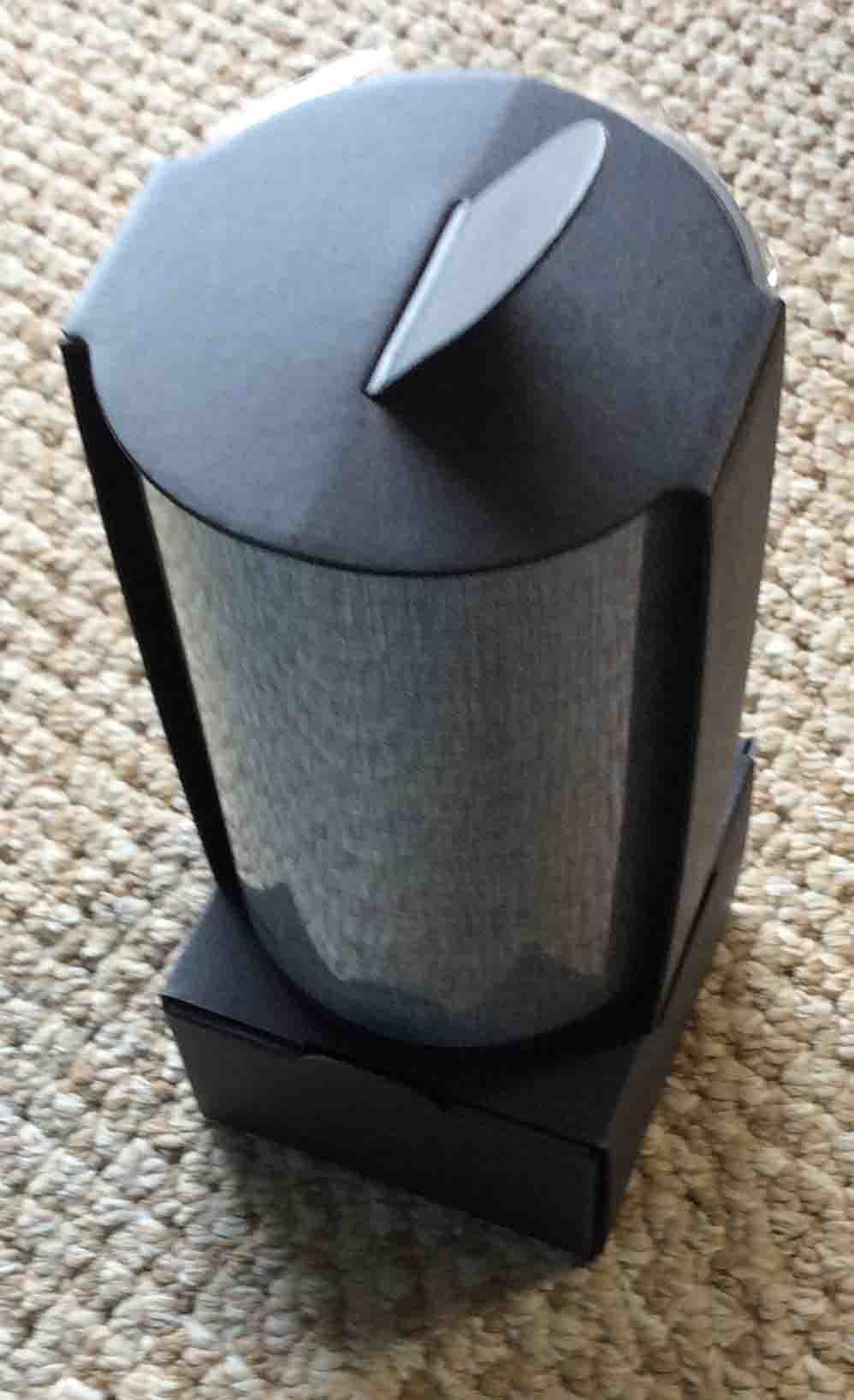
6. Lift the Echo 2 Inner Carton Out of the Outer Box to Continue with Unboxing the Amazon Echo Generation 2 Speaker
Pull out the inner carton as shown next. Grasping the tab on the inner carton top. But hold the outer box in place with the other hand. Then, gently pull the black carton out.
7. Remove the 2nd Gen Echo Speaker from the Inner Carton
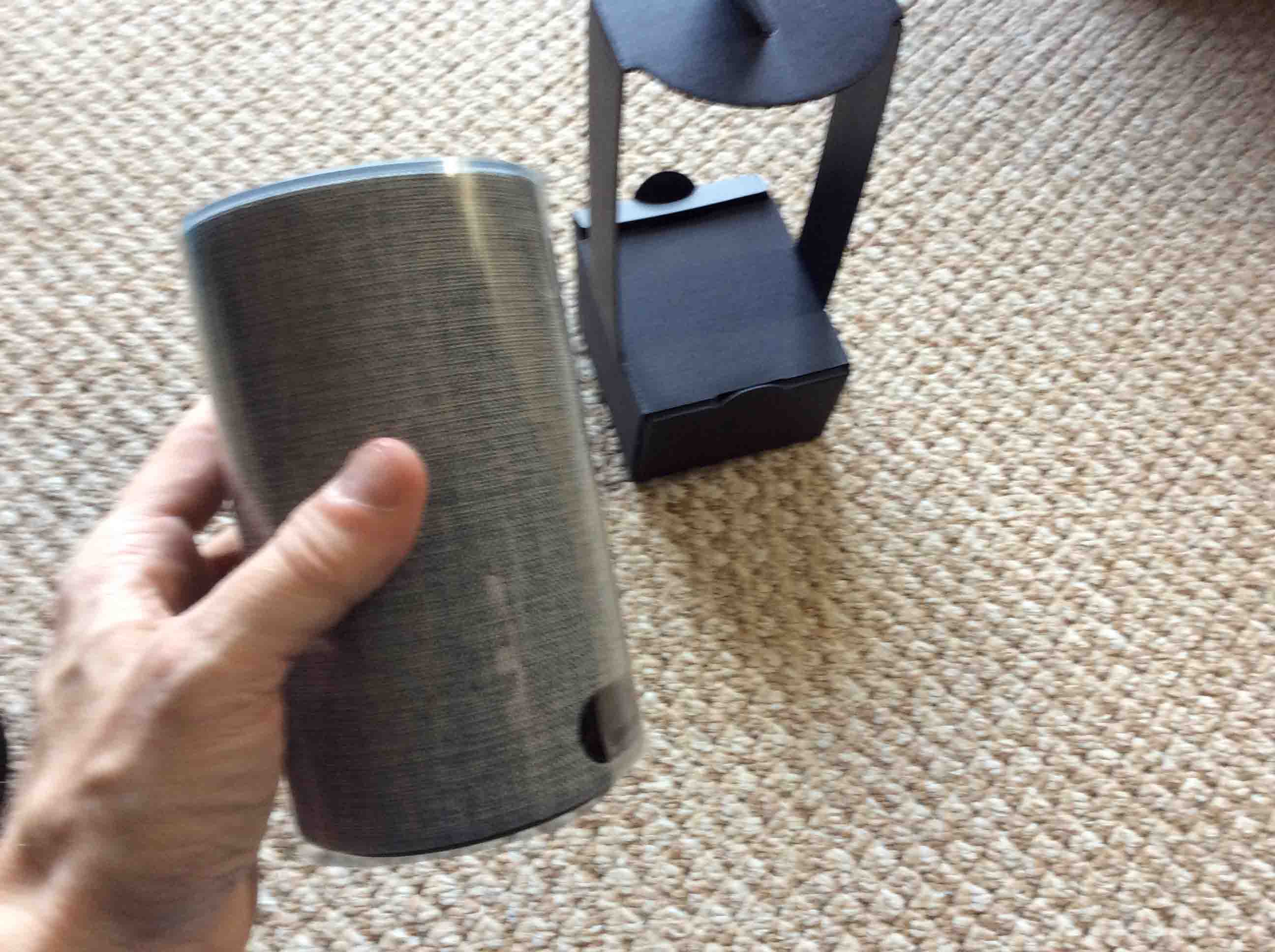
Take the speaker out as shown next.
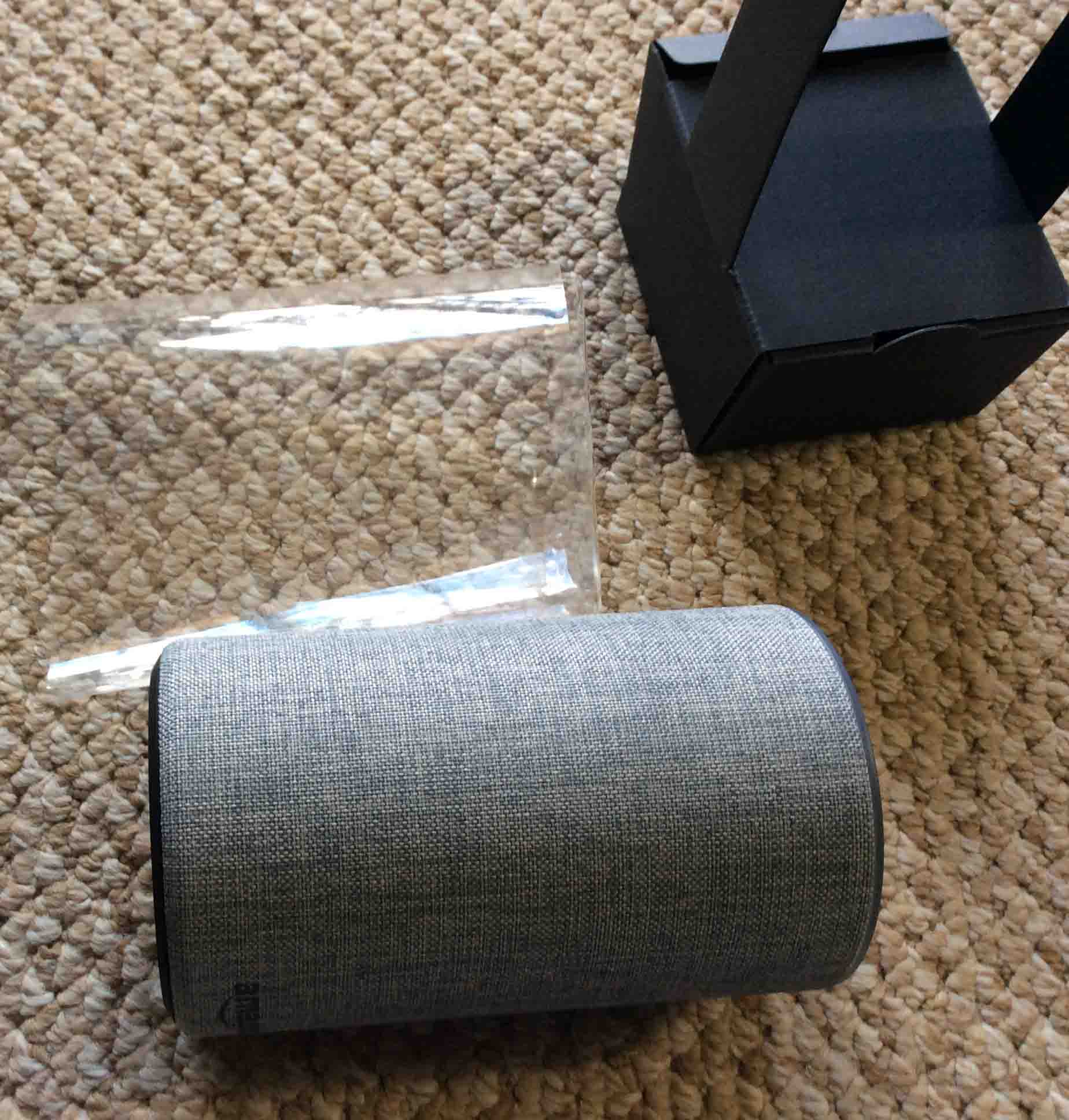
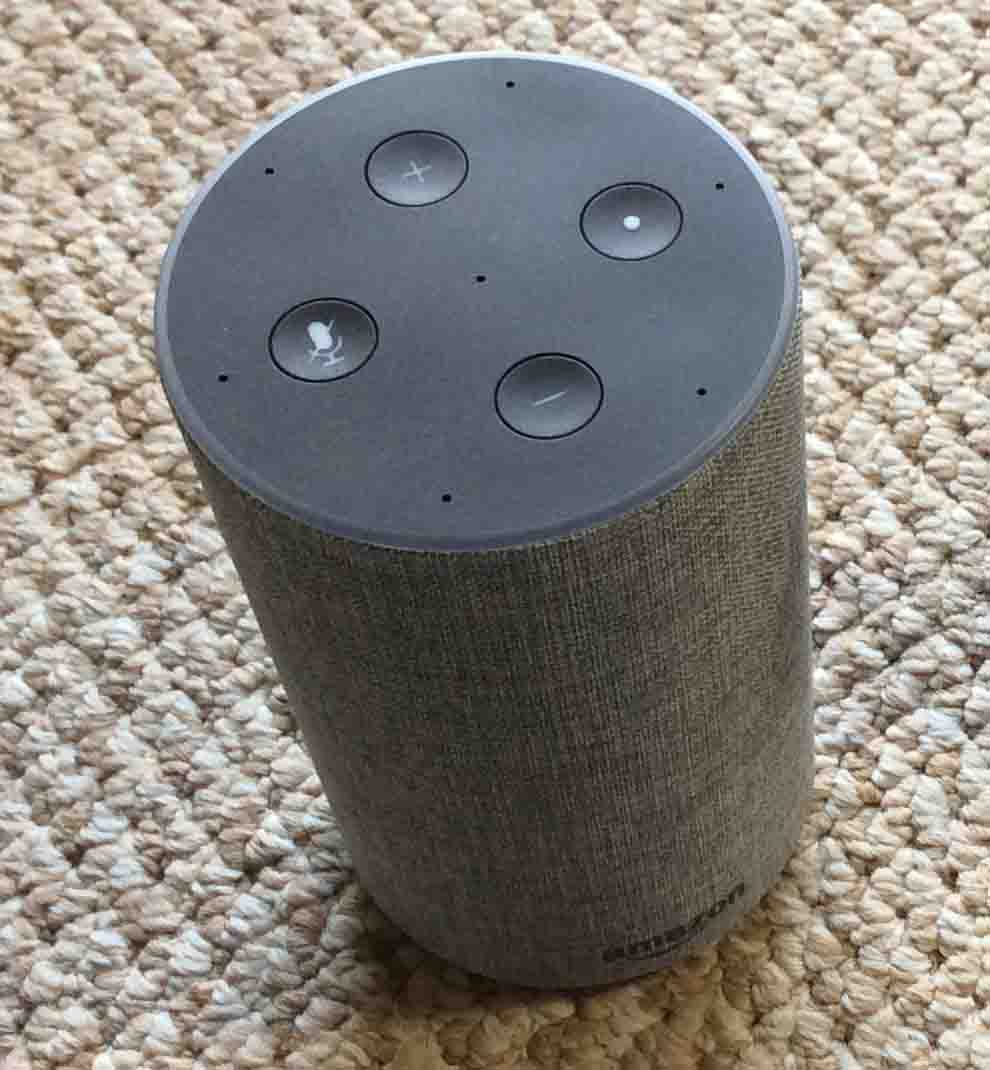
8. Remove Plastic Wrap from Echo Gen 2 Speaker
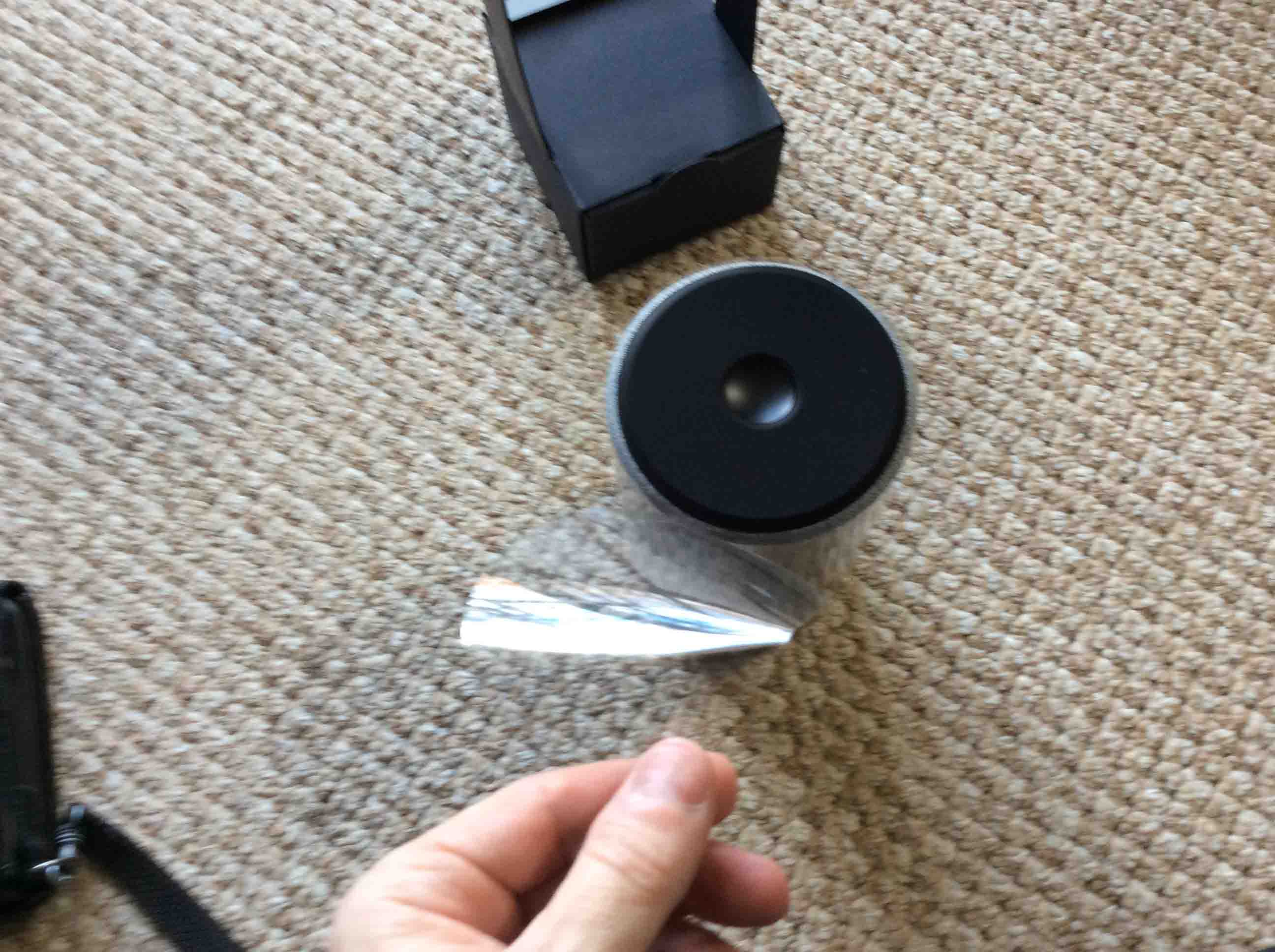
Then unwrap the Echo 2 speaker as shown in the next pictures.
9. Remove the Power Adapter and Pamphlets to Continue with Unboxing the Amazon Echo Generation 2
Furthermore, find these in the box part of the inner carton, as shown next.
10. Check that you got Everything you’re Supposed to Receive
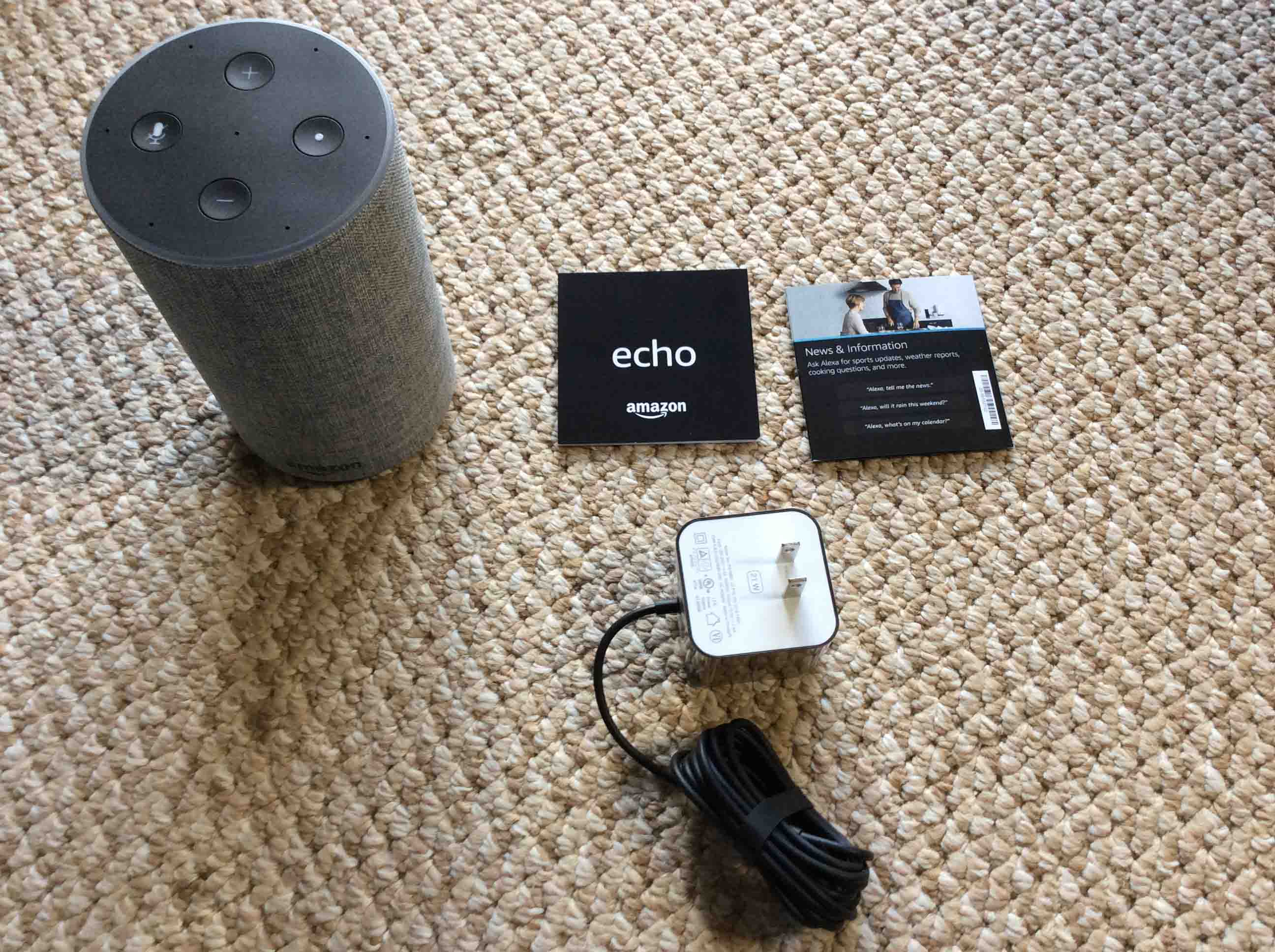
As we show next, you should have the following items.
- The Echo Gen 2 speaker.
- The power adapter.
- A couple of pamphlets with getting-started instructions and other important info.
Connecting After Unboxing the Amazon Echo Generation 2
11. Connect the Power Adapter to the Speaker DC Power Port
Unwrap and lay out flat this cord first.
Then, insert the DC power plug. This is the small end of the power adapter cable. Put that into the power port on the speaker, as shown in the next picture.
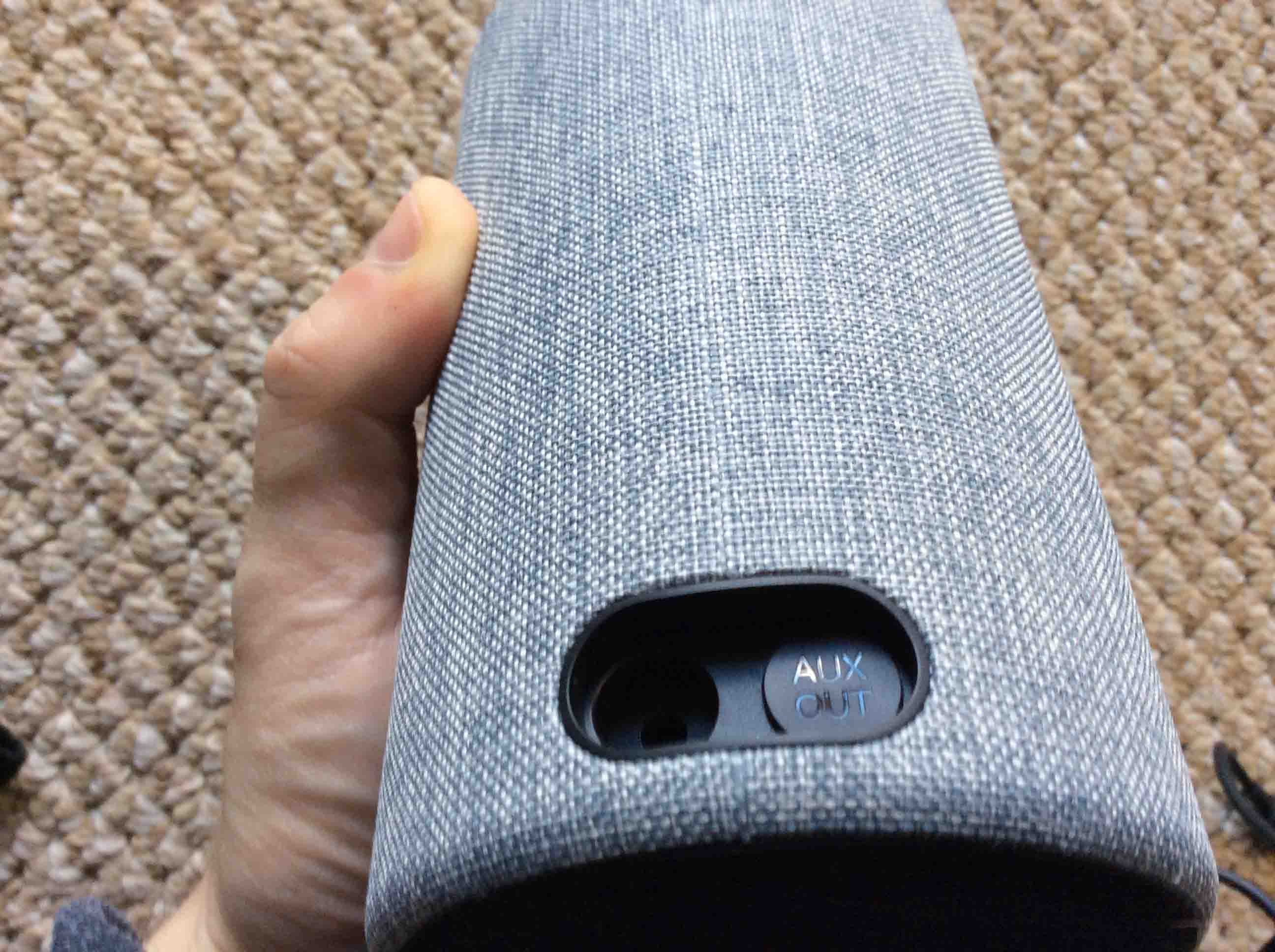
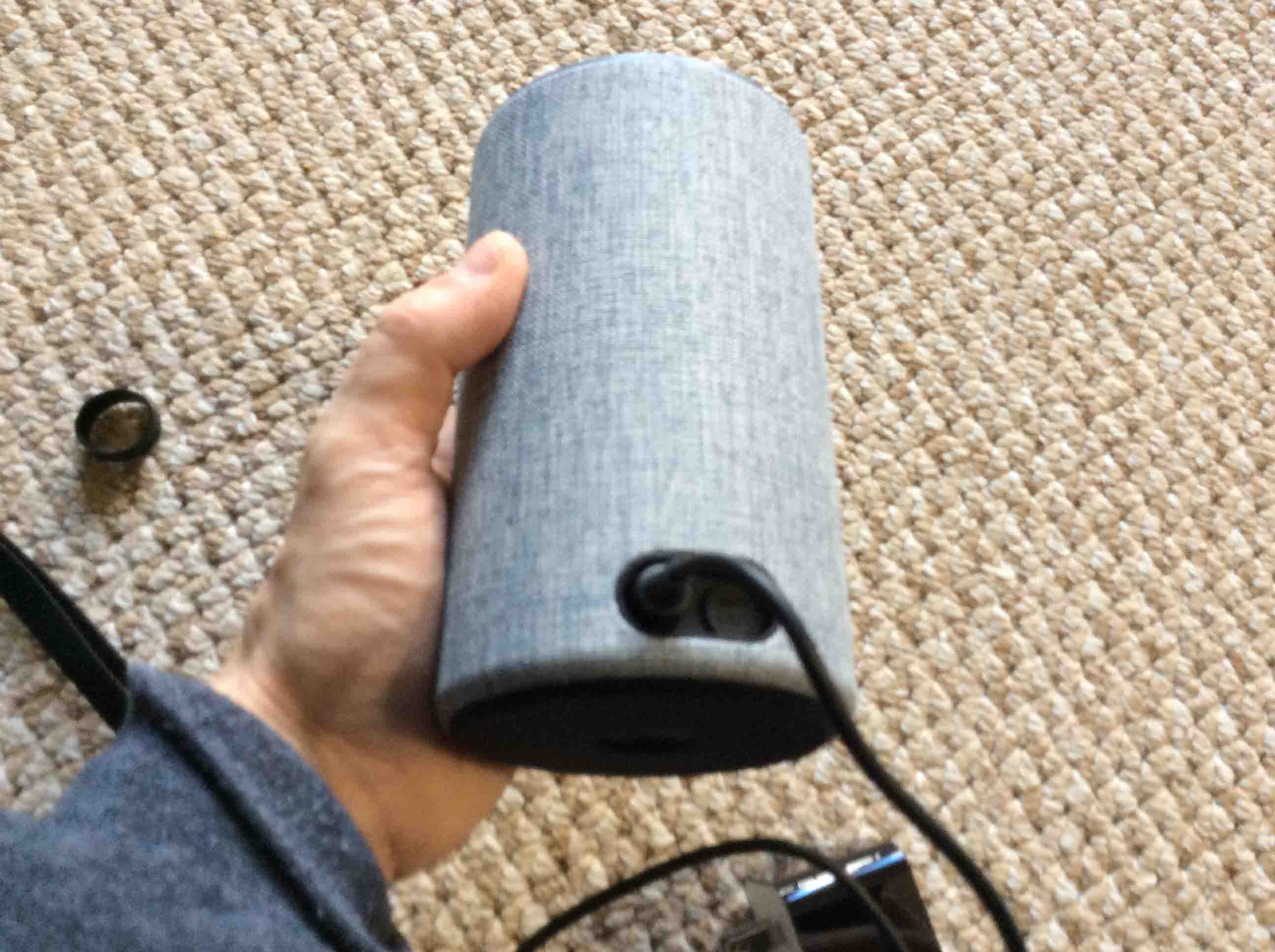
12. Then, Plug the Speaker into a Working AC Outlet
Power up the speaker as shown next.
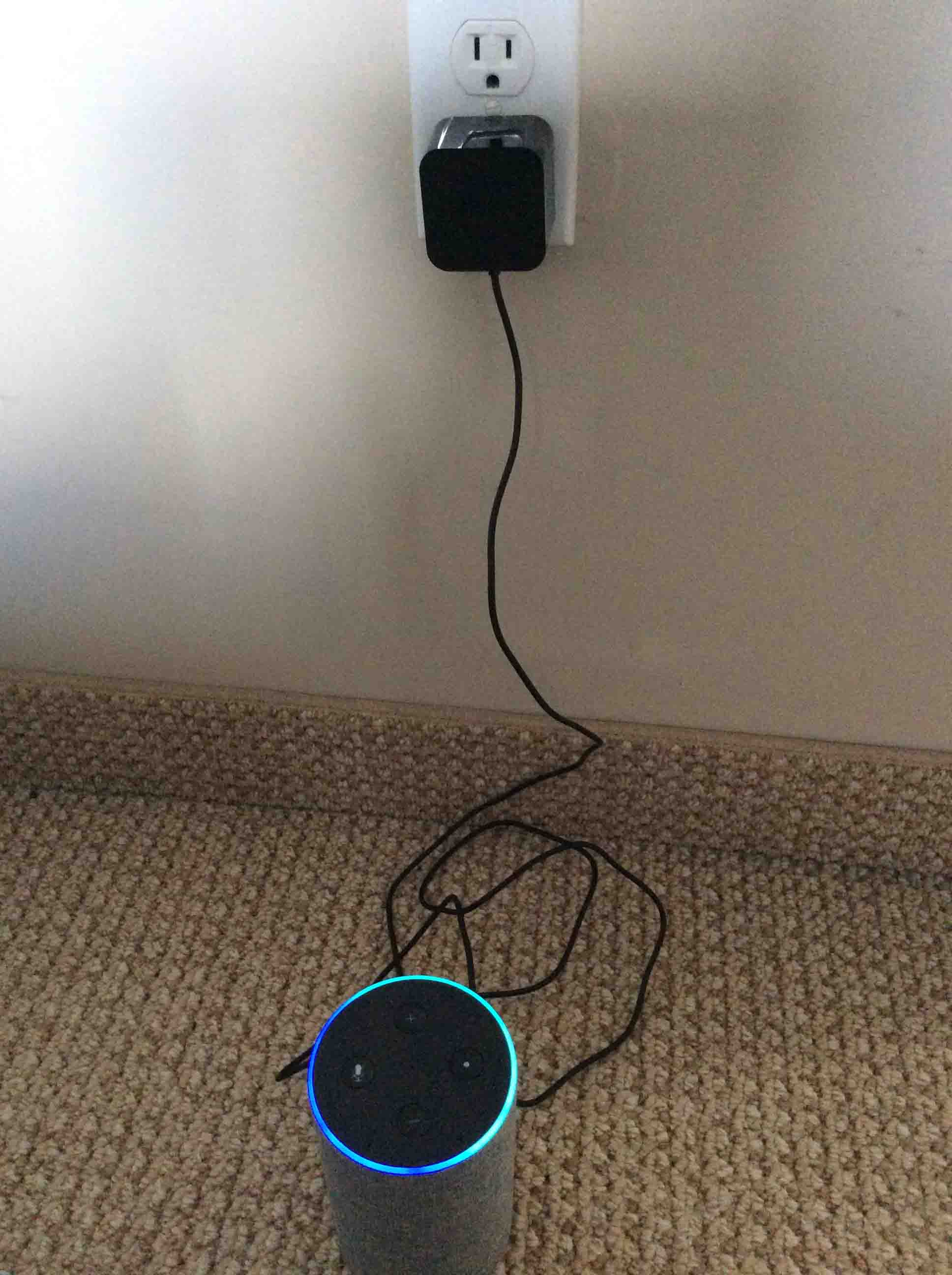
The speaker then boots up, as shown above, with its light ring aglow in blue and aqua.
After ten to twenty seconds, the Echo 2 then enters setup mode. See how it looks in this mode in the next picture. Note the orange-yellow spinning light blip around its light ring.
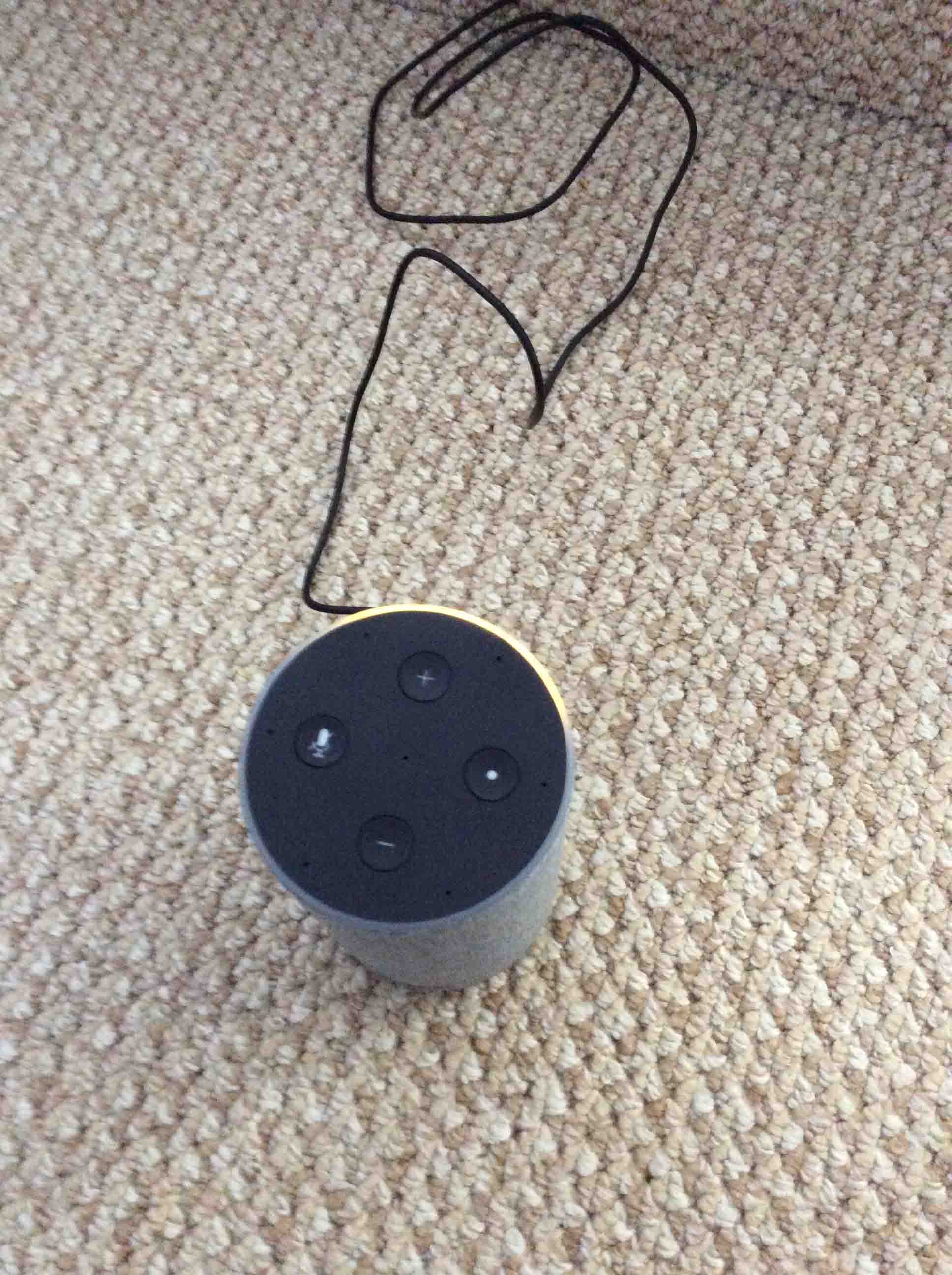
Now the orange-yellow glowing ring may not light after a minute or so. Or you might see a purple or other light pattern. In these cases, try resetting the speaker to factory default state.
But if you do see the orange-yellow light, then move on to the next step.
13. Setting Up your Amazon Gen 2 Echo Smart Speaker
Finally, echo 2 setup involves the following.
- Linking the Echo 2 to your Wi-Fi network.
- Registering it in the Alexa app.
- Setting speaker preferences.
Please see our Hook Up Alexa Smart Speaker to a New WiFi Router, How To post, that explains how to set up your new Echo 2.
Related Posts to Unboxing the Amazon Echo Generation 2
- Unboxing a Brand New Google Home Mini Smart Speaker
- Demo of Unboxing the Microsoft Invoke Cortana Smart Speaker
- Amazon Echo Gen 2 Smart Speaker Picture Gallery
- Unboxing the Samsung Galazy J7 Sky Pro Tracfone Smart Phone
- Where is the Reset Button on Amazon Generation 2 Echo Smart Speaker
References for Unboxing the Amazon Echo Generation 2
- Echo Dot (2nd Generation) – Smart speaker with Alexa – Black, Official Product Page on Amazon.com
- Echo (2nd Generation) – Smart speaker with Alexa – Charcoal Fabric, on Amazon.com
Revision History
- 2019-04-27: Added key phrase focus and more tags, and deleted the ad code scripts.
- 2017-12-07: Originally published.