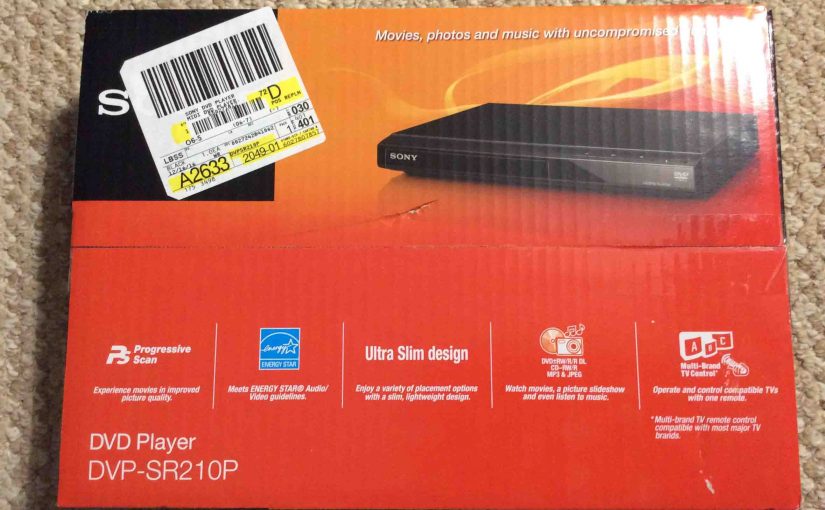
A customer recently asked that we install a DVD player onto her HD television, which, sadly, has only one open component video input. Fortunately though, this Sony DVP-SR210P DVD player offers a component video output. It costs very little (under $35 currently), and is simple to unbox and install. We detail here unboxing the Sony DVP SR210P CD DVD player, the accessories it comes with, and a few of its key features.
Unboxing Sony DVP SR210P CD DVD Player
We bought this DVD / MP3 / CD player at Walmart. Sony securely packaged it as shown in the next picture. The bright red box sports a picture of the player, and lists some of the unit’s abilities.
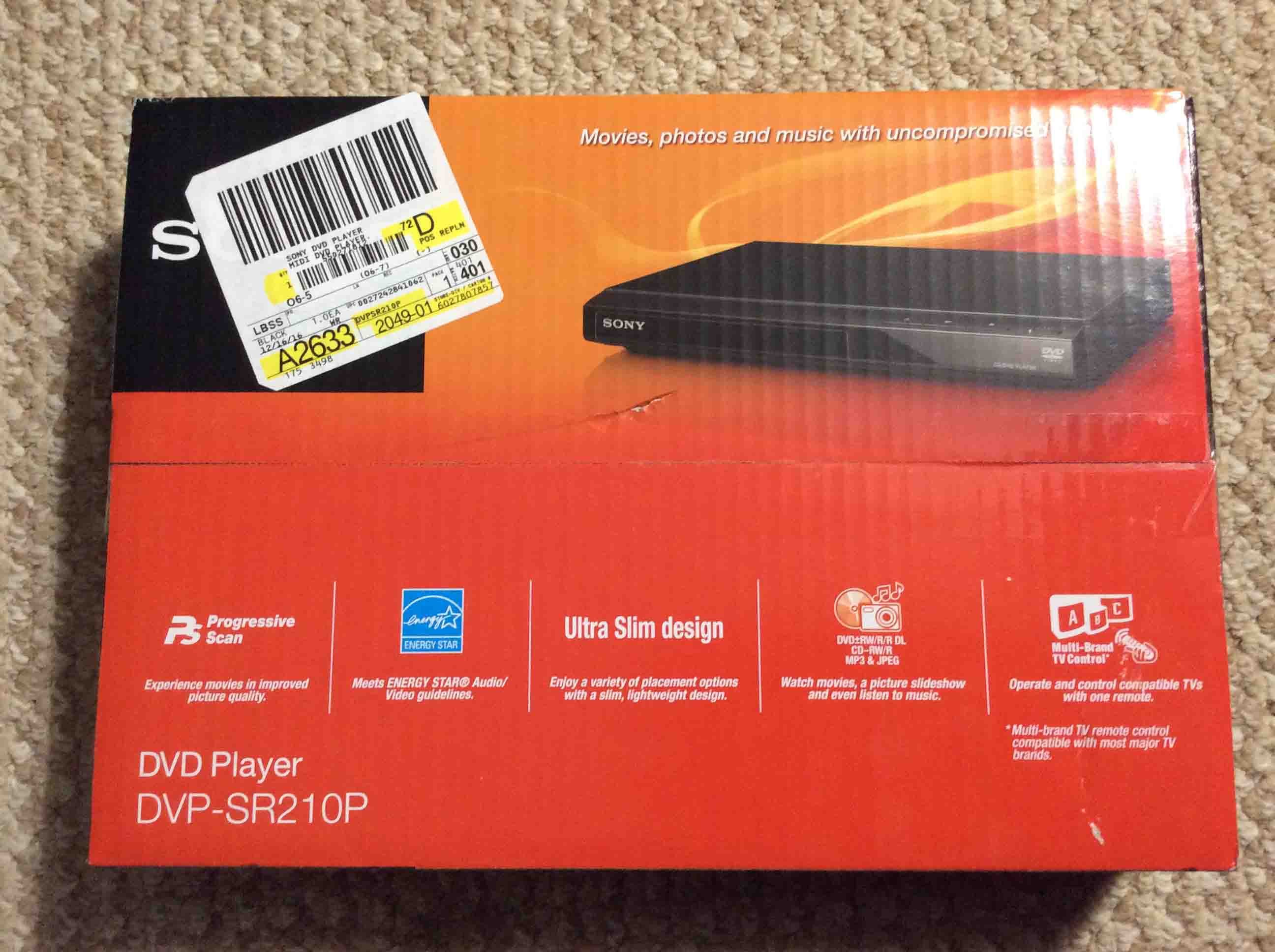
Cut Open the Box Top
The box is notably thin and light, even when fully packed. We thought at first that it might be empty. But it wasn’t, as we found, when we slit the tape that fastens the two flaps together on the carton top, and pulled them open to reveal the contents inside, as shown next.
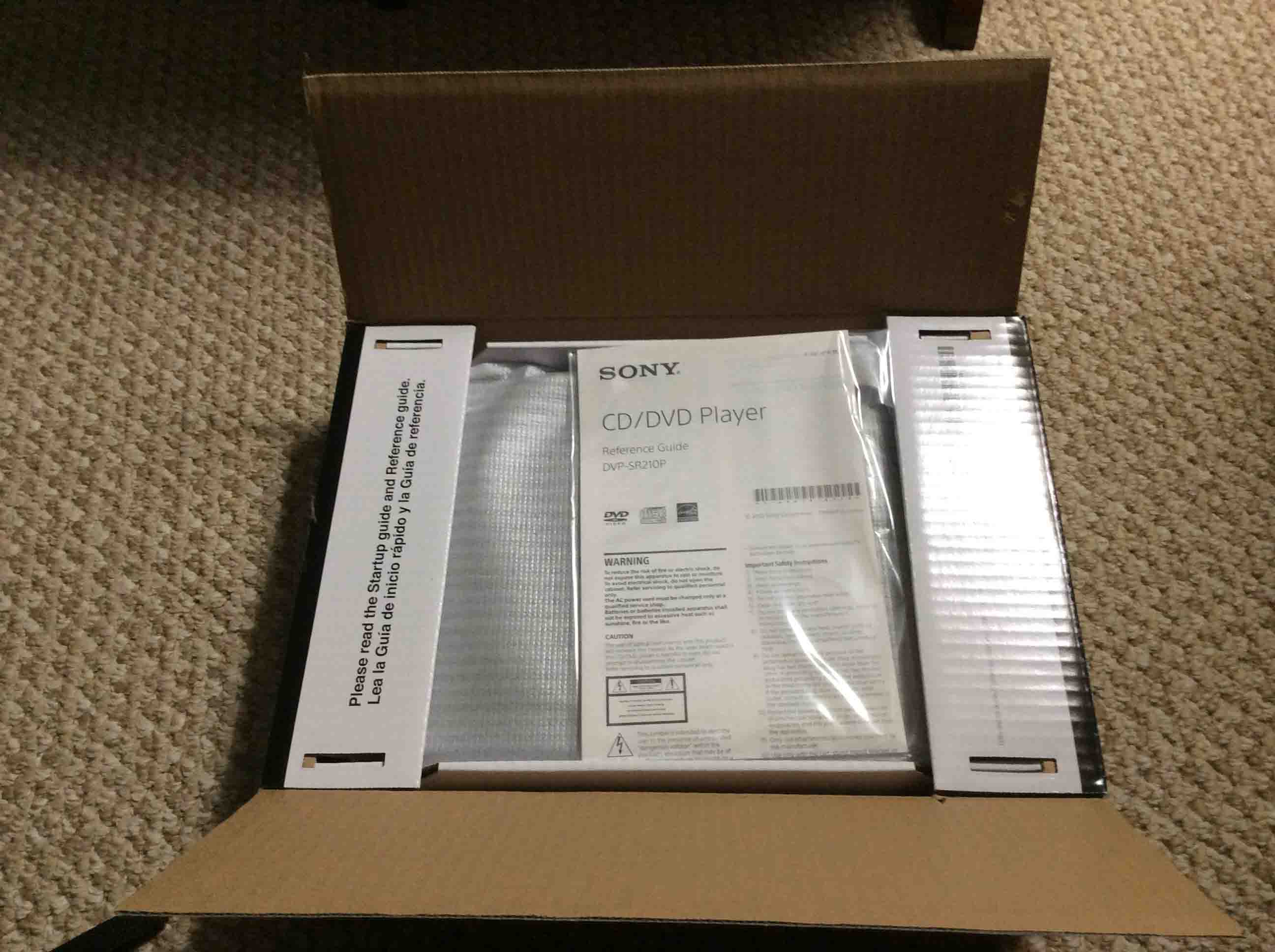
Lift Up the Side Flaps when Unboxing the Sony DVP SR210P
The inside of the box has two inner flaps. When folded, these serve as shock-absorbing spacers. They stop the DVD player between them, from flopping about in shipment.
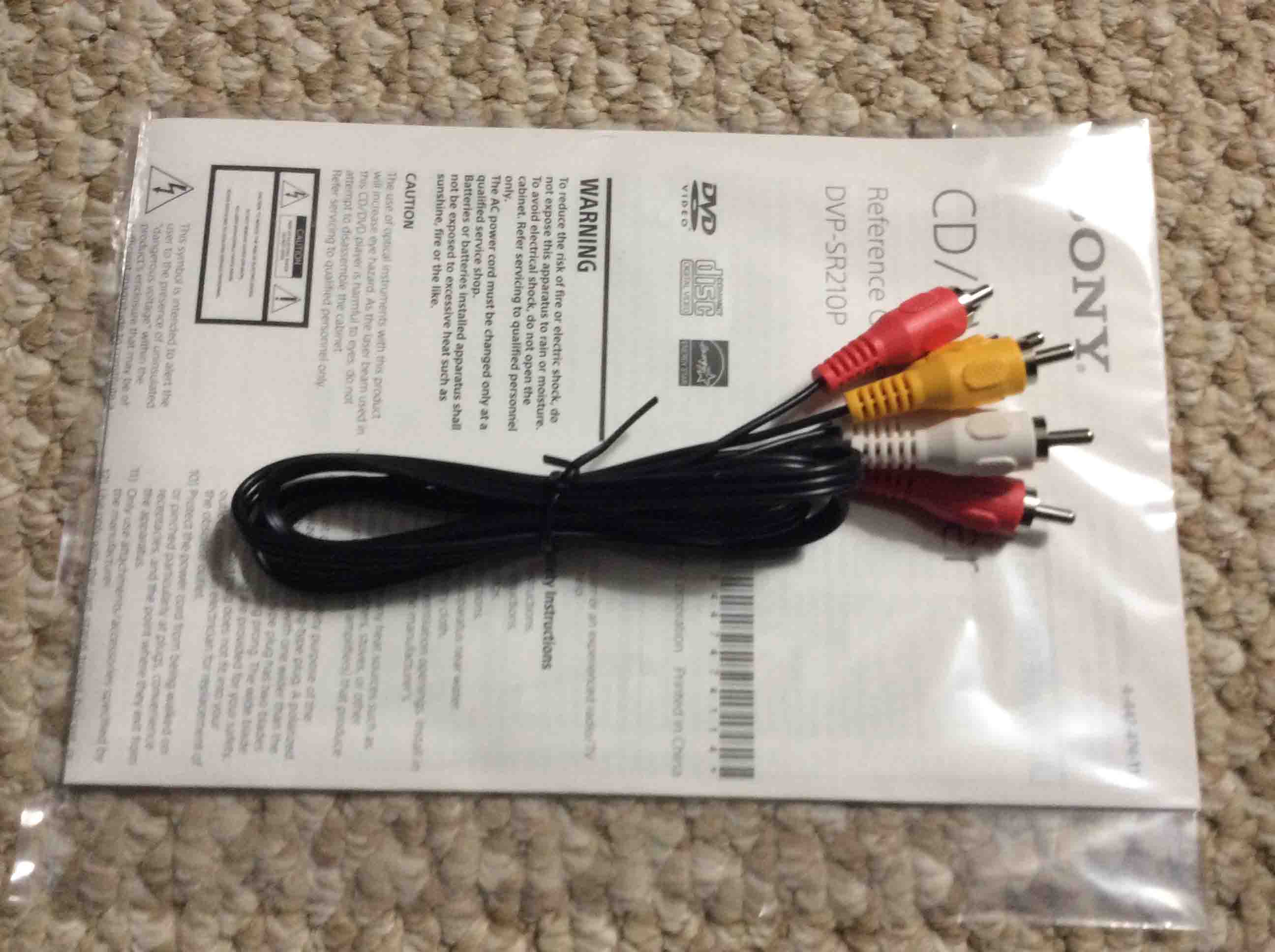
We then lifted each flap on the left and right sides of the box, to reveal the included NTSC video / audio cable, as shown next, along with the reference and start-up guides.
Take Out the Manuals, Remote, and Cord
We also located the included remote control (the Sony RMT-D197A) as shown next.
Take the Remote Out of the Plastic Bag
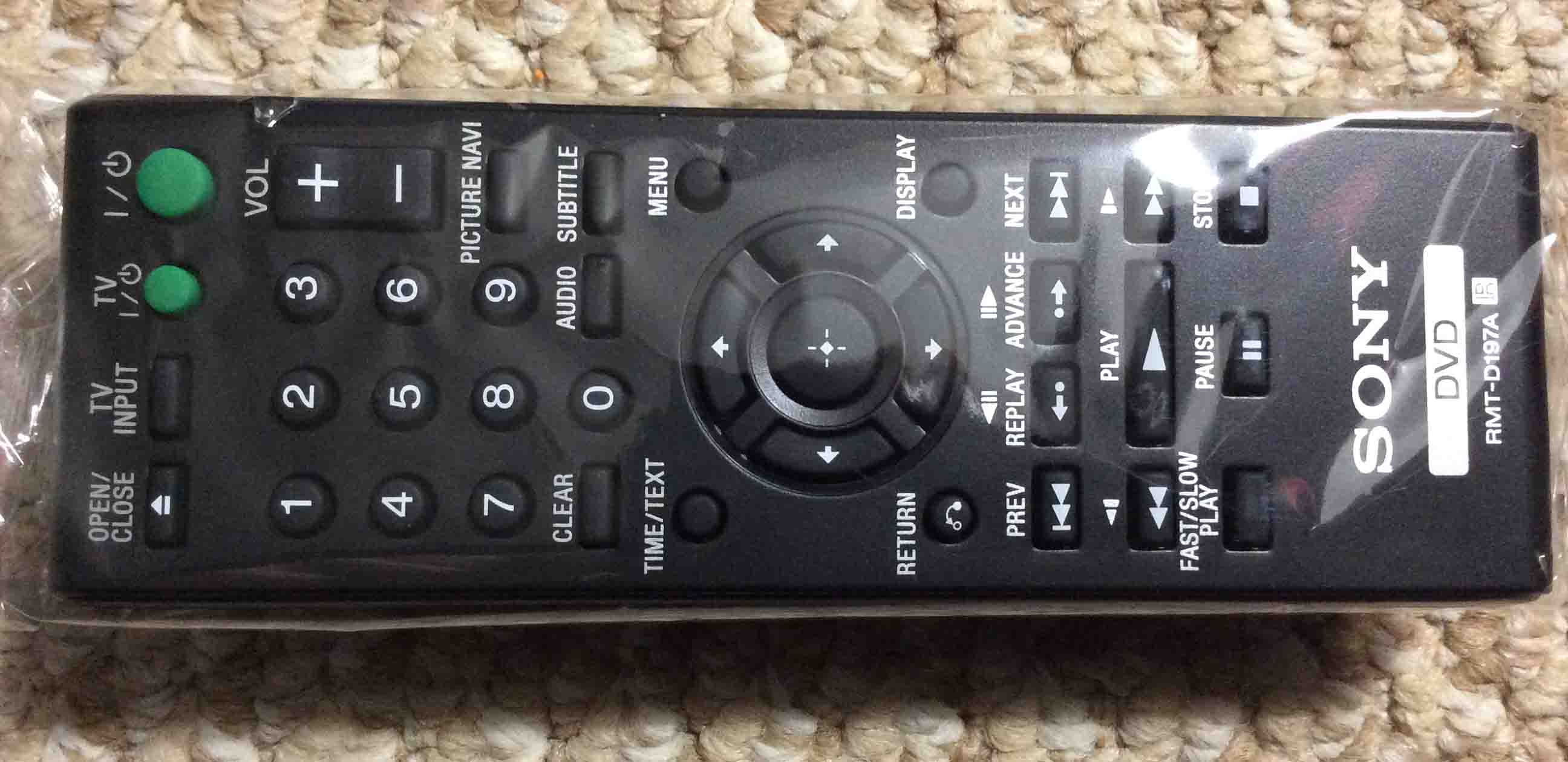
We then removed the Cellophane from the remote, and inserted the two double-A batteries into the remote.
Next is a picture showing all included accessories and manuals that come with the DVP-SR210P
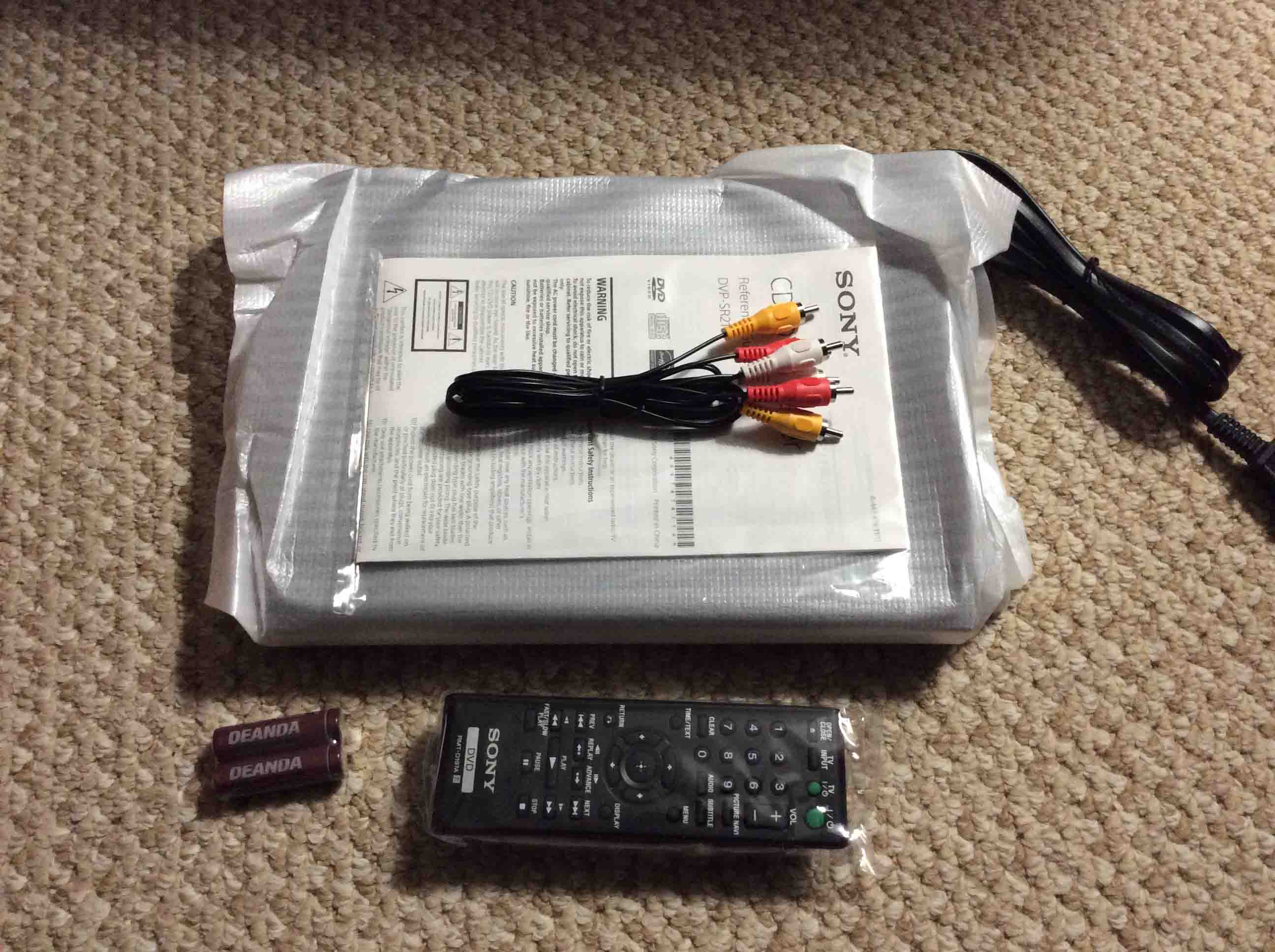
Remove Foam Bag from the DVD Player while Unboxing the Sony DVP SR210P DVD Player
Finally, the DVD player itself comes wrapped in a thin yet spongy protective sheet, secured with a piece of yellow tape, as shown next.
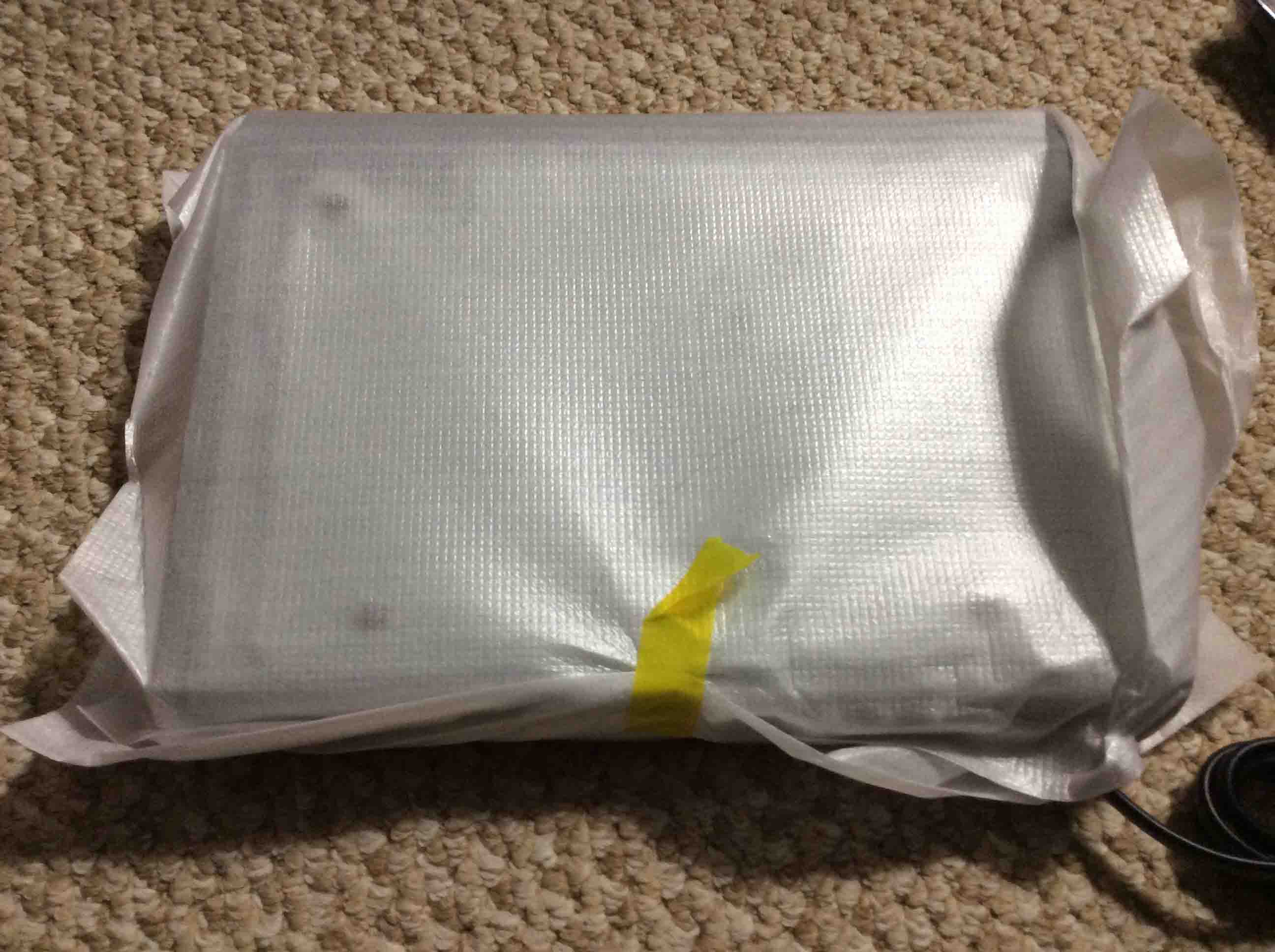
This tape is easily removed by loosening one corner of it by picking at it with a finger nail, and then peeling it away. Its adhesive is strong, yet succumbs without tearing the wrapping when peeled.
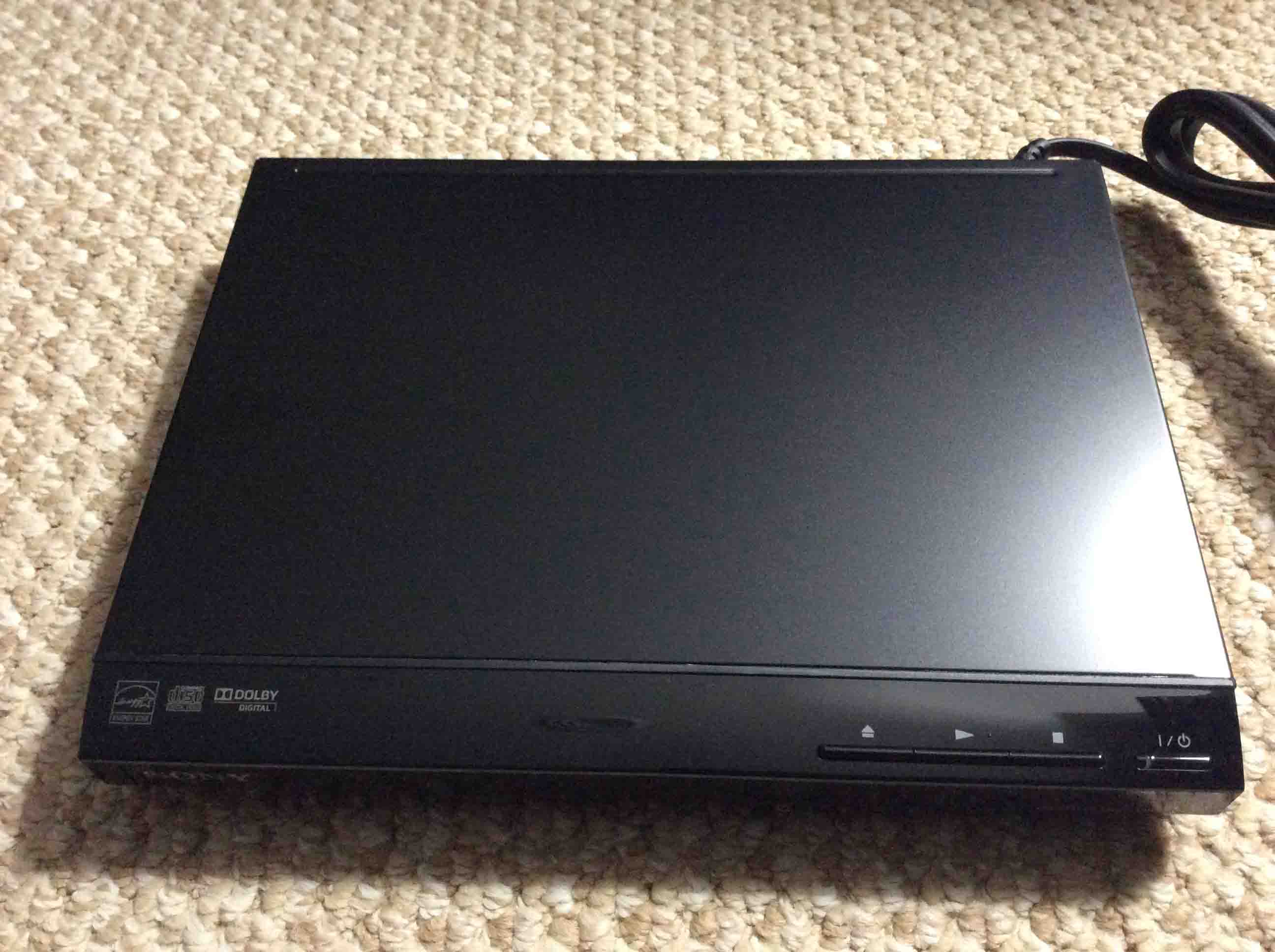
The completely unpacked DVD player is shown next.
Follow Startup Guide Directions to Set Up
The included startup guide details all you need to know to connect this DVD player up to your TV, and enjoy your DVD movies, data video and audio discs, as well as CDs and CD ROMs. Enjoy.
Related Posts to Unboxing the Sony DVP SR210P DVD CD Player
Suggested Reading
References for Unboxing the Sony DVP SR210P
Revision History
-
- 2019-04-28: Added targeting along with more tags and subheadings. Deleted ad script code.
- 2017-02-18: Updated the tags list.
- 2016-12-23: Added link to a review of this DVD player.
- 2016-12-20: Originally published.