Product Reviews, Experiences, and Technical Insights from Thomas J. Hesley
Victor Reader Trek Picture Gallery
Here we offer our Victor Reader Trek picture gallery for this GPS navigator and eBook player from HumanWare.
Victor Reader Trek Picture Gallery
Original Box and Accessories Pictures
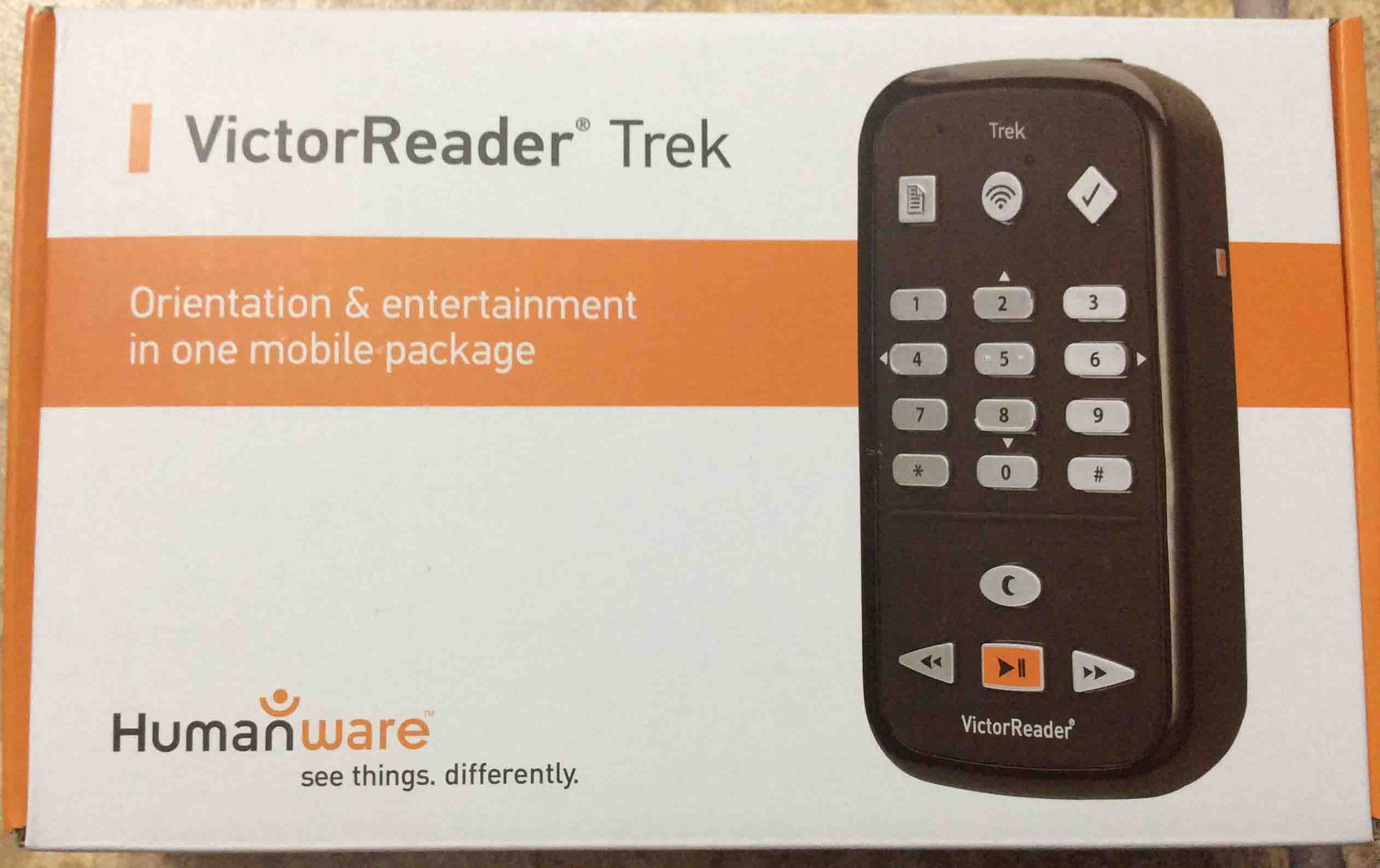
Victor Reader Trek GPS player package box, top view.
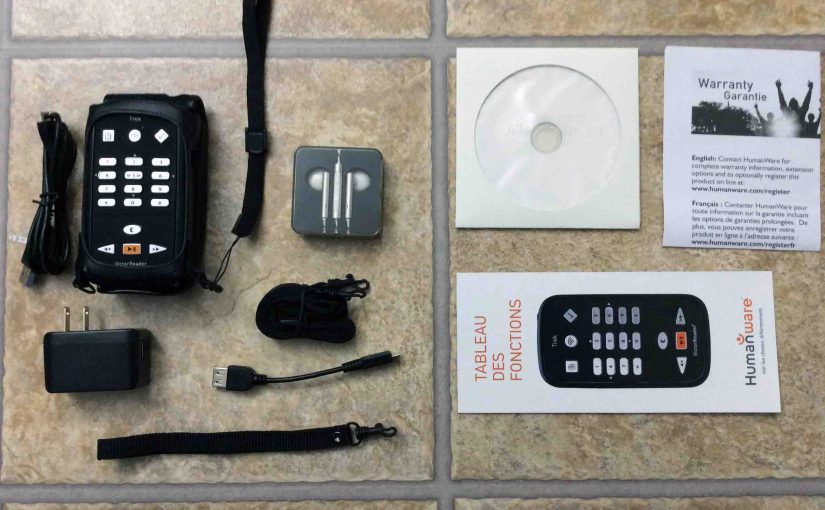
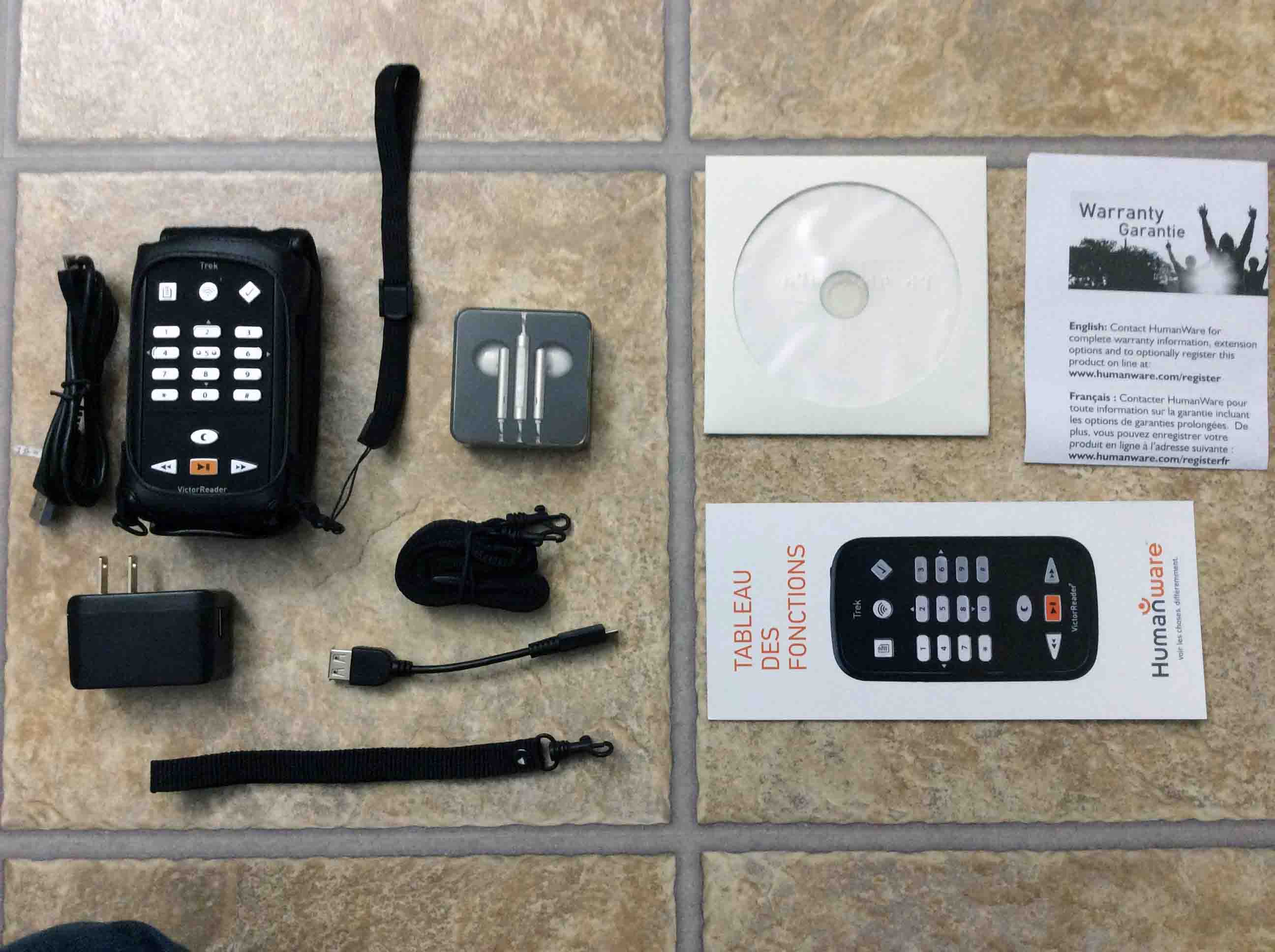
HumanWare Victor Reader Trek. Showing the contents of the box. Includes the Trek, USB AC power adapter, and long and short USB cables. We also have wrist and shoulder straps, earbuds, manual, warranty paper, and DVD disc.
Pictures of the Front, Back, Top, and Bottom of the Trek
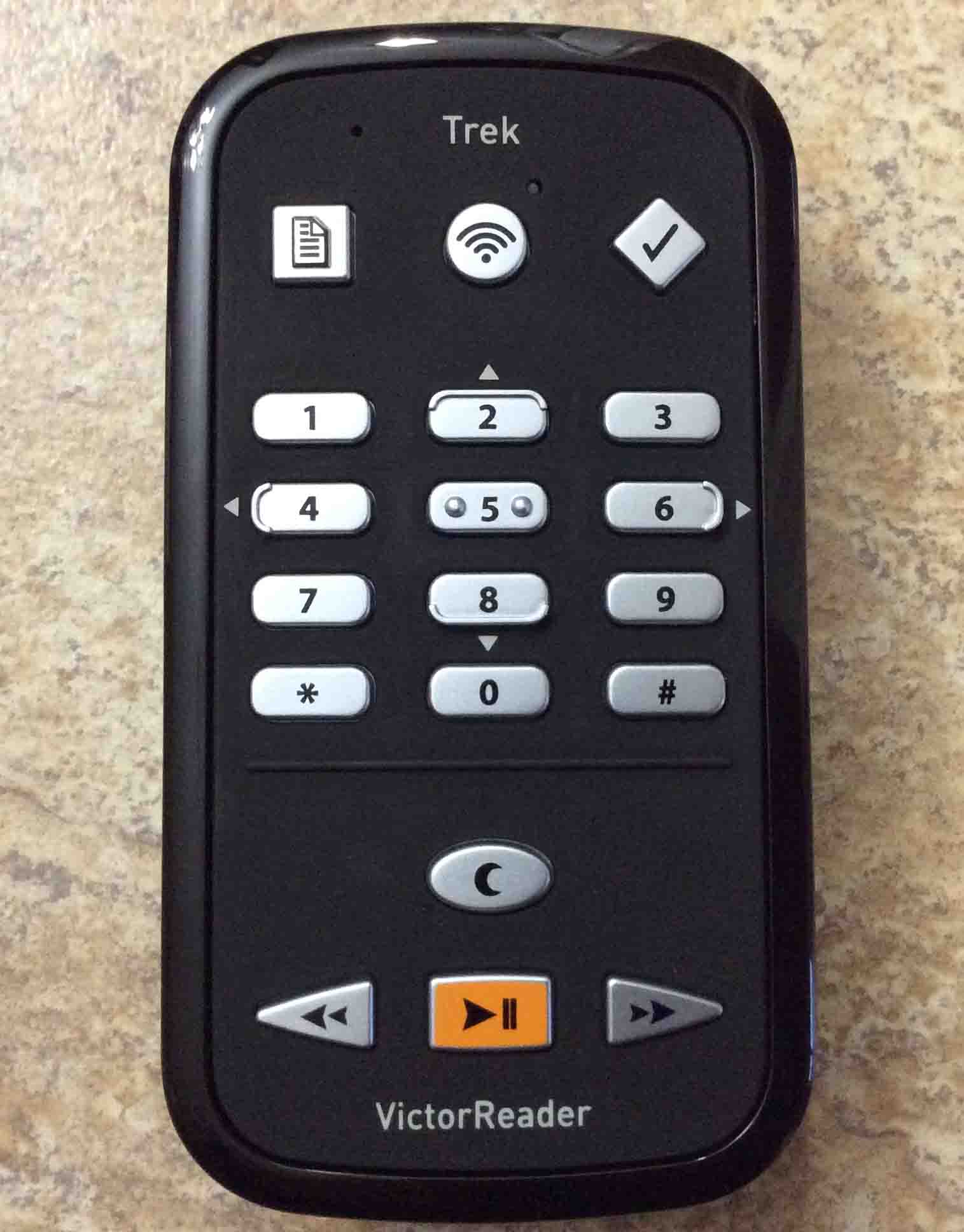
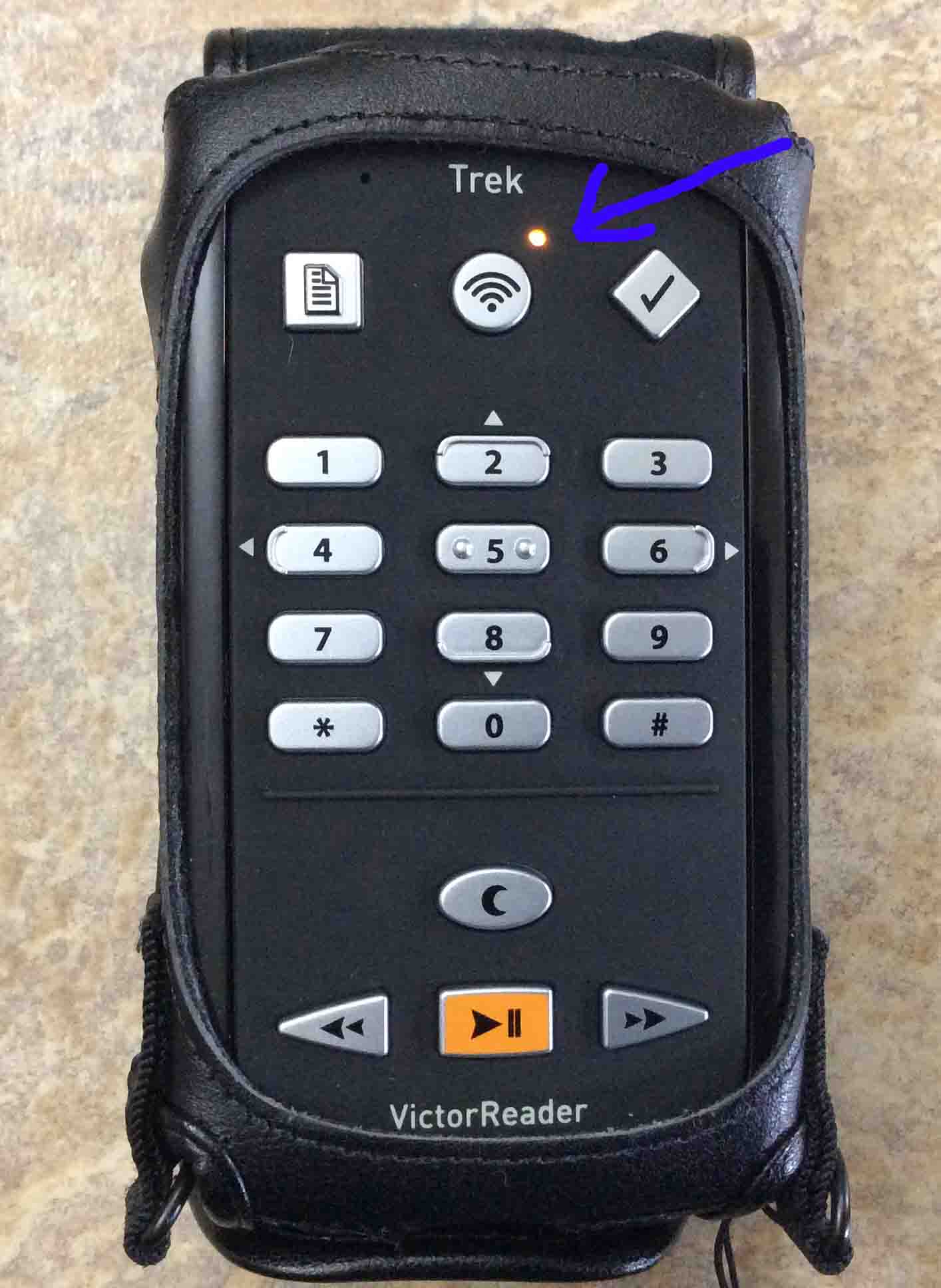
Front panel of the Trek. This shows the following.
The Go To, Book Mark buttons.
The number keys.
The sleep / time key.
The rewind, play pause, and fast forward keys.
The Victor Reader Trek GPS and book player, front view. Showing the number keypad, bookmark, bookshelf selector, goto, sleep, and playback buttons. We also have the Wi-Fi status lamp and built In microphone. Victor Reader Trek picture gallery.
Our Victor Reader Trek DAISY book player, front view. Showing the Online lamp glowing amber, and highlighted. This means that airplane mode is OFF. Thus the Trek can connect to Bluetooth devices and / or Wii-Fi networks.
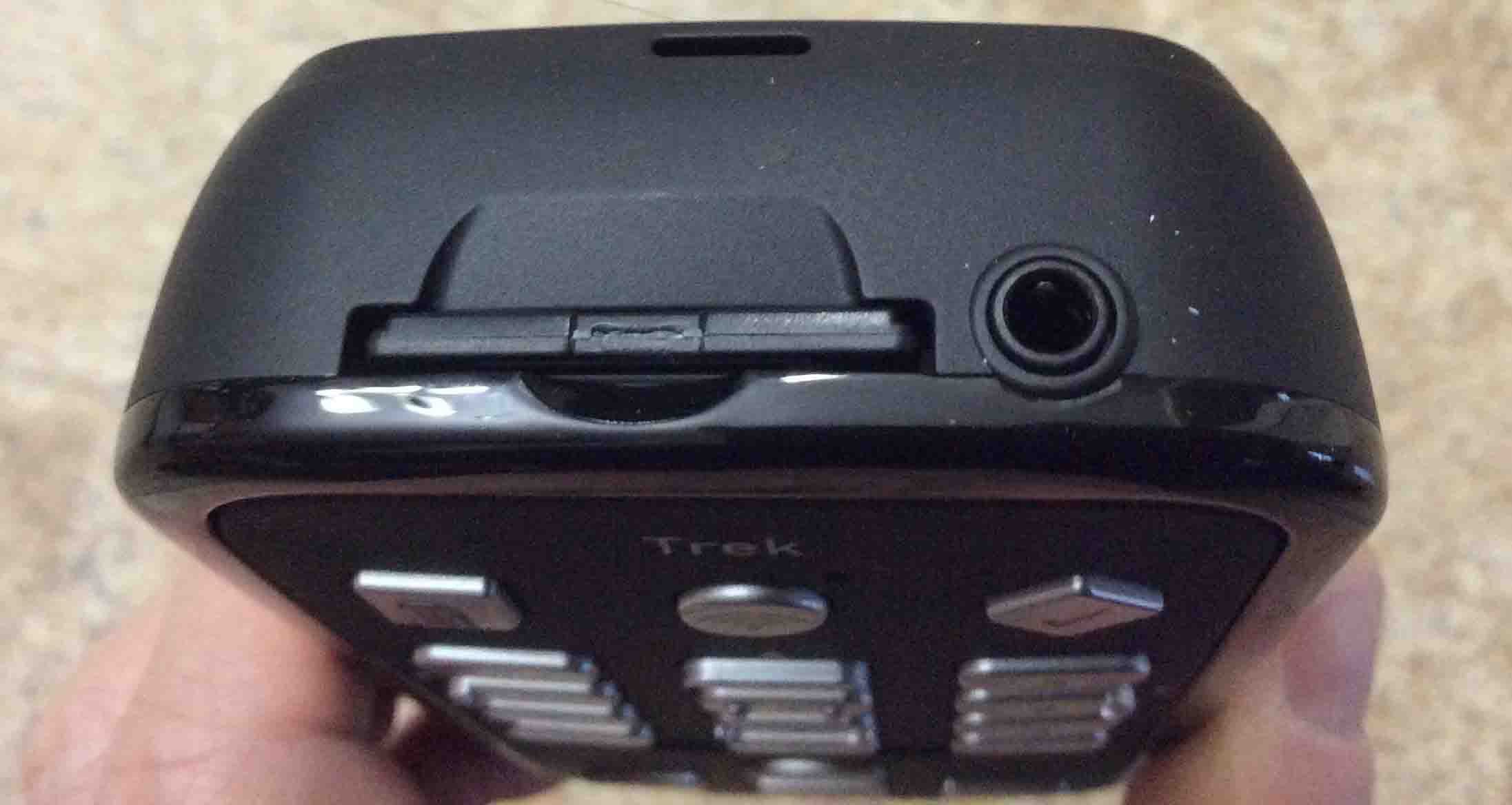
The HumanWare Victor Reader Trek talking book player and GPS, top view. Showing the SD card slot and headphone / external microphone port.
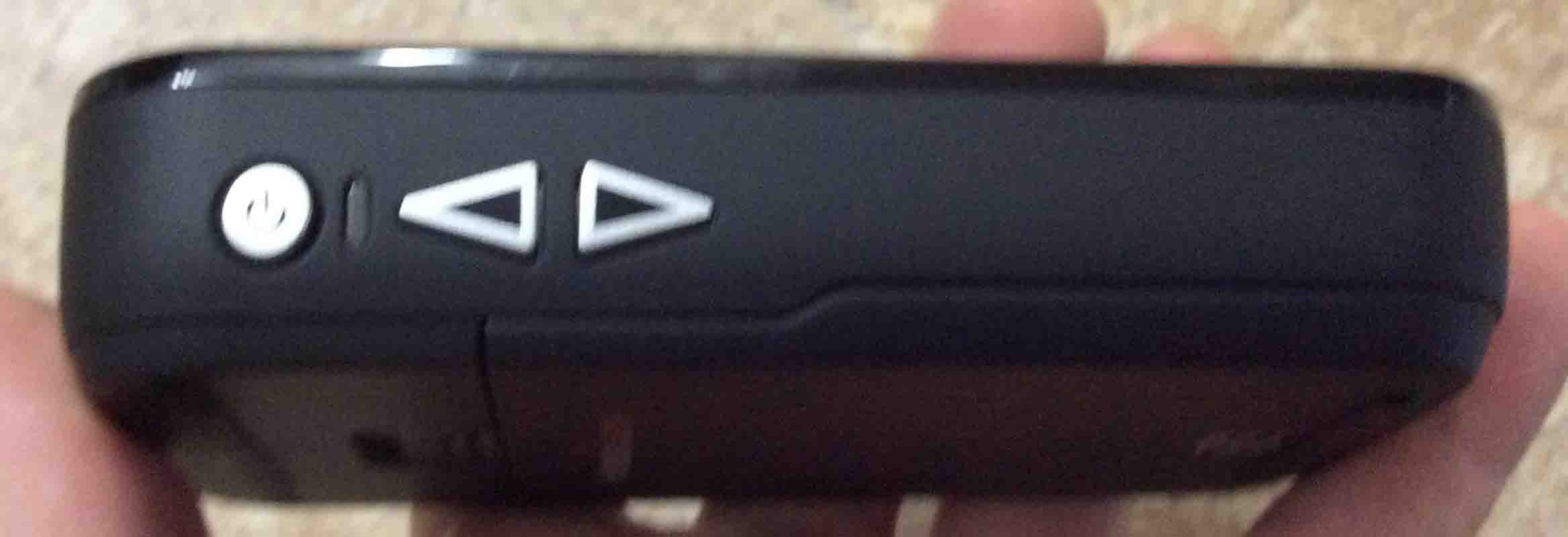
Our Victor Reader Trek GPS, left side view. Showing the power / mode, volume, tone, and speed up and down buttons, and the pilot lamp.
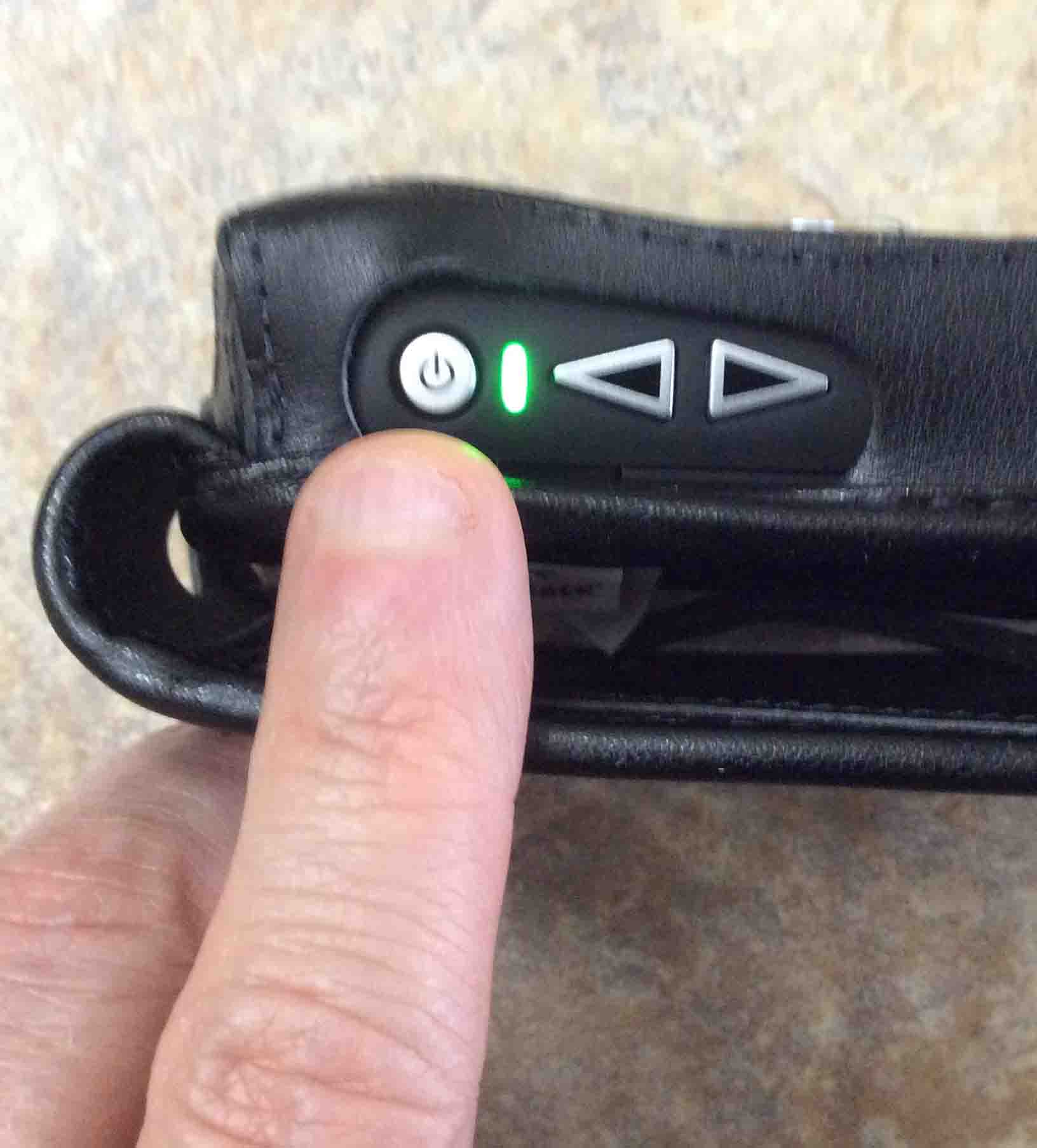
The Victor Reader Trek, left side view. Showing the power button location and the green power-on lamp glowing. Victor Reader Trek picture gallery.
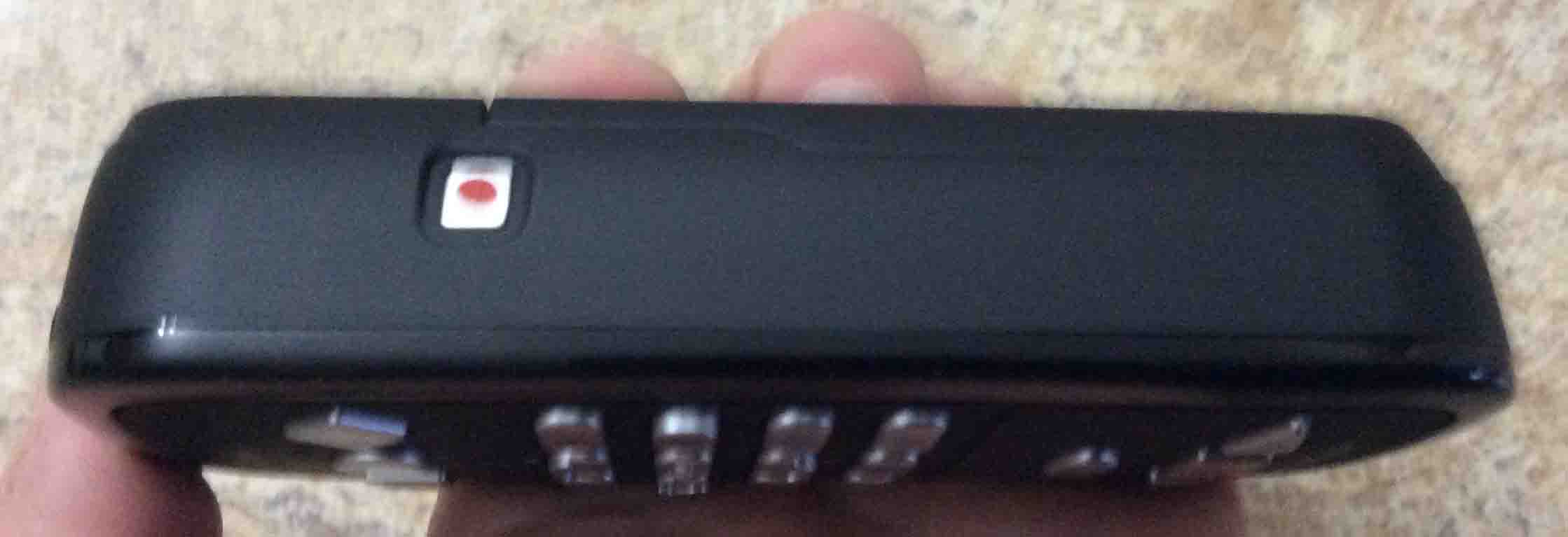
HumanWare Victor Reader Trek GPS and internet media player, right side view, showing the record button.
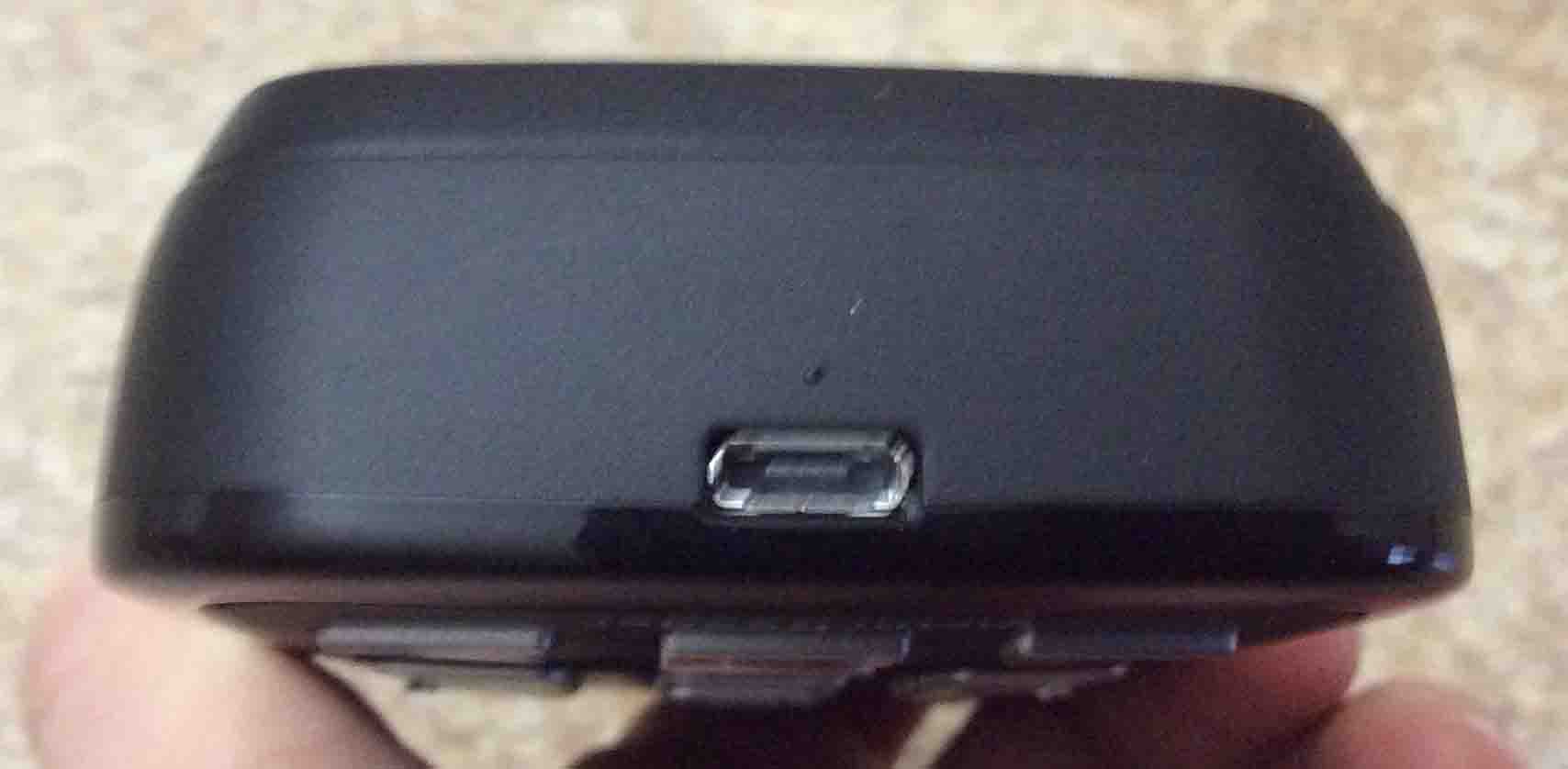
HumanWare Victor Reader Trek podcast player and GPS navigator, bottom view, showing the micro USB power data port.
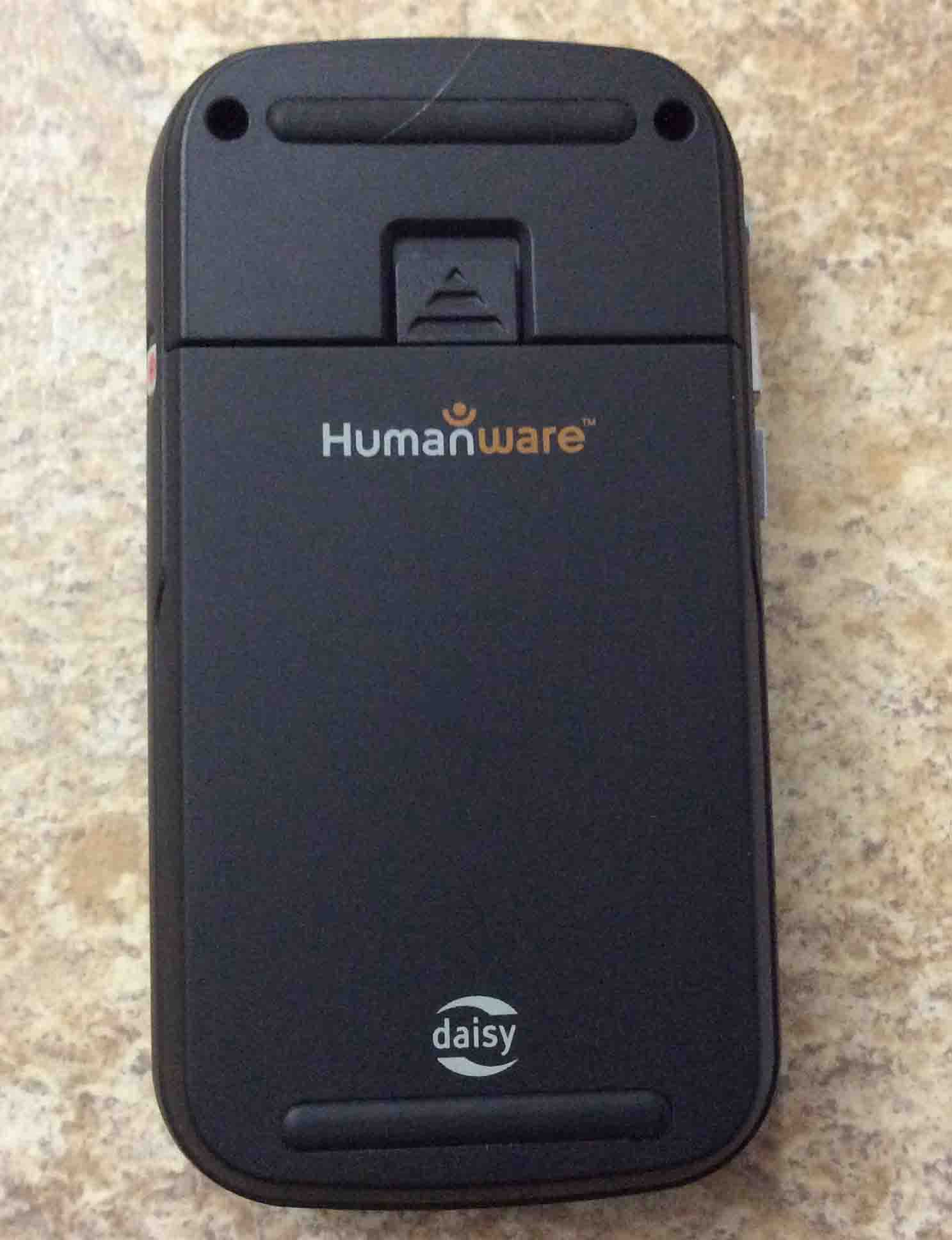
The Victor Reader Trek internet radio player, back view. Showing the removable rechargeable battery. Victor Reader Trek navigator, left side view. Showing the power button location and the green power-on lamp glowing. Victor Reader Trek picture gallery.
Victor Reader Trek Picture Gallery: The Rechargeable Battery
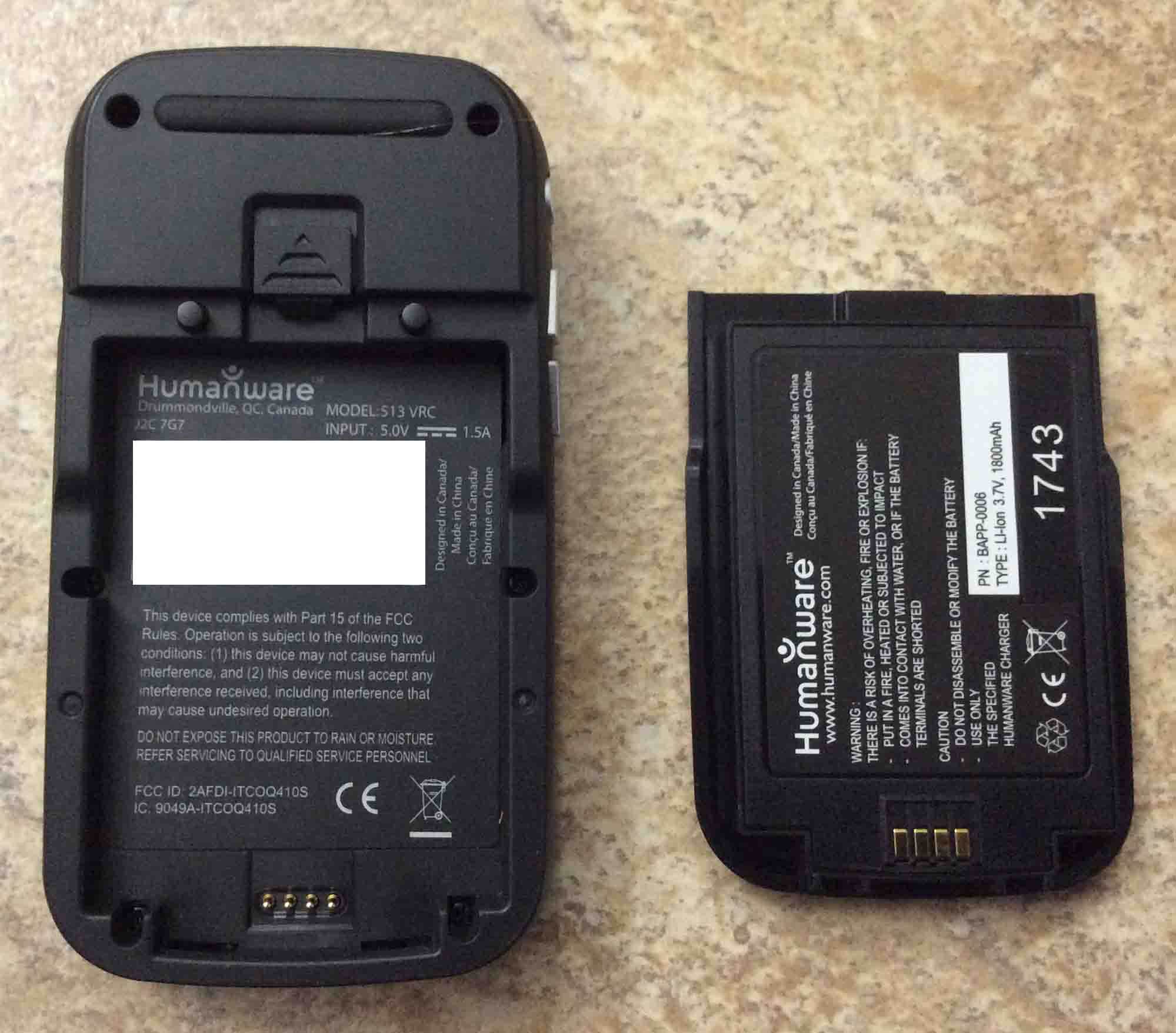
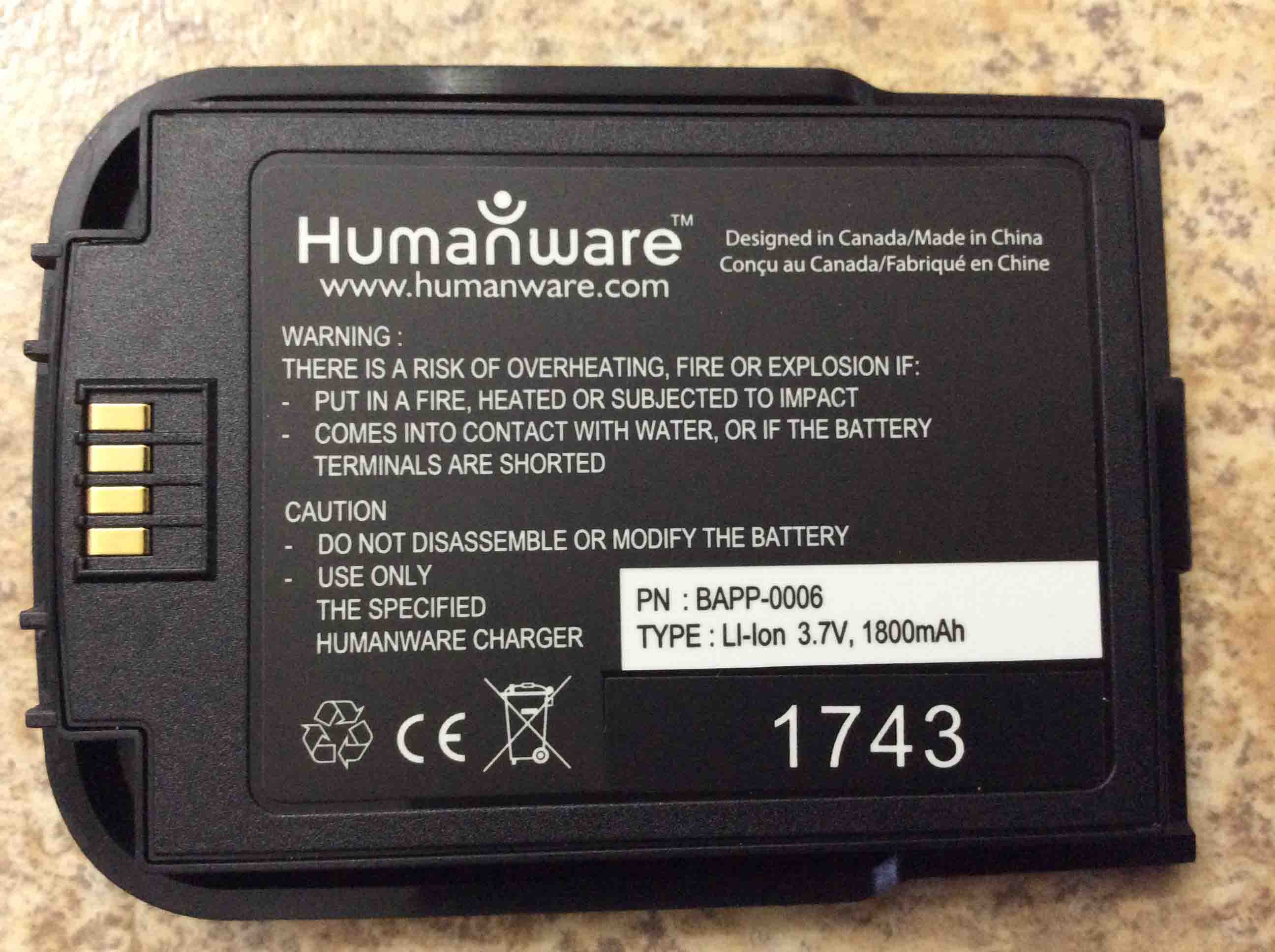
The Victor Reader Trek audio book player, back view. Showing the battery removed, along with writing on both battery, and inside the battery compartment.
Our Victor Reader Trek Wi-Fi media player battery, showing its label side.
USB AC Wall Adapter Pictures
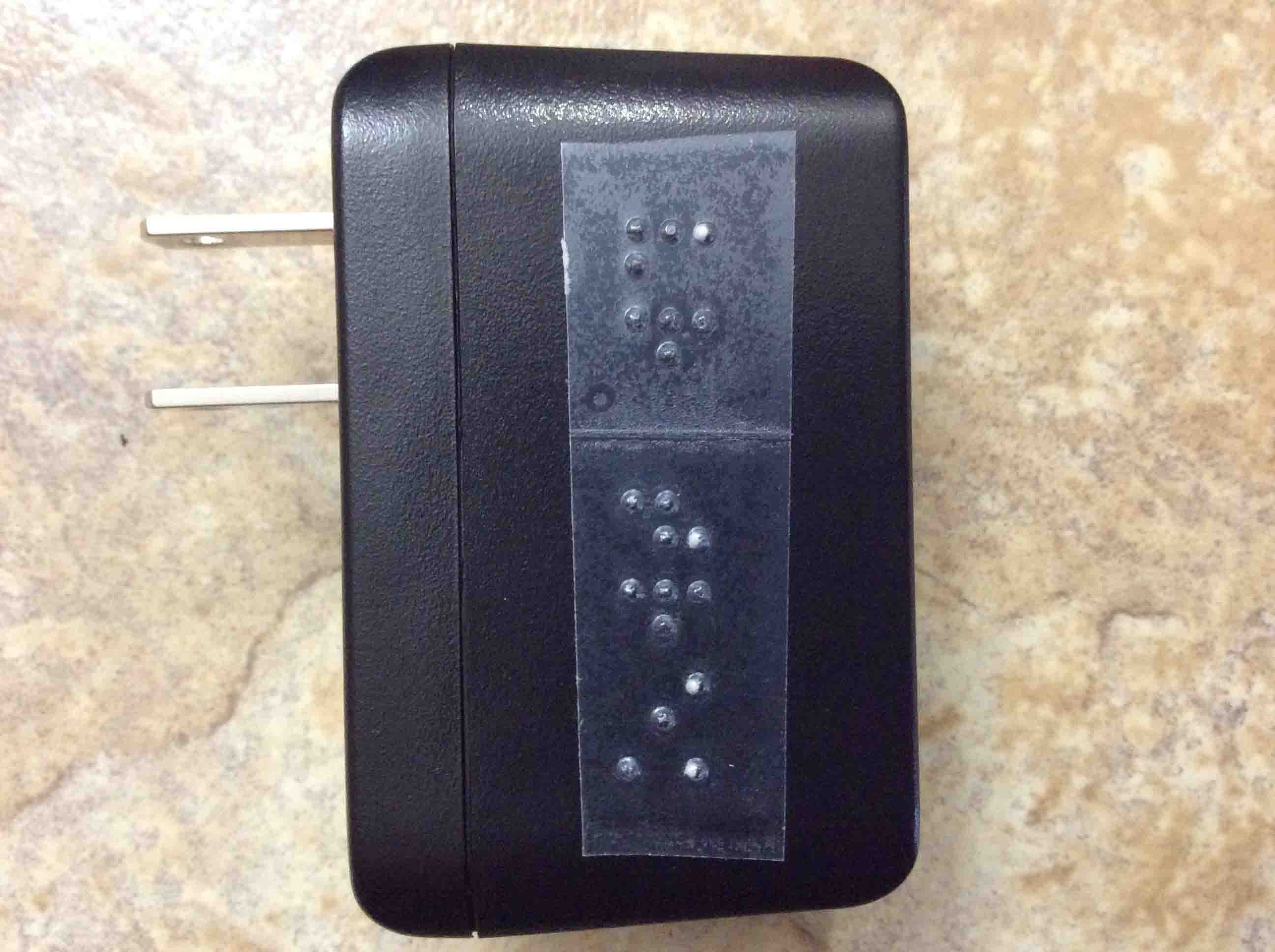
AC USB wall adapter for the Victor Reader Trek GPS and NLS book player. Showing its braille side along with its non retractable AC power prongs.
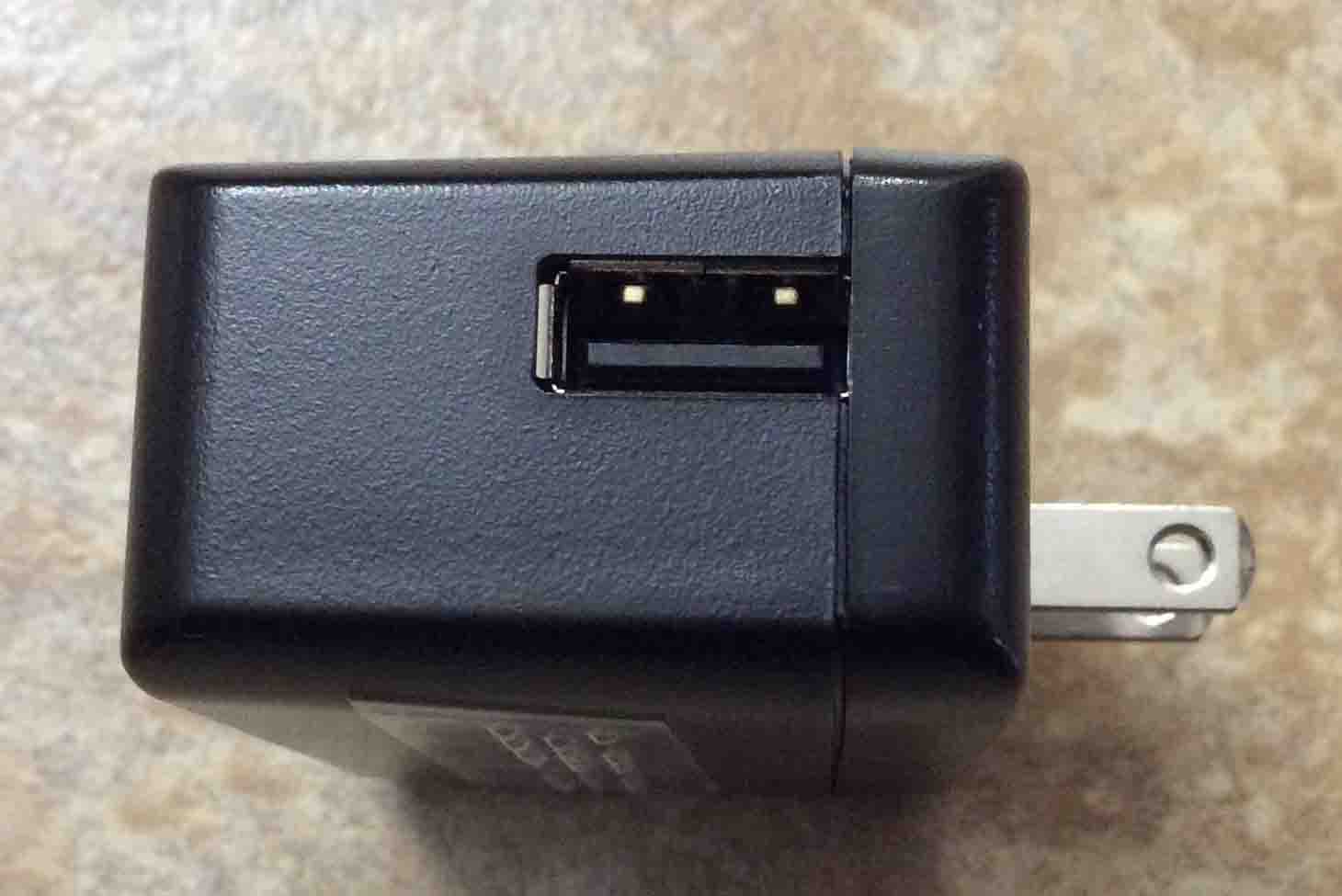
The AC wall adapter for the eBook player and GPS. Showing its USB output port side.
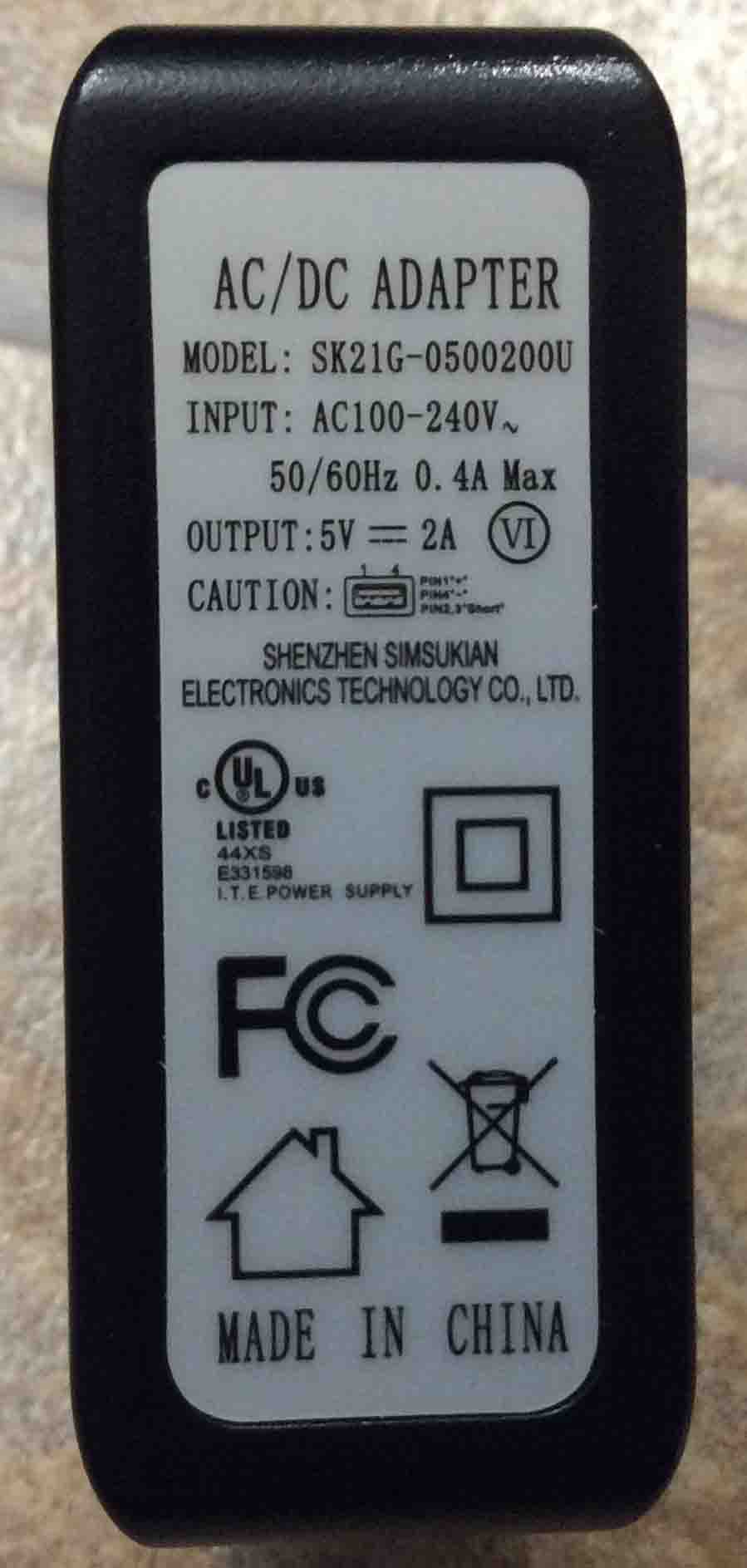
AC Wall Adapter for the Victor Reader Trek Navigator by Shenzhen Simsukian Electronics. Showing its Label Side with Specifications.
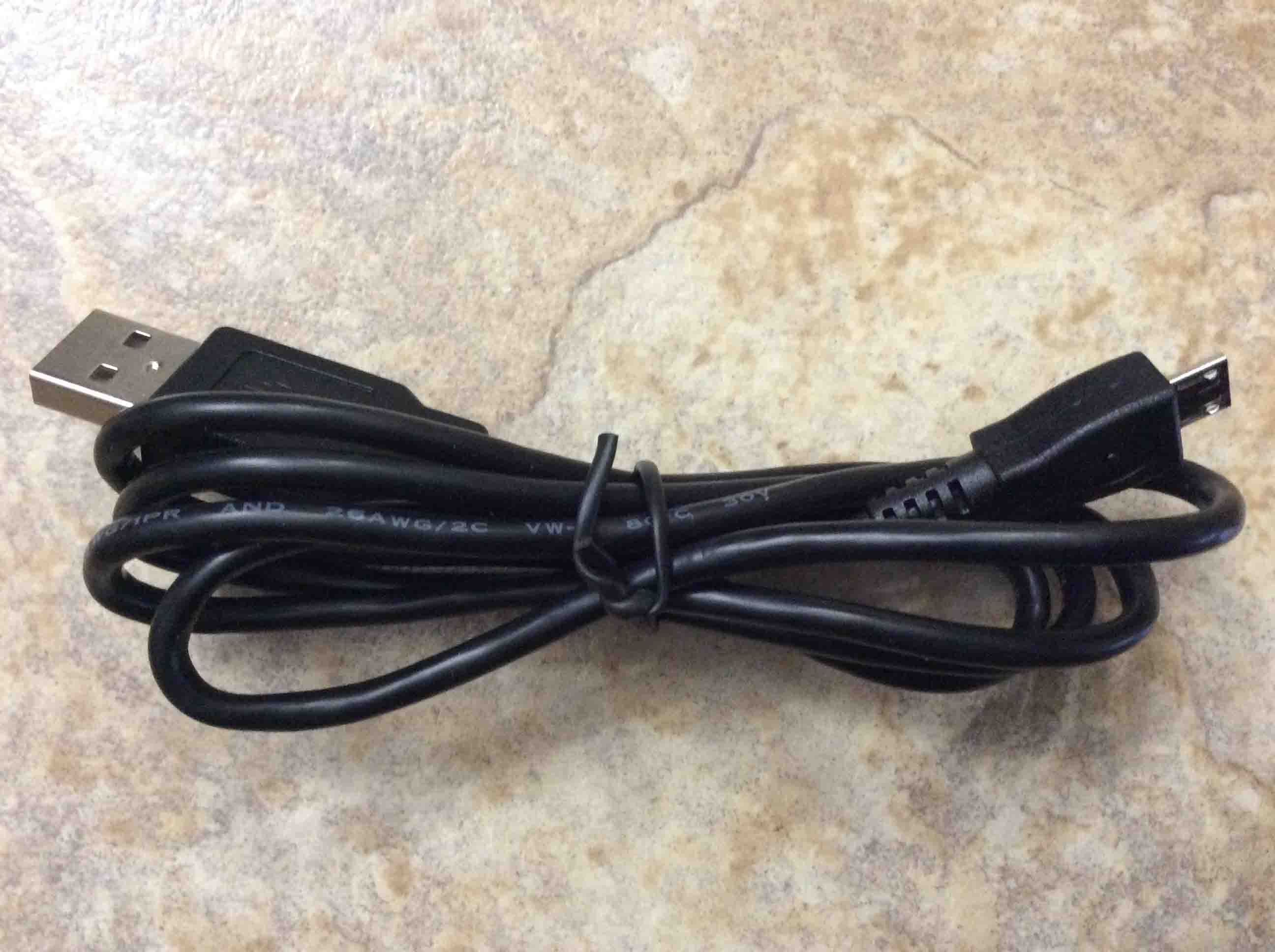
Long USB cable accessory, included with the HumanWare Victor Reader Trek DAISY book player.
Related Posts to Victor Reader Trek Picture Gallery