Not too complicated packaging for the Amazon Echo Dot smart speaker. Very simple to unbox, power up, and prepare it for setup. This post demos unpacking the Echo Dot 2nd Gen speaker. It also covers connecting it to power.
Unpacking Echo Dot 2nd Gen Speaker, What’s On the Box
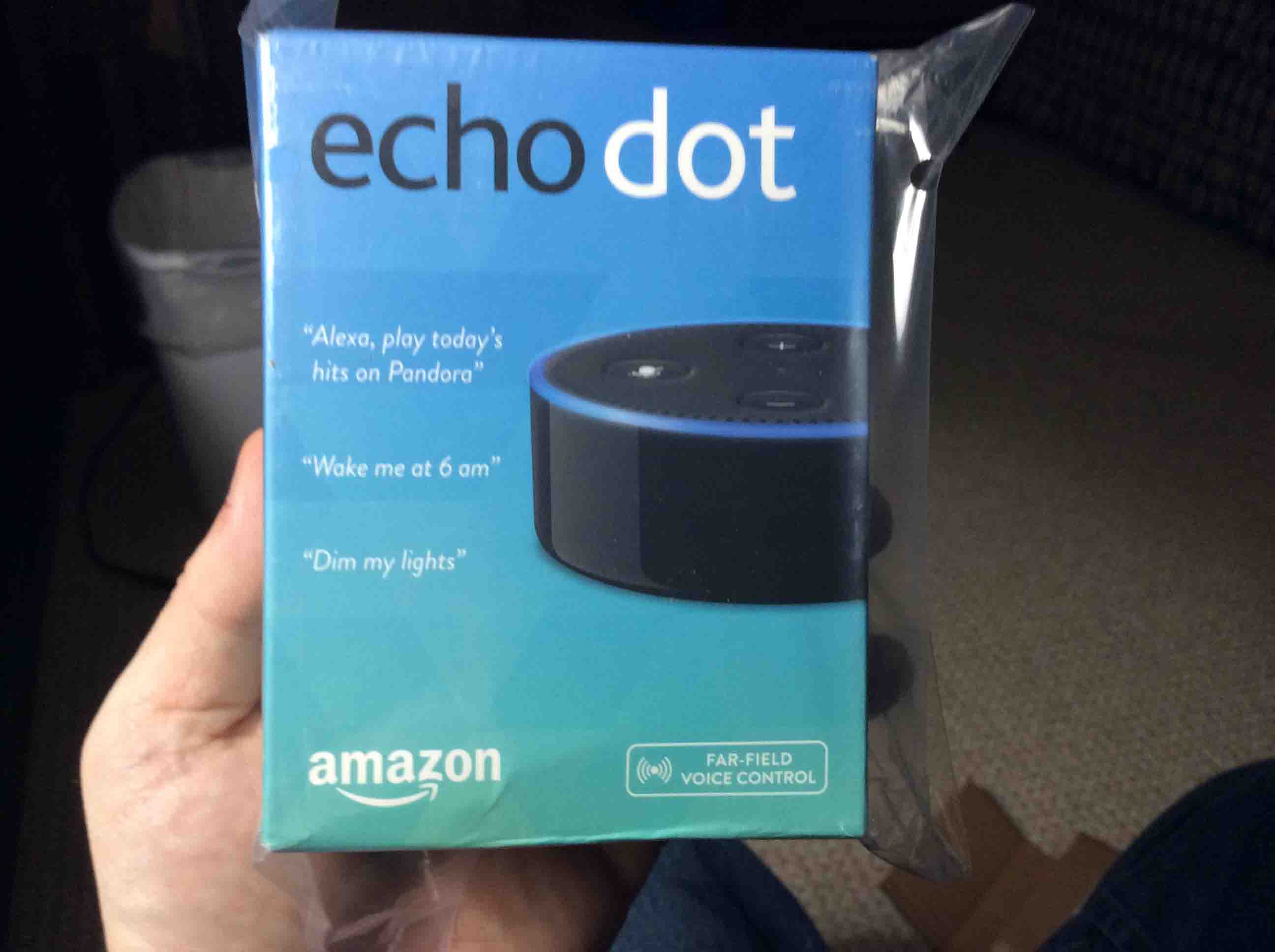
For our vision impaired and blind readers, the Echo Dot comes in a blue box, graduating shades of blue actually, that turns from deep sky blue at the top, to a sort of greenish blue cyan tone at the bottom. There’s lots of print on the box as we describe next.
Sample Alexa Commands
There’s a picture of roughly three quarters of the Dot on the front (black version), along with some examples of Alexa commands this Dot can respond to, such as, “Alexa, play today’s hits on Pandora,” “Alexa, wake me at six AM,” and “Alexa, dim my lights.”
What the Alexa Dot Does
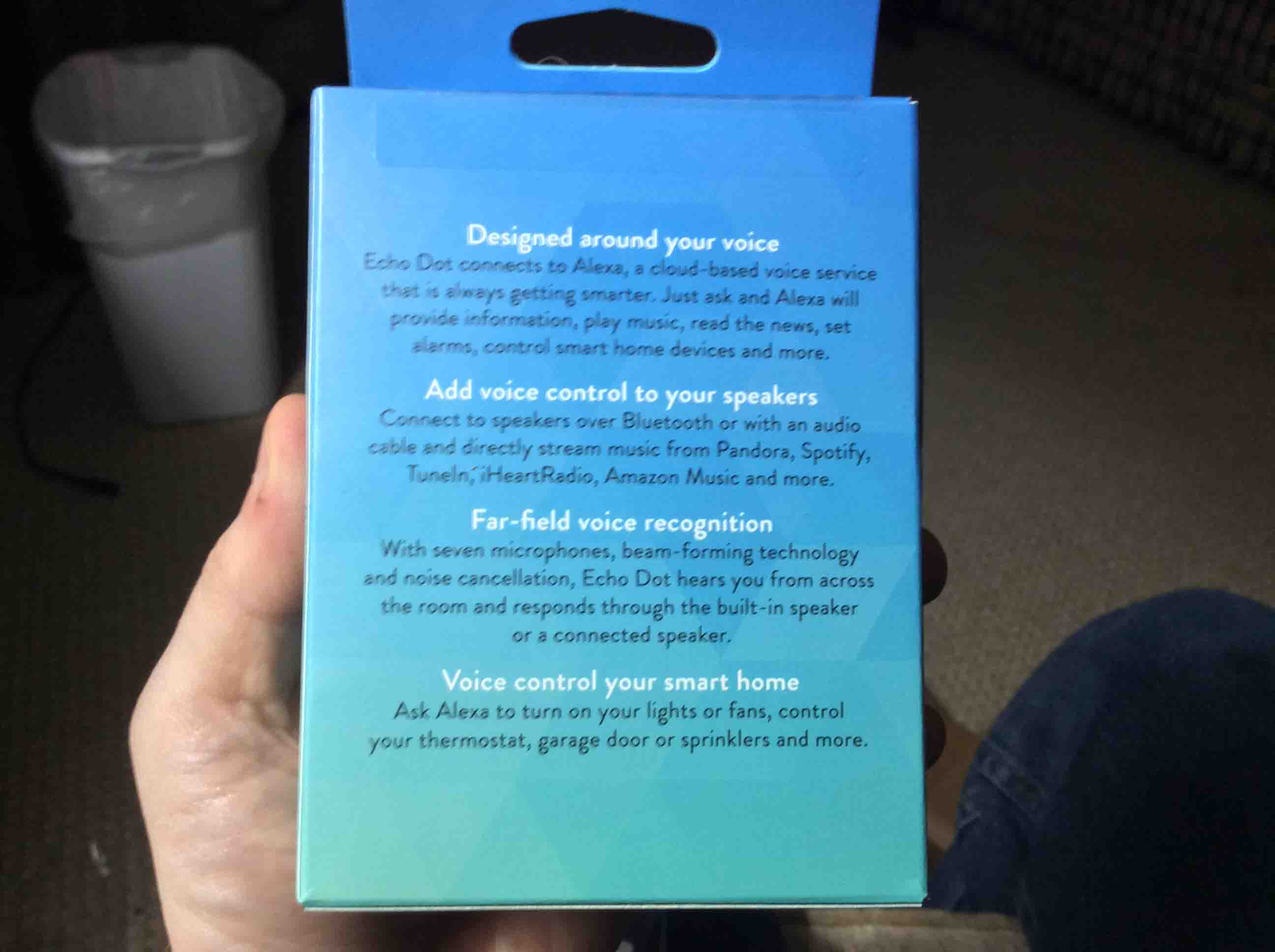
The back of the box, shown in the next photo, has more information. In summary, it says that the Alexa virtual assistant is voice activated, that the Alexa voice service is constantly learning from you using it, how to better understand you, and then it lists some of the things she can do. These include answer questions (trivia et al), reading the latest news headlines, set numerous timers and alarms, and manage all sorts of smart home devices such as thermostats, light bulbs, switched power outlets, and wall light switches.
Even More Features
The box then mentions that you can connect the Dot to external speakers with an audio patch cable, or pair it with Bluetooth speakers for louder, higher quality sound. You can then hear your favorite streaming services in high fidelity, such as Pandora, TuneIn Radio, iHeart, Spotify, Amazon Music, Amazon Music Unlimited, and others.
Unpacking Echo Dot 2nd Gen Speaker, Step by Step
1. Take Off the Outer Plastic Bag
Firstly, it’s nice that the clear plastic bag is secured shut with easily removed tape. So with a little patience, we found that we could tear off the tape gently, without ripping the bag; this, in case we must return the product for any reason.
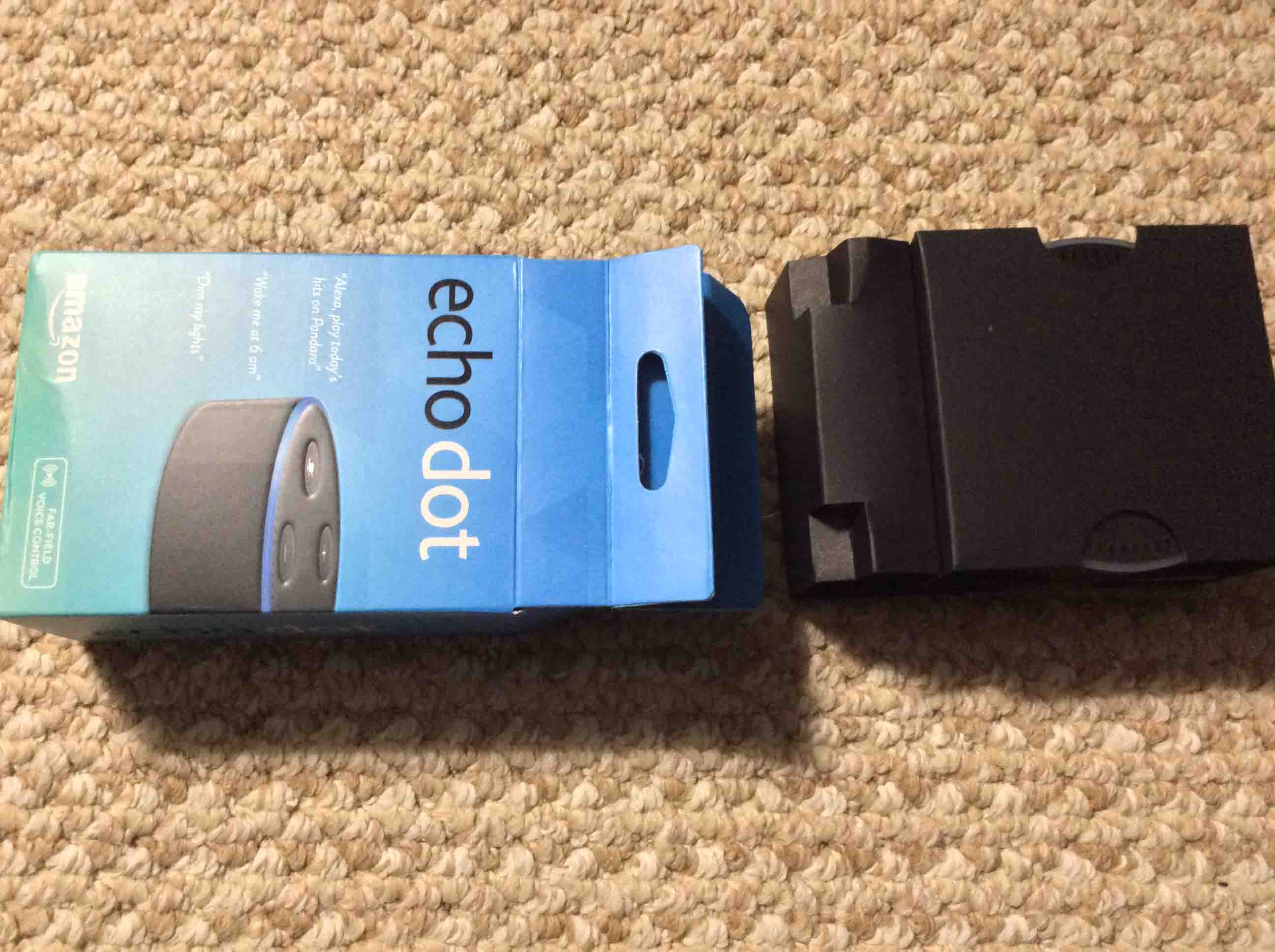
The box is equipped with a tab (or lip) with a hole in the center, on the box top, presumably for hanging on a store display.
2. Gently Peel Sealing Tape Away from Box Top
Secondly, the box is sealed with a piece of thick tape.
We removed this tape, careful not to damage the box. But if in a hurry, you could score it with a sharp knife as well. In fact, the presence of this tape, intact, indicates that you probably have a genuine, new, and unopened product.
3. Remove Box Contents to Continue Unpacking the Echo Dot 2nd Gen
Then, we opened the box and slid out the cardboard protector that holds the Dot, the power adapter, the USB cable, and the user guides. Shown next.
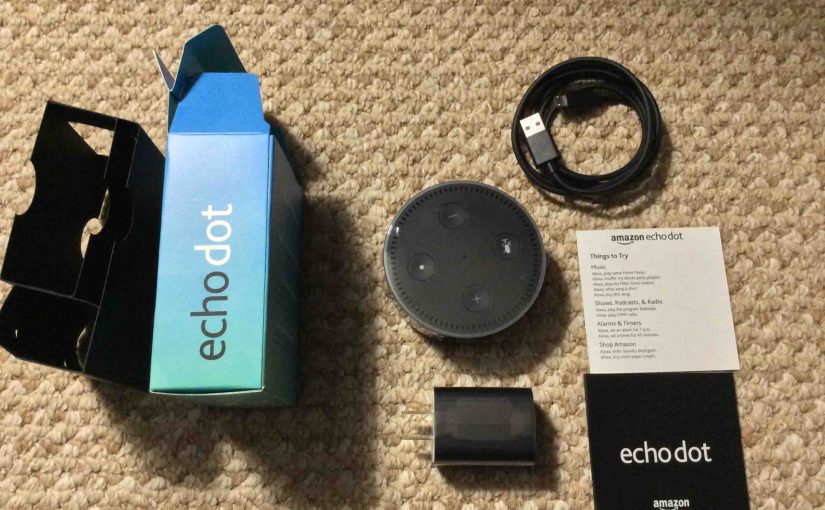
4. Check the Box Contents
As shown next, you should find all these items in your Dot box. Specifically, it should have the Echo Dot 2nd gen unit, a USB power cable, a USB power adapter, and two mini pamphlets (manuals).
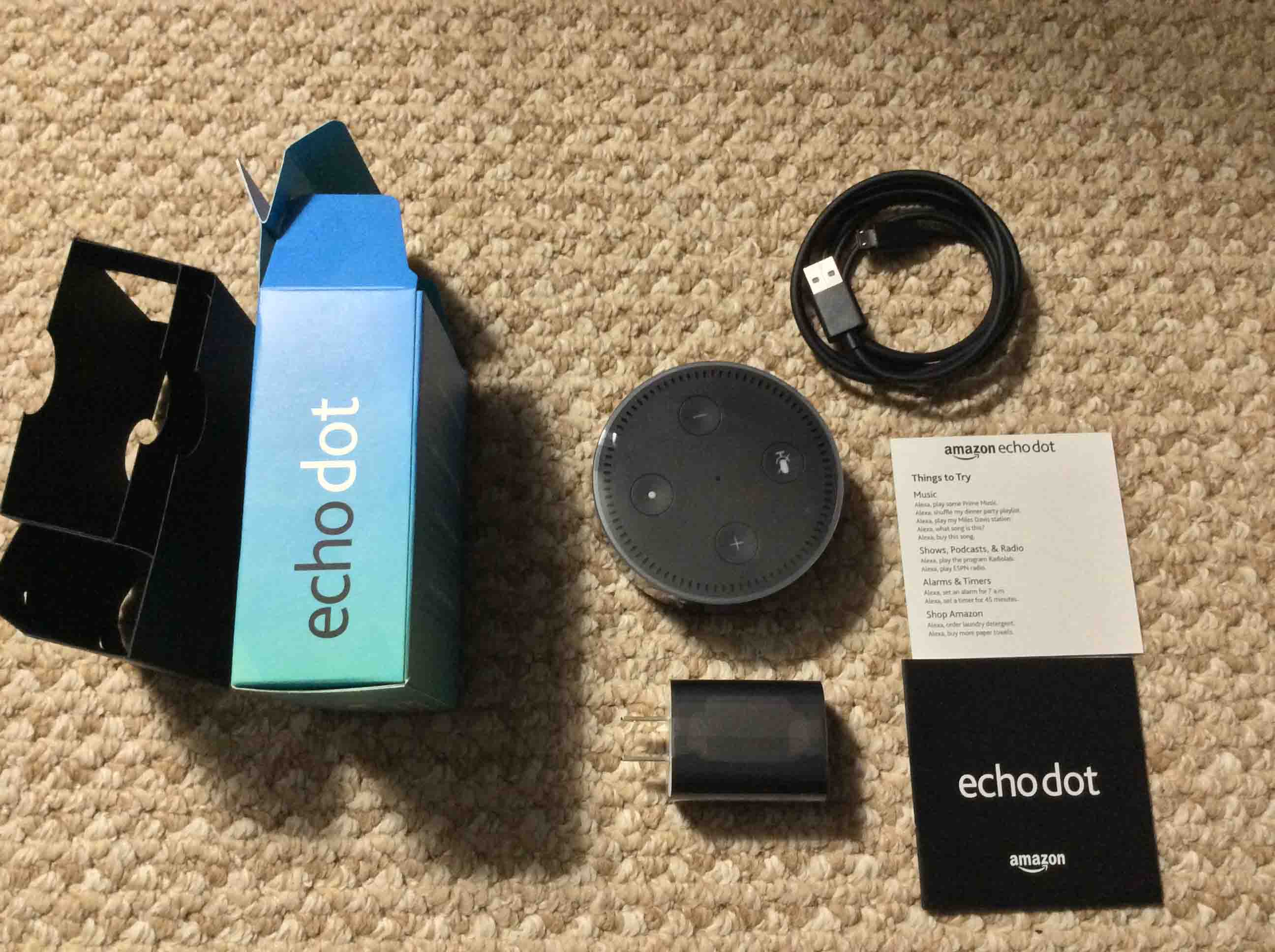
5. Remove the Plastic Cellophane from All Items
Furthermore, like with many shiny plastic surfaced devices, the Echo Dot include protective plastic affixed to its top and sides. So does the USB power adapter.
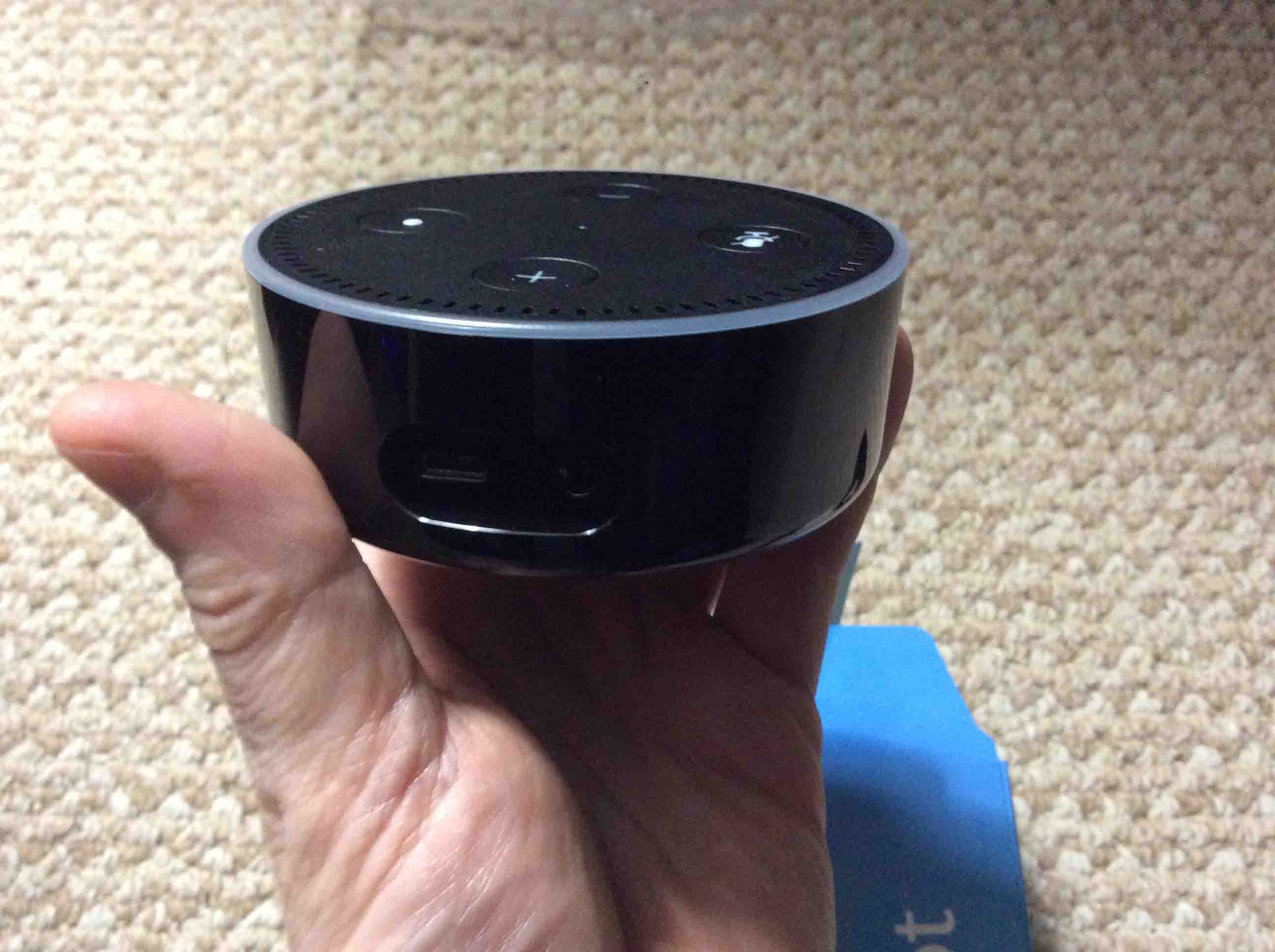
6. Connect the Echo Dot 2nd Gen to Continue Unpacking
The Echo dot runs on USB power. So find the cable and USB power pack in the box.
7. Connect Power Cable to the Echo Dot 2nd Gen
Next, connect the micro USB end of the included cable to the Dot. However, do not force it. Indeed, if the plug fails to go in easily, it may be upside down, and forcing it could damage either the plug on the cord, or the port in the speaker. Additionally, with the Dot controls facing up, insert the USB plug into the port beside the audio jack, with the two dimple points (the larger side) of the micro USB plug facing down. Moreover, it’s best to use the provided cable to guarantee ample current flow.
8. Connect the Cable to the Power Supply
Then, connect the other end (the A end) (the larger end) of the cable to the power adapter.
9. Plug this Adapter into Mains Power to Continue Unpacking the Echo Dot 2nd Gen
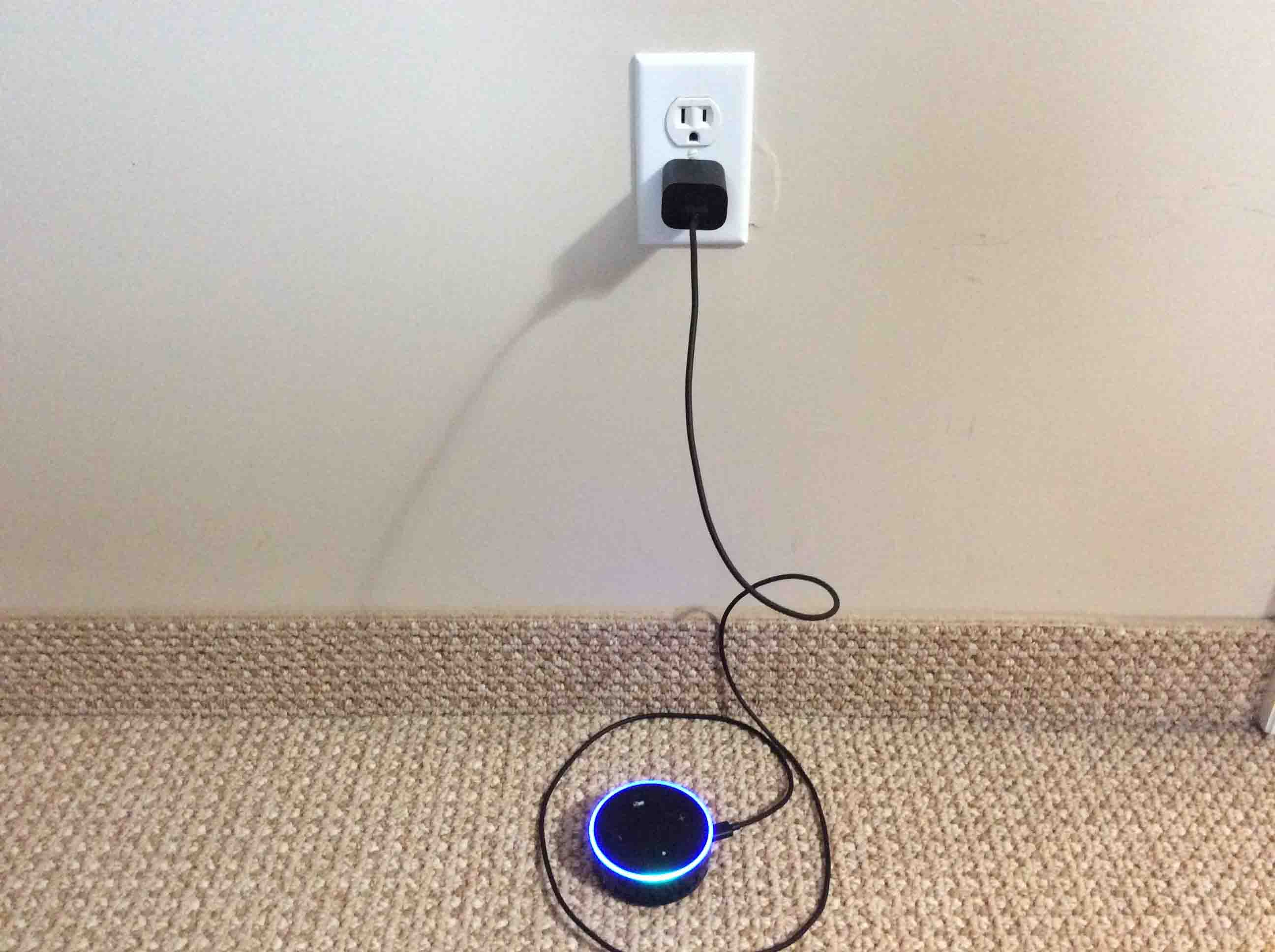
Next, plug the adapter into a 120-volt AC outlet, as shown in the previous picture.
10. The Echo Dot Then Boots Up
The Echo Dot then boots while its light ring flashes deep blue with a spinning cyan blip. Then, after perhaps twenty or thirty seconds, the light ring turns orange, and the Dot enters setup mode.
11. Follow Our Echo Dot 2nd Gen Setup Instructions
Finally, we wrote a piece here that details how to connect the Dot to your home Wi-Fi network and then to the Alexa app.
12. Enjoy your new Echo Dot!
Related Posts to Unpacking Echo Dot 2nd Gen
- AC Power Adapter Specs for Amazon Alexa Echo Dot 2 Smart Speaker
- Amazon Alexa Echo Dot Setup Help Instructions
- Change Echo Dot Wake Word, How To
- Echo Dot 2 Buttons Guide, How to Use Them
- Can you Connect Echo Dot to JBL Speaker ?
References for Unpacking Echo Dot 2nd Gen
Revision History
- 2019-05-25: Added key phrase targeting for ‘Unpacking Echo Dot 2nd’, removed ad scripts code, and added tags and links.
- 2016-12-16: Originally published.