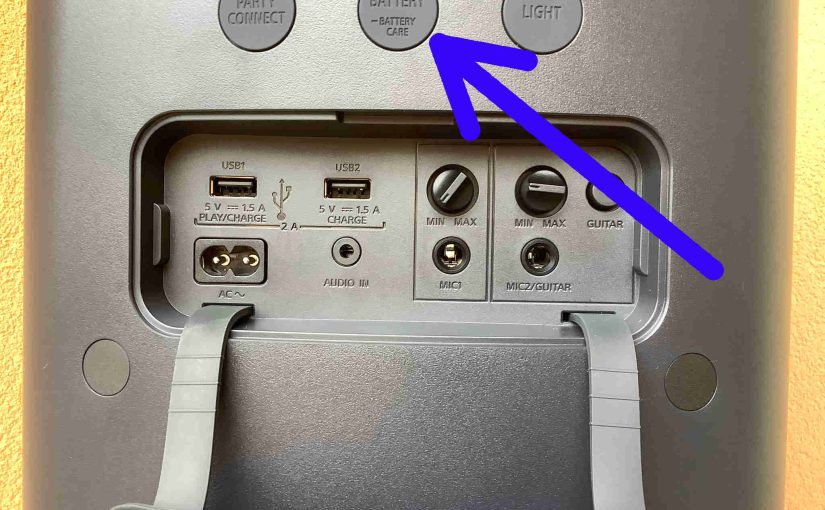
Explains how to read the Sony SRS XP500 battery indicator lamp. We also discuss how get battery charge percentage numbers from the speaker itself. Plus you can see this in the Music Center app. First, this speaker has a battery indicator LED on the top button panel. This displays battery status, sort of. E.g. Whether … Continue reading Sony SRS XP500 Battery Indicator
Tag: Sony
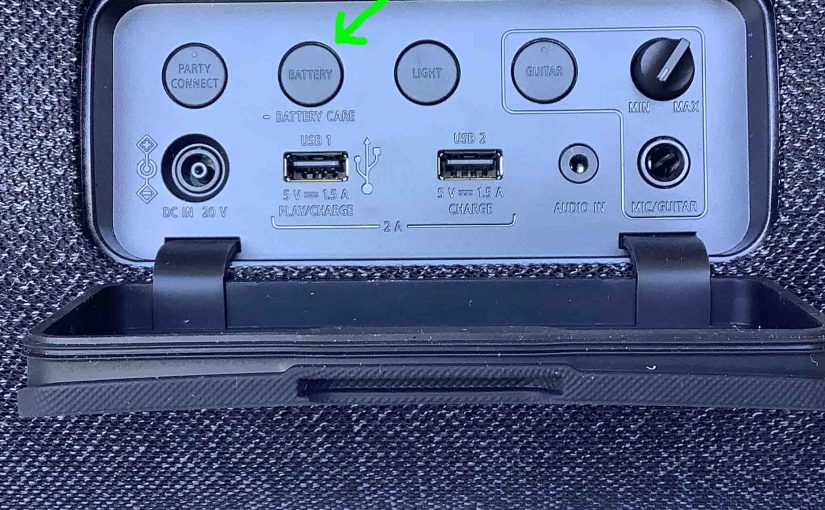
Sony SRS XG500 Battery Indicator
In this post, we describe how to read the Sony SRS XG500 battery indicator lamp. You can also get battery percentage numbers from the speaker as well as in the Music Center app. First, the Sony SRS XG500 has a battery indicator LED on the top button panel. This displays battery status, sort of. E.g. … Continue reading Sony SRS XG500 Battery Indicator
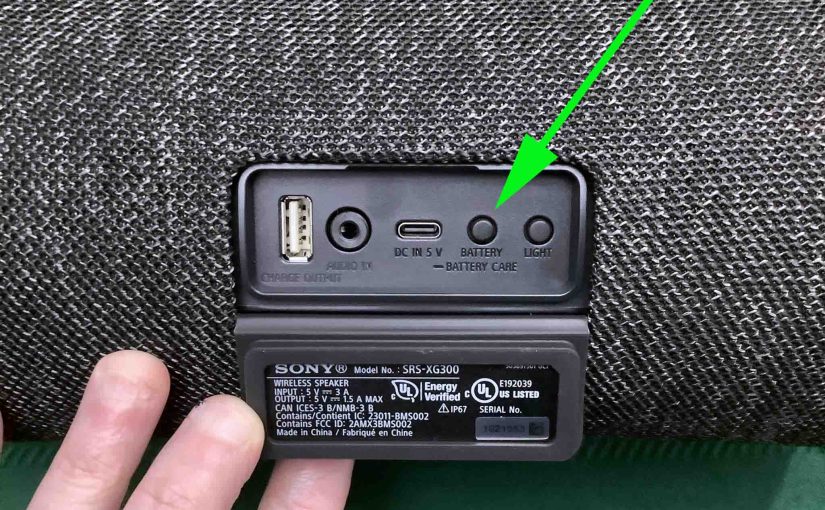
Sony SRS XG300 Battery Indicator
Explains how to read the battery indicator lamp and get battery charge percentage numbers from the Sony SRS XG300 speaker. First, this speaker has a battery level indicator LED on the top button panel. This displays battery status, sort of. E.g. Whether it’s draining or charging, or whether it’s critically low or not when discharging. … Continue reading Sony SRS XG300 Battery Indicator
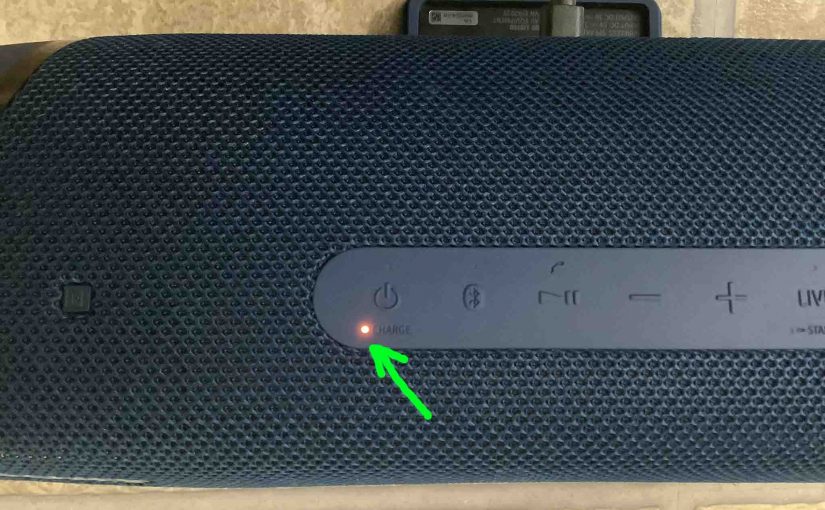
Sony SRS XB43 Battery Indicator
In this post, we describe how to read the Sony SRS XB43 battery indicator lamp. We also discuss how to get battery charge percentage numbers as well. First, this speaker has a battery level indicator LED on the top button panel. This displays battery status, sort of. E.g. Whether it’s draining or charging, or whether … Continue reading Sony SRS XB43 Battery Indicator
Sony SRS XB41 Battery Indicator
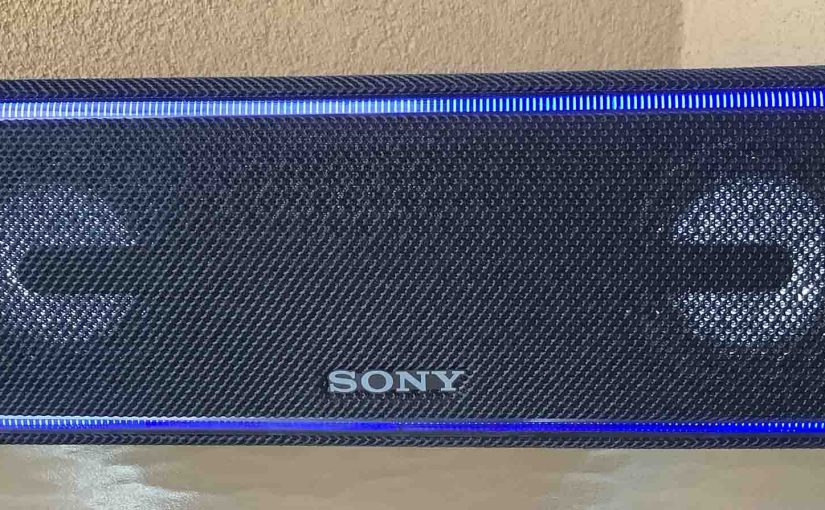
The Sony SRS XB41 battery indicator LED lamp in the back button panel, just above the USB power input port. This shows battery status in a coarse way. Specifically, whether the battery is draining or charging, or whether it’s low or not. But it does not show exact charging progress, or precisely how full the … Continue reading Sony SRS XB41 Battery Indicator
Sony SRS XB40 Battery Indicator
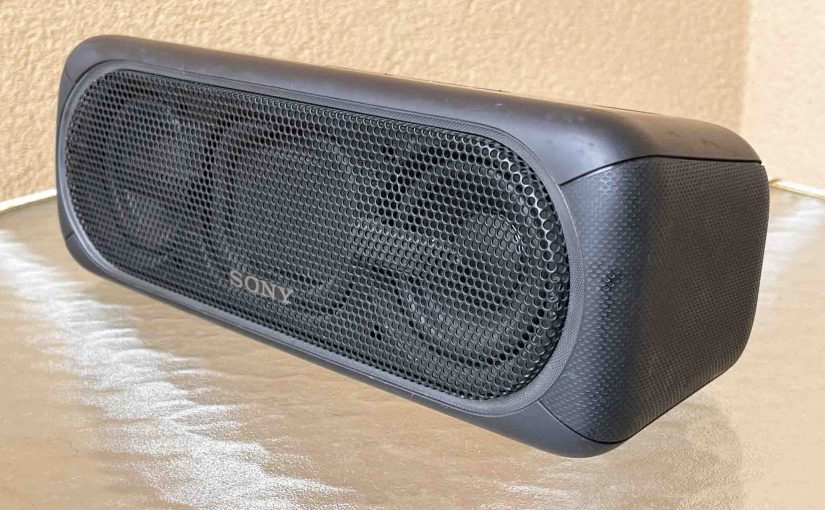
The Sony SRS XB40 Battery Indicator is a small LED on the top of the speaker. Fins it just above the Power button. It displays battery status. E.g. Whether it’s draining or charging, or whether it’s critically low or not when discharging. But it neither reads out charging progress, nor exactly how full the speaker … Continue reading Sony SRS XB40 Battery Indicator
Sony SRS XB30 Battery Indicator
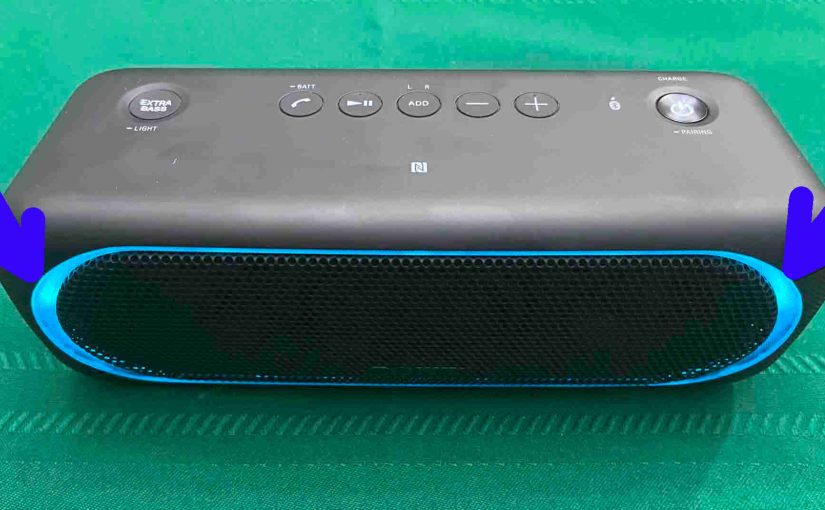
The Sony SRS XB30 Battery Indicator is a small LED on the top of the speaker. Fins it just above the Power button. It displays battery status. E.g. Whether it’s draining or charging, or whether it’s critically low or not when discharging. But it neither reads out charging progress, nor exactly how full the speaker … Continue reading Sony SRS XB30 Battery Indicator

Sony SRS XB33 Battery Indicator
The Sony SRS XB33 battery indicator LED lamp on the top button panel, just below the Power pushbutton. This tells battery status. E.g. Whether it’s draining or charging, or whether it’s very low. But it does not show charging progress, or exactly how full the battery is. But it does blink orange in short but … Continue reading Sony SRS XB33 Battery Indicator

Sony SRS XB32 Battery Indicator
The Sony SRS XB32 battery indicator is a small LED light in the back button panel. Find it just above the power input port. This tells battery status. E.g. Whether it’s draining or charging, or whether it’s critically low or not when discharging. But it neither shows charging progress, nor exactly how full the battery … Continue reading Sony SRS XB32 Battery Indicator
Sony SRS XB31 Battery Indicator
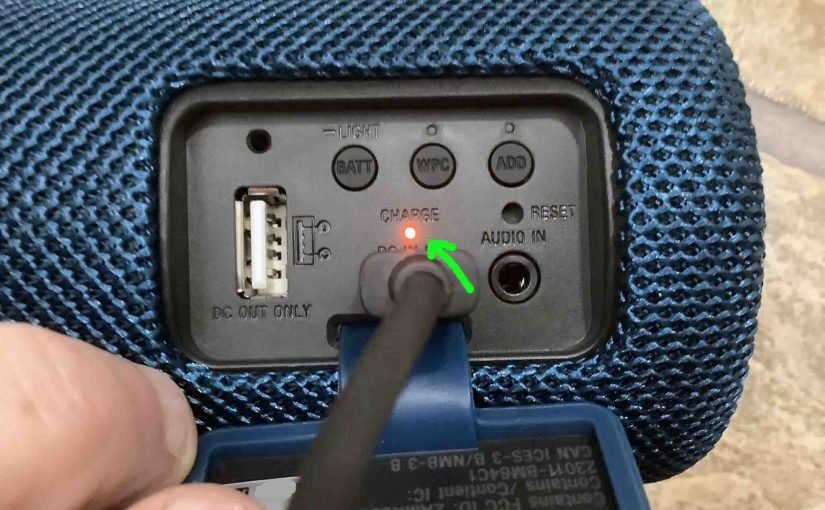
The Sony SRS XB31 battery indicator is a small LED lamp in the rear button panel. Find it just beneath the power input port. This tells battery status. E.g. Whether it’s draining or charging, or whether it’s critically low or not when discharging. But it neither shows charging progress, nor precisely how full the battery … Continue reading Sony SRS XB31 Battery Indicator