
In this piece, we demonstrate how to turn off the Samsung J7 Sky Pro Galaxy mobile smart phone. No toggle power switch on the J7. So powering it down is a little more involved than simply throwing a switch, but not much harder. It’s simple.
How to Turn Off Samsung J7 Mobile Phone
1. Find the J7’s Power Button
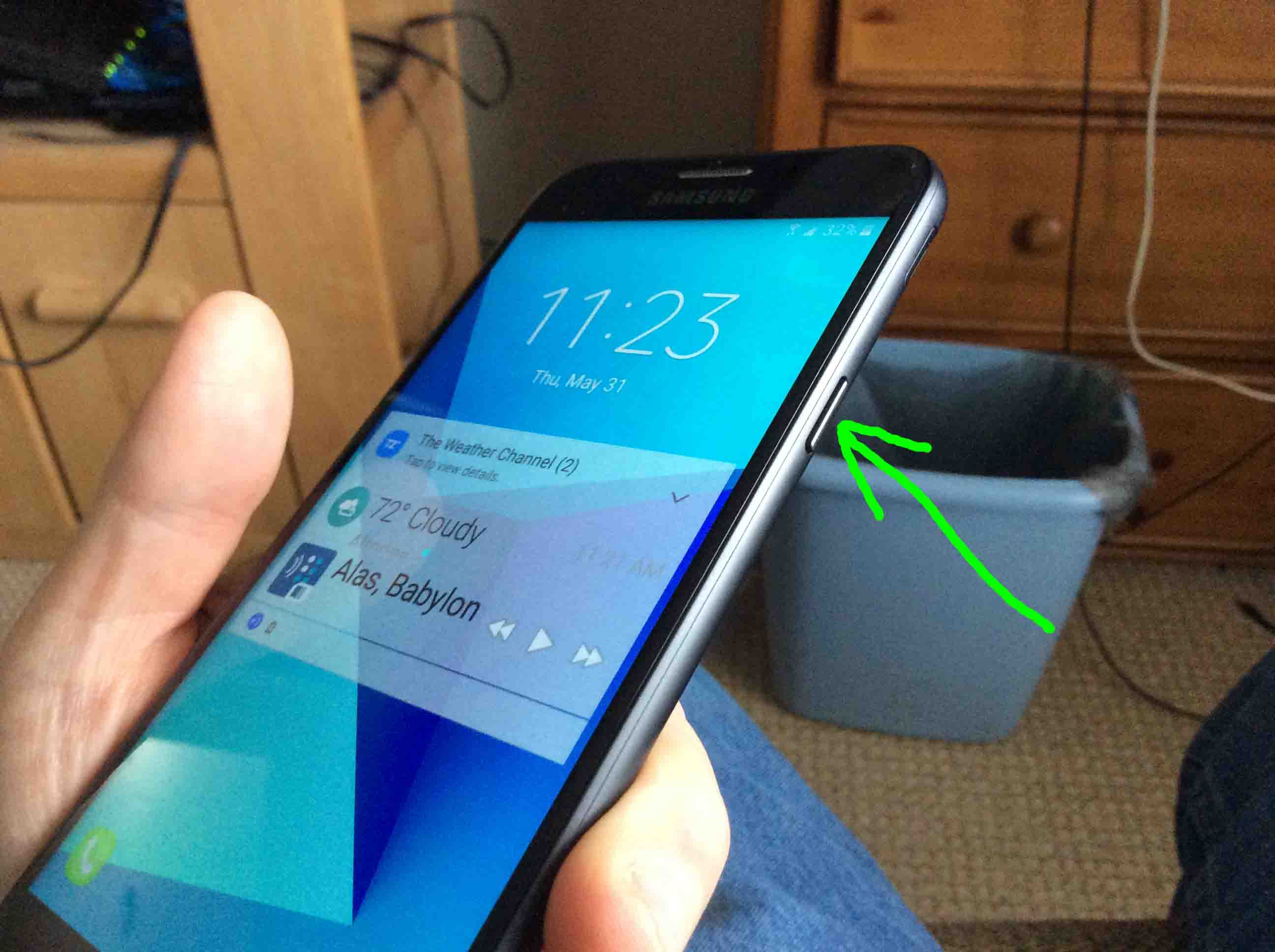
Firstly, locate the power button on the J7, as highlighted by the green arrow in the next picture. It’s on the top right edge.
2. Press and Hold Power Button Until Screen Changes
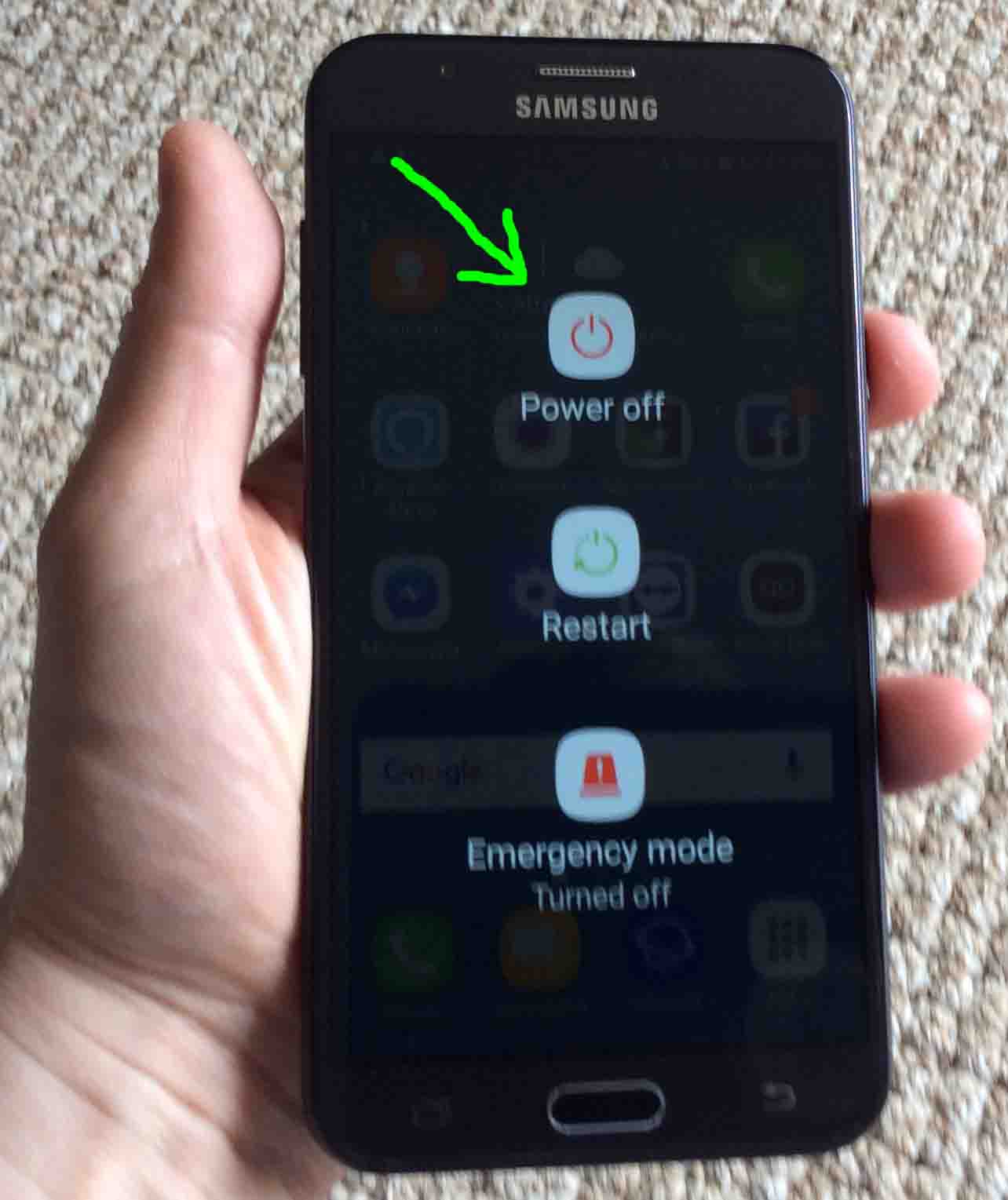
Next, press and hold the Power button until the Power Off / Restart / Emergency Mode choices screen appears.
This screen is as shown next.
3. Touch the Power Off Button to Continue with How to Turn Off Samsung J7
Thirdly, tap the red Power Off button, shown in the last picture.
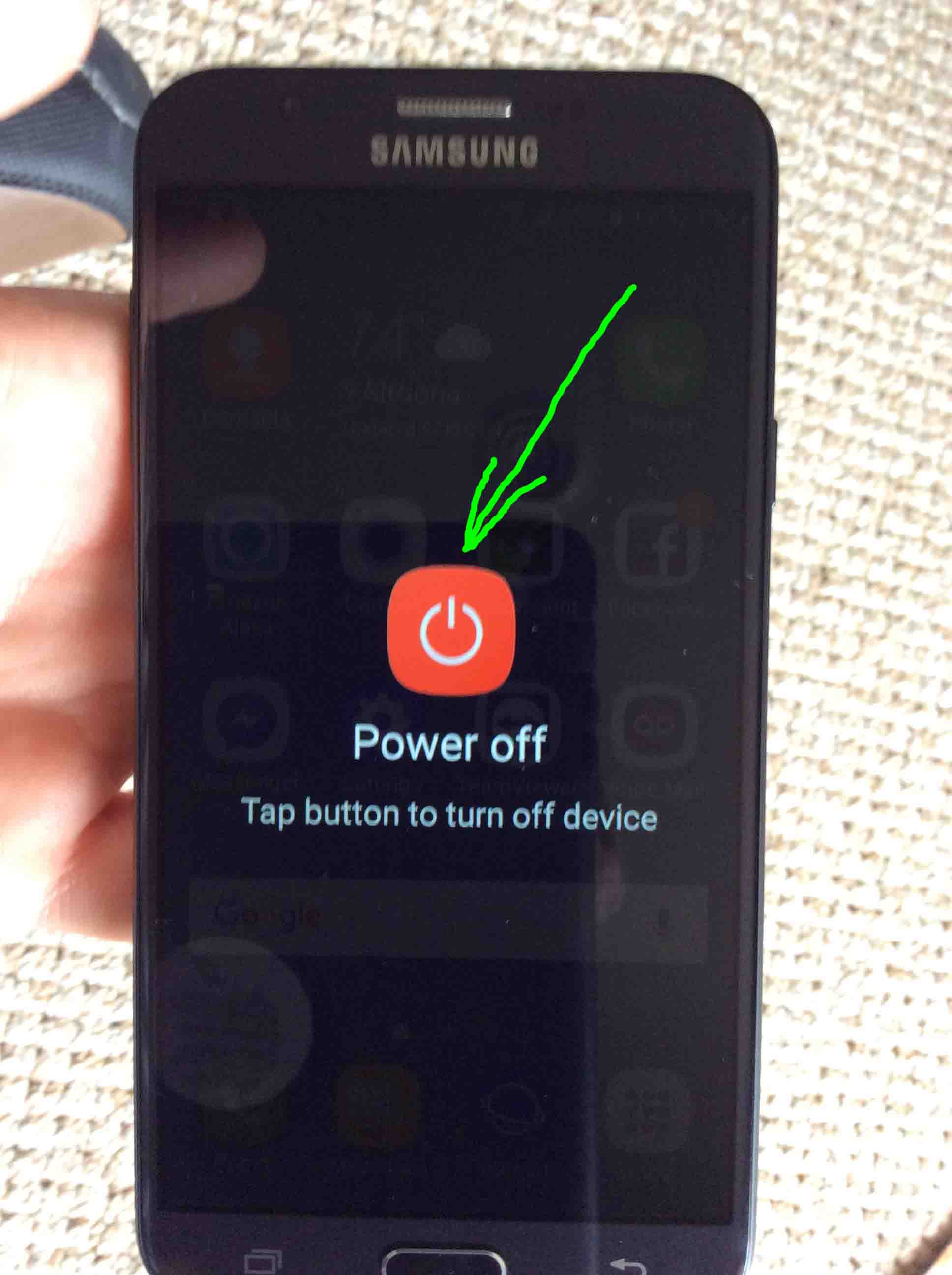
Then, the Power Off confirmation screen comes up, as shown next.
4. Again, Tap the Power Off Button
Finally, tap the large, red Power Off button, as pointed at by the green arrow in the last picture.
The phone then powers down, as shown next.

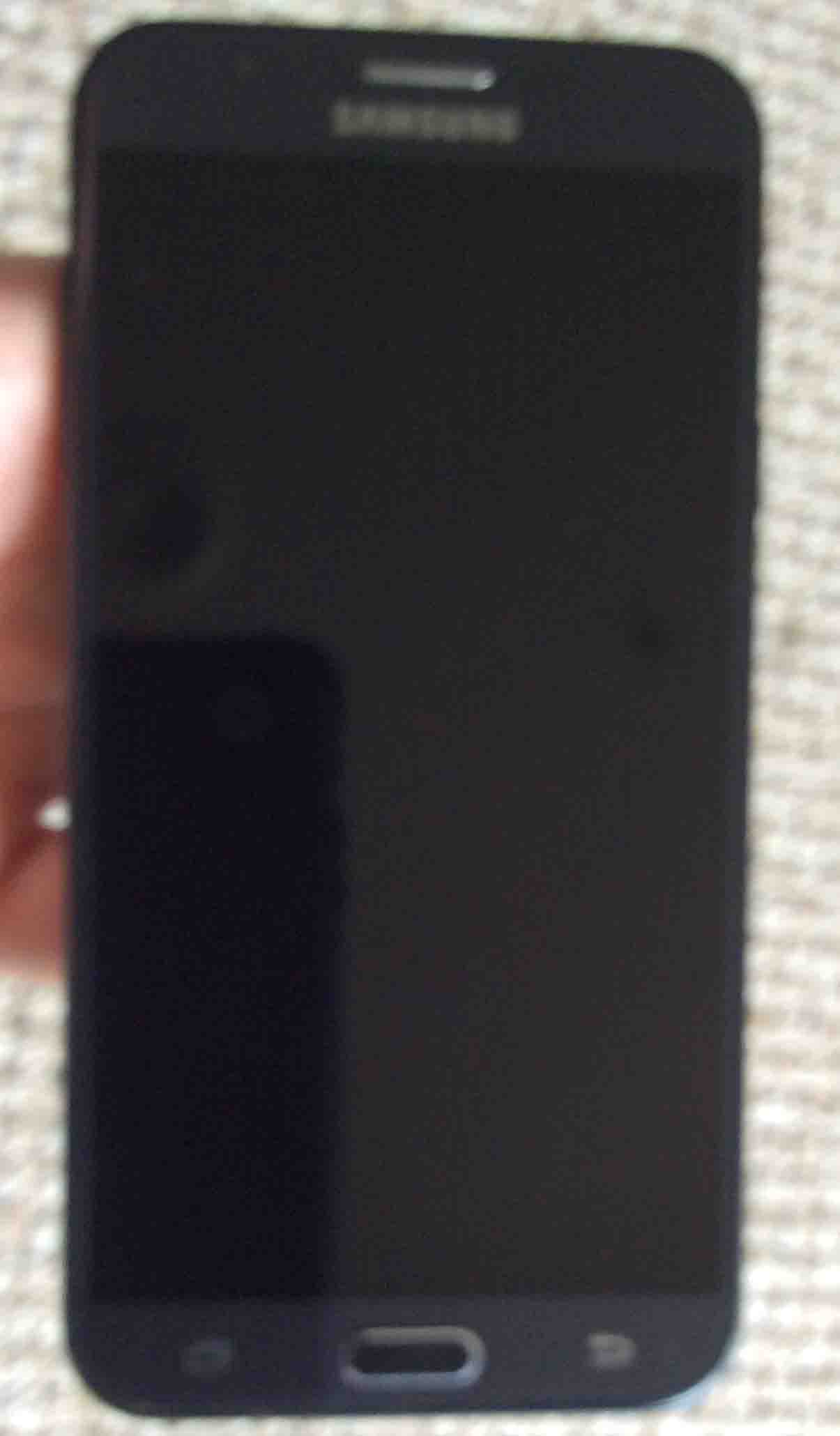
After several seconds, the phone completely shuts down. It’s screen then goes totally dark, as shown next.
5. Done with How to Turn Off Samsung J7 !
If your J7 phone’s screen went totally dark and blank, as ours did in the last picture, then you’ve successfully shut down your Sky Pro TracFone.
Related Posts to How to Turn Off the Samsung J7 Phone
Other Posts About the Samsung J7 Galaxy Phone
References for How to Turn Off Samsung J7
Revision History
-
- 2019-04-09: Tweaked key phrase targeting, added tags, and removed ad code.
- 2018-05-31: First published.