Tag: Original

  • Pairing JBL Flip 3 to Google Home Original Mini Max Speakers

    Pairing JBL Flip 3 to Google Home Original Mini Max Speakers

    This post demonstrates pairing JBL Flip 3 to Google Home original Mini Max speakers.  Since this pairing happens between the Flip 3 and the Google speakers directly, you need not turn Bluetooth on in the mobile device you’re using to establish this connection. Pairing JBL Flip 3 to Google Home Original Mini Max Speakers: Step…

  • Where Is the Reset Button on Original Amazon Echo Smart Speaker

    Where Is the Reset Button on Original Amazon Echo Smart Speaker

    We find the Amazon Echo reset button on the generation one (original) Alexa Echo smart speaker on the underside of the unit.  E.g. See this pointed at by the purple arrow in the next picture. Note that the button is easy to get to, once you turn the speaker upside down. Furthermore, just sit the…

  • Review of Soft Scrub Original Cleanser

    We Review Soft Scrub Original Cleanser here. Now we’ve used the various versions of this product for decades, and find it versatile and effective but not terribly abrasive. It’s easy on the skin, emits virtually no odors or fumes, and a single bottle has enough product to keep a bathtub clean for a year or…

  • Soft Scrub Original Review

    We’ve used the various versions  Soft Scrub Original for decades, and so we review it here. We find this product quite the versatile, effective but not terribly abrasive liquid cleaner. It’s easy on the skin, emits virtually no odors or fumes, and a single bottle has enough product to keep a bathtub clean for a…

  • Soft Scrub Original Cleanser Review

    We’ve used the various versions  Soft Scrub Original Cleanser for decades, and so we review it here. We find this product quite the versatile, effective but not terribly abrasive liquid cleaner. It’s easy on the skin, emits virtually no odors or fumes, and a single bottle has enough product to keep a bathtub clean for…

  • How to Set Sleep Timer on Amazon Alexa Echo Gen 1

    How to Set Sleep Timer on Amazon Alexa Echo Gen 1

    The original (first) Amazon Alexa Generation One Echo smart speakers now provide a sleep timer function.  This you can set and cancel with your voice! So gere, we show using voice commands, how to set sleep timer on the Amazon Alexa Echo Gen 1 smart speaker. Firstly, the Alexa sleep timer works by asking Alexa…

  • How to Change Wi Fi Network on Original Google Home Smart Speaker

    How to Change Wi Fi Network on Original Google Home Smart Speaker

    You may experience Wi-Fi connection errors when booting your original Original Google Home Smart Speaker. Or, the unit does not show as connected in the Original Google Home Smart Speaker app. Both problems occur when the speaker is no longer linked to your Wi-Fi network. These situations can occur if you’ve changed your WiFi network…

  • How to Adjust Bass and Treble on Original Google Home Smart Speaker

    How to Adjust Bass and Treble on Original Google Home Smart Speaker

    The Google Home suite of intelligent speakers, including the first, original Google Home, offer bass and treble eq controls.  These you can adjust on a per speaker device basis via today’s Google Home app. This post demos How to Adjust Bass and Treble on Original Google Home Smart Speaker.  It shows how you can use…

  • Original Google Home Wi Fi Smart Speaker Picture Gallery

    Original Google Home Wi Fi Smart Speaker Picture Gallery

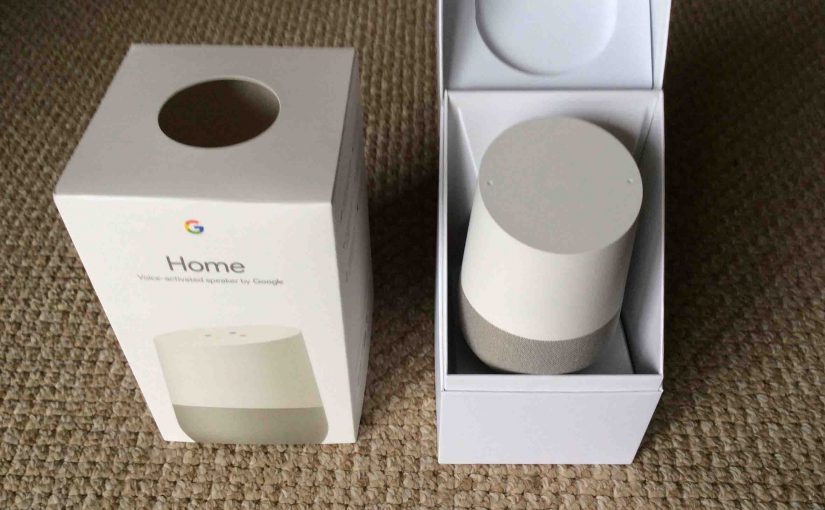
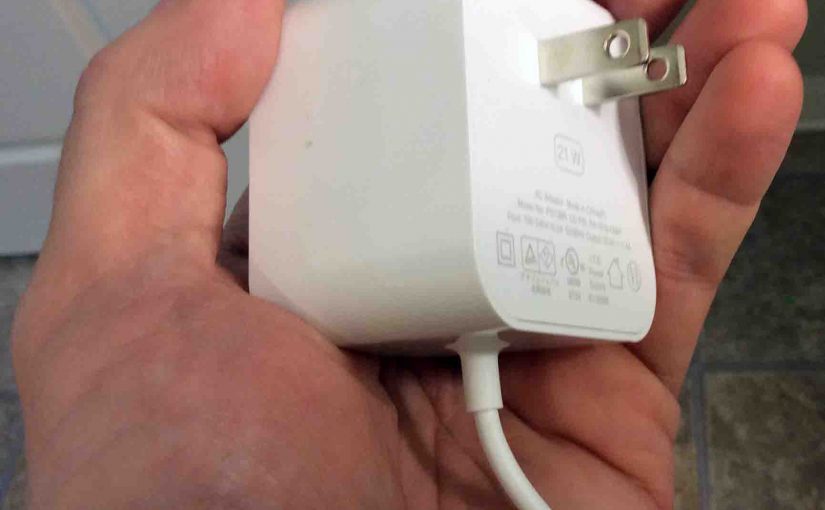
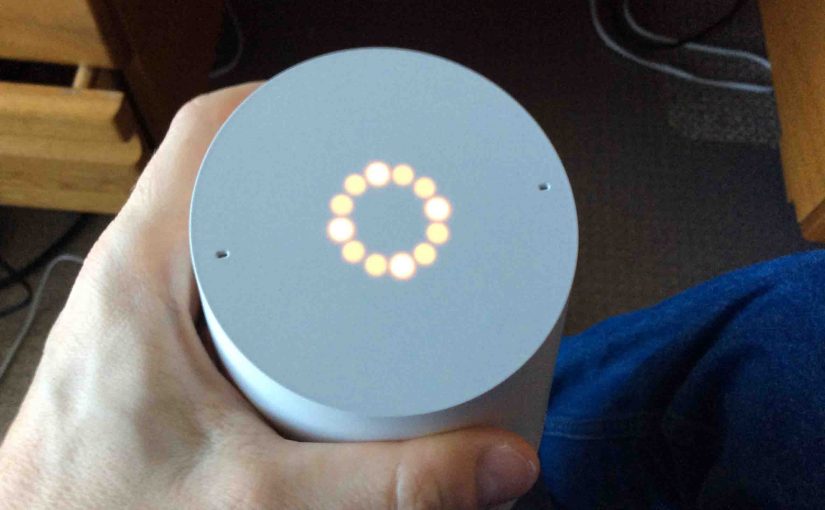
    We’ve snapped many pictures of the first Google Home smart speaker, its accessories, and the packaging, for the various posts we’re writing about this WiFi virtual assistant speaker.  We’ve put these Original Google Home Wi Fi Smart Speaker Picture Gallery together here in one post for quick viewing and perusing.  Often, all it takes is…

  • Changing Wi-Fi Network on Original Google Home Speaker

    Changing Wi-Fi Network on Original Google Home Speaker

    You may experience Wi-Fi connection errors when booting your original Google Home speaker. Or, the smart speaker does not show as connected in the Google Home app. Both problems occur when the speaker is no longer linked to your Wi-Fi network. These situations can occur if you’ve changed your Wi-Fi network name (SSID) or network…