Tag: iOS Devices
-

How to Pair JBL Charge 3 with iOS Devices
This post shows JBL Charge 3 how to pair with iOS devices, including the iPhone, iPod Touch, and the iPad line of Apple phones and tablets. How to Pair JBL Charge 3 with iOS Devices: Step by Step First, with your JBL Charge 3 powered off (power button is dark), run through this routine to…
-

How to Pair JBL Clip 3 Waterproof Bluetooth Speaker With iOS Devices
This post demonstrates How to Pair JBL Clip 3 Waterproof Bluetooth Speaker With iOS Devices, including the iPhone, iPod Touch, and the iPad line of Apple phones, media players, and tablets. How to Pair JBL Clip 3 Waterproof Bluetooth Speaker With iOS Devices: Step by Step First, with your JBL Clip 3 powered off (power…
-

Pairing JBL Clip 3 to iOS Devices
This post demonstrates pairing a JBL Clip 3 Bluetooth speaker with iOS devices, including the iPhone, iPod Touch, and the iPad line of Apple phones, media players, and tablets. Pairing JBL Clip 3 to iOS Devices: Step by Step First, with your JBL Clip 3 powered off (power button is dark), run through this routine…
-

How to Pair JBL Flip 4 with iOS Devices
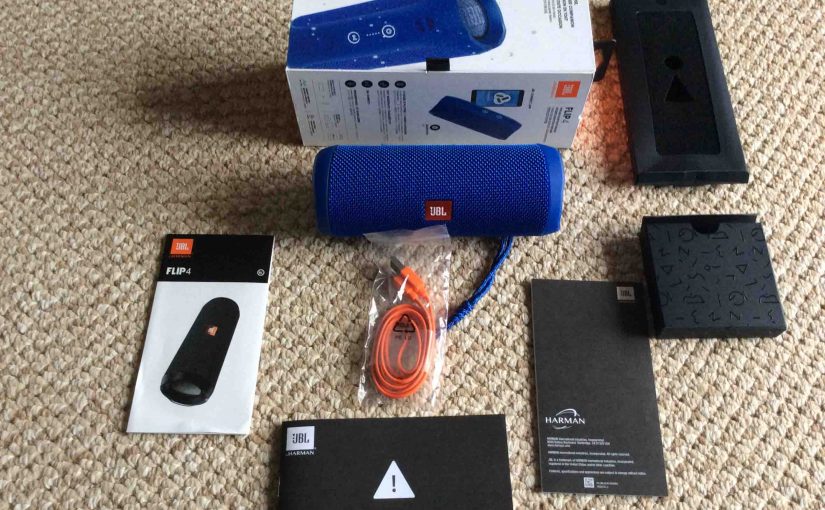
This post demonstrates how to pair JBL Flip 4 with iOS devices, including the iPhone, iPod Touch, and the iPad Air line of Apple phones and tablets. How to Pair JBL Flip 4 with iOS Devices: Step by Step In summary: With your JBL Flip 4 powered off (power button is dark), run through this…
-

Changing Connected Wi Fi Network on iOS Mobile Devices
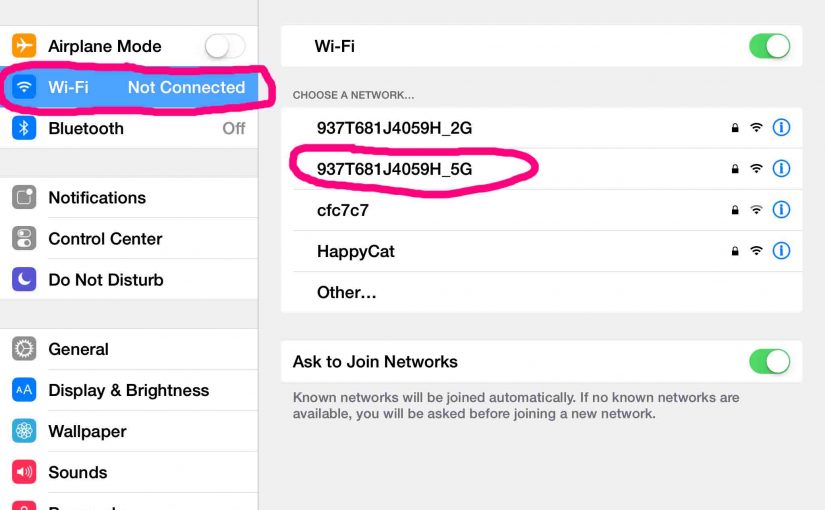
Knowing the Changing Connected Wi Fi Network on iOS Mobile Devices procedure lets you quickly connect to local wireless networks anywhere you go. So in this piece, we detail how to change Wi Fi network on iOS devices like the iPhone, iPad, iPod Touch, et al. You may need to connect your iOS mobile device…
-

How to Change WiFi Network on iOS Devices
Knowing how to change WiFi networks on your iOS devices allows you to quickly connect to local wireless networks anywhere you go. So in this piece, we detail how to change WiFi network on iOS devices like the iPhone, iPad, iPod Touch, et al. You may need to connect your iOS mobile device to different WiFi…