Tag: JBL Bluetooth Speaker
-
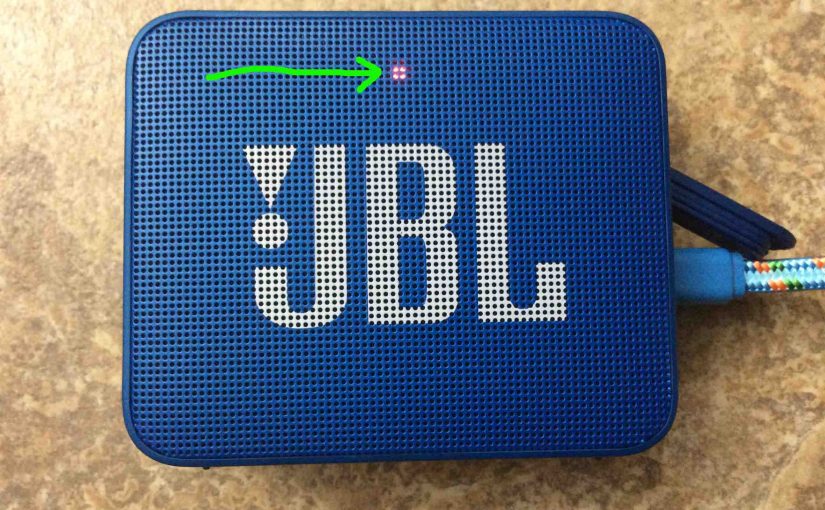
JBL Go Bluetooth Speaker Charging
Charge the earlier JBL Go models (including the Go 1 and Go 2) through their charge ports. Here, we detail the JBL Go Bluetooth speaker charging procedure for these small portable BT speakers. In sum: First, select an powerful enough USB charging adapter. Why? Because JBL does not provide a USB charger with the Go…
-
JBL Go Bluetooth Speaker Charging Instructions
Charge the earlier JBL Go models (including the Go 1 and Go 2) through their charge ports. Here, we detail the JBL Go Bluetooth speaker charging instructions for these little poolside ready portable wireless speakers. In sum: First, select an powerful enough USB charging adapter. Why? Because JBL does not provide a USB charger with…
-
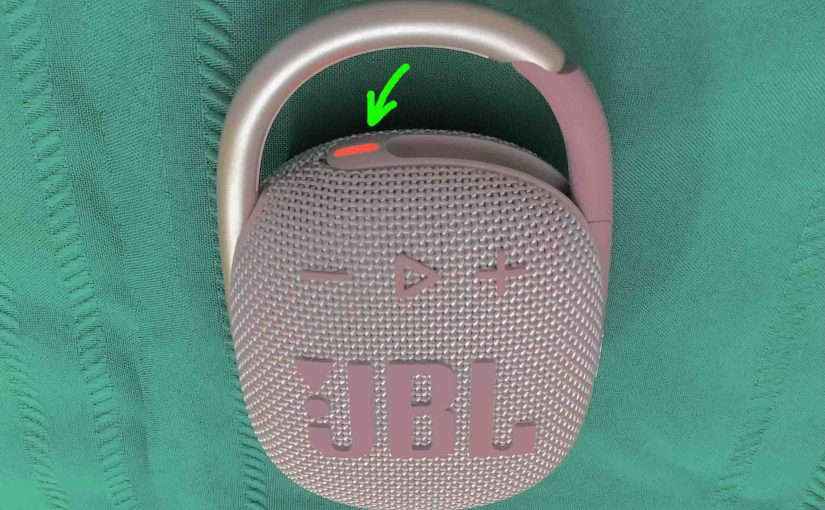
JBL Clip 4 Speaker Stuck on Red Light
Covers reasons and fixes for when the JBL Clip 4 Speaker Stuck on Red Light. Now many JBL speakers, including the Clip 4, feature a status light that glows red while charging / recharging. Sometimes though, this Stuck on Red Light. E.g. It does not turn off when you connect the charger. Nor does it…
-
JBL Clip 4 Speaker Red Light Won’t Turn OFF
Covers reasons and fixes for when the JBL Clip 4 Speaker Red light Won’t Turn OFF. Now many JBL speakers, including the Clip 4, feature a status light that glows red while charging / recharging. Sometimes though, this red light Won’t Turn OFF. E.g. It does not turn off when you connect the charger. Nor…
-
JBL Clip 4 Speaker Red Light Stays ON
Covers reasons and fixes for when the JBL Clip 4 Speaker Red light Stays ON. Now many JBL speakers, including the Clip 4, feature a status light that glows red while charging / recharging. Sometimes though, this red light stays on. E.g. It does not turn off when you connect the charger. Nor does it…
-
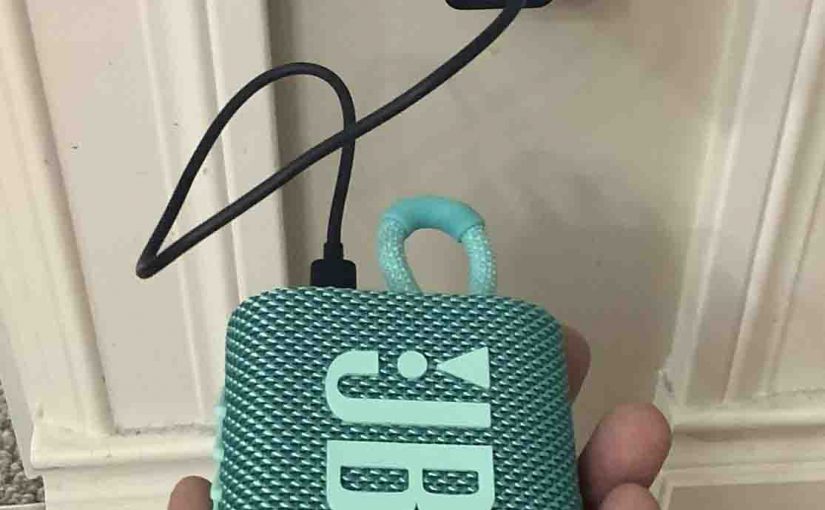
How to Charge JBL Bluetooth Speaker
You can charge JBL Bluetooth speaker through its charge ports. Plus on most models you may use them while they charge as well. To summarize how to charge it: First, select an decent size power adapter. Why this? Because the many JBL Bluetooth Speaker models do not come with this accessory. Furthermore, the bigger models…
-
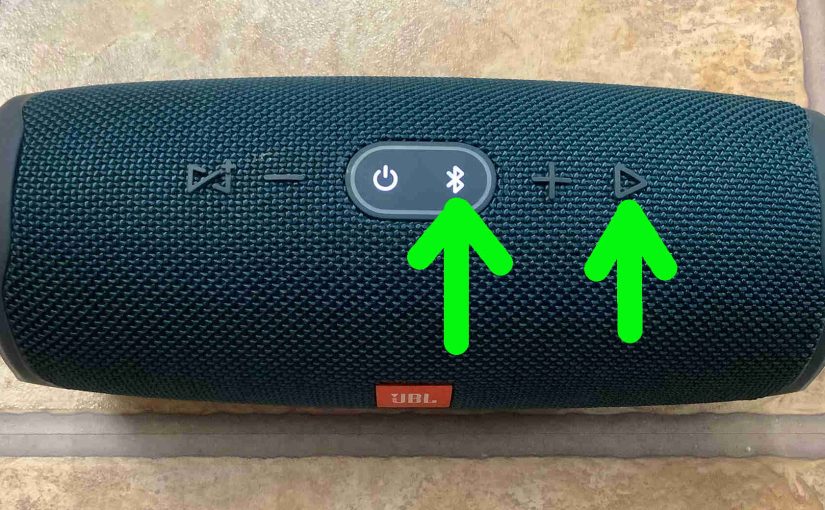
JBL Bluetooth Speaker Buttons Explained
Most every JBL Bluetooth speaker model has several buttons and lights. Some of them also have battery charge status lamps to show speaker power, charging, battery, and pairing status. The power lamp typically lights in either white, blue, or red, to show that status. Most also have a power port access panel, usually on the…
-
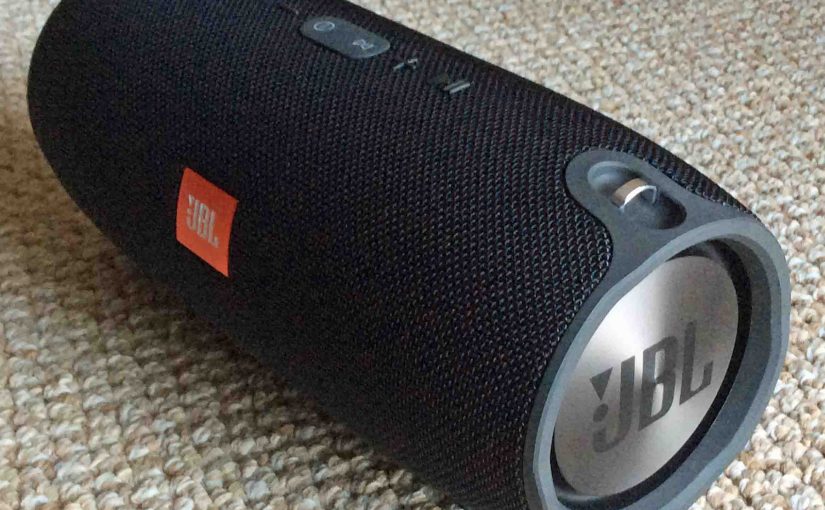
JBL Bluetooth Speaker Buttons Described
Most every JBL Bluetooth speaker model has several buttons and lights. Some of them also have battery charge status lamps to show speaker power, charging, battery, and pairing status. The power lamp typically lights in either white, blue, or red, to show that status. Most also have a power port access panel, usually on the…
-
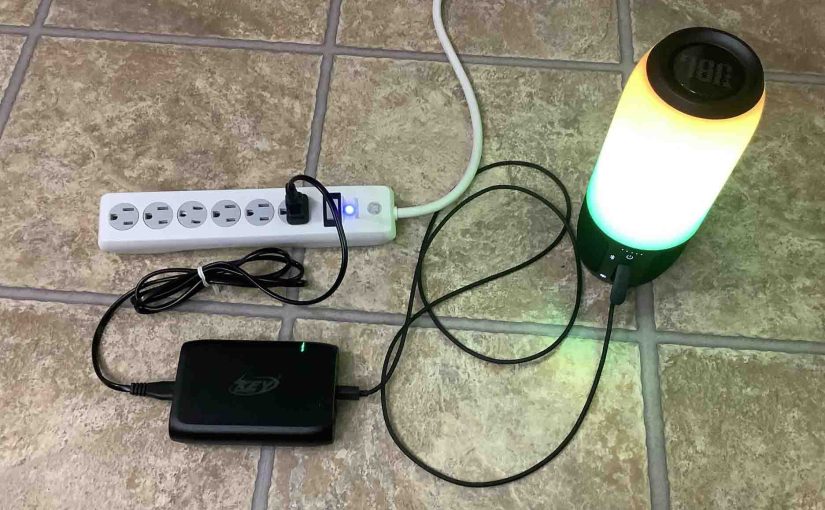
How to Charge JBL Pulse 3 Bluetooth Speaker
This piece covers how to charge the JBL Pulse 3 Bluetooth speaker. Do this simply through the USB power in port on the back. Here, we detail this charging procedure for these party ready wireless speakers. Note that you can still play your Pulse 3 while it charges. In summary, pick a strong enough USB…
-
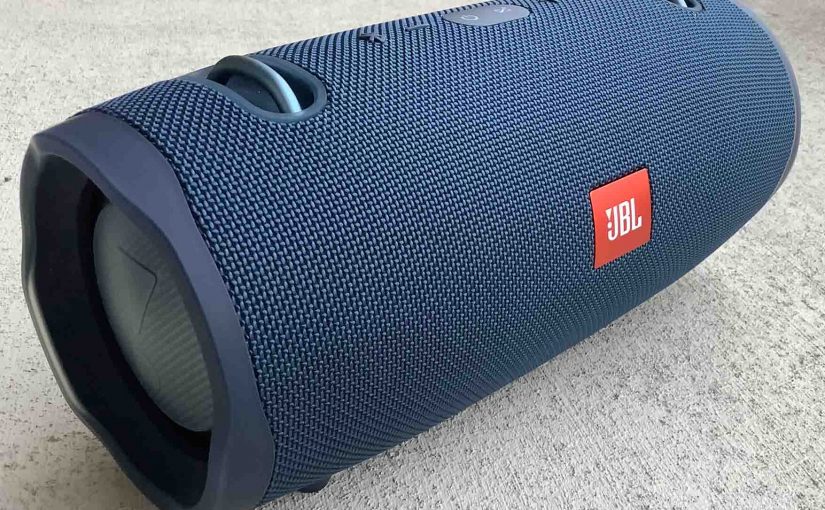
JBL Bluetooth Speaker Volume Control Described
There are a few ways for how to set the volume control on a typical JBL Bluetooth speaker described. These depend on the app(s) you’re playing from mostly. But many apps also provide volume controls. Then too, most JBL speakers have two buttons for this. Find these (the + and -) buttons on the top…