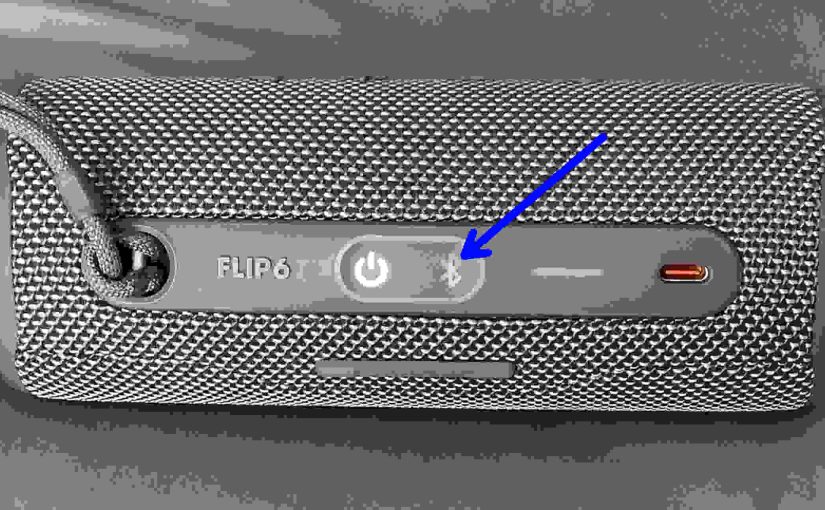
When you find the JBL Flip 6 not showing up on Bluetooth, this likely means one or more things. JBL Flip 6 Not Showing Up on Bluetooth: Short Fixes The button contacts are dirty. So clean them. Your charger cord is defective. Thus get a new one. The battery is faulty. So replace it. The … Continue reading JBL Flip 6 Not Showing Up on Bluetooth
Tag: JBL Flip 6 Issues
JBL Flip 6 Bluetooth Not Working
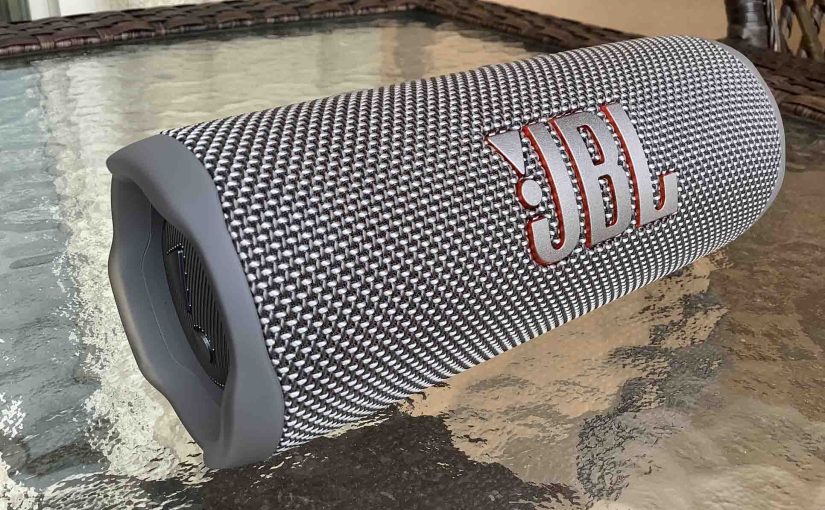
When the JBL Flip 6 Bluetooth is not working, this likely means one or more things. JBL Flip 6 Bluetooth Not Working: Short Fixes The button contacts are dirty. Your charger cord is defective. The battery is faulty. The speaker and the device you want to pair are too far from each other. Your JBL … Continue reading JBL Flip 6 Bluetooth Not Working
Bass Boost JBL Flip 6 – How to Do It
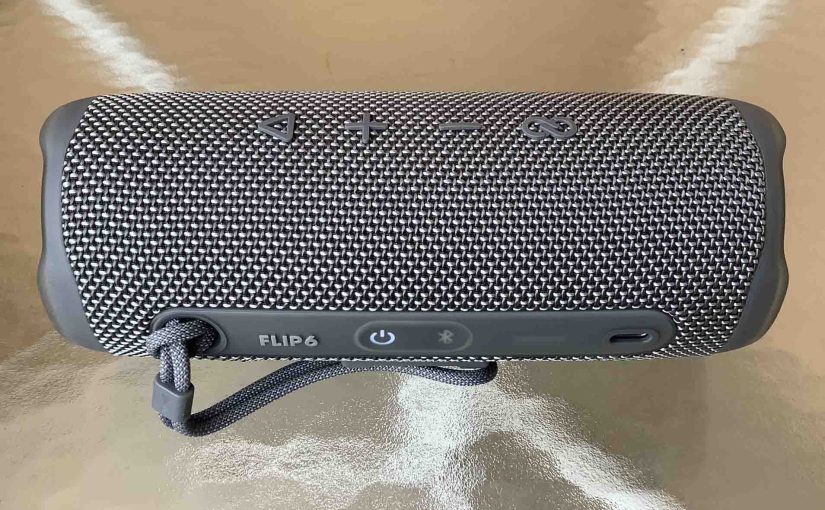
Unfortunately, turning ON and OFF the bass boost on the JBL Flip 6 does not work. Hopefully, JBL will add this feature back on in a later version of the firmware. But if this did work, it might function as follows, just as it has on other JBL Flip speakers. Now when ON, this mode … Continue reading Bass Boost JBL Flip 6 – How to Do It
JBL Flip 6 Power Button Not Working Fix
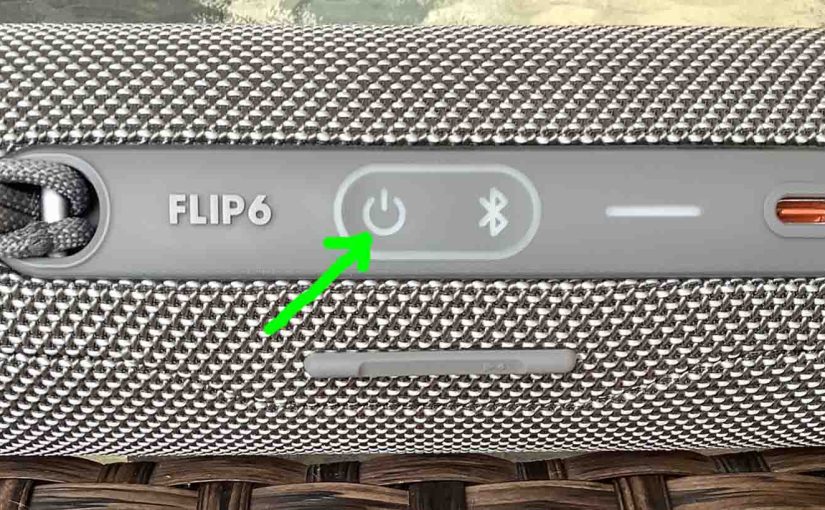
When the Power button on your JBL Flip 6 is not working, this likely means one or more things. Now in this models, one or more of the following causes may be the reason this button does not work. The button mechanisms may have sand, dirt, or other debris in them. To repair this, take … Continue reading JBL Flip 6 Power Button Not Working Fix
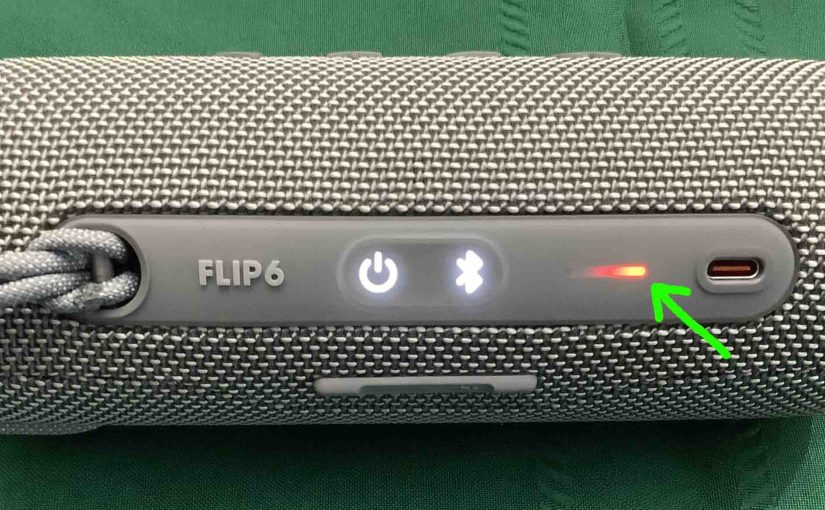
JBL Flip 6 Blinking Red Light, How to Fix
Many JBL speakers, including the Flip 6, have a blinking red light when the battery is almost out of power. In the case of the 6, we find this lamp in the battery gauge on the speaker’s buttons panel. Sometimes though, this red light blinks for long periods as you play the speaker. E.g. It … Continue reading JBL Flip 6 Blinking Red Light, How to Fix
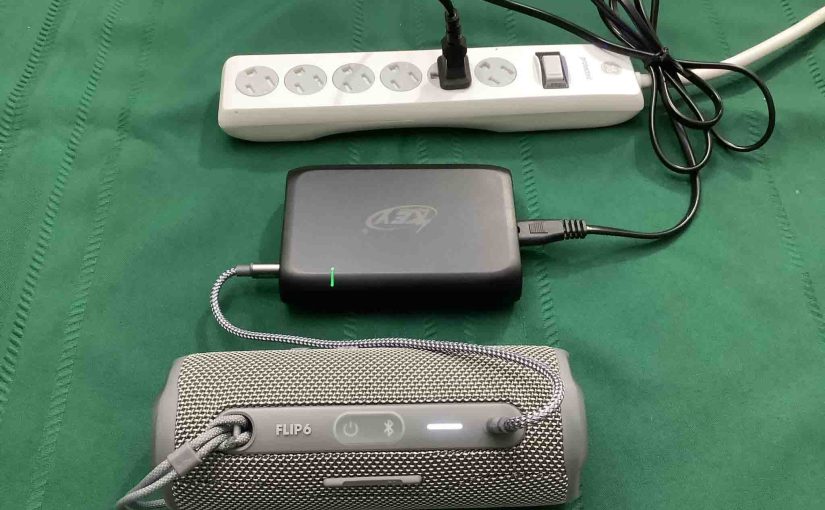
JBL Flip 6 Charging Issues
Most JBL Bluetooth speakers, including the Flip 6 Bluetooth model, offer truly portable operation via their lithium ion batteries inside. And when said battery dies, you can recharge them with an AC or car adapter. Sometimes though, you may notice that the JBL Flip 6 has charging issues. You may notice it not charging fully, … Continue reading JBL Flip 6 Charging Issues
JBL Flip 6 Won’t Turn On
When your JBL Flip 6 won’t turn on, this could be due to one or more issues. First, it might have problems beyond repair. Or the battery is dead and needs recharging. Furthermore, the battery may not charge. So in that case, it may be bad. Or the charger or AC power source might be … Continue reading JBL Flip 6 Won’t Turn On
How to Tell if JBL Flip 6 is Charging
How to tell if JBL Flip 6 is charging? Well, the Flip 6 features a bar of lights on its top panel. This reports battery status. In short, look at this battery level meter to check charging progress. How to Tell if JBL Flip 6 is Charging: Step by Step 1. Connect your Flip 6 … Continue reading How to Tell if JBL Flip 6 is Charging
JBL Flip 6 Charge Time
Charge this speaker conveniently via their USB-C charge port. Then to get the shortest JBL Flip 6 charge time, be sure to use a large enough USB-C adapter. Here we explain all of this further. JBL Flip 6 Charge Time: How Long to Fully Recharge According to the specs, it takes two hours and thirty … Continue reading JBL Flip 6 Charge Time
JBL Flip 6 Flashing Red Light — How to Fix
Many JBL speakers, including the Flip 6, have a flashing red light when the battery is almost out of power. In the case of the Flip 6, we find this lamp in the battery gauge on the speaker’s buttons panel. Sometimes though, this red light flashes for long periods as you play the speaker. E.g. … Continue reading JBL Flip 6 Flashing Red Light — How to Fix