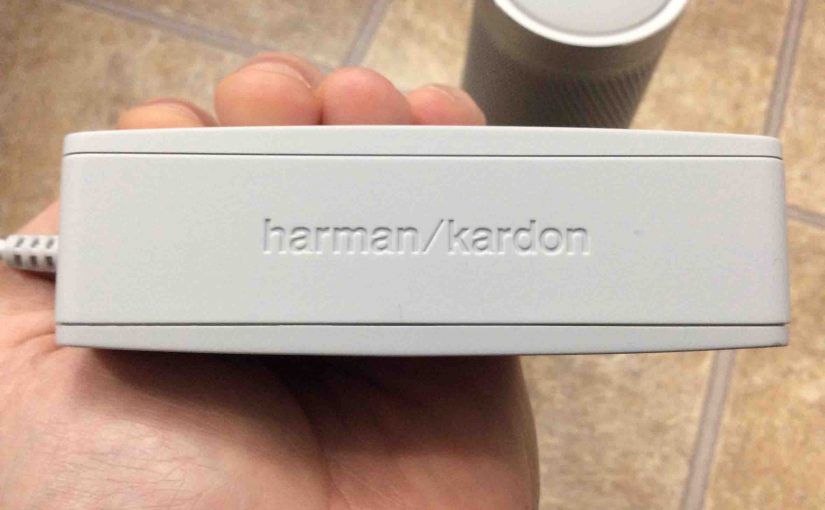
Details the power cord specs for the Invoke speaker. Firstly, the US version of this AC adapter has folding AC prongs, a four-foot long cord, and is pretty light weight for its larger size. Plus, the AC adapter box end is quite long. Yet its small width allows easy fitting into a standard power strip … Continue reading Power Cord Specs for Invoke Speaker
Tag: Invoke Smart Speaker
Reconnecting WiFi on Harman Kardon Invoke
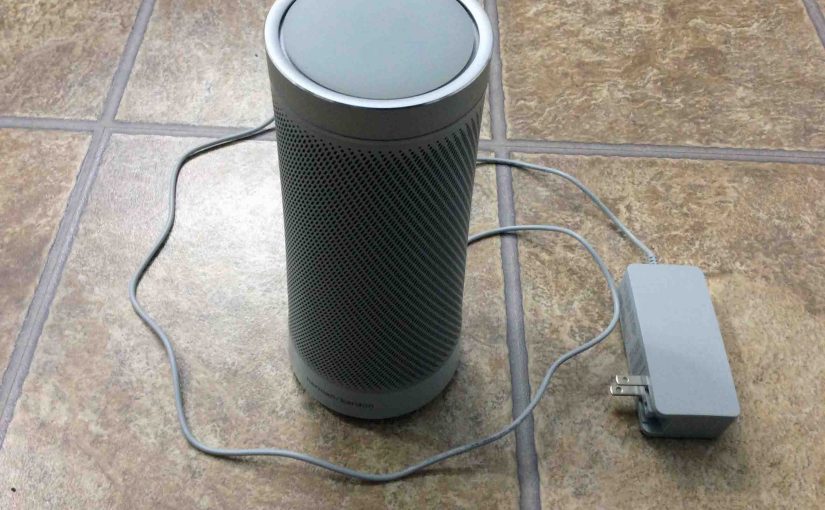
Unfortunately, there’s currently no way of just reconnecting WiFi on the Harman Kardon Invoke Microsoft Cortana smart speaker. Thus, to reconnect to Wi-Fi, but to a different wireless network, you must first completely reset the this speaker to factory default state. Then, run through the setup procedure again. E.g. This involves setting up a brand … Continue reading Reconnecting WiFi on Harman Kardon Invoke
How to Pair Harman Kardon Invoke Bluetooth Speaker
The HK Invoke smart speaker also functions as a Bluetooth speaker. It sports a Bluetooth button, that you press any time you wish to pair this speaker with a new device. Paring devices include phones, tablets, media players, streamers, or other media source devices. In this demo, we show how to Pair Harman Kardon Invoke … Continue reading How to Pair Harman Kardon Invoke Bluetooth Speaker
How to Set Up Invoke Speaker via Cortana App
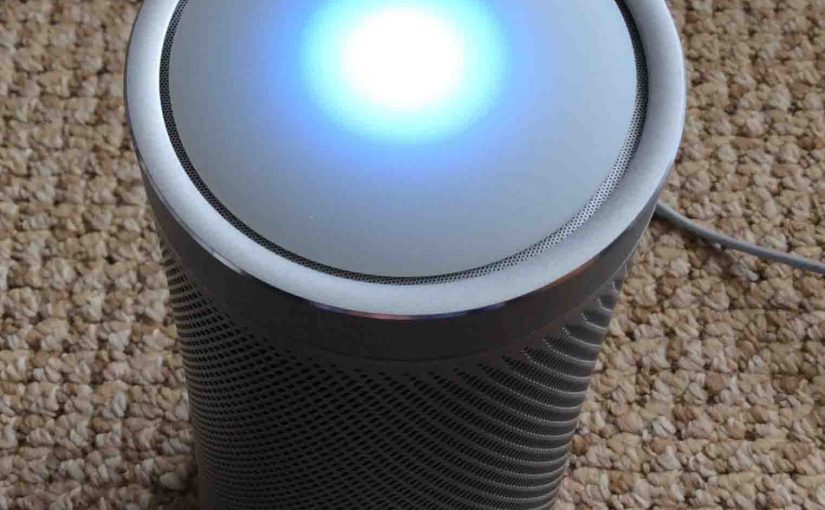
While setting up a brand new or used Harman Kardon Invoke Cortana speaker involves numerous steps, none are very hard. Just focus on the current step you’re working on, and progress through this list. In this post, we list the procedure we used for how to set up Invoke speaker. We’ll do our best to … Continue reading How to Set Up Invoke Speaker via Cortana App
How to Reset Invoke Cortana Speaker
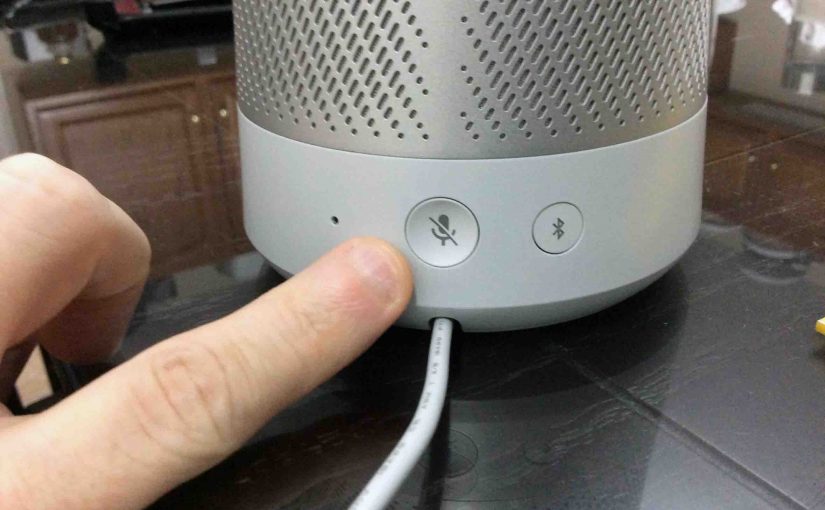
You might wish to gift or sell your Microsoft Invoke Cortana speaker to a loved one. Or, perhaps you want to hook it to a new Microsoft account. Or maybe you want to connect it to a new WiFi network. A speaker reset allows you to do all of these tasks. It unlinks this device … Continue reading How to Reset Invoke Cortana Speaker
How to Reboot Invoke Speaker
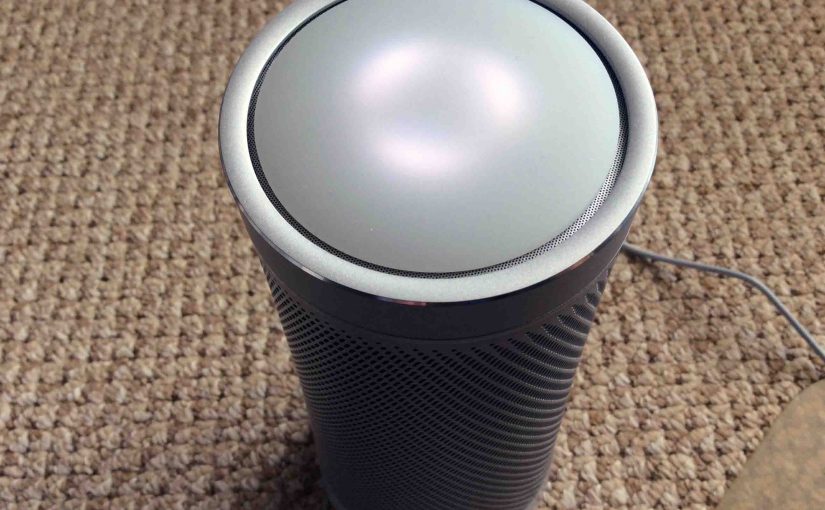
Here, we cover how to reboot Invoke speaker by Harman Kardon. You reboot if the speaker shows bad performance, goes quiet or does not answer voice requests. It may emit weird noises, break up, chirp or squeak. Or, the speaker may suffer other oddities. In any case, always try a speaker reboot first (described here). … Continue reading How to Reboot Invoke Speaker
Invoke Cortana Reset Button, Where is It
Here, we show you how to find the Invoke Cortana reset button on the Harman Kardon Invoke speaker. The mic mute button. It’s the only button on the back of the unit. It also serves as the RESET button. This button is easy to get at, as it is not deeply recessed. So be careful … Continue reading Invoke Cortana Reset Button, Where is It
Cortana Invoke Speaker Reboot Instructions
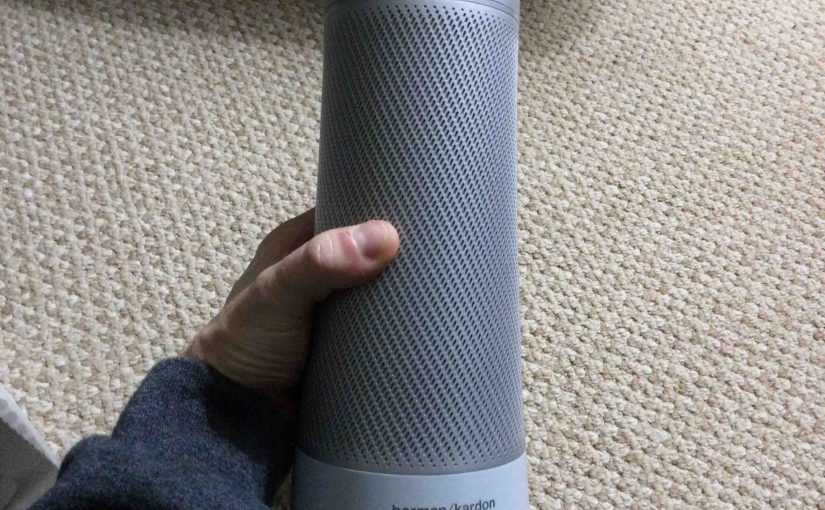
Here, we cover Cortana Invoke speaker reboot instructions. You reboot if the speaker shows bad performance, goes quiet or does not answer voice requests. It may give off weird noises, break up, chirp or squeak. Or, the speaker may suffer other oddities. In any case, always try a speaker reboot first (shown below). Why reboot? … Continue reading Cortana Invoke Speaker Reboot Instructions
Unboxing Microsoft Invoke Cortana Speaker
Harman Kardon really packed their Invoke voice activated speaker quite well in the original carton. So in this demo, we show how safely unboxing Microsoft Invoke speaker is done. We also cover how to get at the user docs and AC adapter. Furthermore, see the next picture showing the speaker, still in the sealed box, … Continue reading Unboxing Microsoft Invoke Cortana Speaker
How to Reboot Microsoft Invoke Speaker
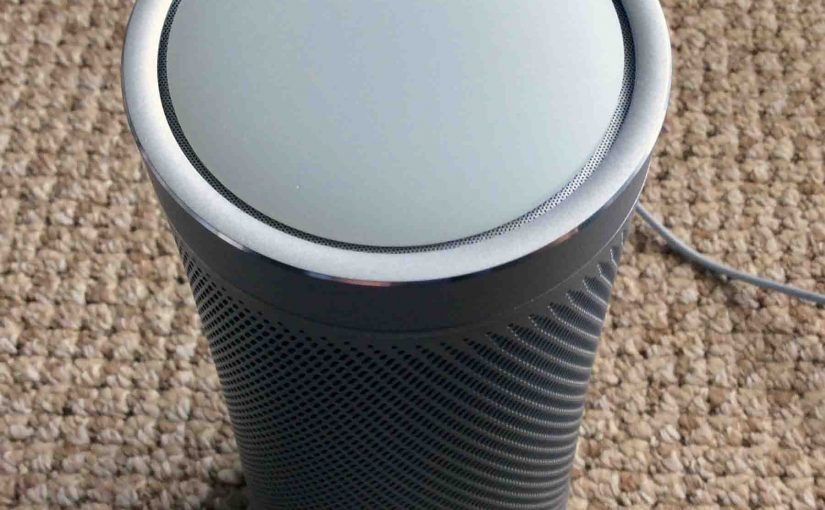
You may wish know how to reboot your Microsoft Invoke smart speaker if it shows poor performance, stops answering Cortana requests, emits strange noises, breaks up, chirps or squeaks, or suffers other weirdness. Indeed you should first always try a device reboot (described below). Why? Because this often clears up many problems, and avoids the … Continue reading How to Reboot Microsoft Invoke Speaker